

About the app
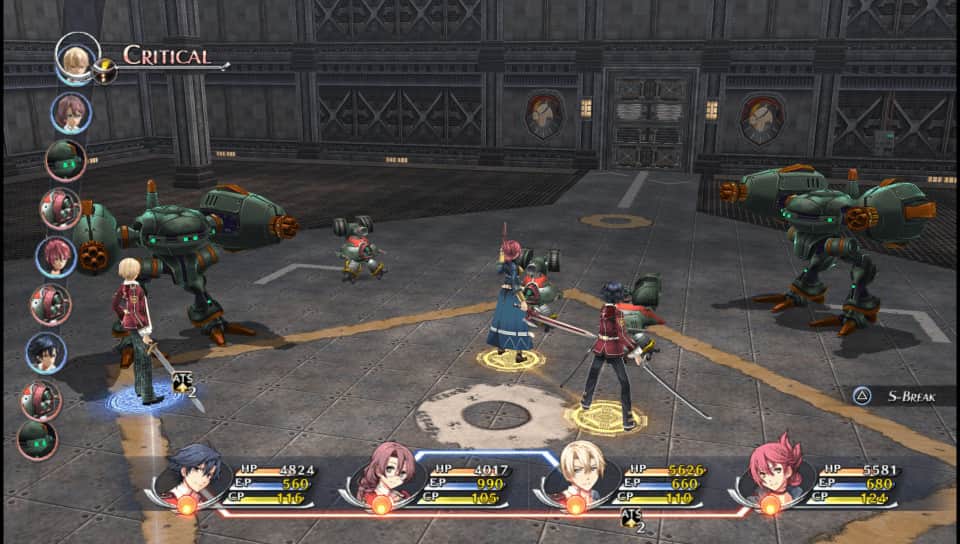
Vita3K is the world's first working experimental open source PlayStation Vita emulator for Windows, Linux, macOS and Android.
Screenshots
6 images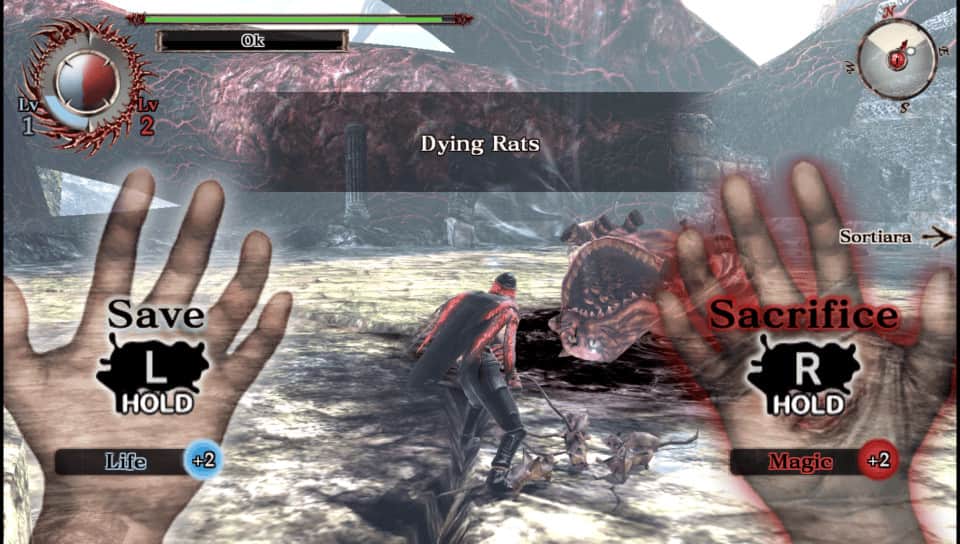
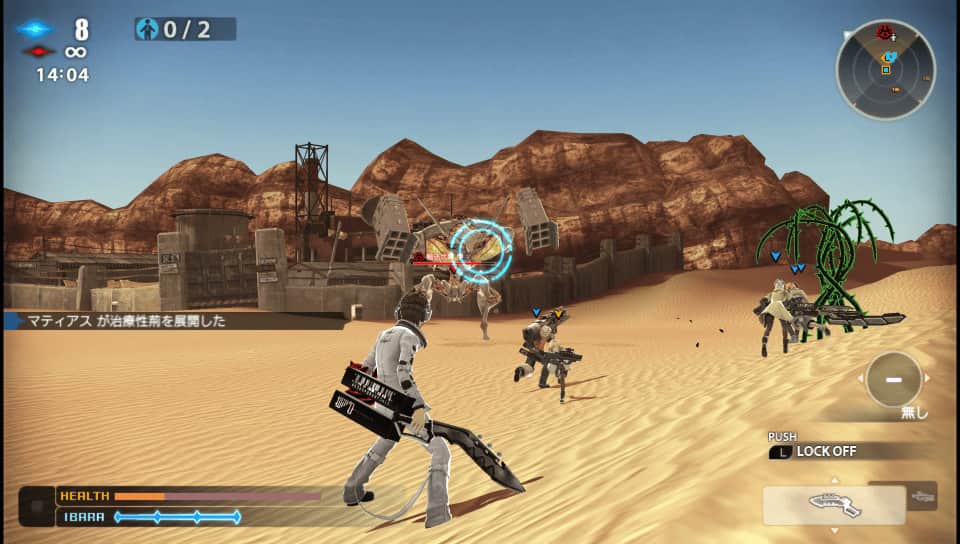

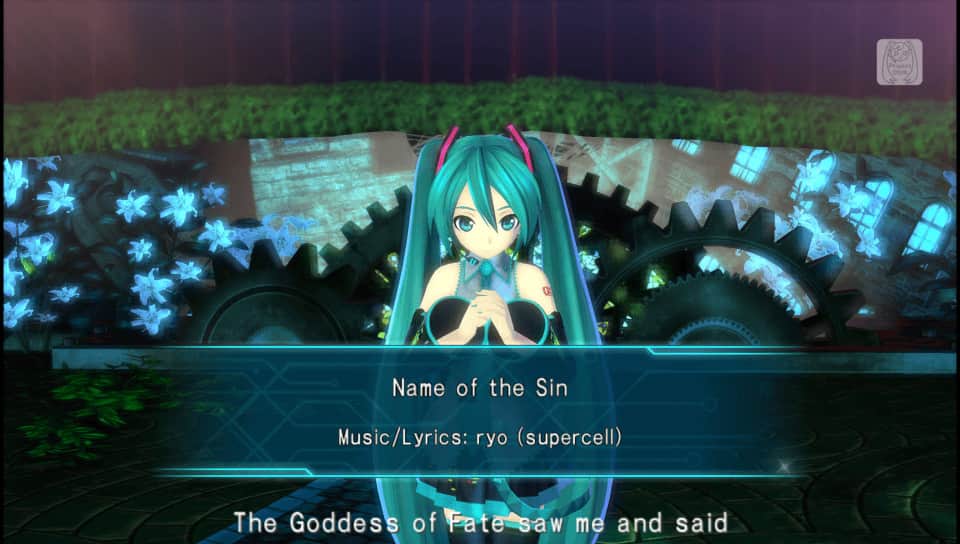
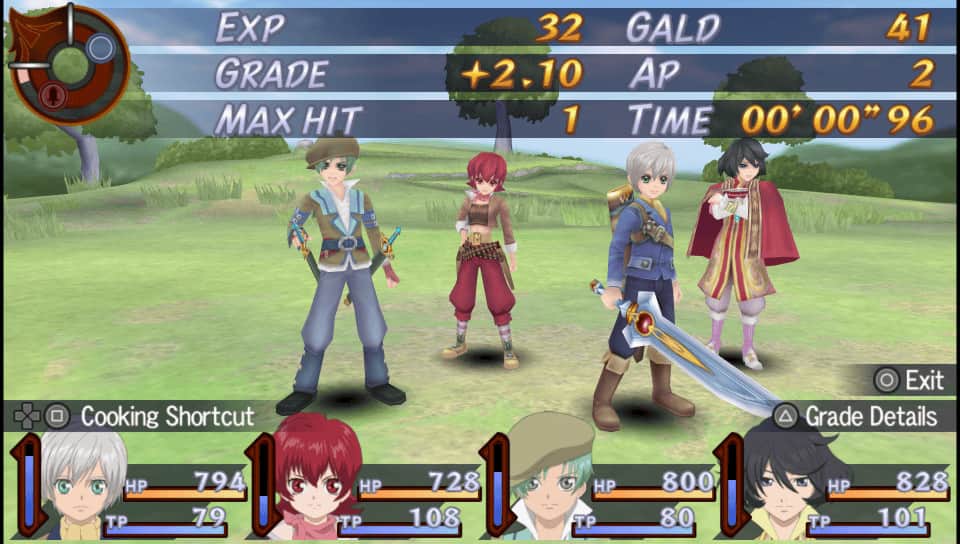
Download appVita3K

v0.2.1 b4075 Original
v0.2.1 b4073 Original
v0.2.1 b21 Original
How do I install games?
Information
- OS
- Android 7.0+
- Internet
- not required
- Requires free space
- 15 Mb
- Language
- English, Russian

![[forgotten] How much is your life worth](https://pdalife.com/photo/th_maxresdefault-1-_13.jpg)








Comments to Vita3K on Android
To leave comments,
please log in.
Thank you