
About the app
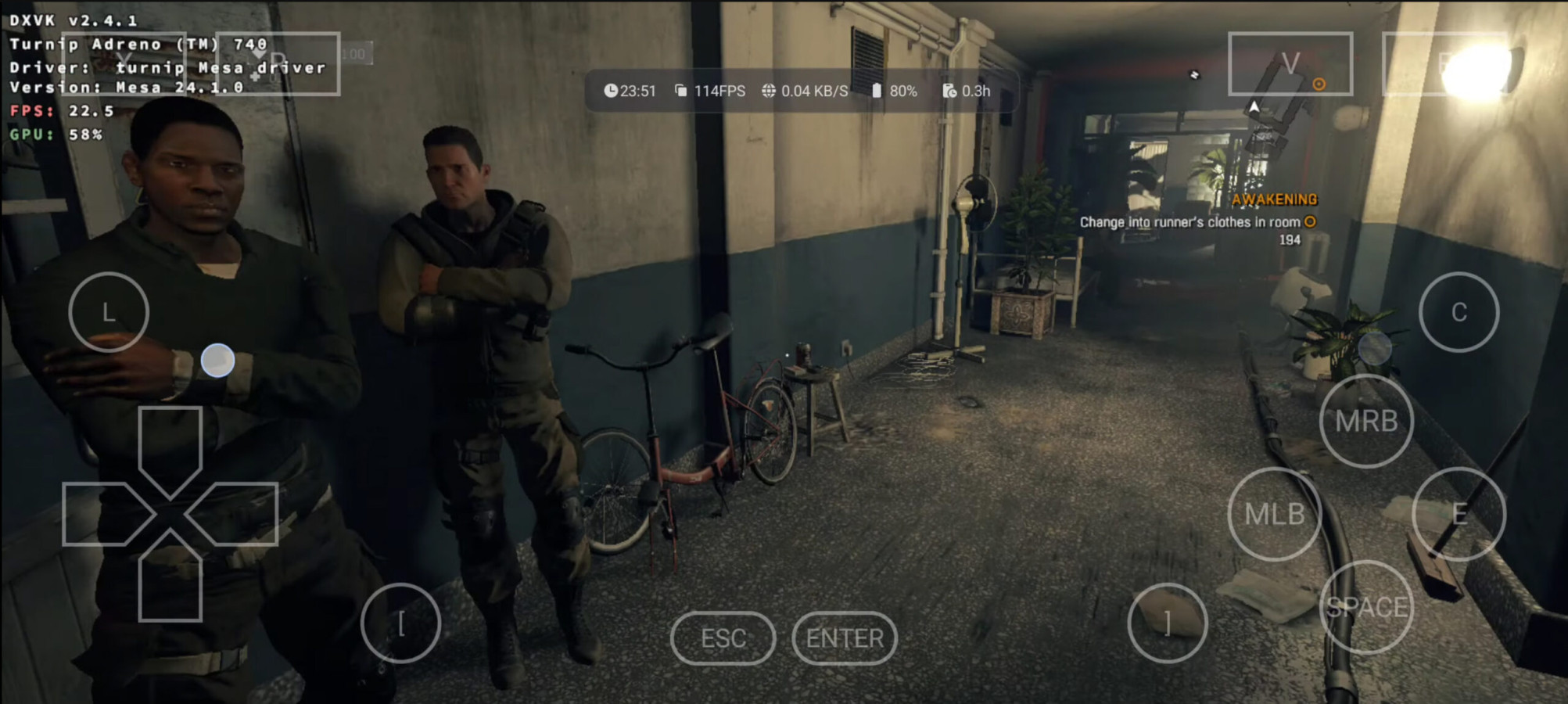
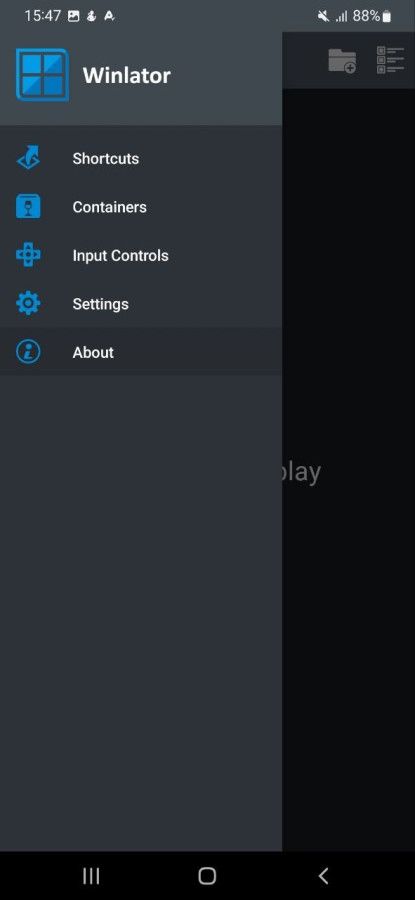
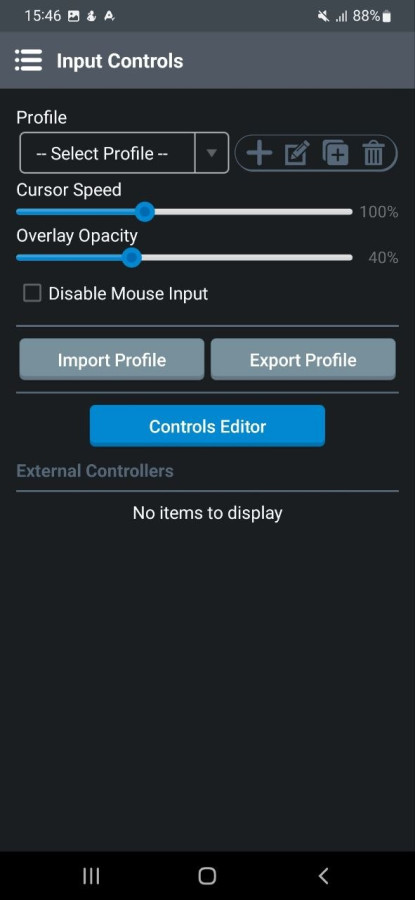
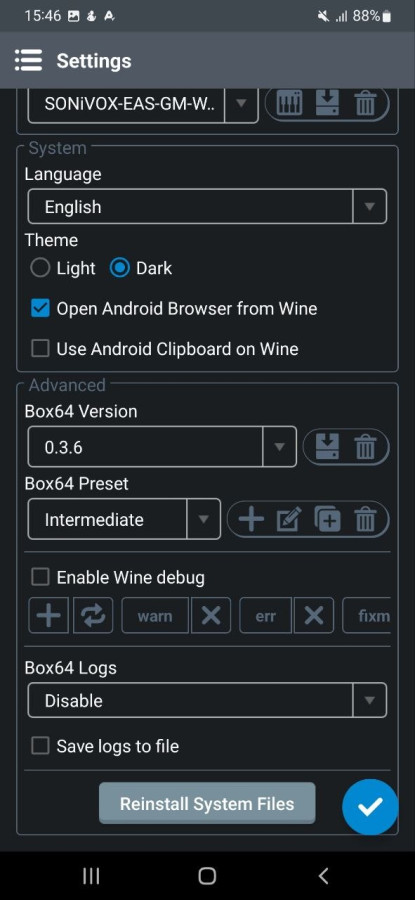
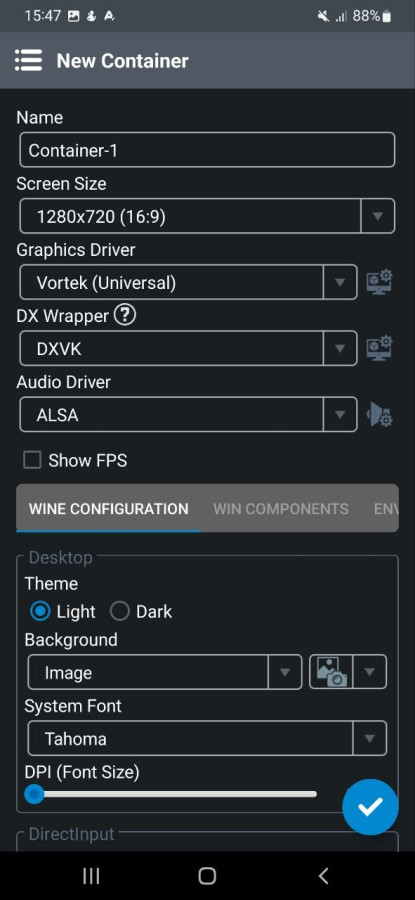
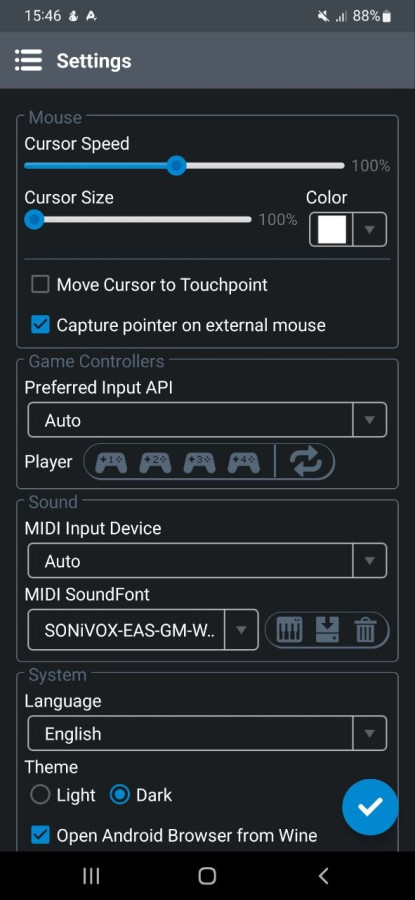
Winlator turns your smartphone into a full-fledged platform for running Windows applications and games. With the combination of Wine, Box86, and Box64, you can launch PC projects directly on Android — from classics to more demanding titles. Flexible settings for containers, graphics, and performance allow you to tailor the emulation to your device. Launch your favorite games, customize controls, and experiment with settings to achieve maximum smoothness. True freedom of PC gaming is now in your pocket.
Features:
- Run x86/x64 Windows applications and games
- Utilizes Wine, Box86, and Box64
- Flexible graphics and performance settings
- Support for virtual containers
- Touch control, mouse, and keyboard support
- Performance depends on device power
Screenshots
8 images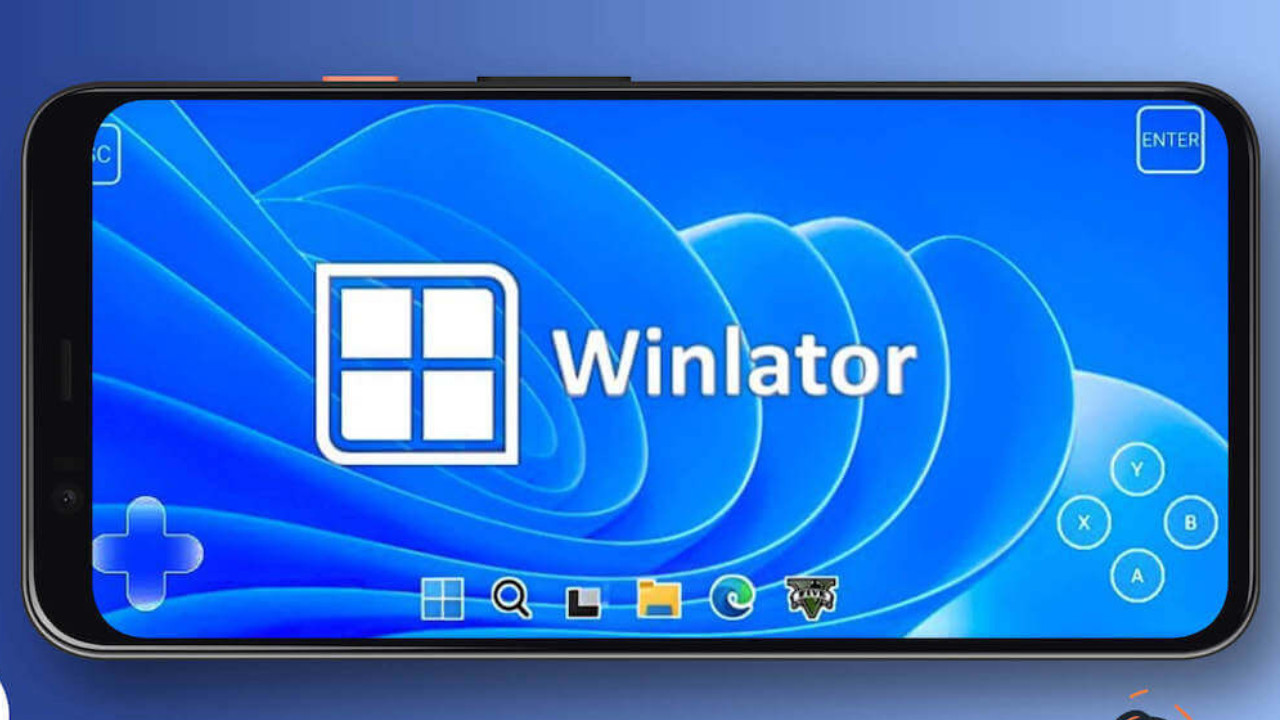
Download appWinlator

v11.0 Original

Information
- OS
- Android 6.0+
- Internet
- not required
- Requires free space
- 577 Mb
- Language
- English, Russian

![[forgotten] How much is your life worth](https://pdalife.com/photo/th_maxresdefault-1-_13.jpg)








Comments to Winlator on Android
To leave comments,
please log in.