

About the app
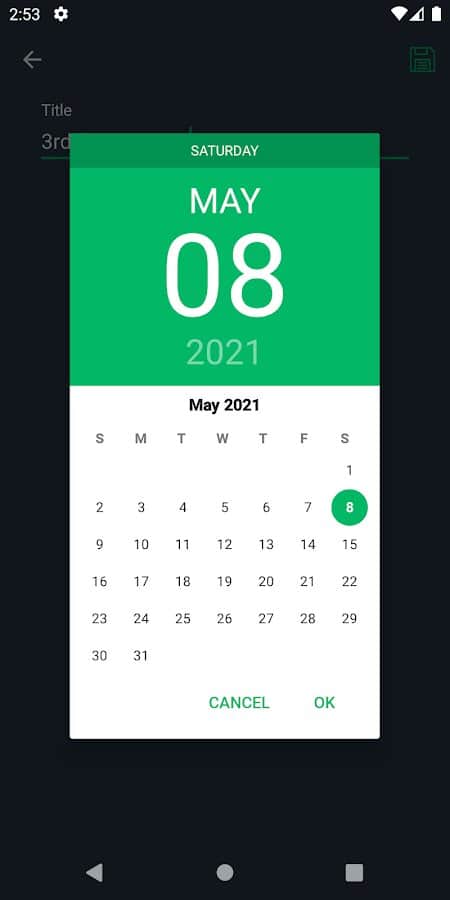
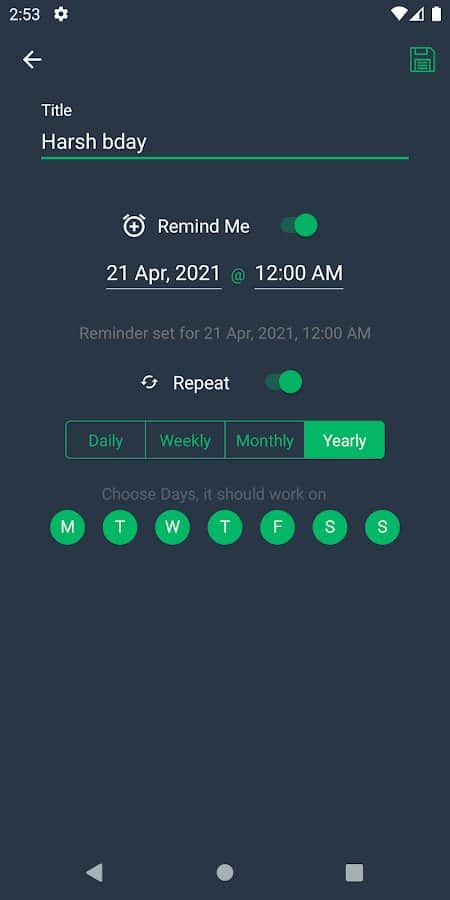
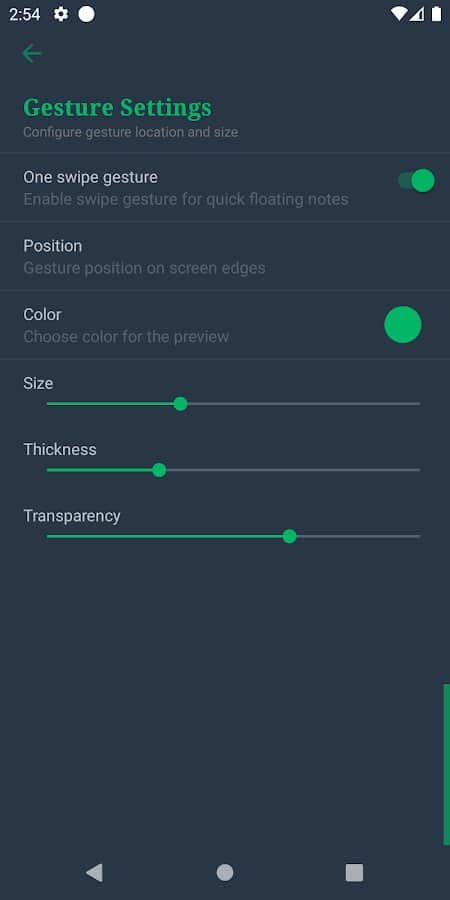
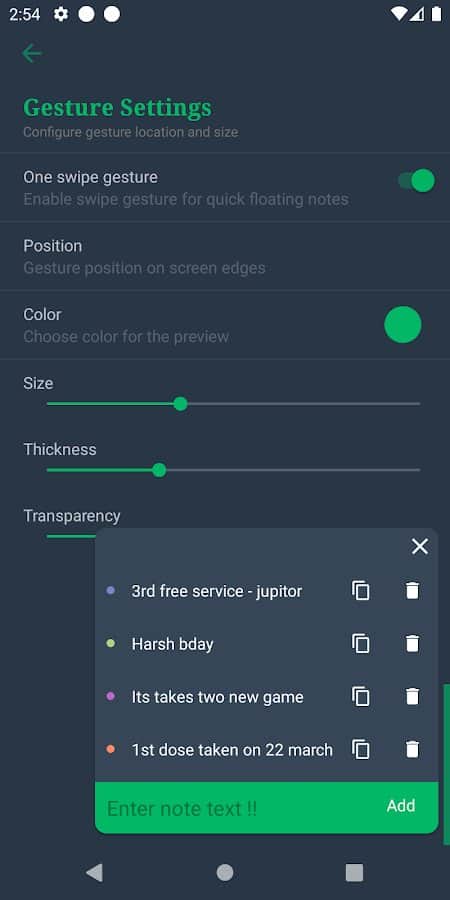
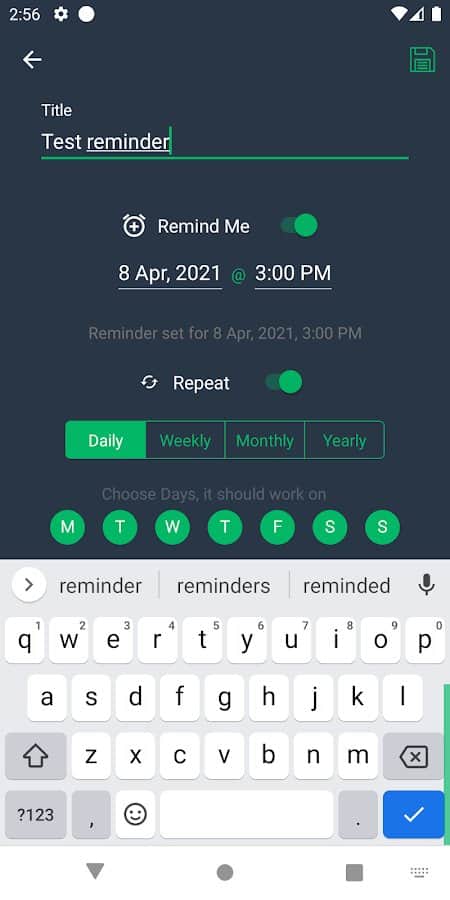
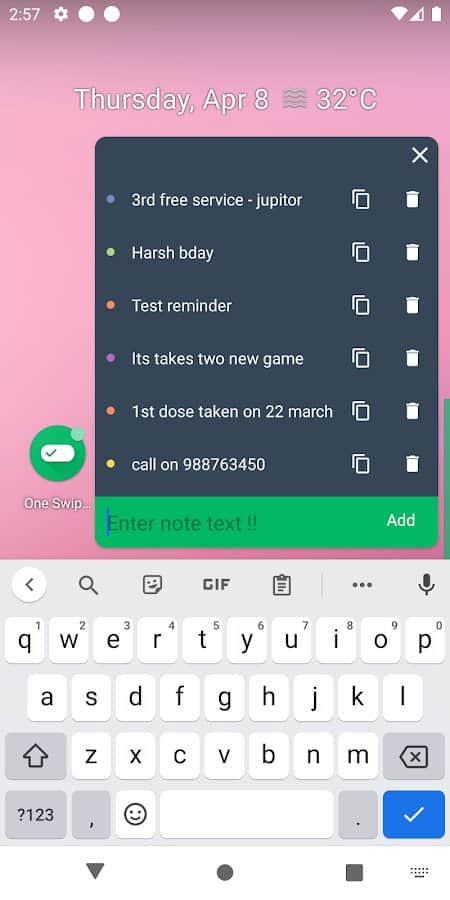
& lt;p & gt; One Swipe Notes - Floating Notes - Gesture Notes-If you can not be distracted every time to write notes and notes in a notebook, then with the One Swipe Notes app you can create any information "reminder" in a couple of clicks on the screen on the go. At the same time, you can simultaneously talk on the phone, answer SMS messages or play an exciting game. Notes can be displayed in a floating window and do not cause any inconvenience when using them. You can open any note with a single tap on the screen and save it to your device's memory. The app's interface is simple and user-friendly, with a dark theme.
Screenshots
10 images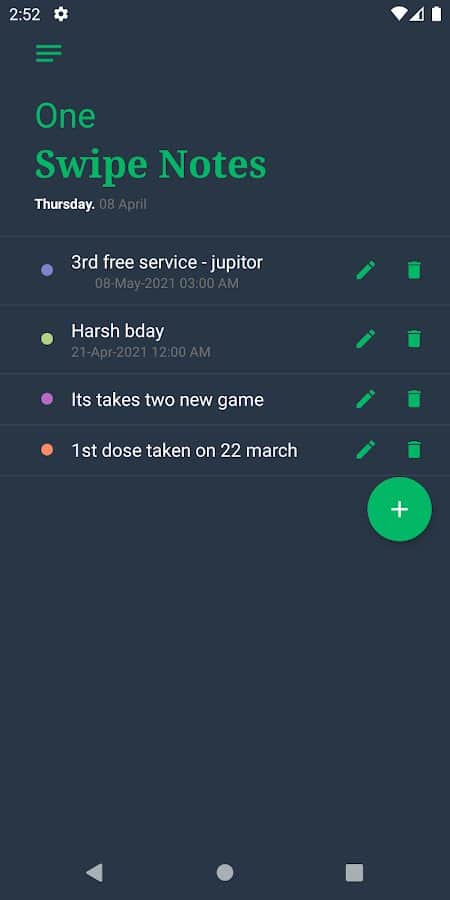
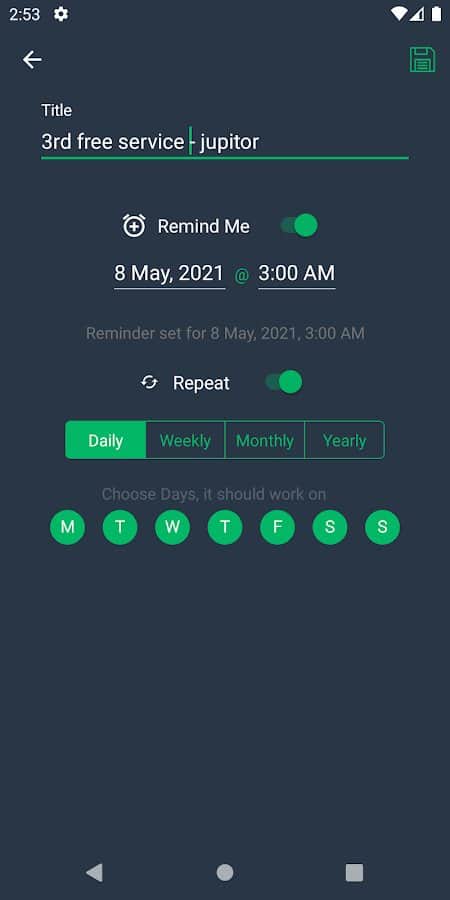
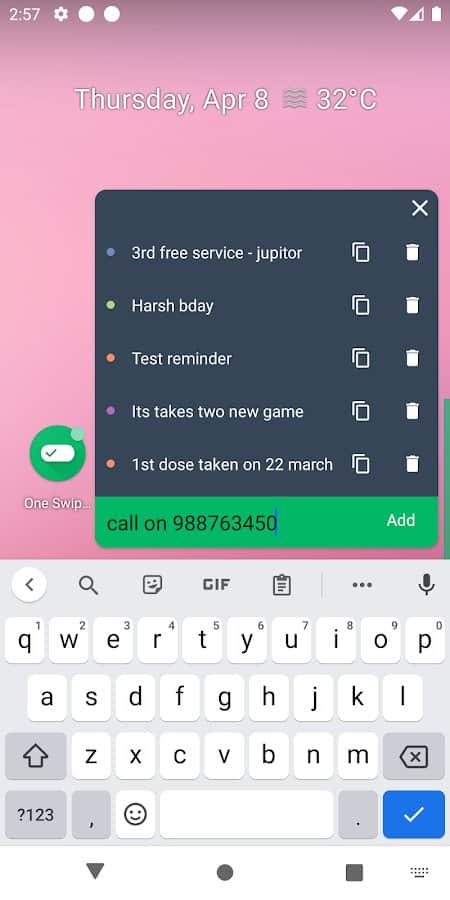
Download appOne Swipe Notes - Floating Notes - Gesture Notes

Information
- OS
- Android 4.1+
- Internet
- not required
- Requires free space
- 3 Mb
- Language
- English

![[forgotten] How much is your life worth](https://pdalife.com/photo/th_maxresdefault-1-_13.jpg)

Tags #3D







Comments to One Swipe Notes - Floating Notes - Gesture Notes on Android
To leave comments,
please log in.
Cancella le note se non si scrive il titolo e se non si salvano prima di tornare indietro. La nota più in basso di tutte é difficile da eliminare perché il tasto per cancellarla é quasi tutto coperto da quello per iniziare una nuova nota