
About the app
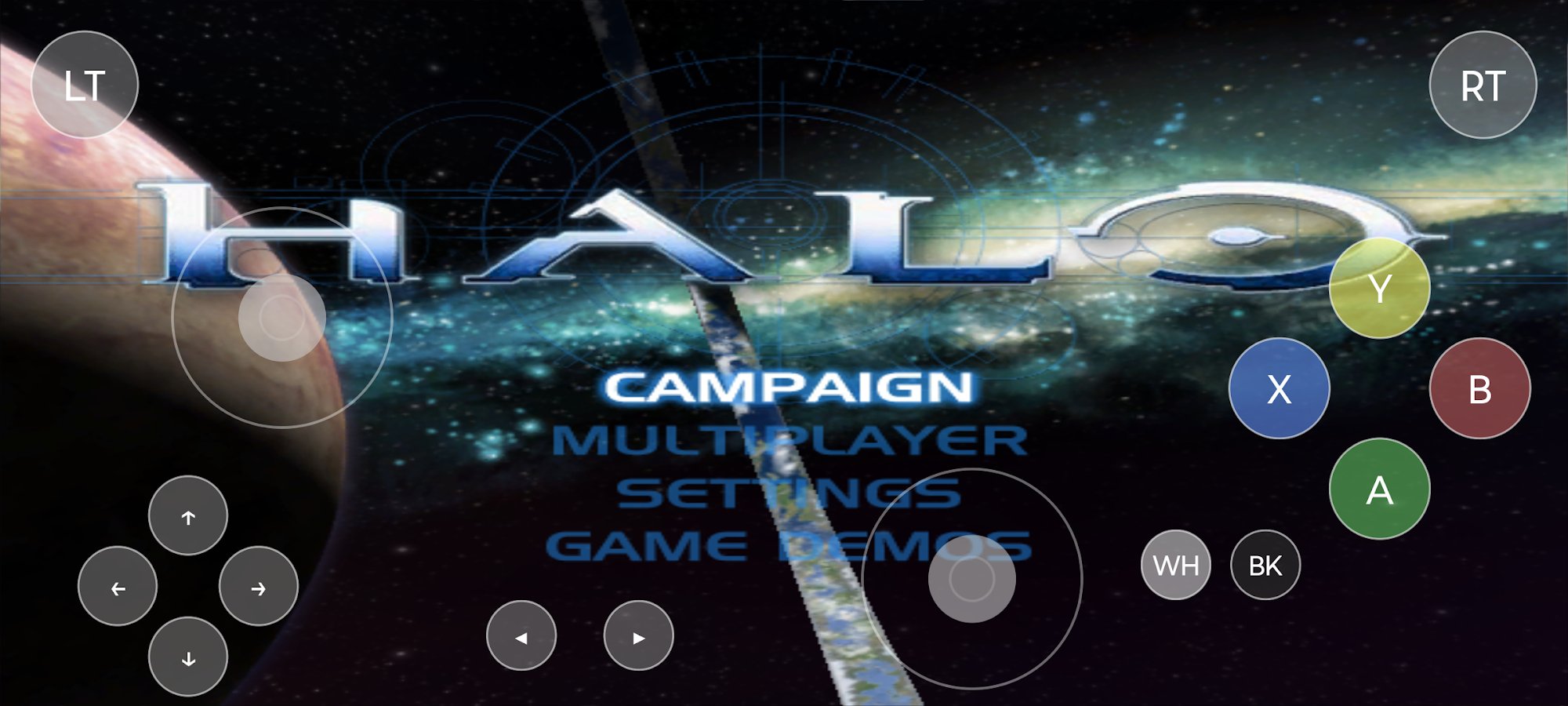
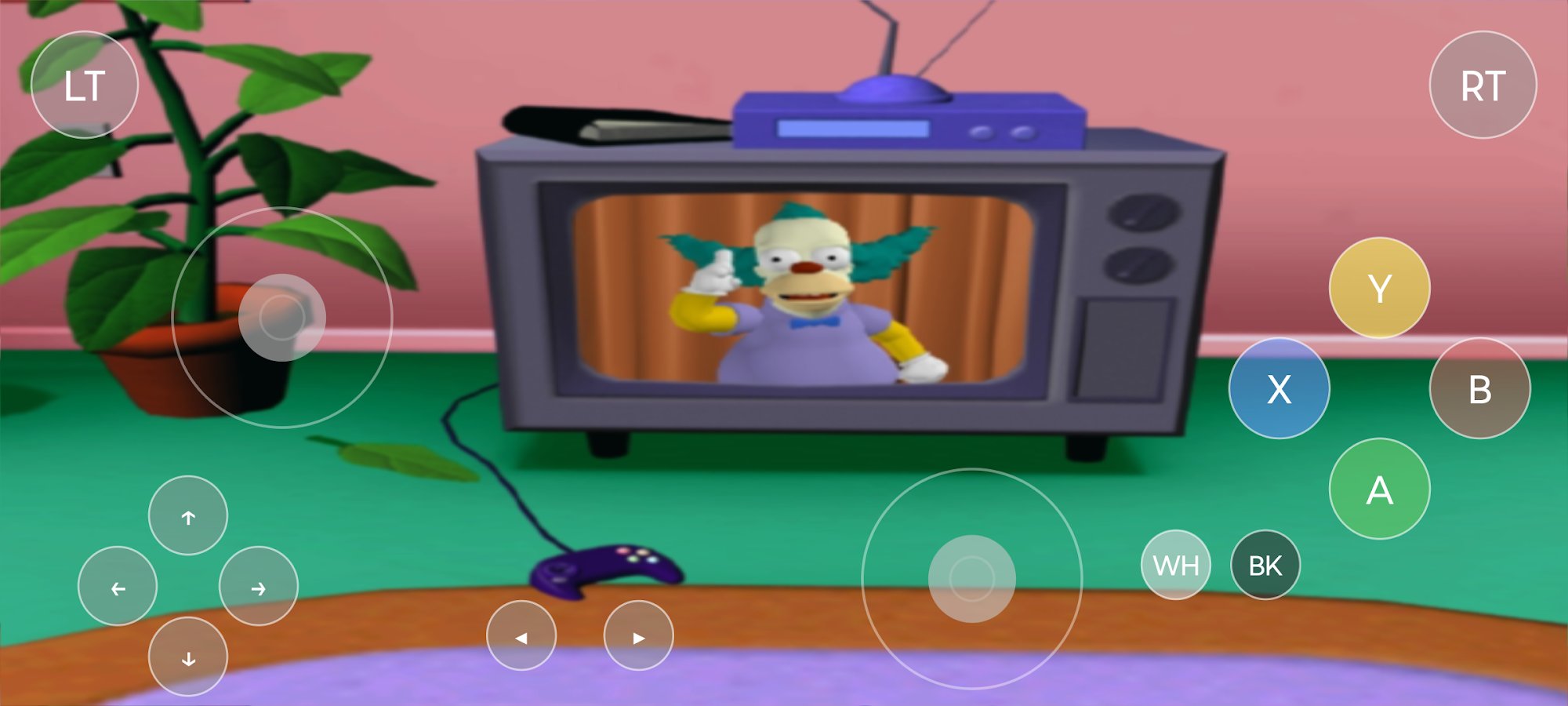
X1 BOX is an Xbox emulator for Android that allows you to run games from the original console. It supports on-screen controls and external controllers, automatically hiding virtual buttons when a physical gamepad is connected.
Key features:
- Setup wizard for configuring required Xbox files
- Game library browser with list and cover grid views
- Optional online cover art search in the game library
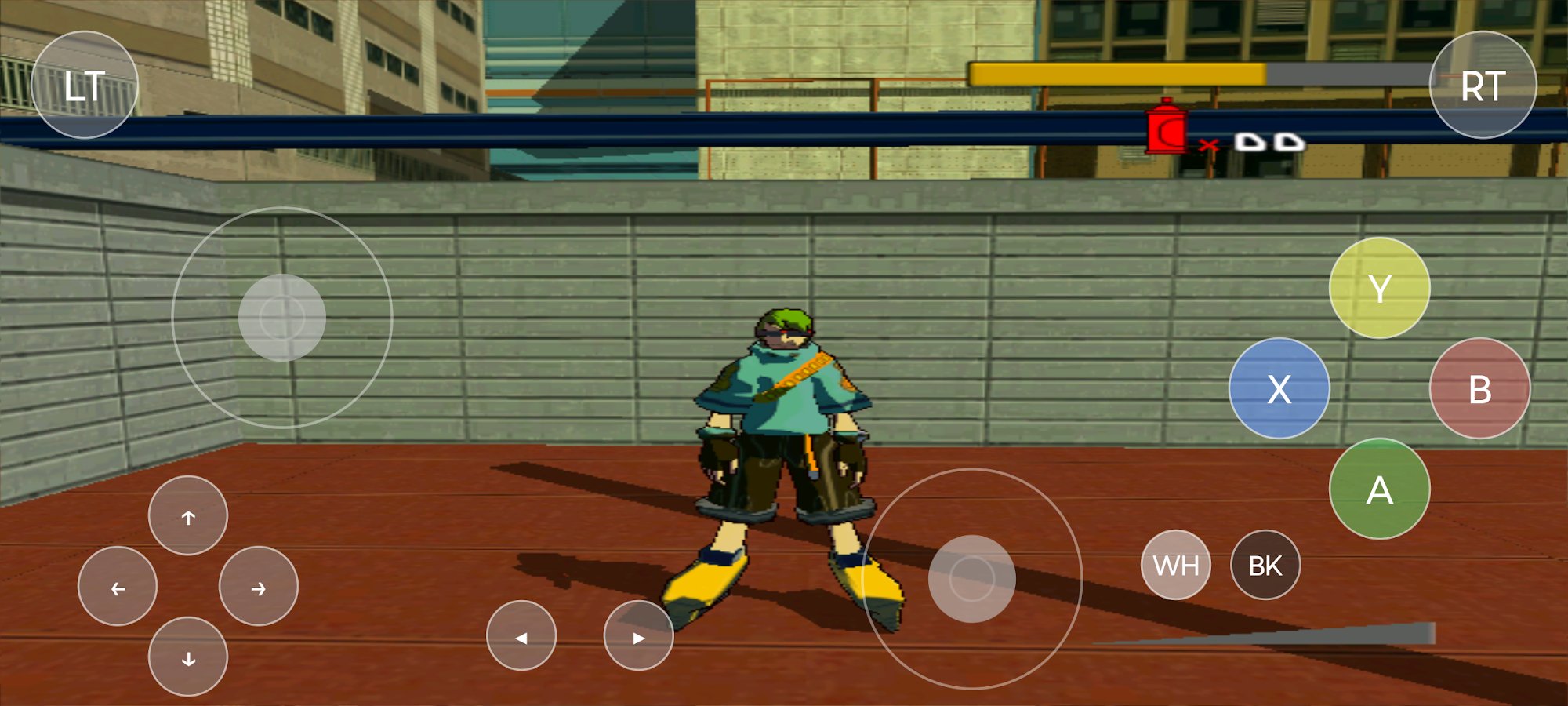
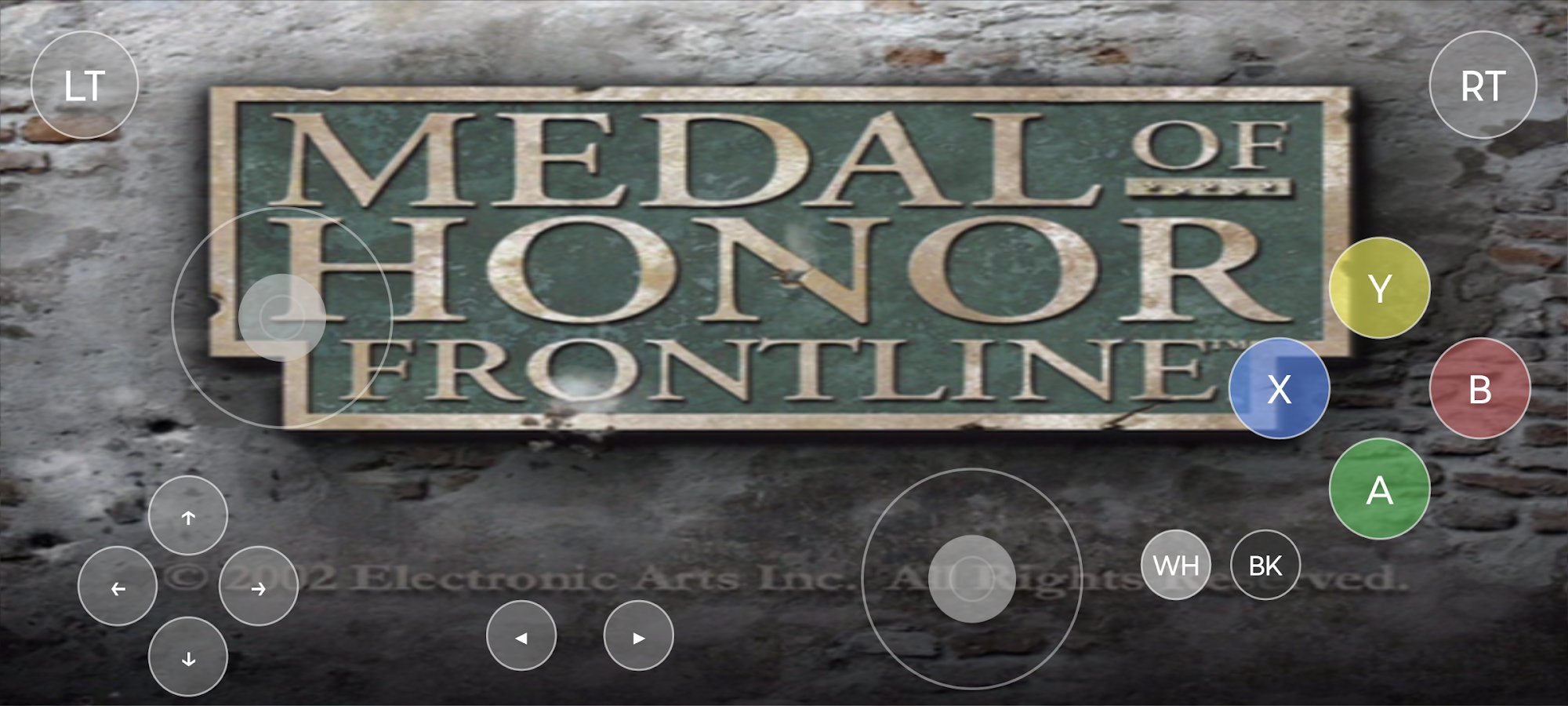
- Virtual on-screen Xbox controller for touch devices
- Automatic hide/show of on-screen controls when connecting a physical controller
- Support for physical USB/Bluetooth game controllers
Device requirements:
- Android 8.0+ (API 26 or newer)
- 64-bit ARM device (arm64-v8a)
- GPU/device with Vulkan support
- Recommended: 8 GB RAM or more for better stability and performance
Screenshots
5 images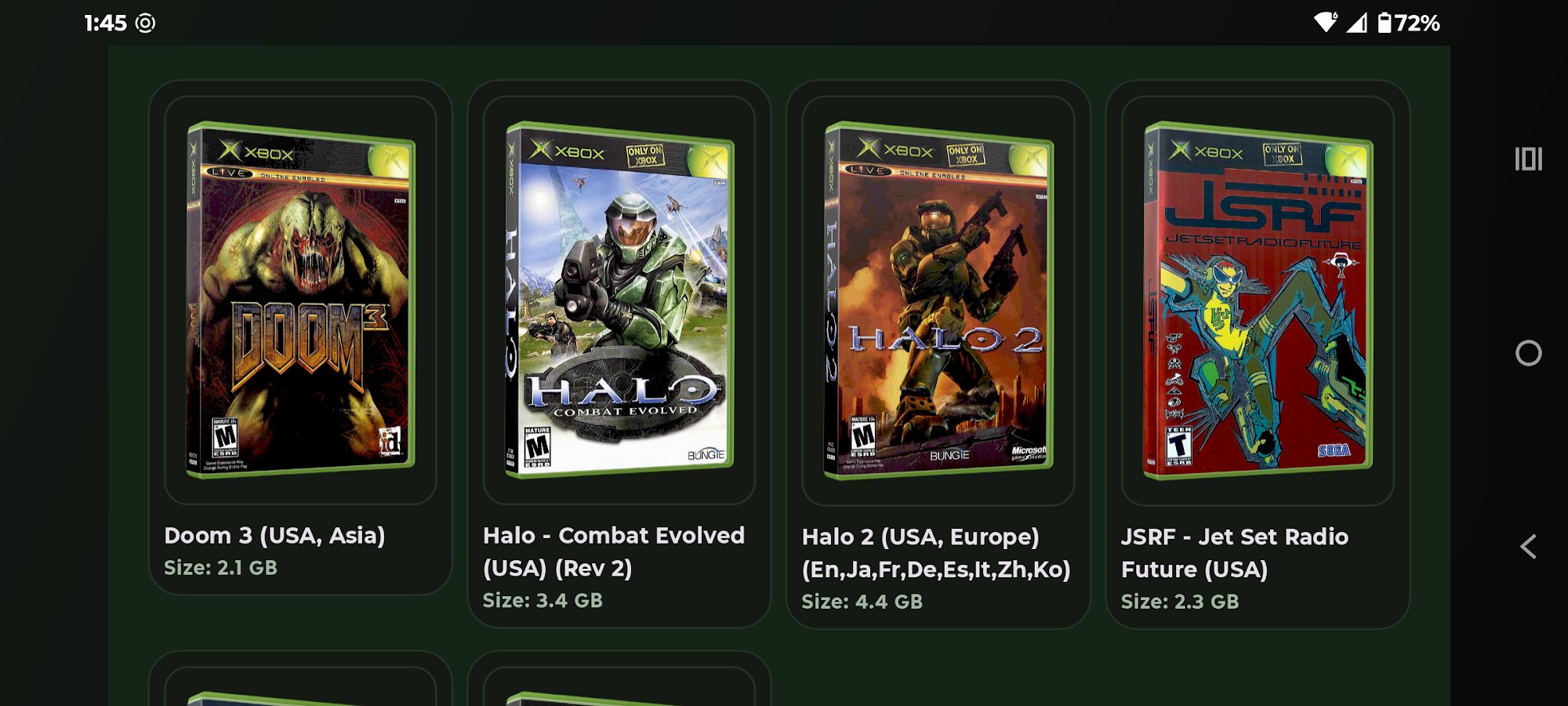
Download appX1 BOX Full
23.04.2026 - Changes not specified.
Installation and setup of the emulator:
- Install the .apk file
- Download and unpack the XBox-Files.zip archive
- Launch X1BOX and follow the instructions, specifying the downloaded files

Works?
v1.2.3 Full
v1.2.2 Full
v1.2.1 Full
Information
- OS
- Android 8.0+
- Internet
- not required
- Requires free space
- 200 Mb
- Language
- English

![[forgotten] How much is your life worth](https://pdalife.com/photo/th_maxresdefault-1-_13.jpg)







Comments to X1 BOX on Android
To leave comments,
please log in.