

About the app
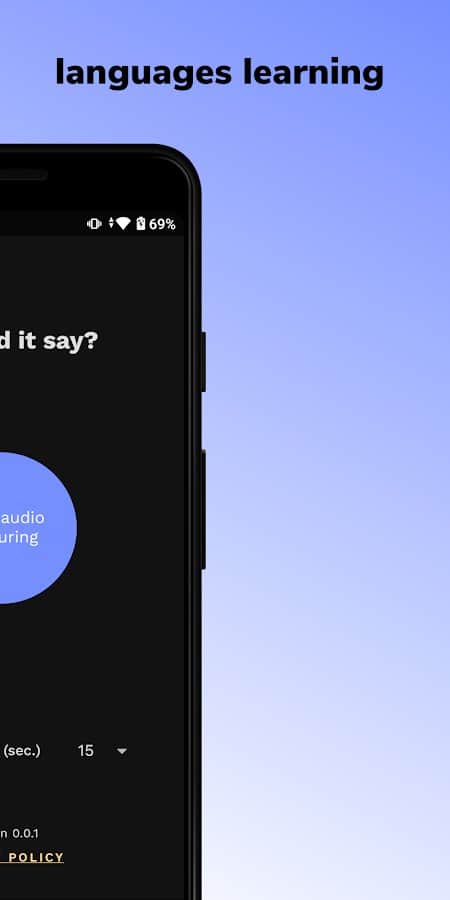
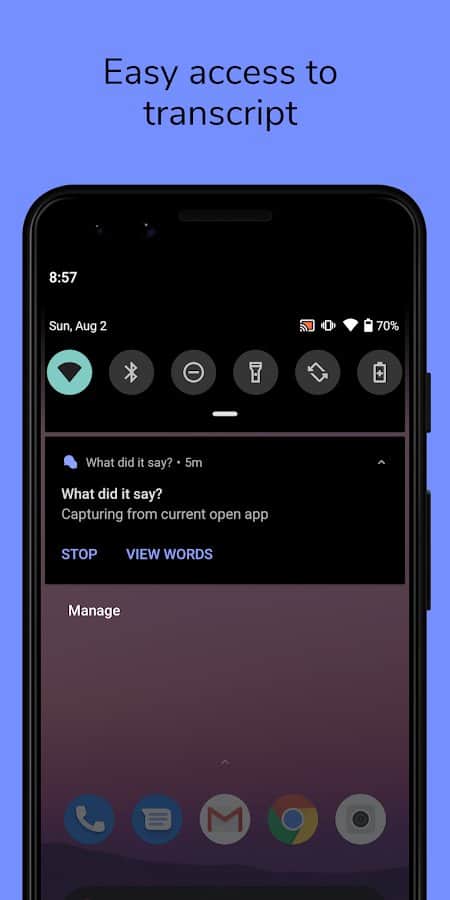
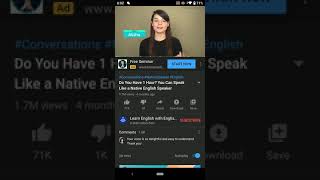
With the app What did it say? you will be able convenient and interesting way to learn English through the automatic recognition of words and sentences from files audio and video format.
Features:
- Viewing or listening any content;
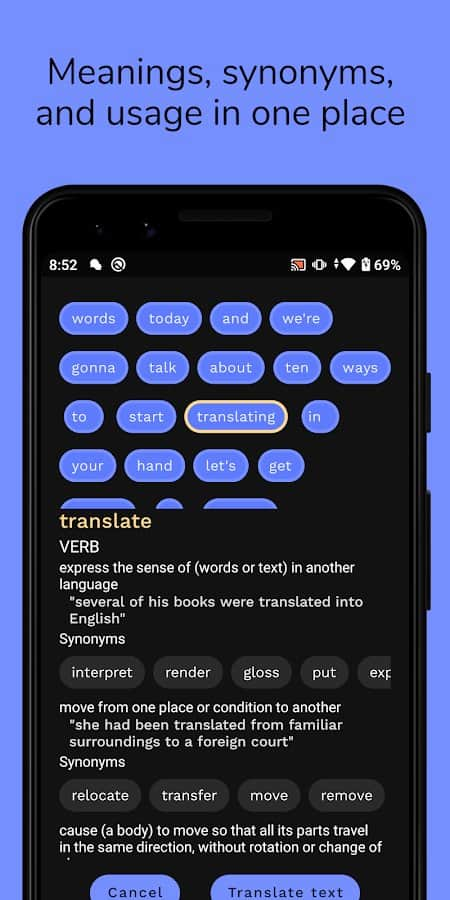
- a Function "Watch word" when playing unfamiliar words;
- Learning new words;
- vocabulary;
- Simple and convenient menu setting;
- the Selection of synonyms for a new word;
- Transcription;
- Store in your dictionary;
- Intuitive interface
- No advertising;
- Quick start program;
- Light and dark background themes.
Screenshots
4 images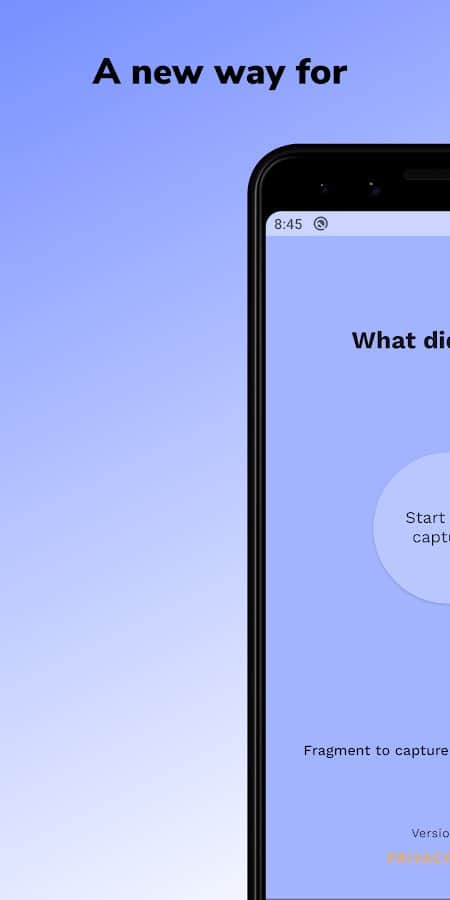
Download appWhat did it say? Language learning tool

Information
- OS
- Android 5.0+
- Internet
- not required
- Requires free space
- 54 Mb
- Language
- English, Russian

![[forgotten] How much is your life worth](https://pdalife.com/photo/th_maxresdefault-1-_13.jpg)

Tags #training







Comments to What did it say? Language learning tool on Android
To leave comments,
please log in.