
About the app
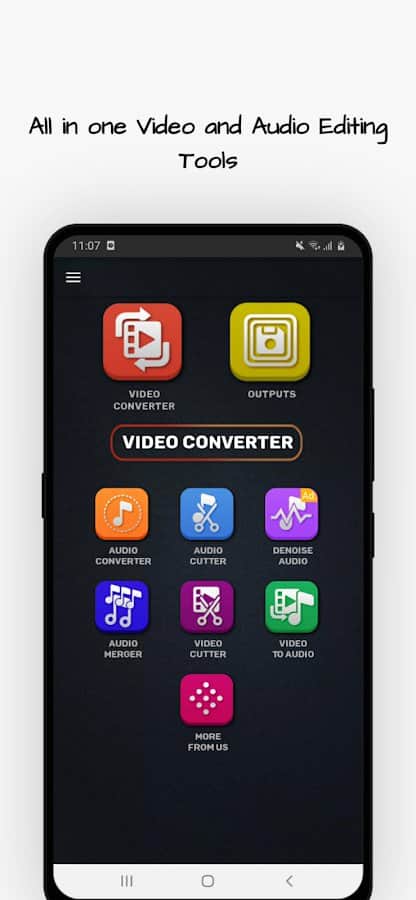
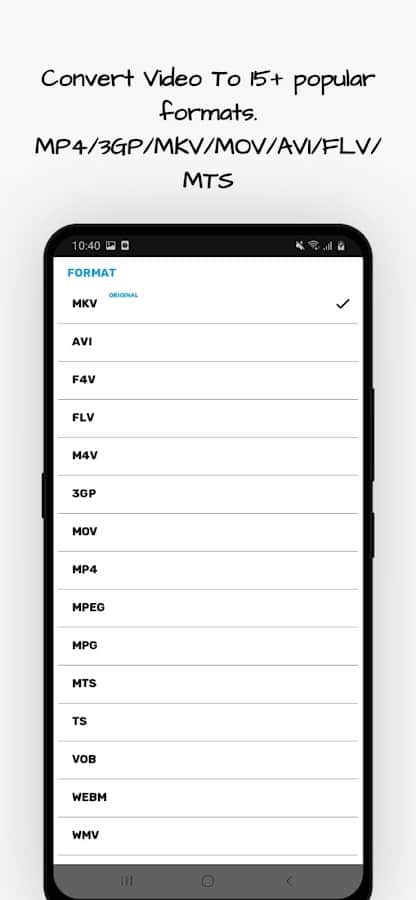
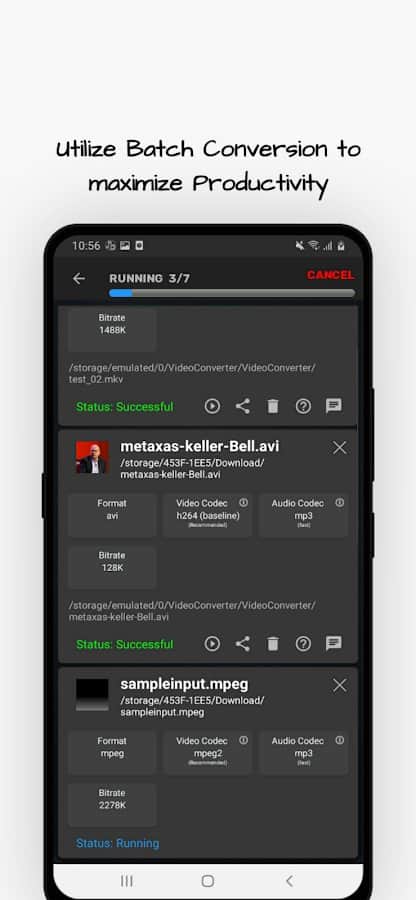
The Video Converter application allows you to convert and compress video formats MP4, MKV, AVI, MPEG, 3GP, MTS, MOV, MPG, WMV, M4V, VOB, FLV into video and audio files.
& lt;p & gt; Features:
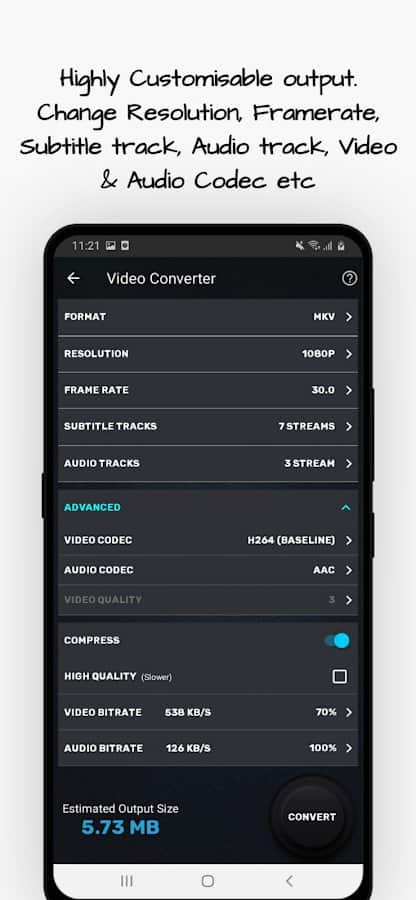
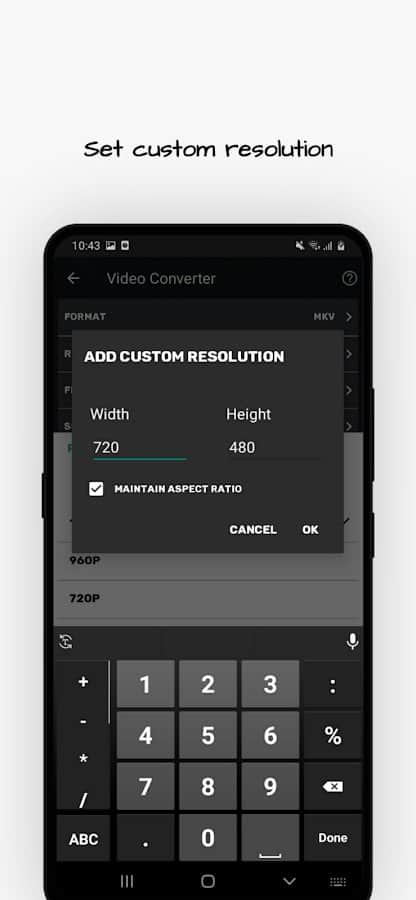
- Setting any resolutions;
- Configurable frame rate parameters;
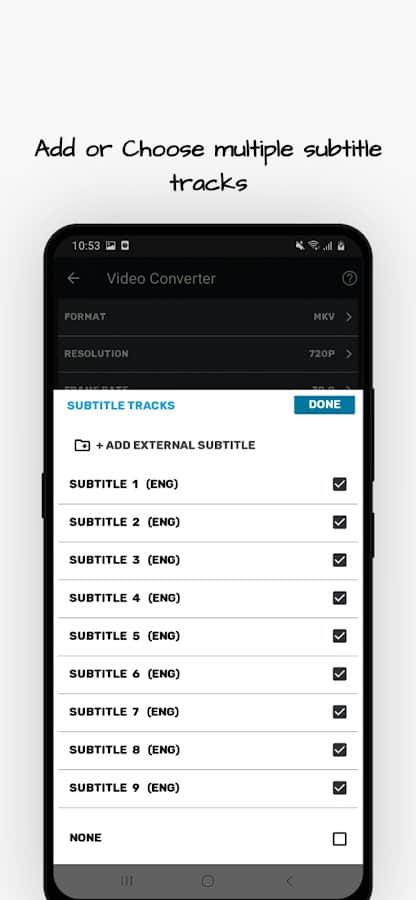
- The ability to download subtitles in preset formats;
- Support for mp3, aac, m4a, wav audio formats;
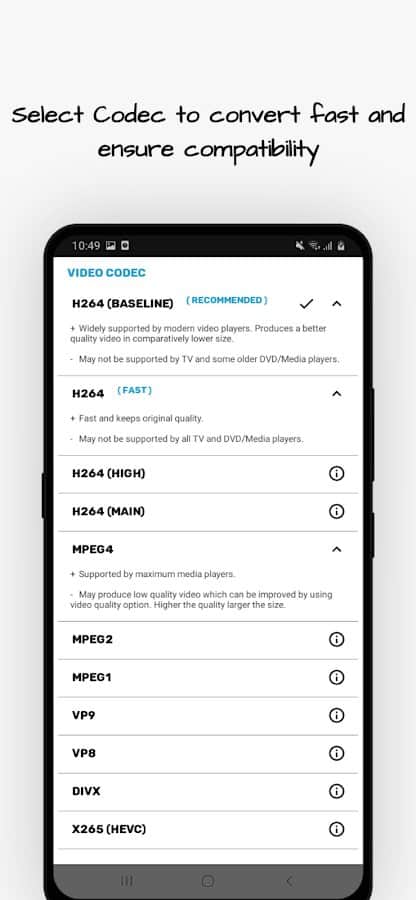
- The presence of video and audio codecs;
- Performing video rotation by 90 or 180 degrees;
- Preserving the quality of compressed video;
- Resetting the bitrate;
- Combining multiple videos into one;
- Cropping video files;
- Sound cropping;
- Select mono or stereo channels.
Screenshots
8 images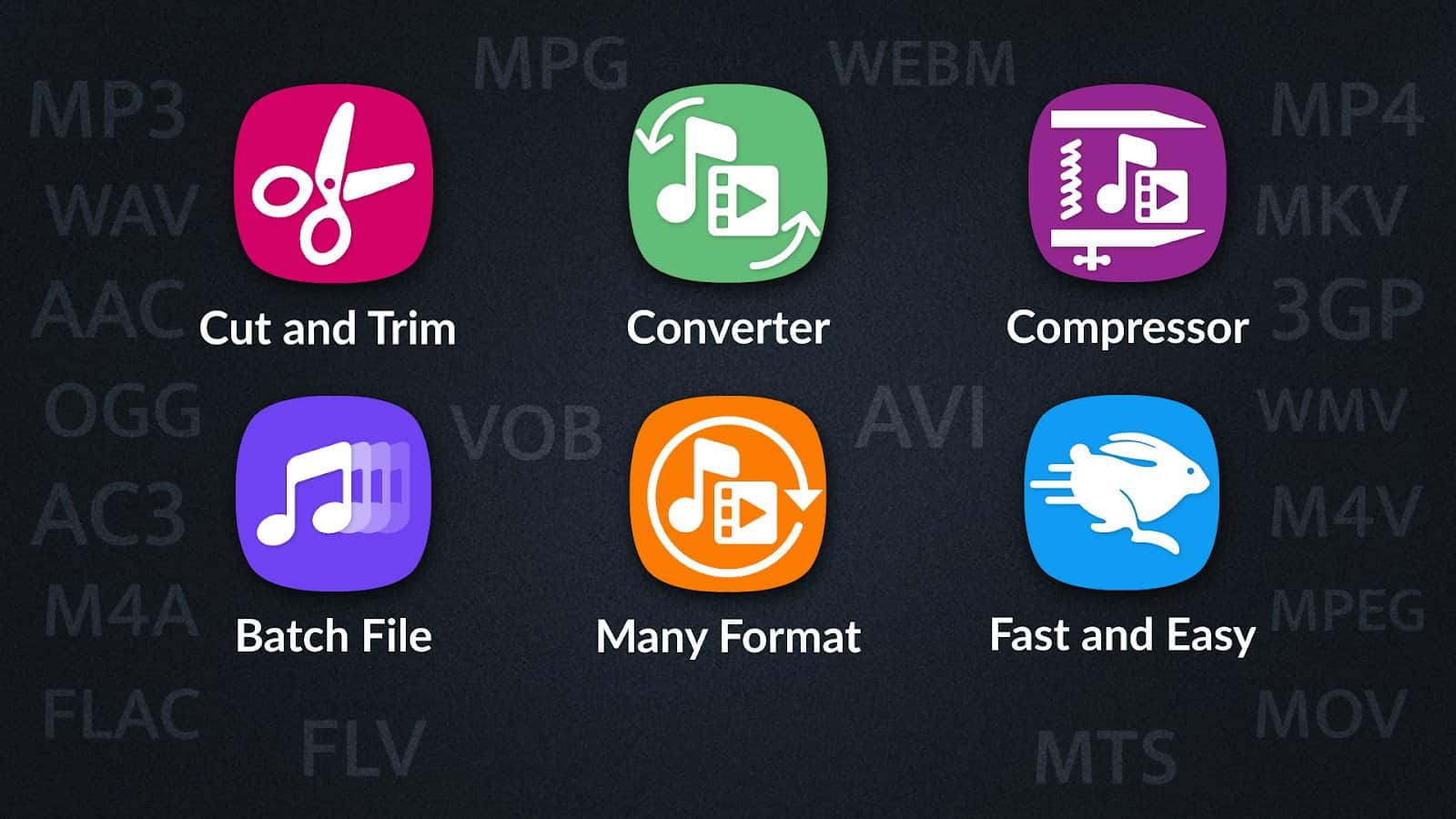
Download appVideo Converter, Compressor MP4, 3GP, MKV,MOV, AVI Premium

v6.0.0 Premium
v4.0.4 Premium
v3.0.3 Premium
Information
- OS
- Android 5.0+
- Internet
- not required
- Requires free space
- 78 Mb
- Language
- English, Russian

![[forgotten] How much is your life worth](https://pdalife.com/photo/th_maxresdefault-1-_13.jpg)








Comments to Video Converter, Compressor MP4, 3GP, MKV,MOV, AVI on Android
To leave comments,
please log in.
Versión 1.6.4 porfavor
Please
[only authorized users can see the attachments]