
About the app
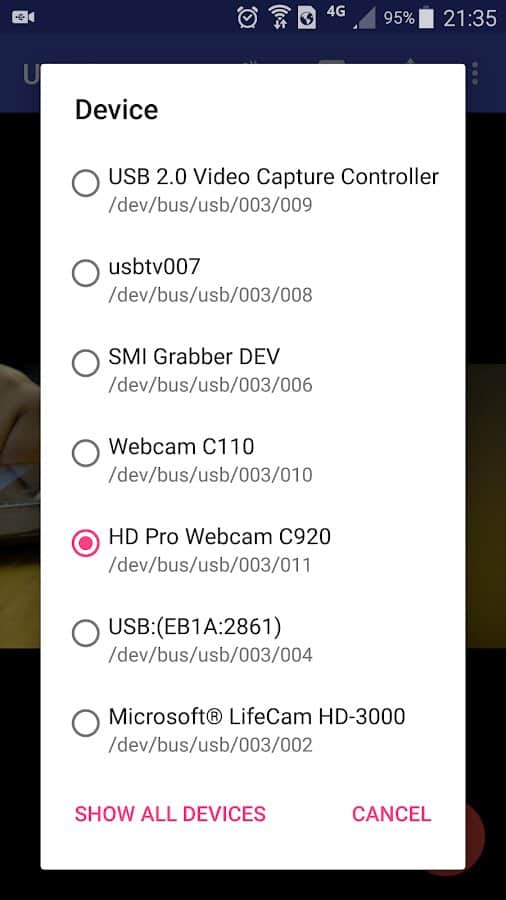
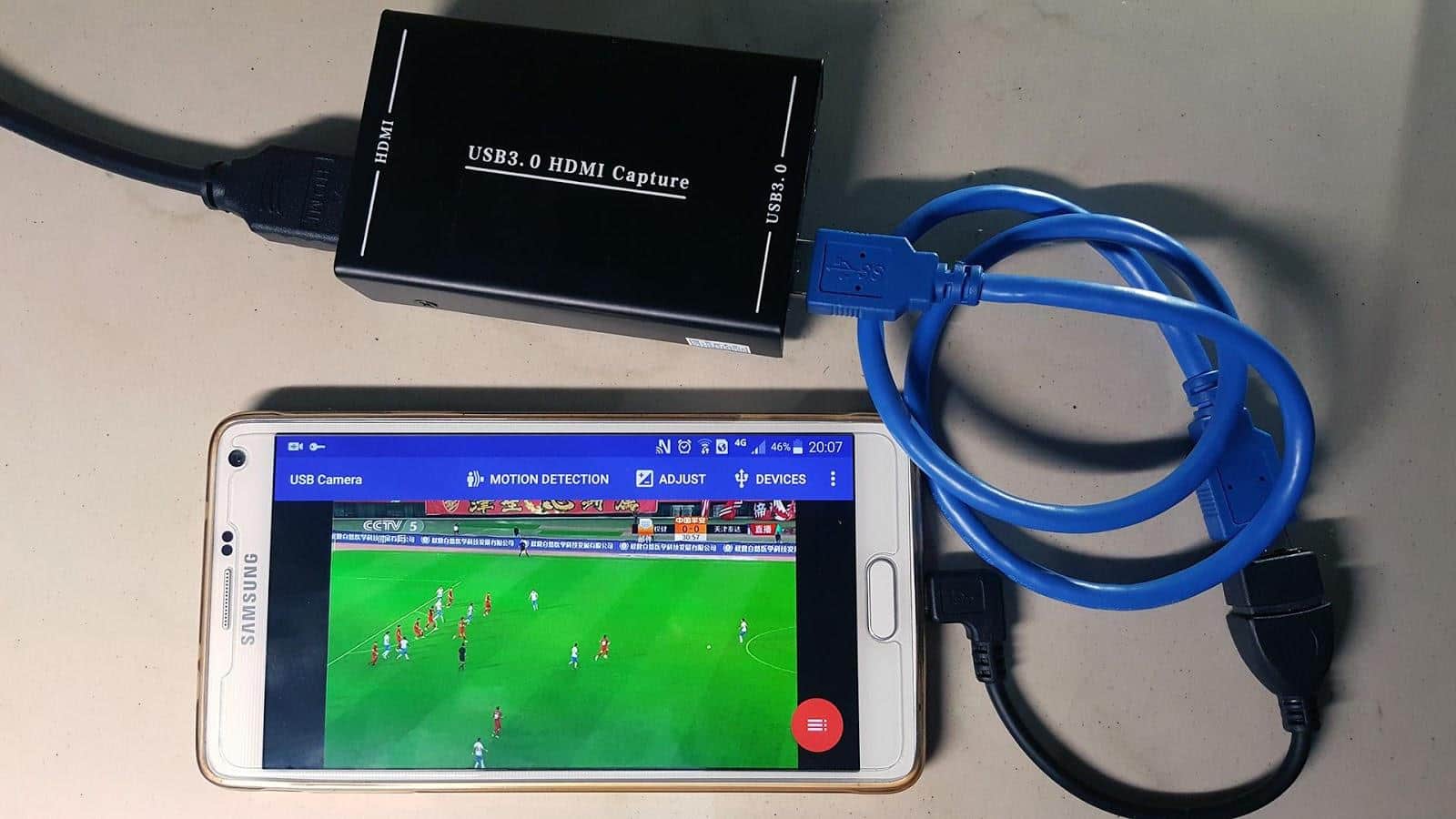
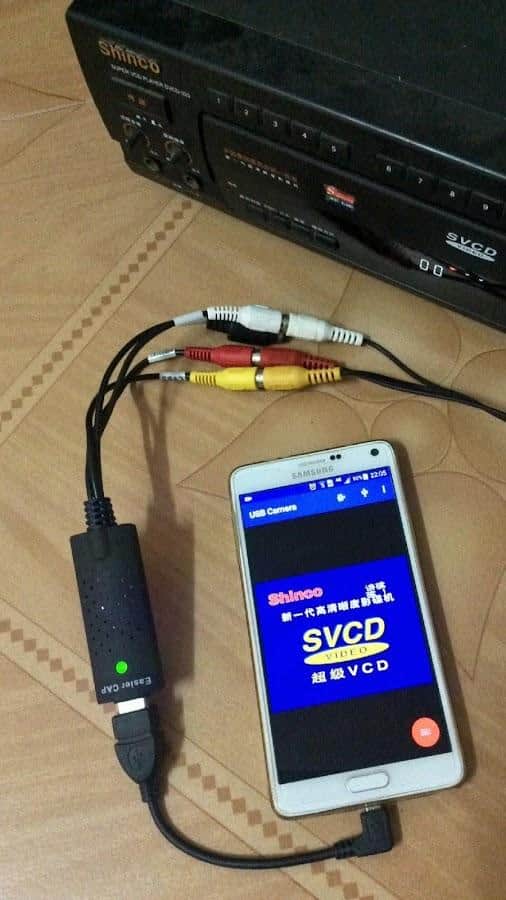
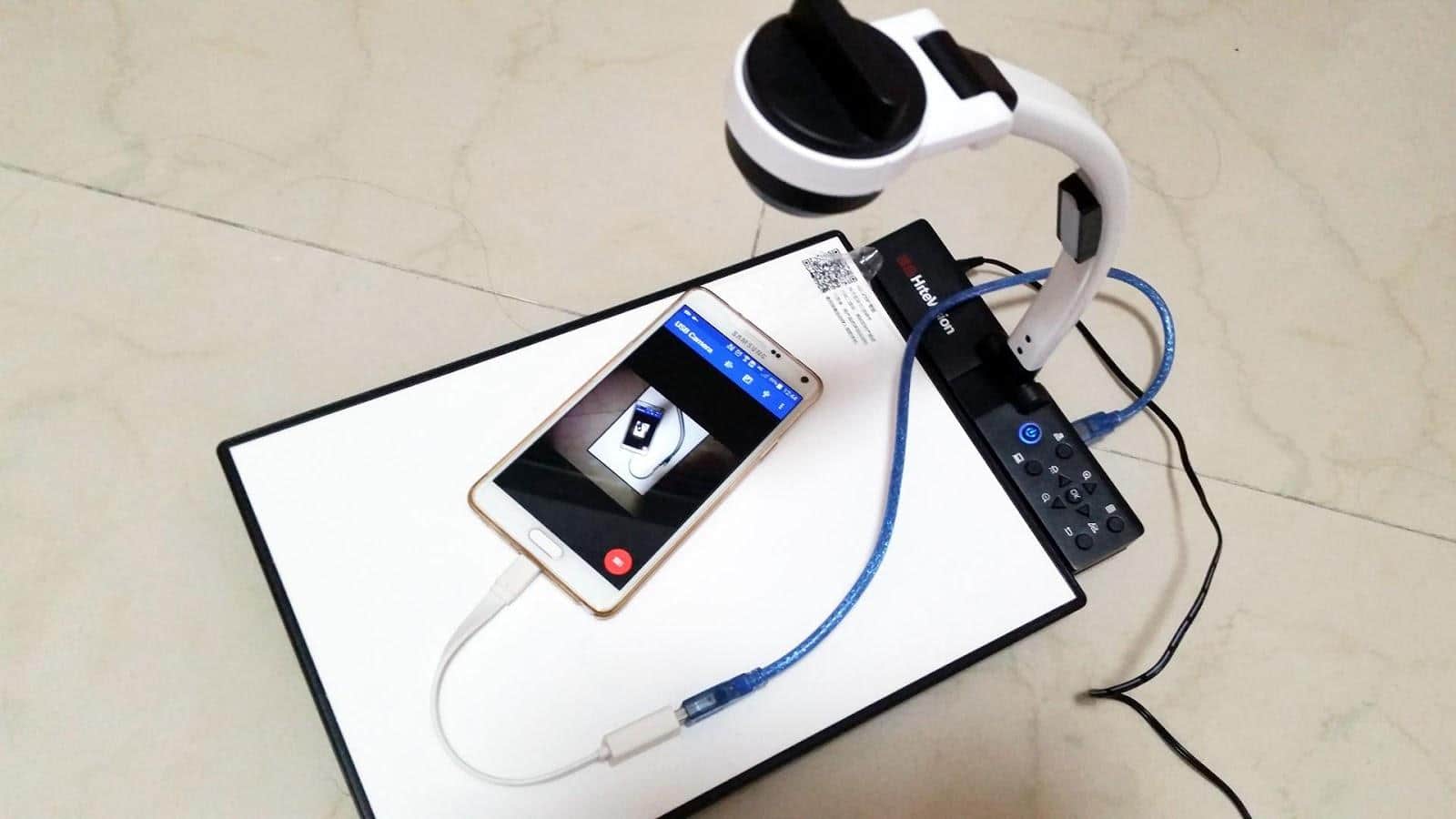
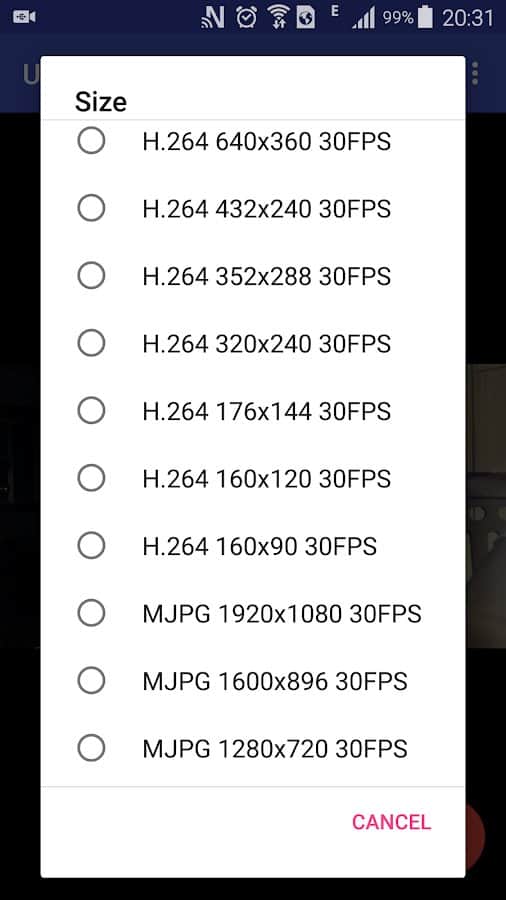
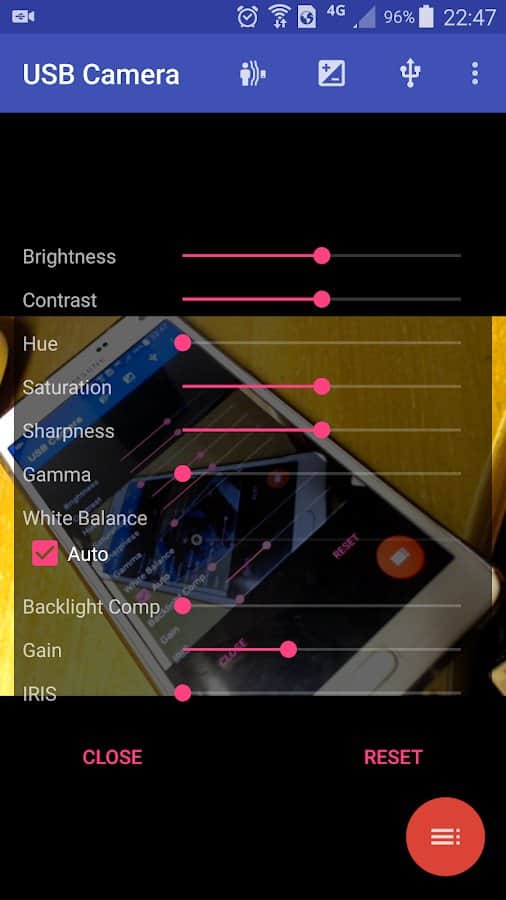
using USB Camera - Connect EasyCap USB WebCam or you will have the opportunity to have access to the webcam via USB and OTG cable. Thanks to some important functions will be able to attach devices such as a UV camera with microphone, video audio input, audio 48 kHz stereo version.
Advantages:
- There is a USB icon on the toolbar
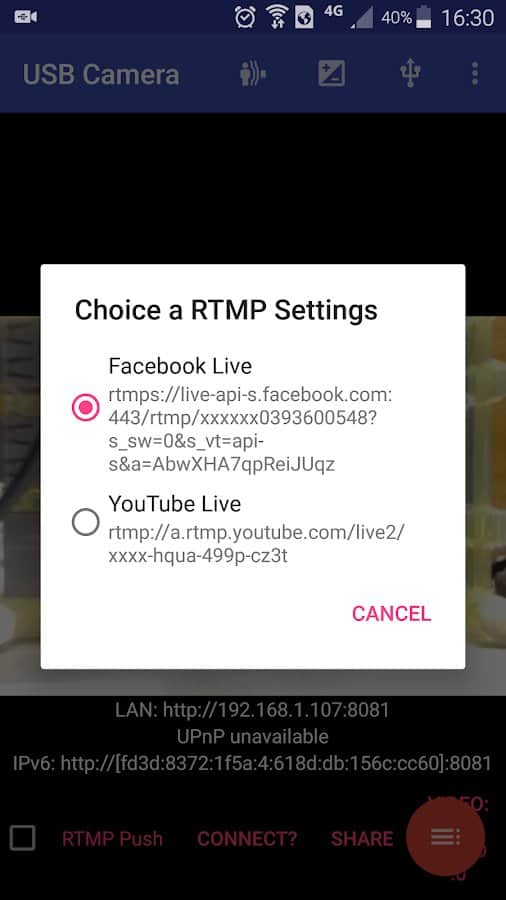
- Use your device as a wireless IP camera
- Transfer video and audio files via RTMP Live media server
- Support SBS view
- Quick switch between the front and rear lens
- Bidirectional sound
- Automatic video
Screenshots
8 images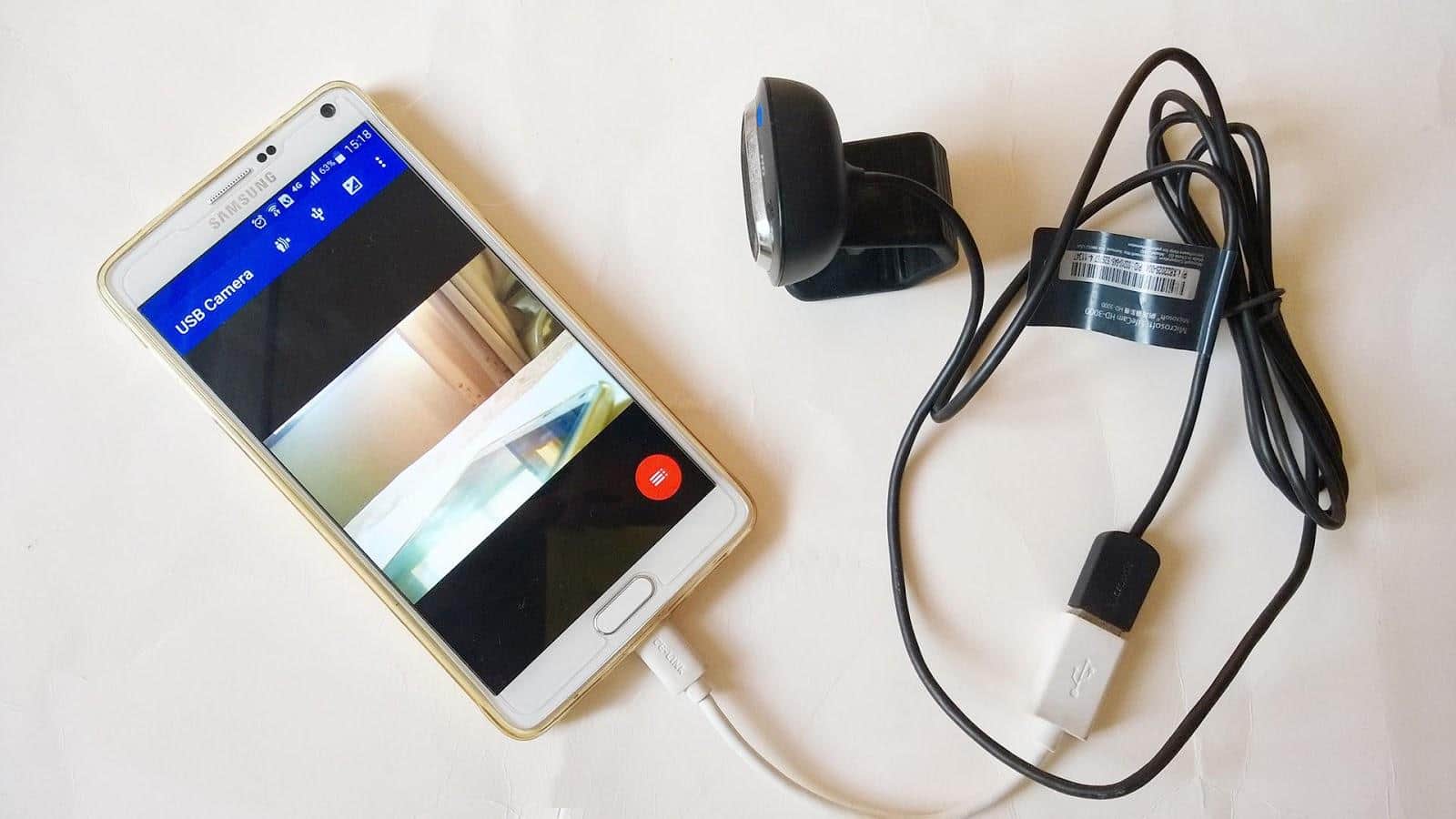

Download appUSB Camera - Connect EasyCap or USB WebCam

Information
- OS
- Android 4.3+
- Requires free space
- 18 Mb
- Language
- English

![[forgotten] How much is your life worth](https://pdalife.com/photo/th_maxresdefault-1-_13.jpg)









Comments to USB Camera - Connect EasyCap or USB WebCam on Android
To leave comments,
please log in.