
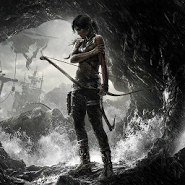
About the game
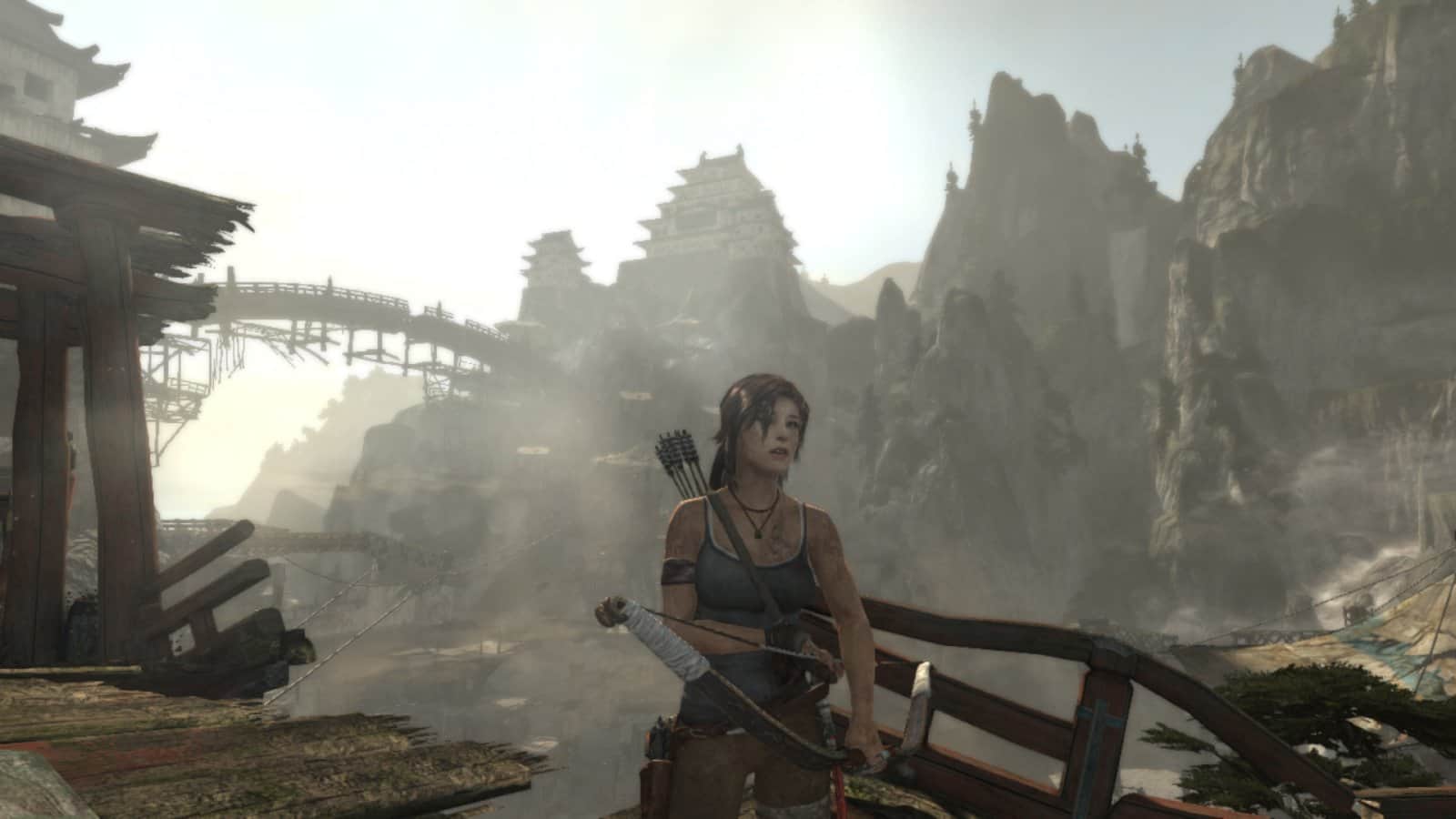
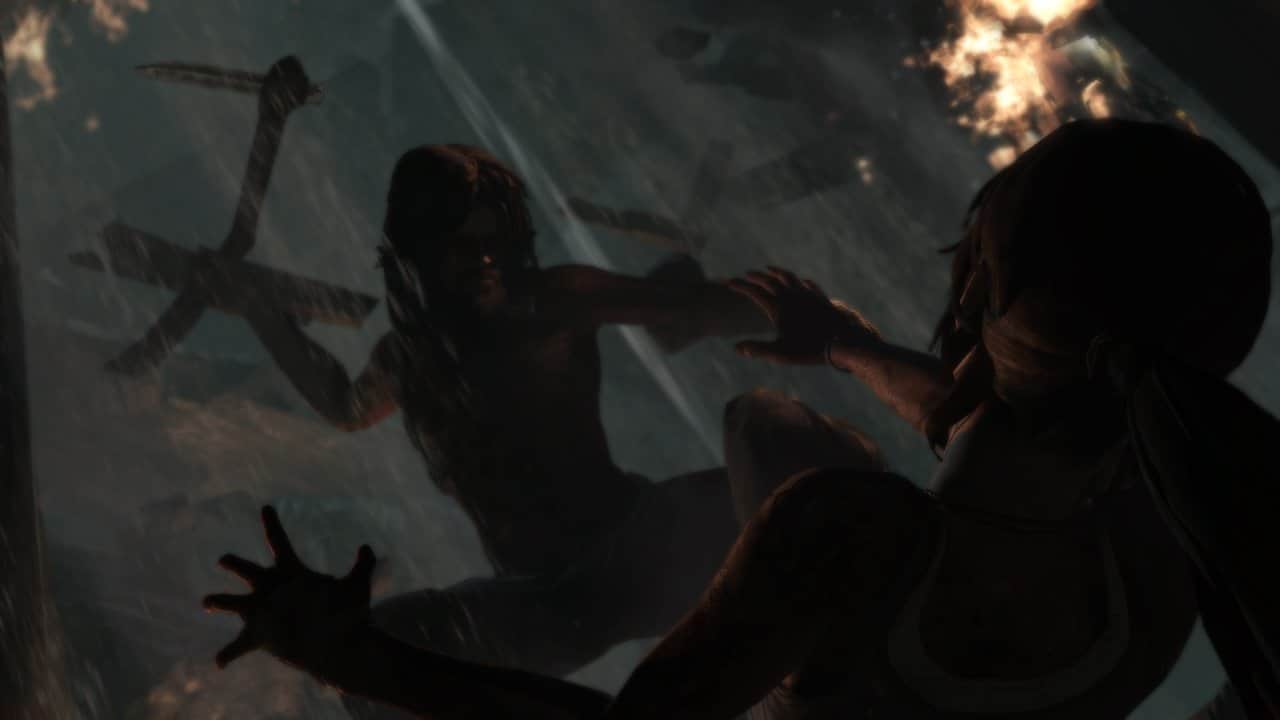
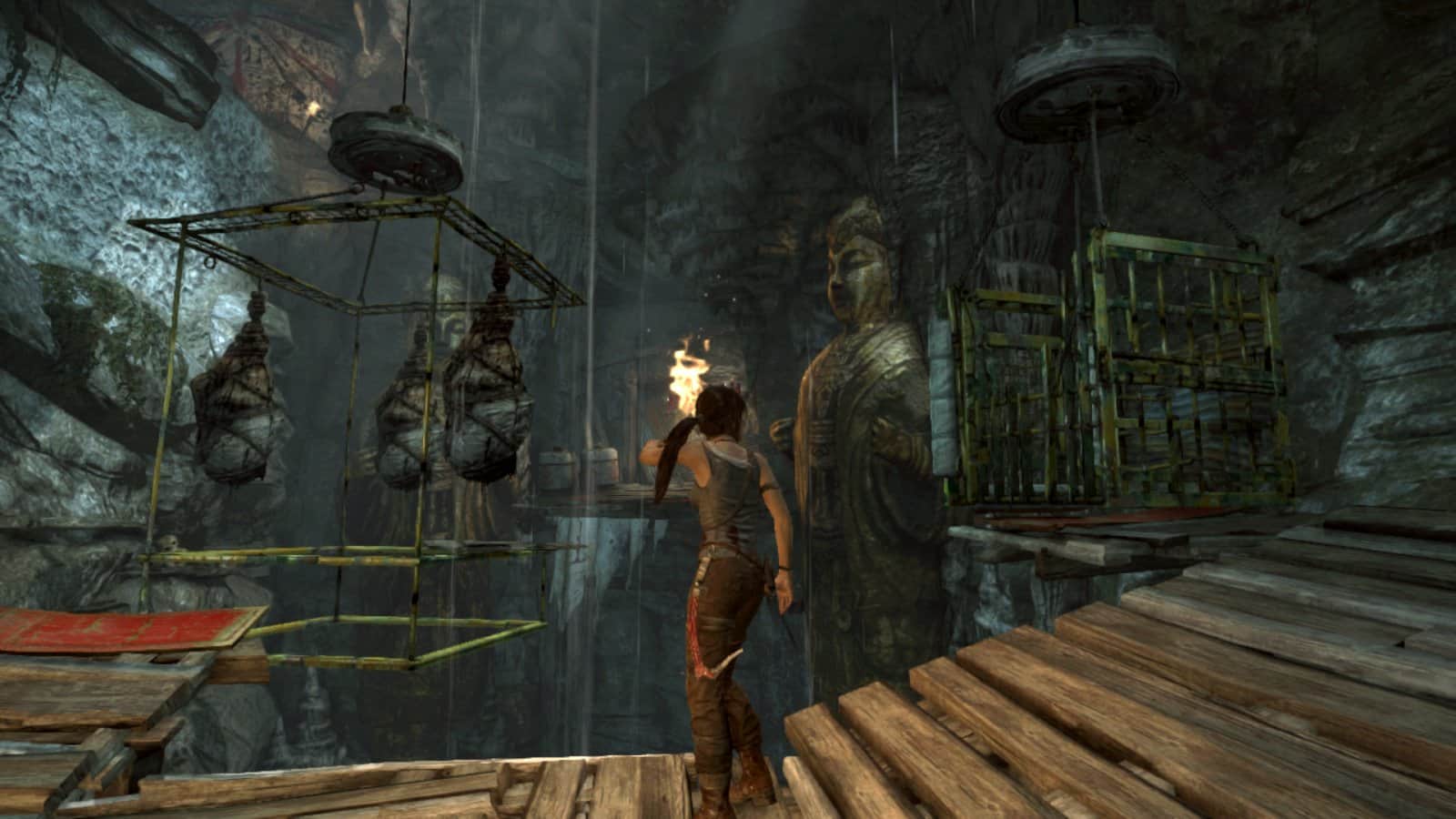
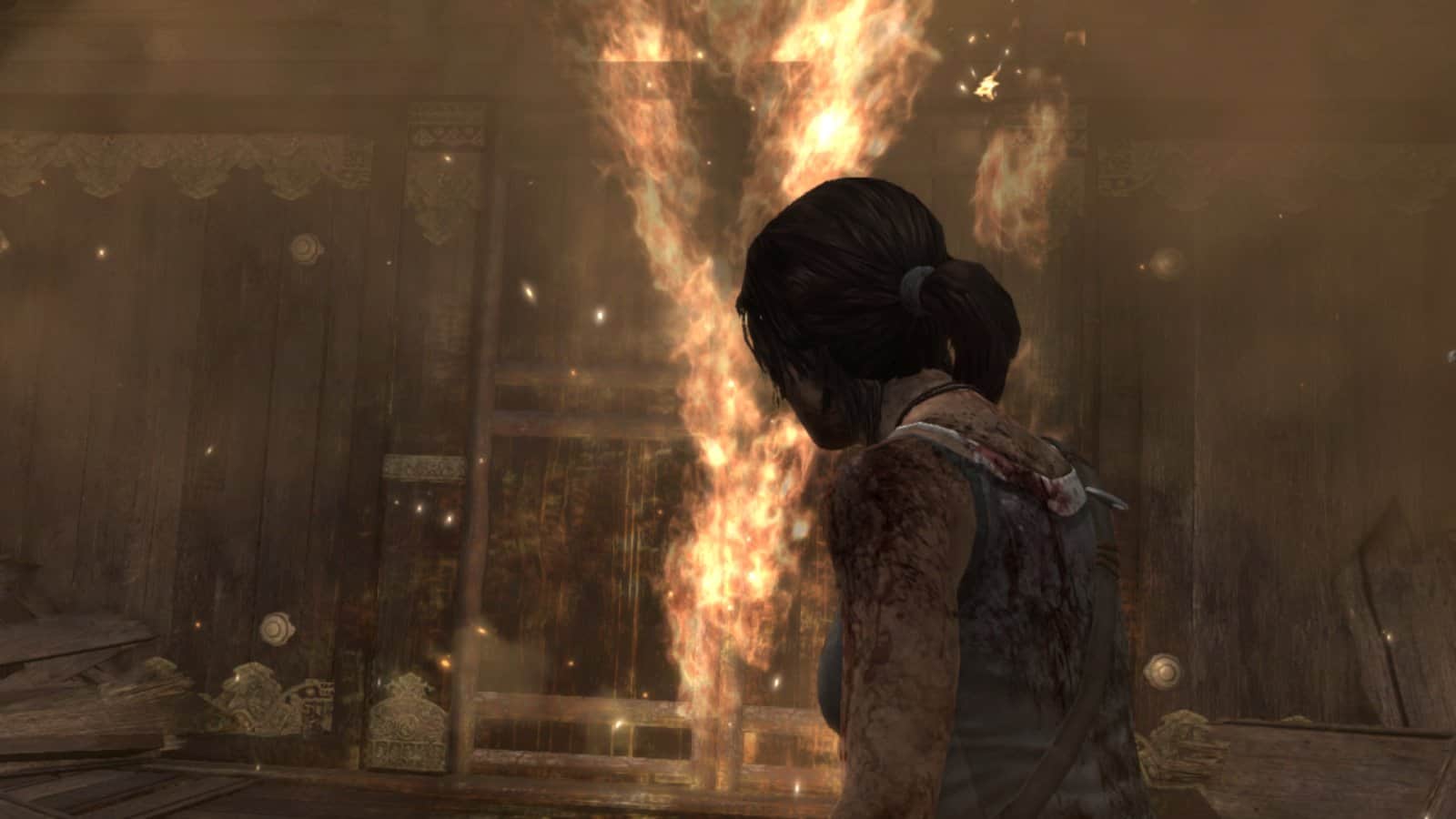
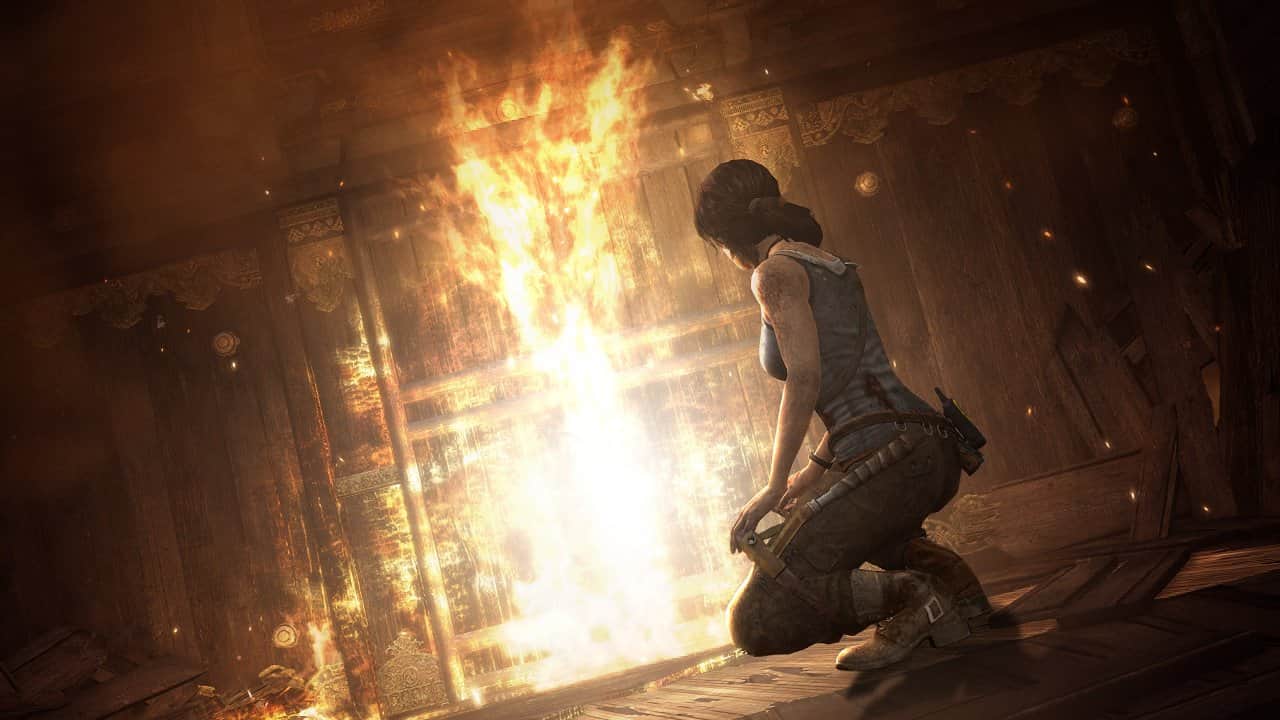
TOMB RAIDER is cult game released on all gaming platform in 2013 and has received many rave reviews. A restart of the franchise liked by many gamers. Now the owners of the NVIDIA SHIELD will be able to appreciate this game a masterpiece. The games story tells the formation of the young Lara into the hardened adventurer and the secrets covered under a big layer of untouched dust. Required to play games SHIELD Android TV console and controller. Especially for SHIELD created a plot Supplement "Tomb of the Lost Adventurer", as well as new equipment.
Russian language: unknown
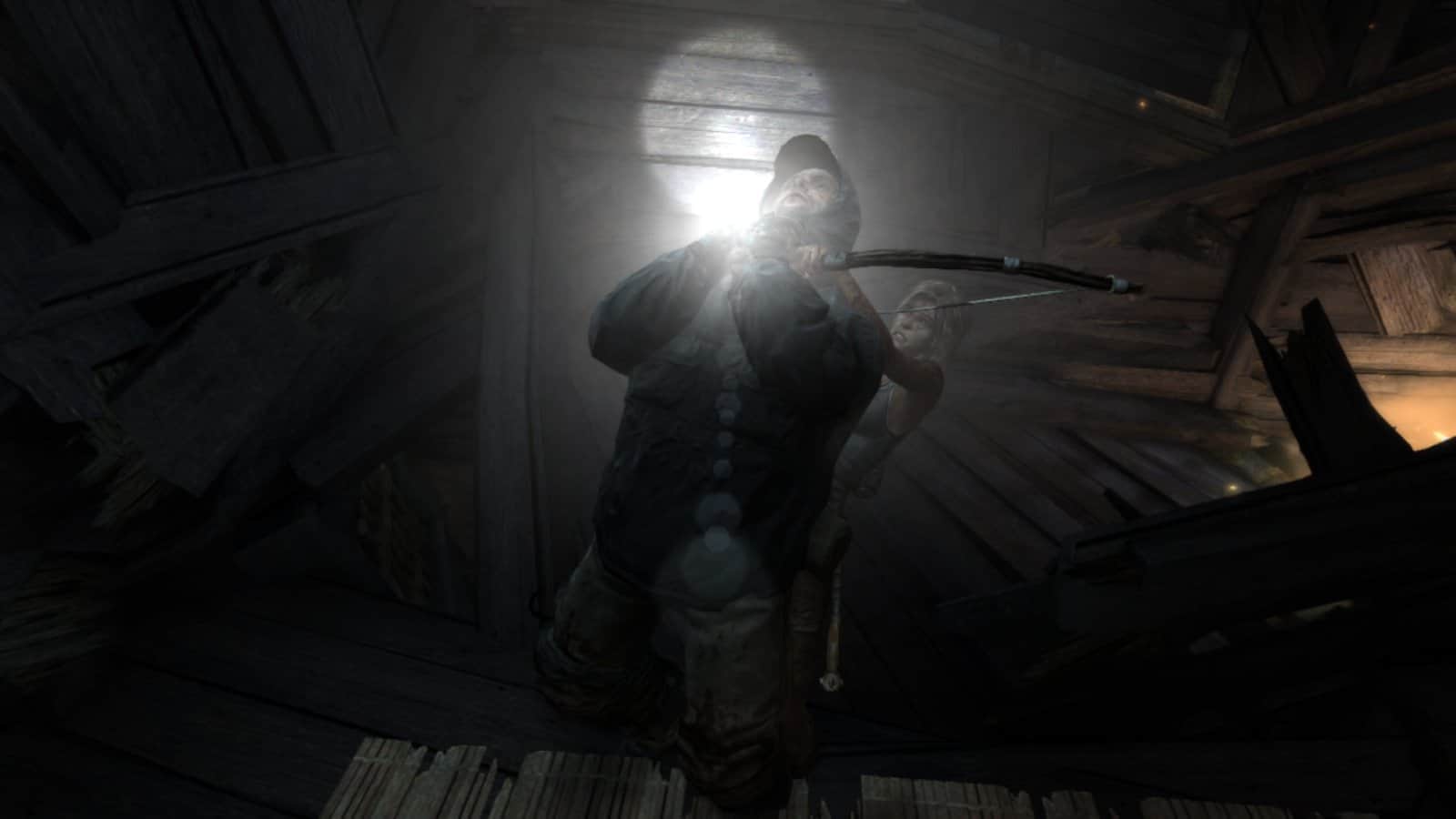
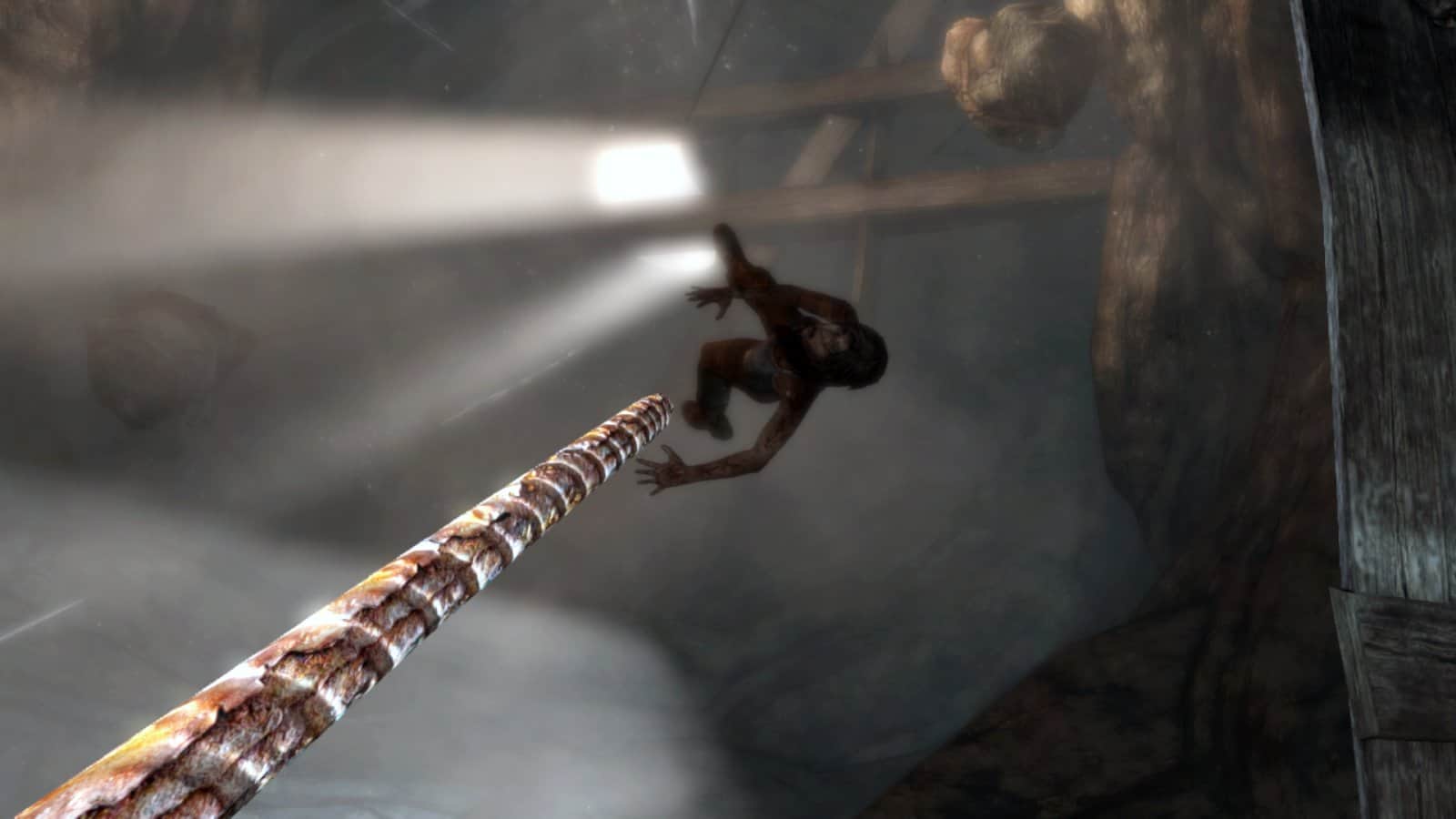
Screenshots
12 images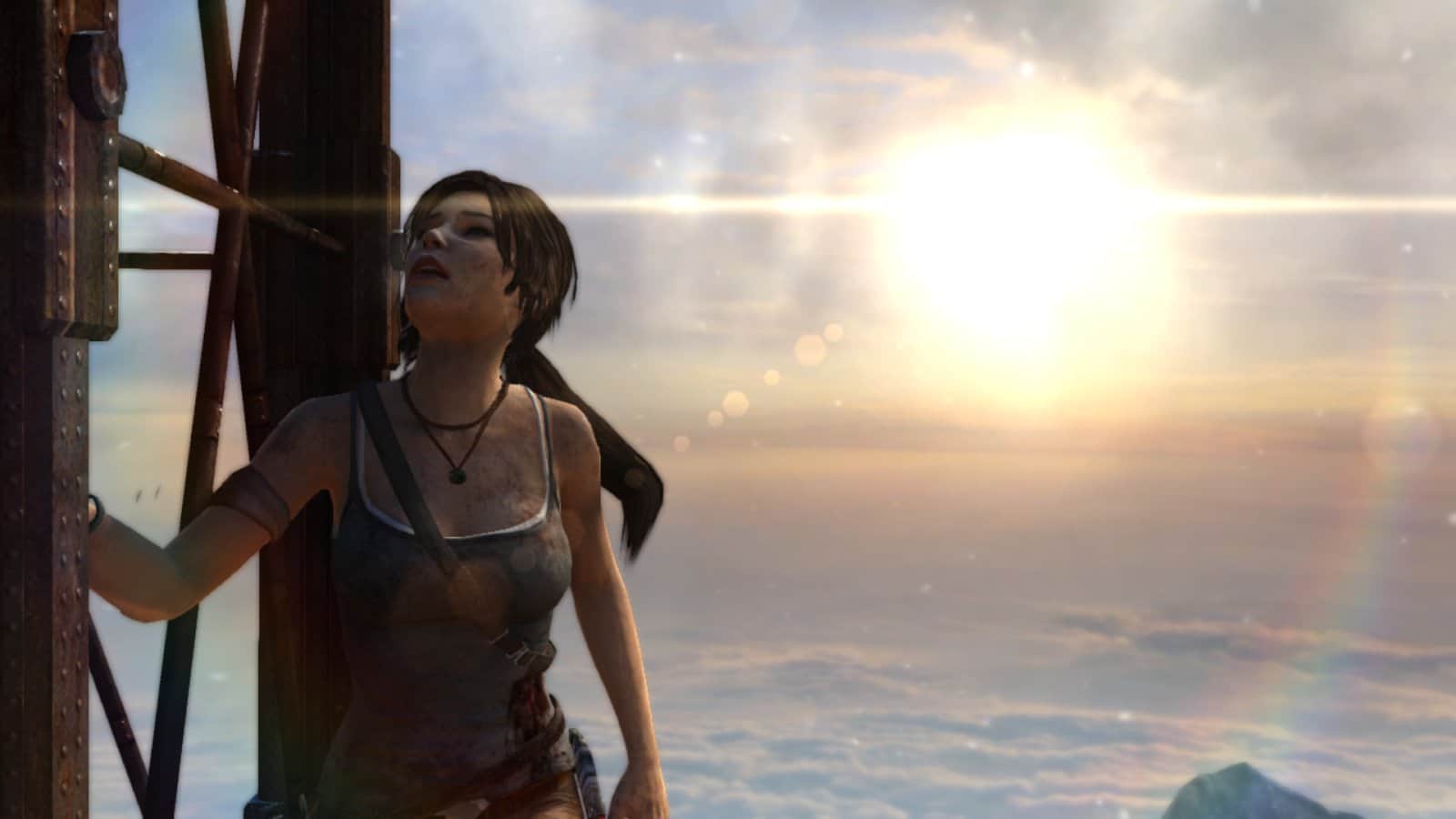
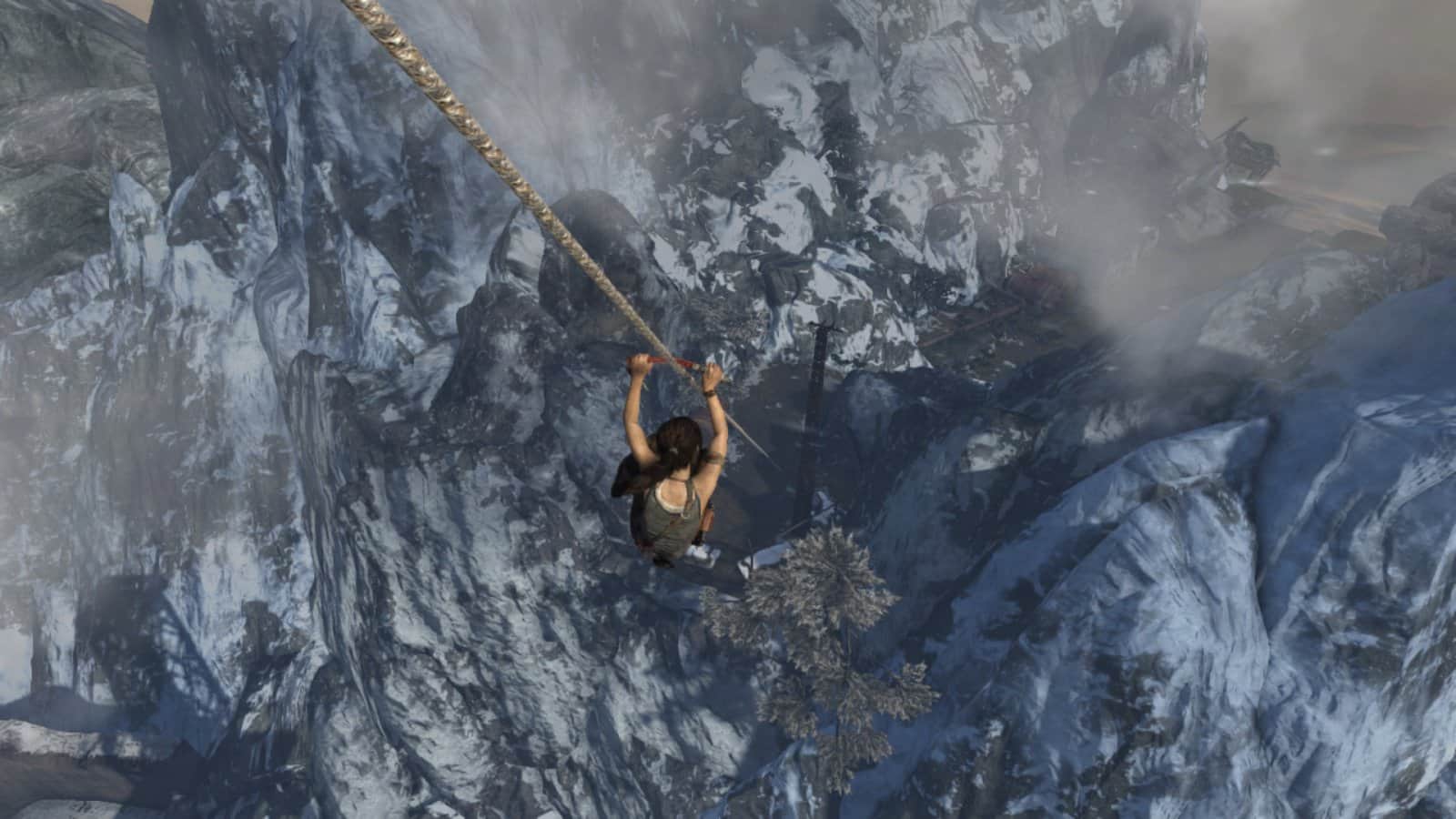
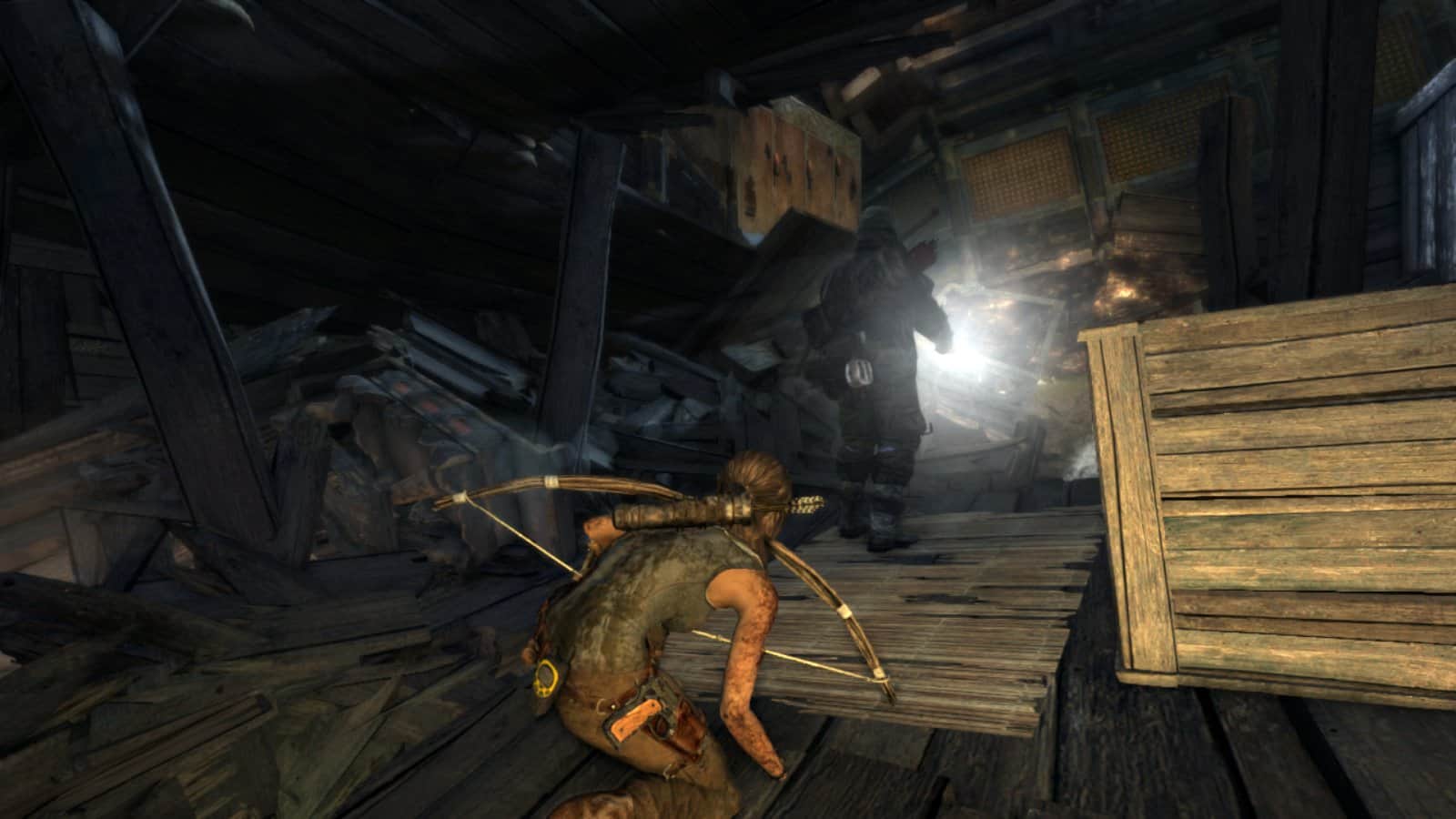
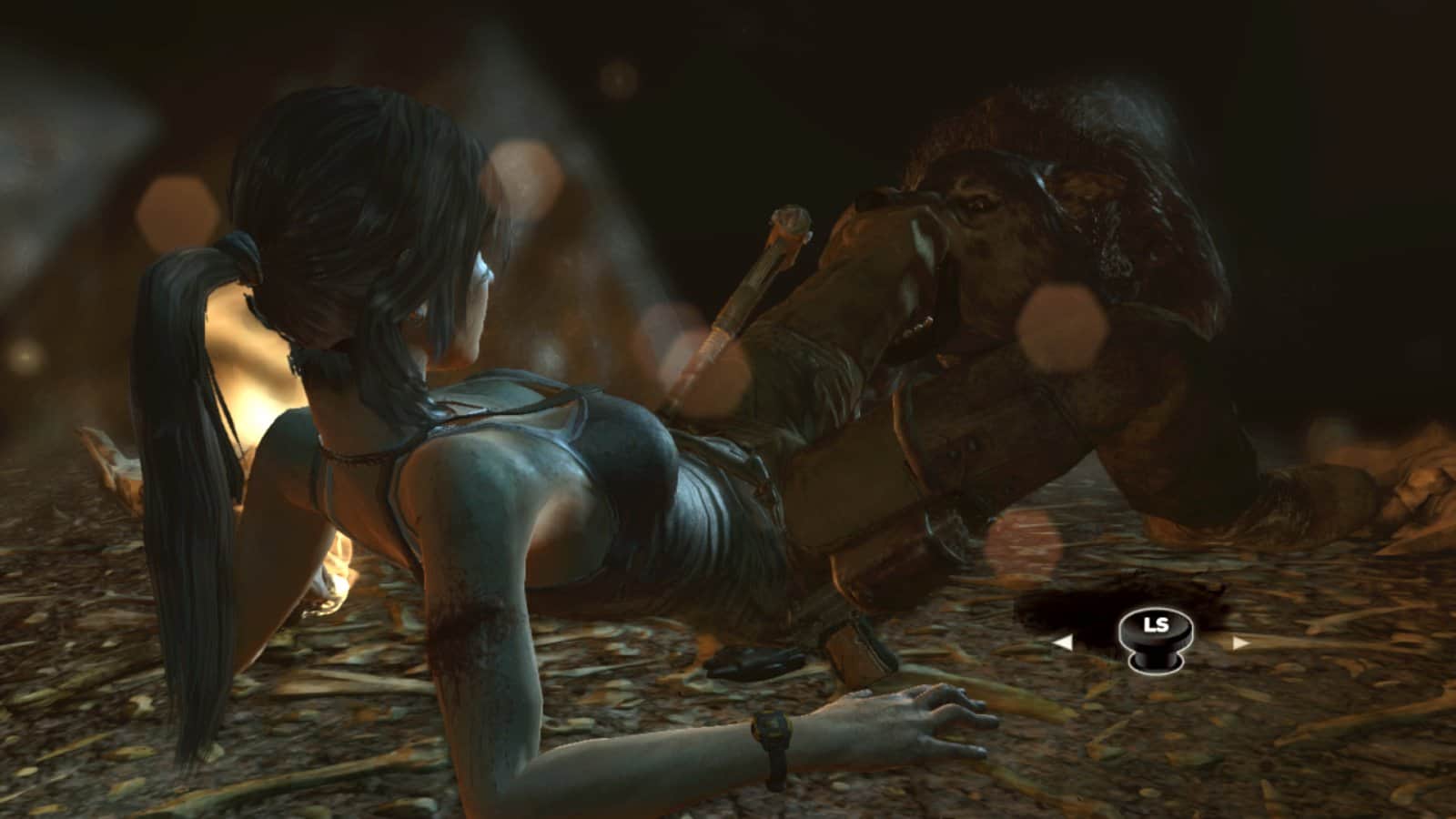
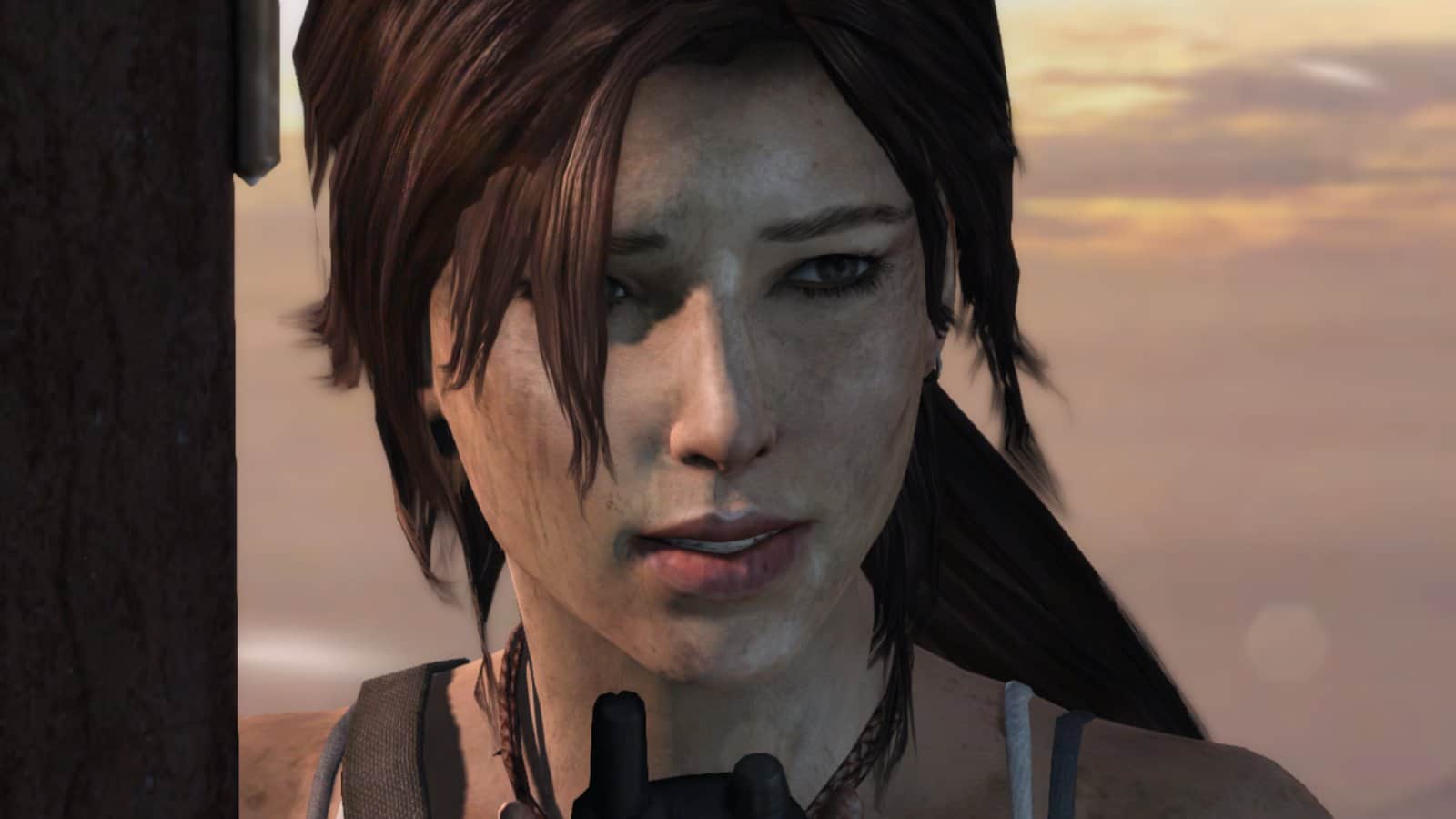
Download gameTomb Raider
14.03.2017 - Changes not specified.
Cache for Tomb Raider: unzip the folder to /Android/obb/
- path will look like this: /Android/obb/com.nvidia.squareenix.tombraider2013/
- install apk, launch the game!
Works?
Information
- OS
- Android 1.5+
- Internet
- not required
- Installation
- Download cache only from the site!
- Requires free space
- 3640 Mb
- Language
- English

![[forgotten] How much is your life worth](https://pdalife.com/photo/th_maxresdefault-1-_13.jpg)






Comments to Tomb Raider on Android
To leave comments,
please log in.
user653667, The error "Failed to download the game resource list" in Tomb Raider Reloaded occurs when the app is prevented from accessing the online servers.
Depending on the version of the game you have installed, the reason could be permanent or just a temporary technical issue. Here are the main causes:
1. Netflix Version Shutdown (Most likely cause)
If you installed the game through your Netflix subscription (or from the games section of the Netflix app), it is important to know that the servers for this version were permanently shut down on February 13, 2026.
Since the game requires a constant internet connection to work, the app now tries to find the servers, fails, and shows this error. Unfortunately, this specific version is no longer playable. The only alternative is to install the normal "Free-to-Play" version available on the Google Play Store.
2. Ad Blockers or Custom DNS (Free Version)
If you are playing the free (non-Netflix) version and this error appears, your connection might be getting blocked.
Do you have a VPN, an ad blocker (like AdGuard, Blokada), or a custom DNS (like dns.adguard.com) enabled on your phone? These services often block the addresses from which the game tries to download resources.
Solution: Temporarily disable the VPN or private DNS in your phone's settings and try opening the game again.
3. Wi-Fi Network Issues
Even though the Wi-Fi icon appears connected in your screenshot, the network might be restricting traffic (very common in corporate, school, or hospital networks) or experiencing a DNS failure.
Solution: Turn off your Wi-Fi and try opening the game using only your Mobile Data to test if the download proceeds.