

About the app
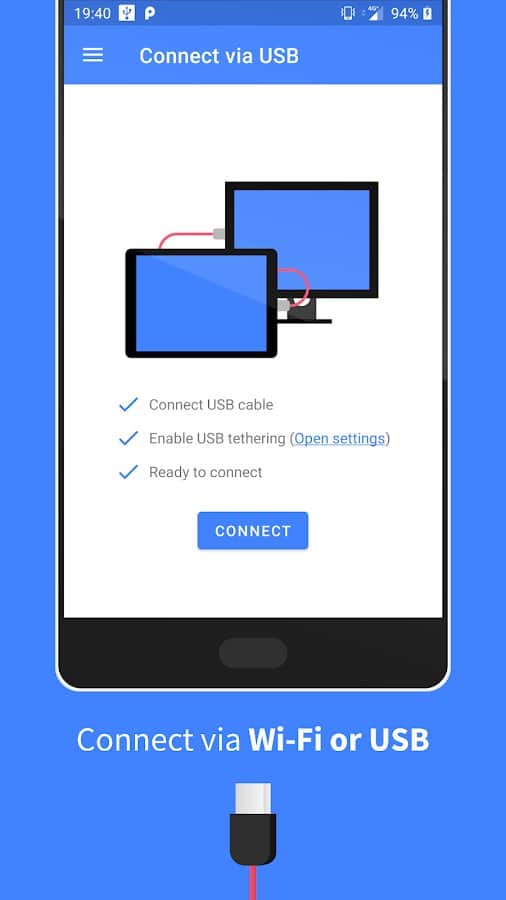
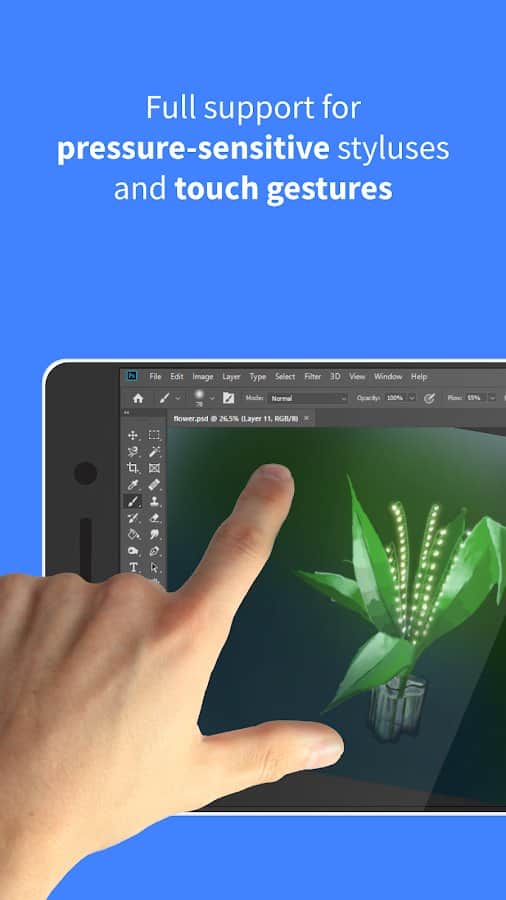
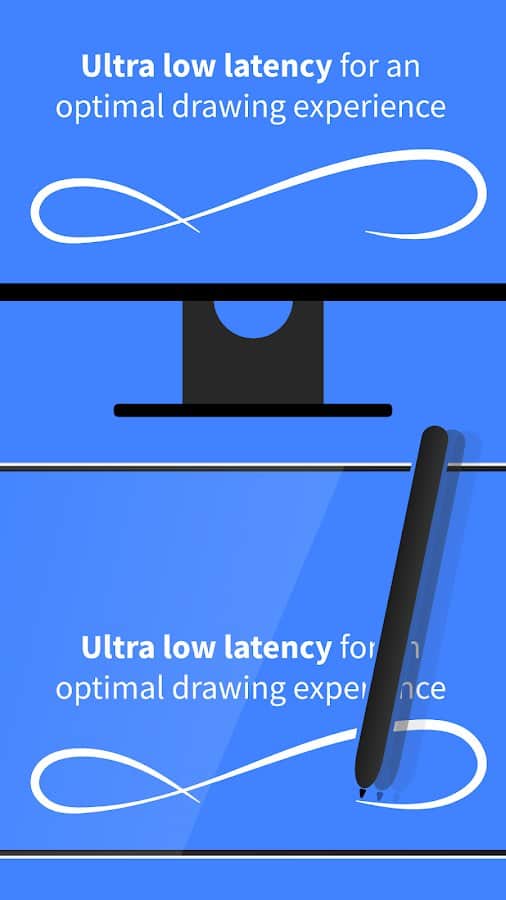
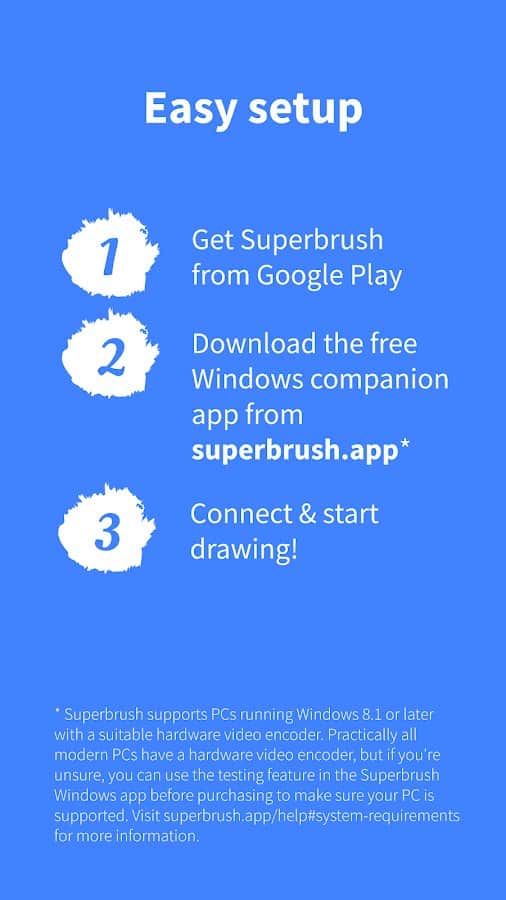
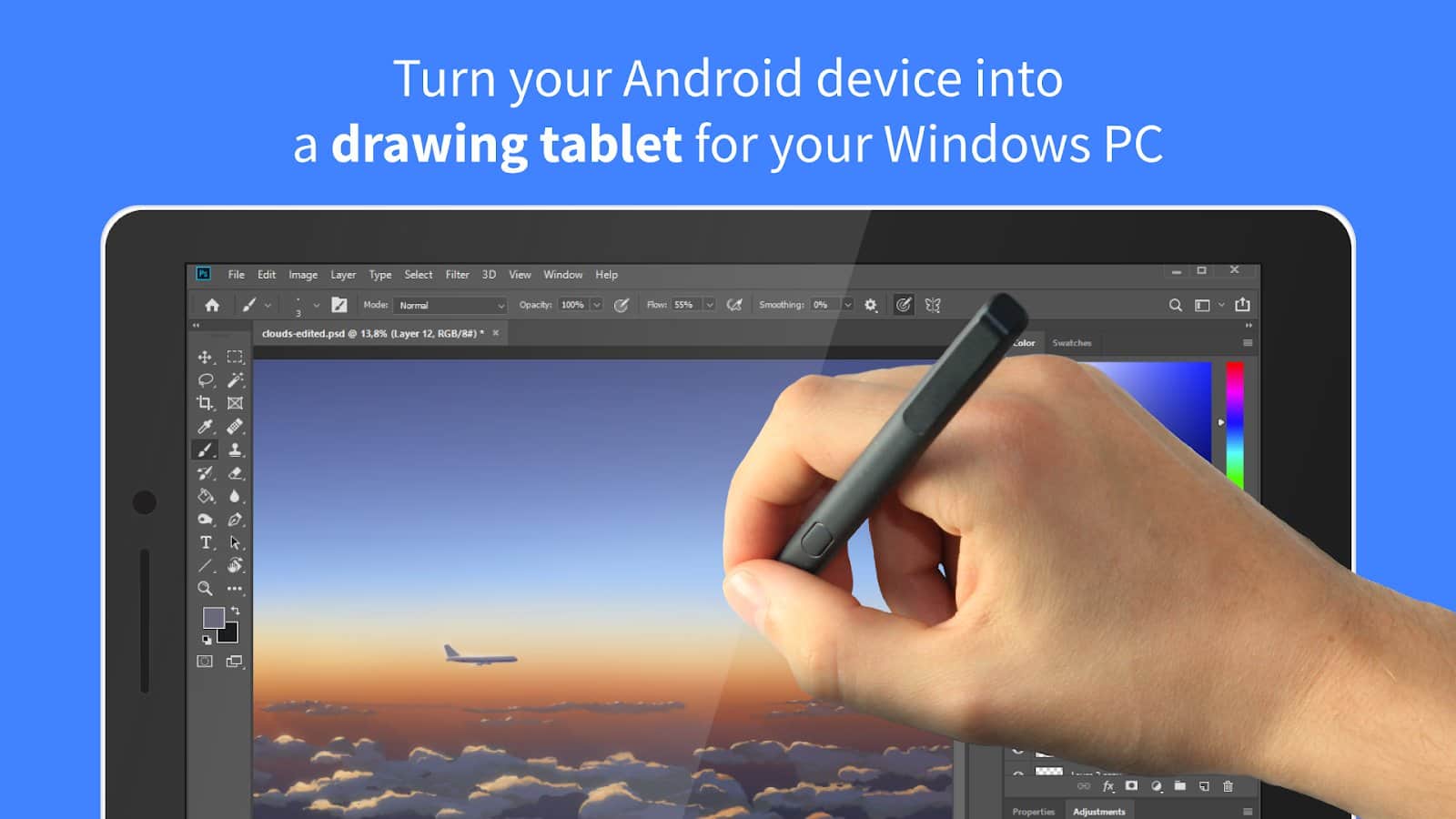
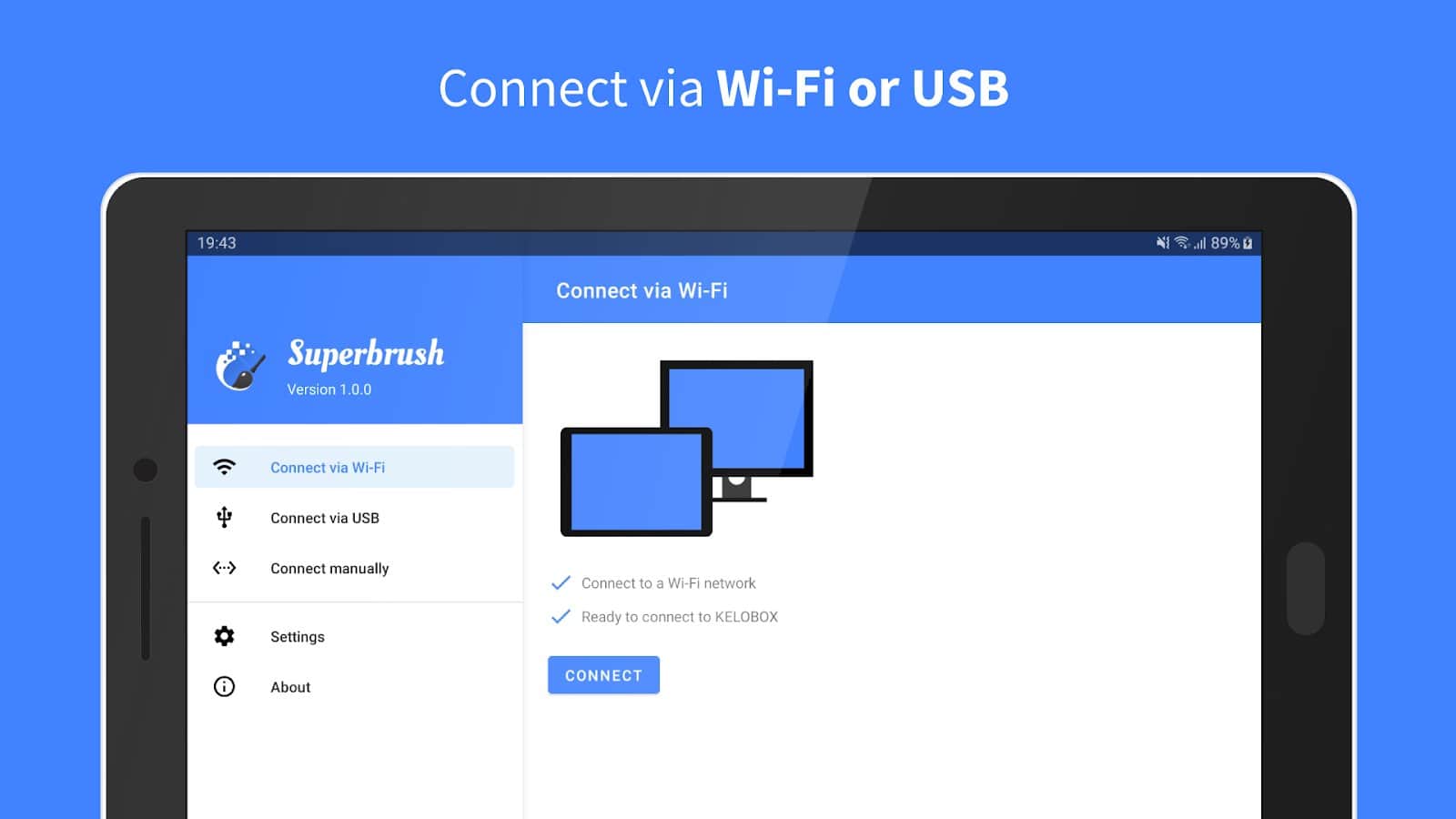
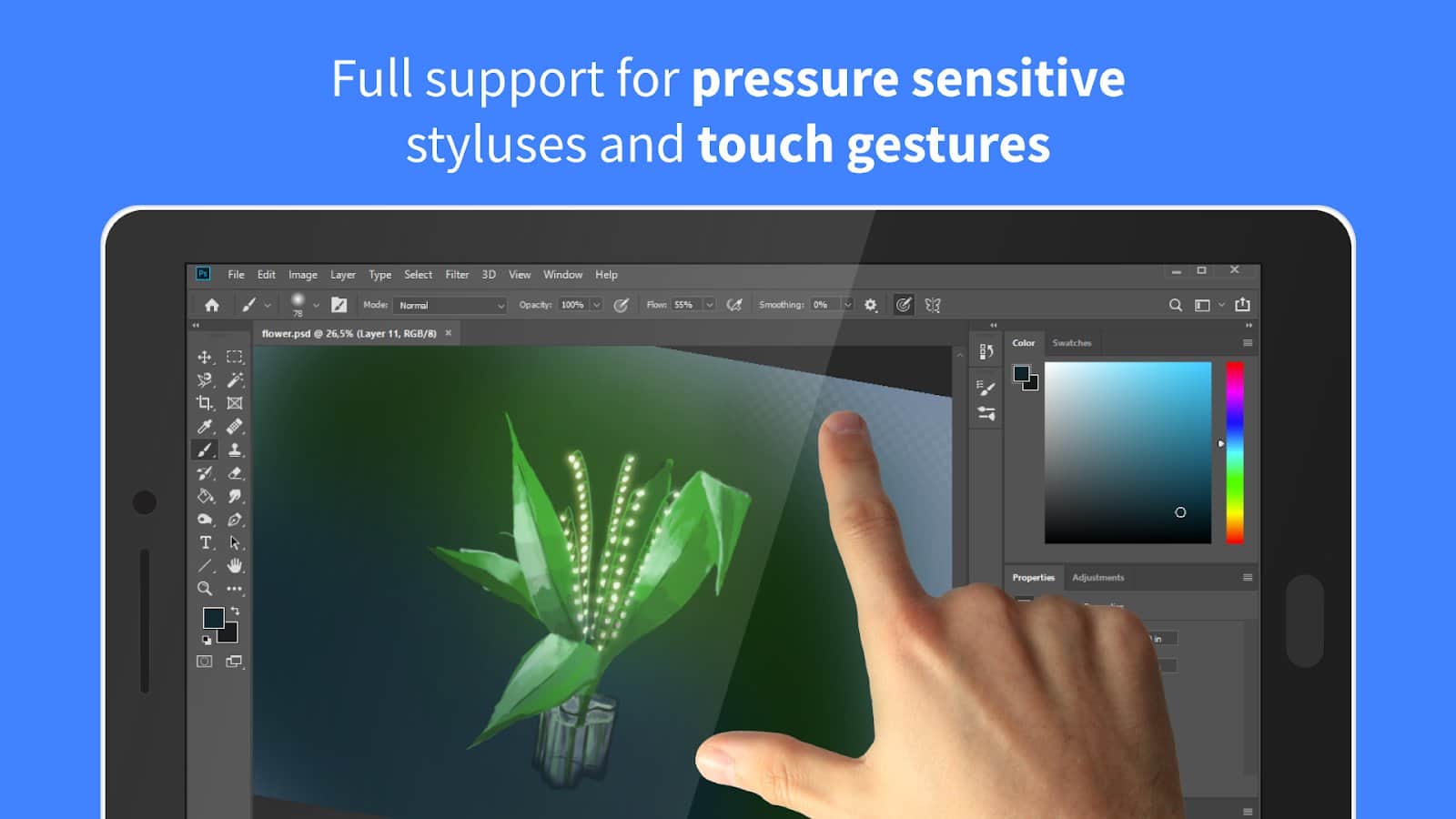
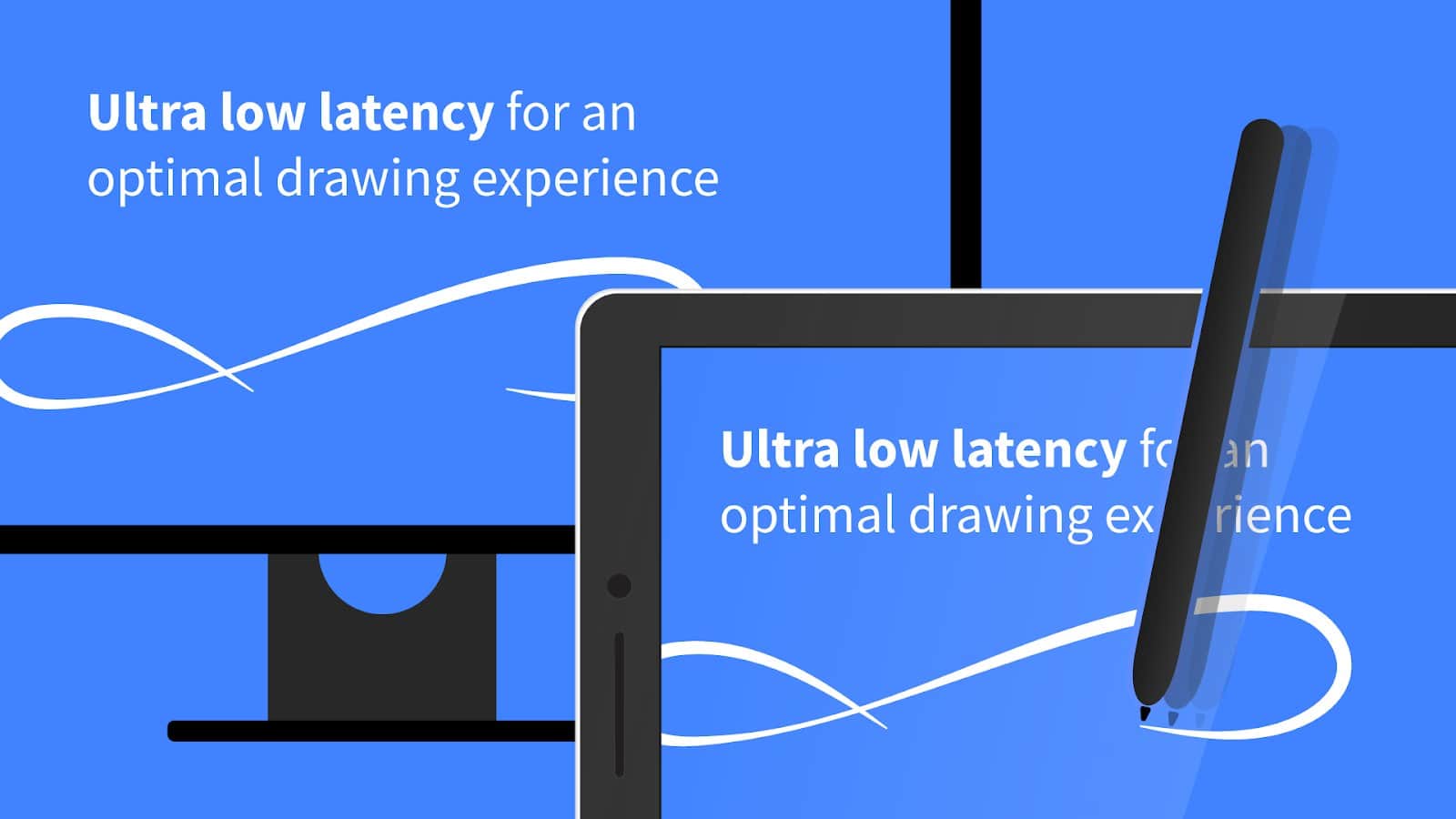
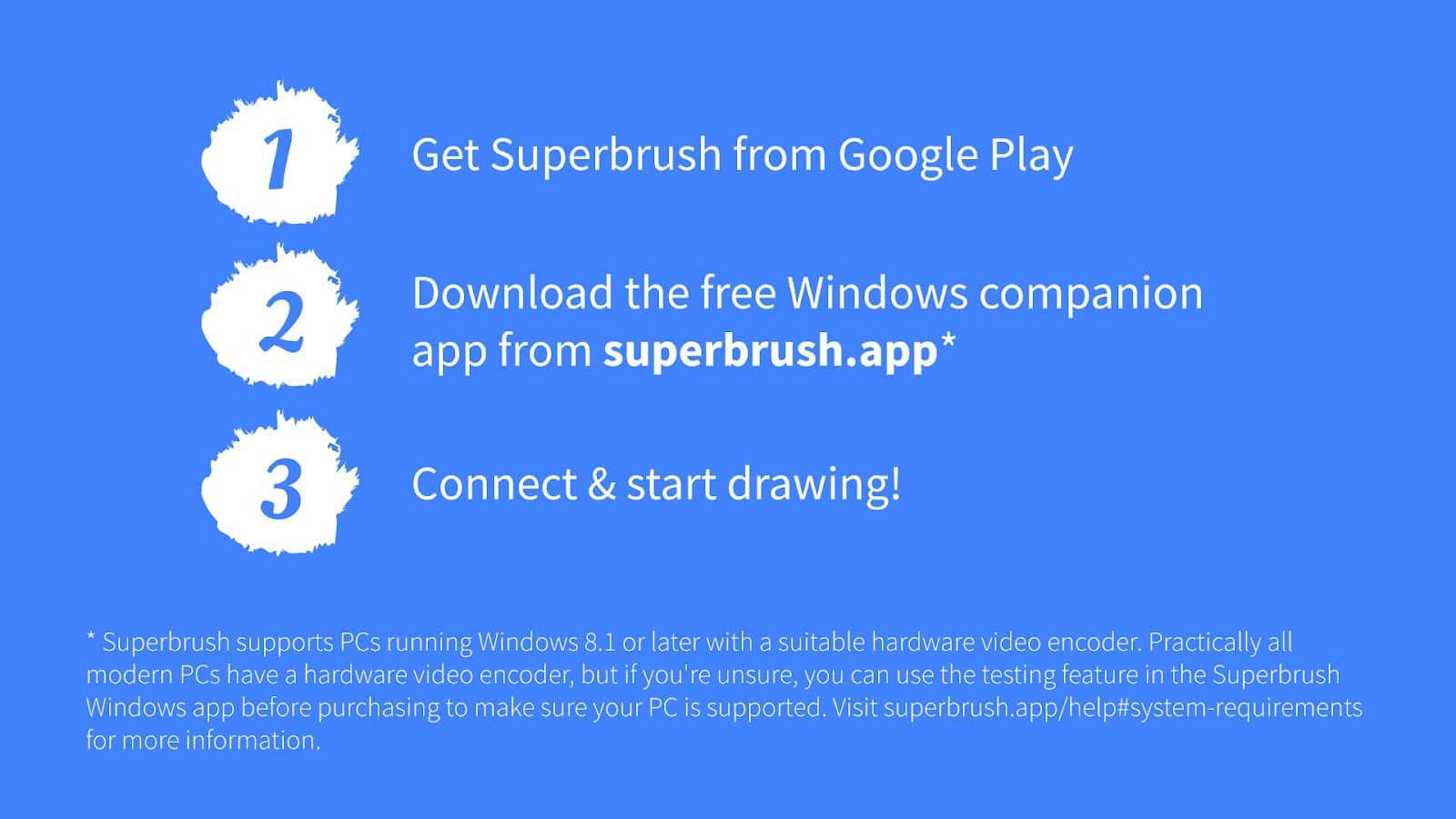
With the application, Superbrush you will be able to "clone" data from the PC monitor and play them on the device with Android. The connection is through a stable Wi-Fi connection or USB connection. Built-in video encoder enables you to draw without any restrictions and with minimum delay. The performance of the tablet or smartphone is not affected. Control functions using gestures on the multi-touch type. Colorful realistic design and tool bar will satisfy every user.
Screenshots
10 images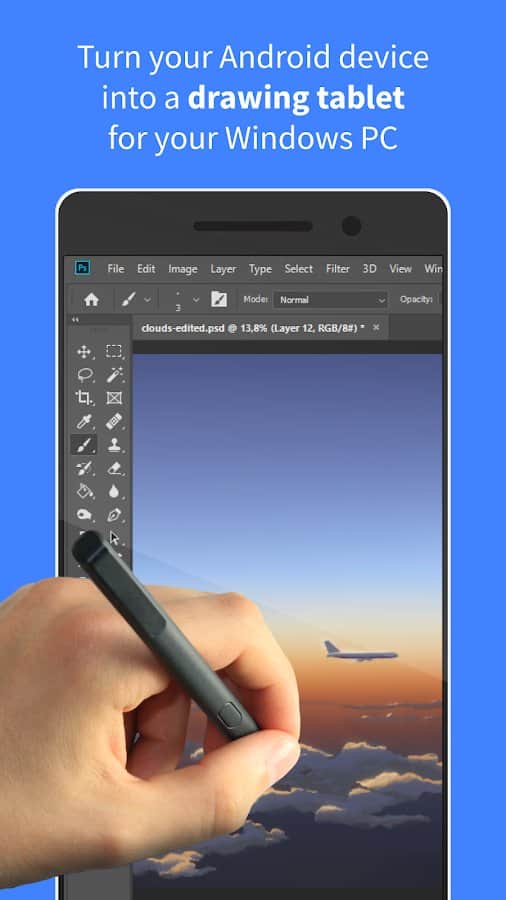

Download appSuperbrush

Information
- OS
- Android 5.0+
- Internet
- not required
- Requires free space
- 45 Mb
- Language
- English

![[forgotten] How much is your life worth](https://pdalife.com/photo/th_maxresdefault-1-_13.jpg)






Comments to Superbrush on Android
To leave comments,
please log in.