

About the app
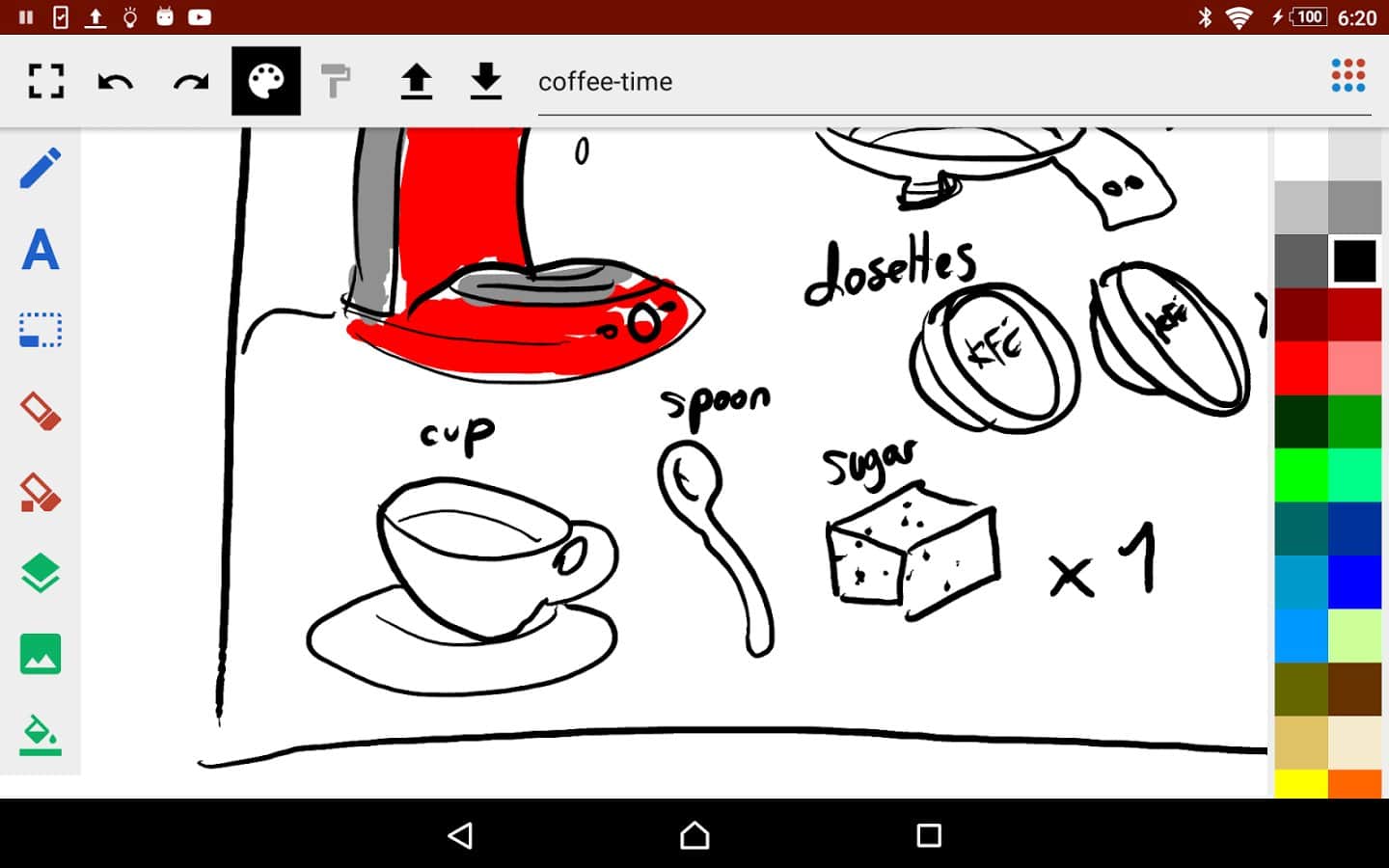
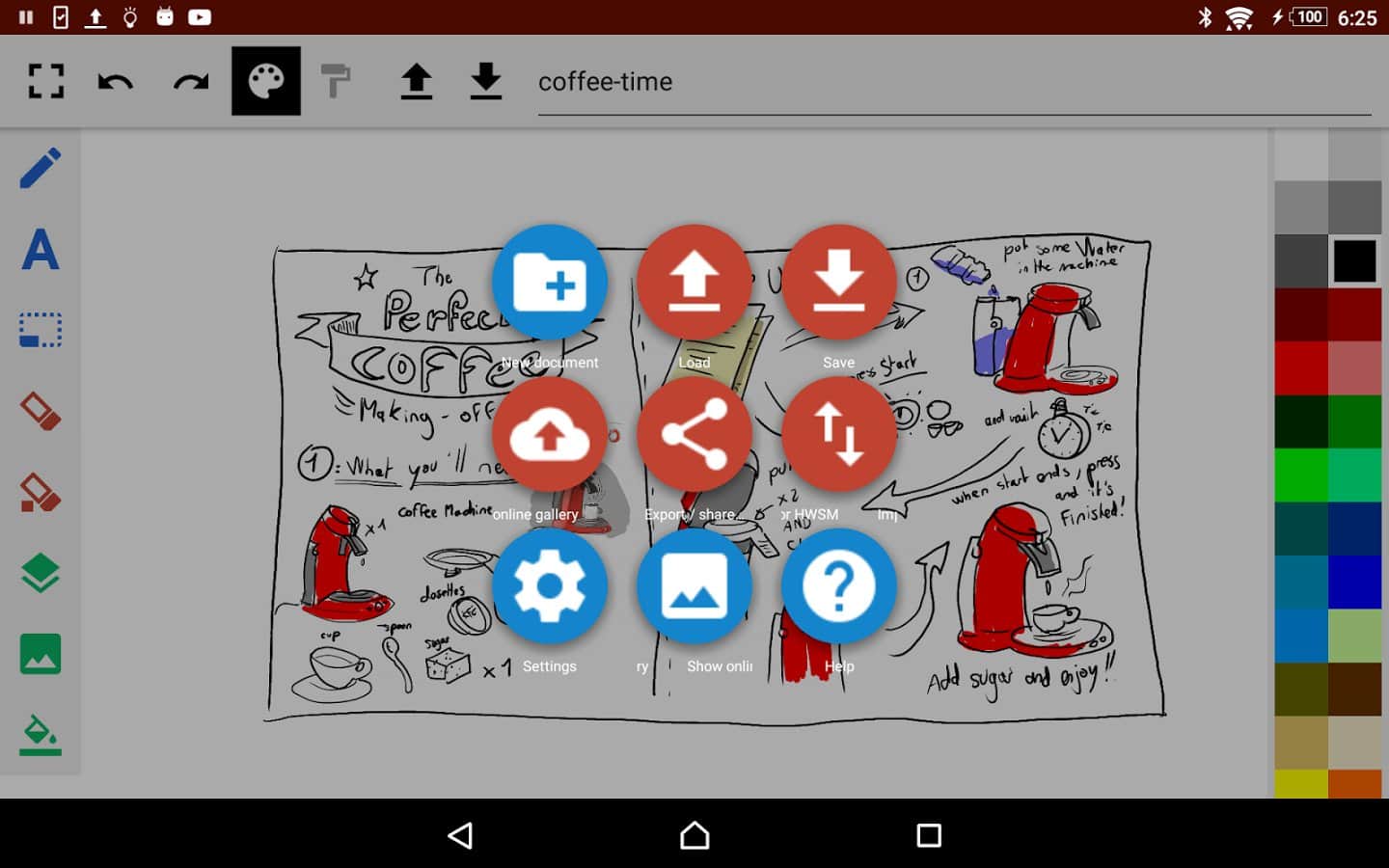
ScribMaster draw and paint – every time application developers to draw delight us with new capabilities and features of their creations. It was not at this time, the developer Stefan Ostermann offers the possibility of drawing and expression on Android tablets and smartphones with large screens. The application has intuitive user interface and pen support and screen with Wacom technology, contains a large number of different features and capabilities. Great drawings and new ideas to you!
Features:
- Import
- pressure Sensitivity (the S-PEN and ThinkPad PEN)
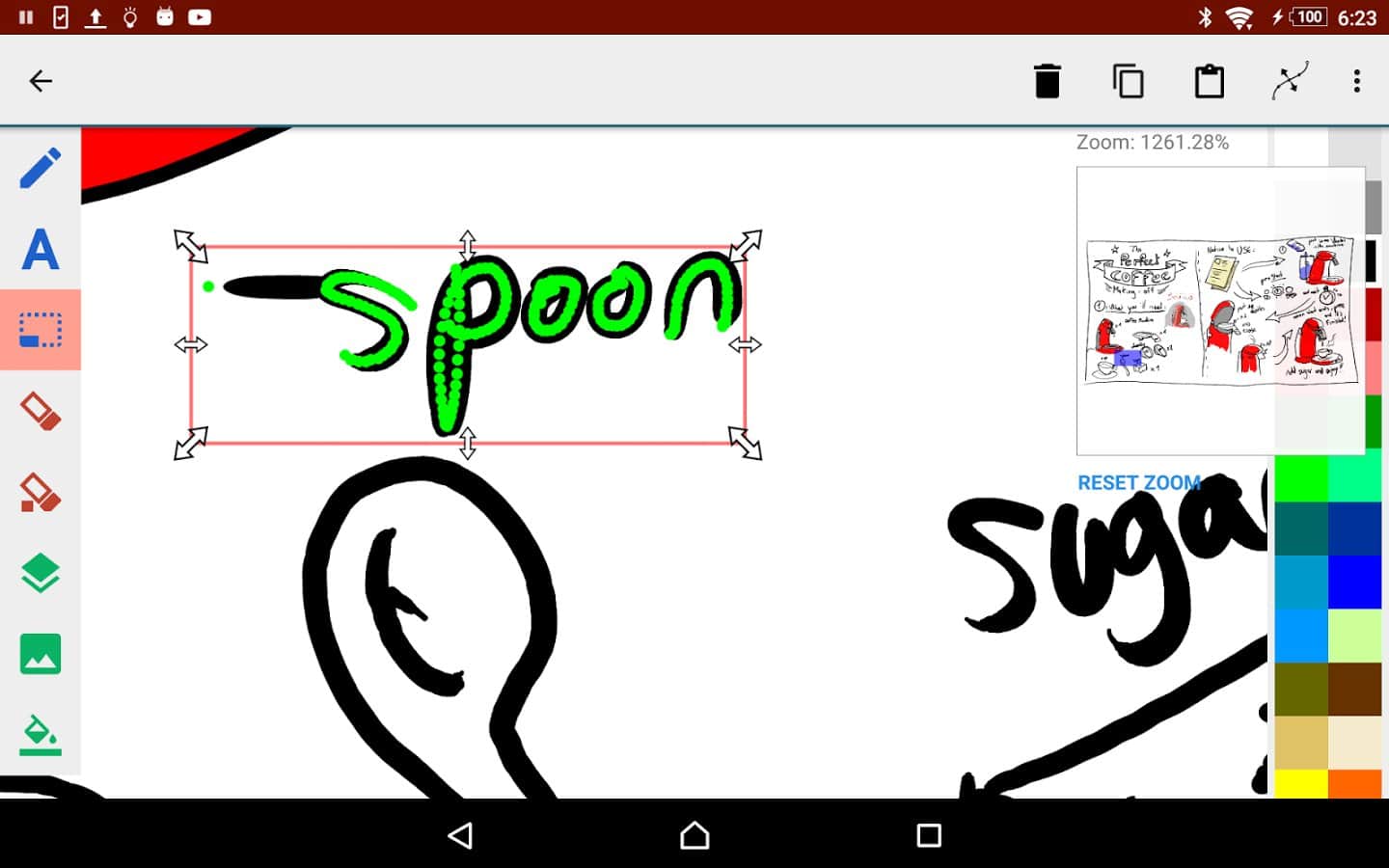
- Move and scale one layer
- Draw only with pen
- Changing the layer order
- Hide tools
- Saving in svg/jpg
Screenshots
7 images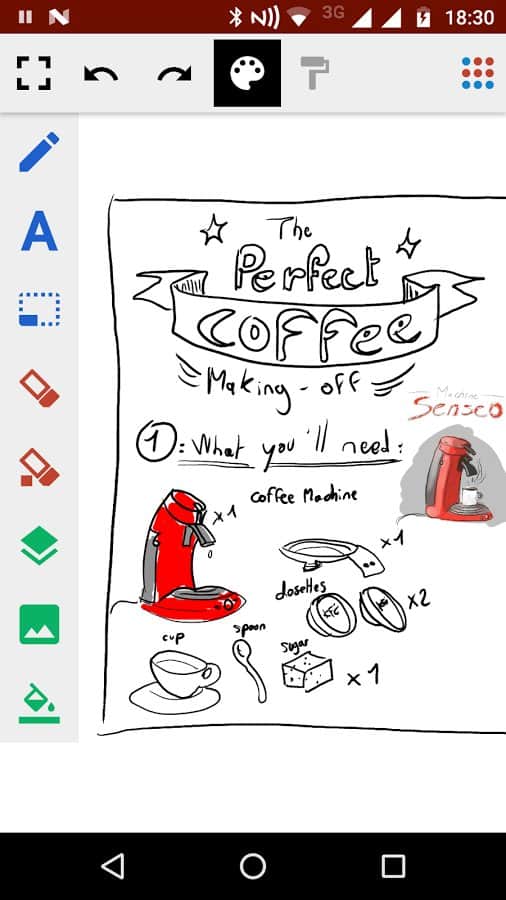
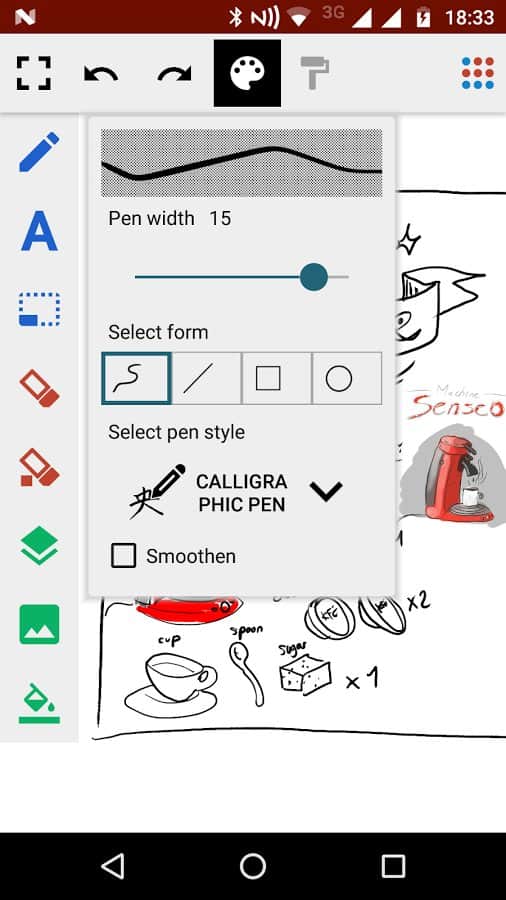
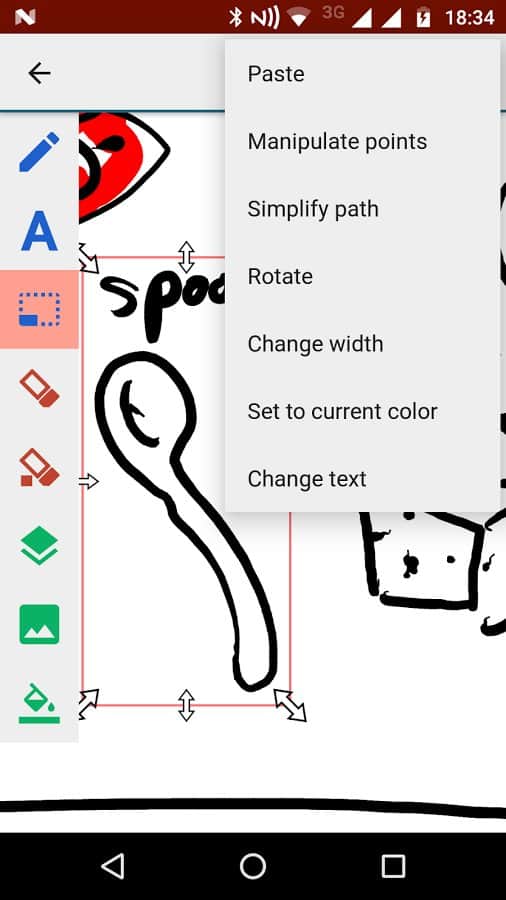
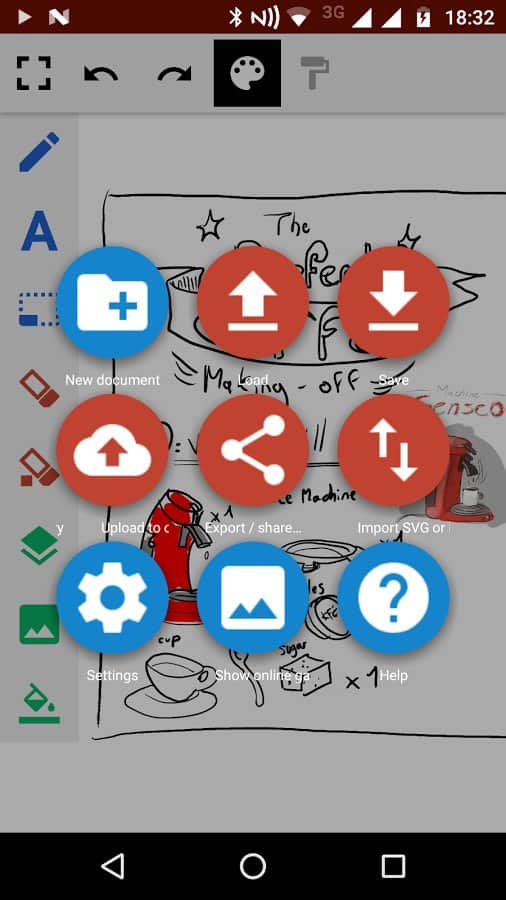
Download appScribMaster draw and paint
Information
- OS
- Android 2.2+
- Language
- English

![[forgotten] How much is your life worth](https://pdalife.com/photo/th_maxresdefault-1-_13.jpg)







Comments to ScribMaster draw and paint on Android
To leave comments,
please log in.