
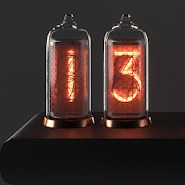
About the app
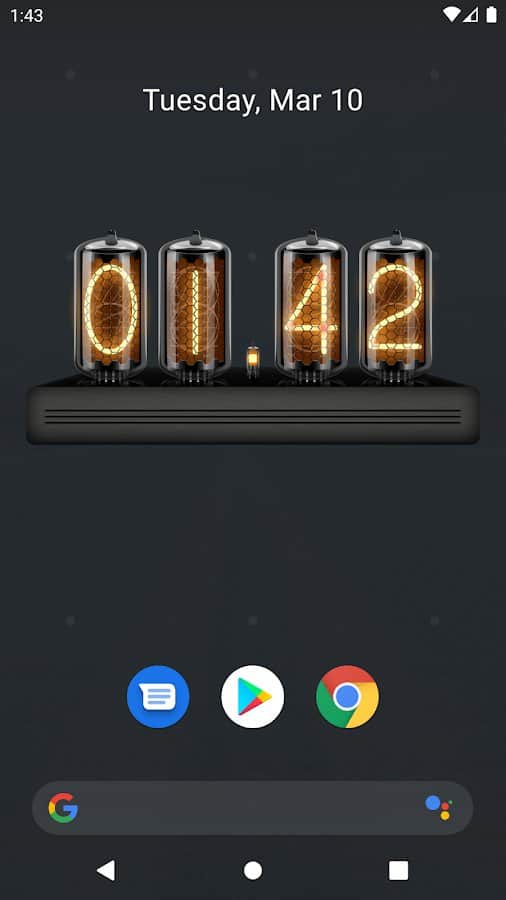
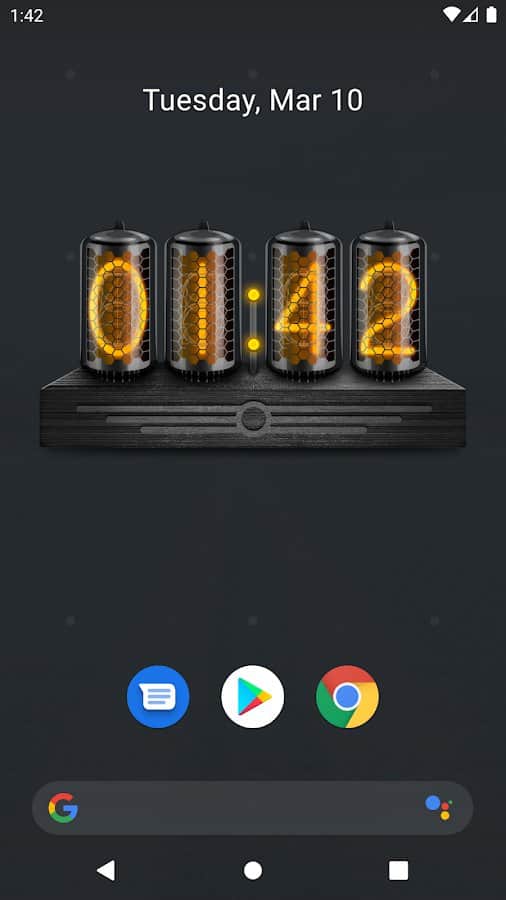
Installing on the smartphone screen widget Quasar nixie tube IN-8, you will create a unique style of divergence or retro your desktop.
Features:
- gas-Discharge indicators;
- Simple one touch controls;
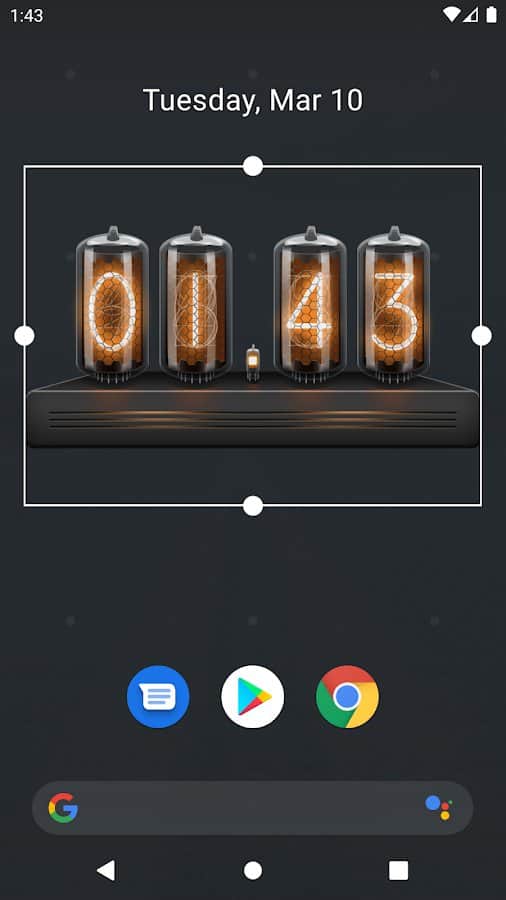
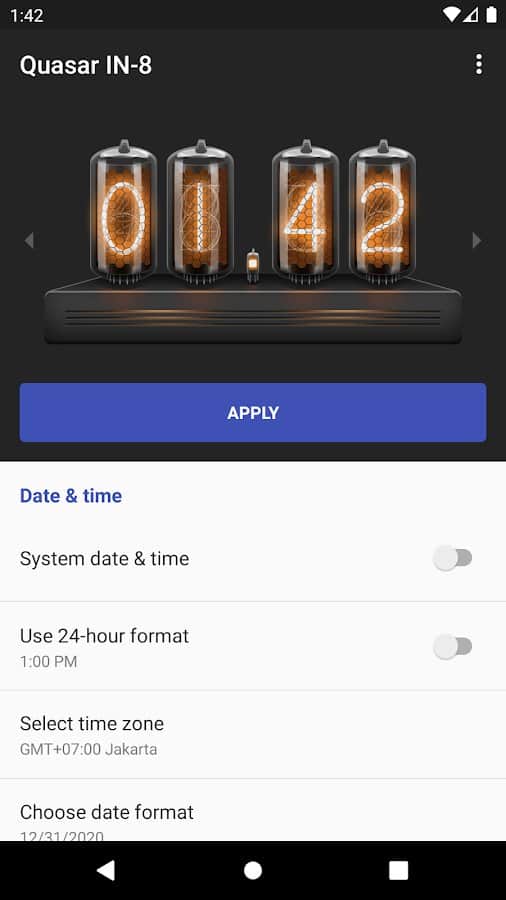
- change the size of the widget;
- date Display;
- Launch alarm clock in one click;
- sleek
- Warm lighting;
- Accurate representation of current time;
- Intuitive settings;
- choose format of date and time;
- timezone;
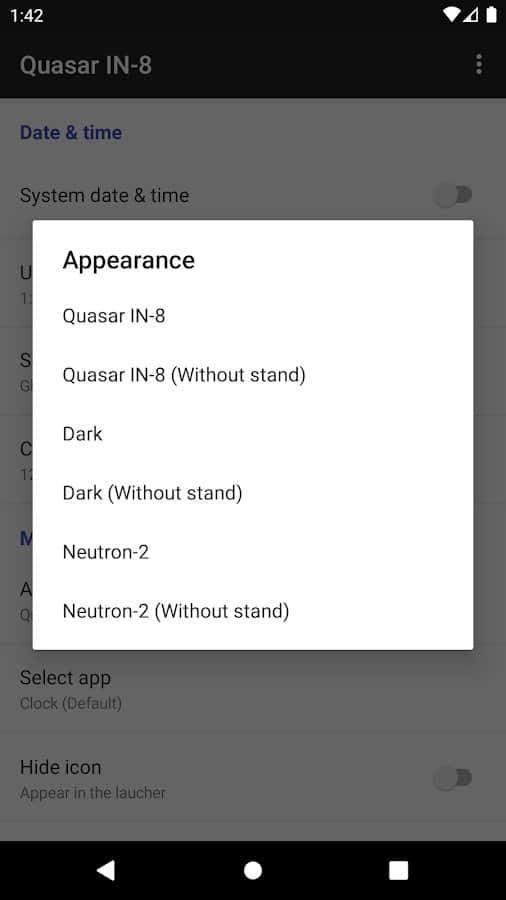
- Various colors for the design theme of the app.
Screenshots
6 images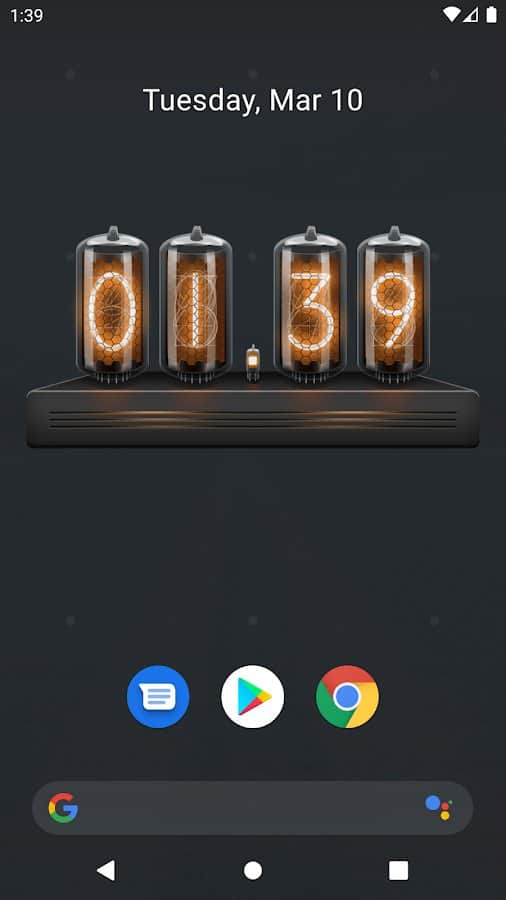

Download appQuasar IN-8: Nixie Clock Widget

Information
- OS
- Android 4.0+
- Internet
- not required
- Requires free space
- 45 Mb
- Language
- English

![[forgotten] How much is your life worth](https://pdalife.com/photo/th_maxresdefault-1-_13.jpg)






Comments to Quasar IN-8: Nixie Clock Widget on Android
To leave comments,
please log in.