
About the app
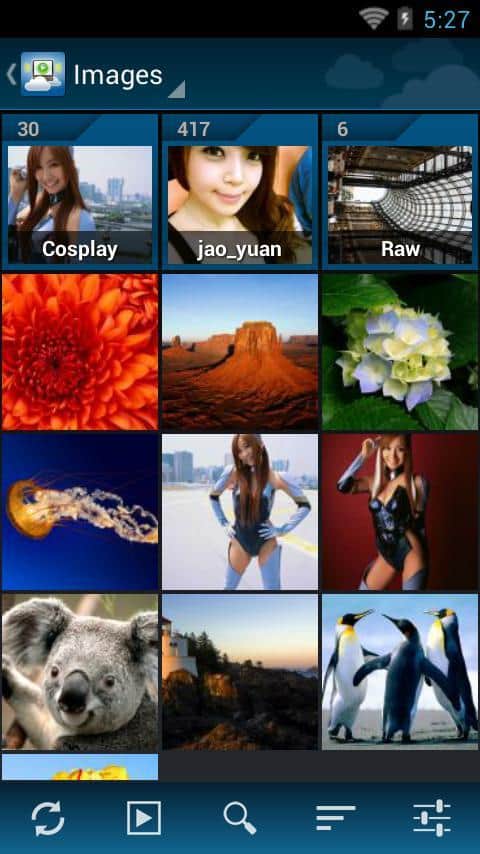
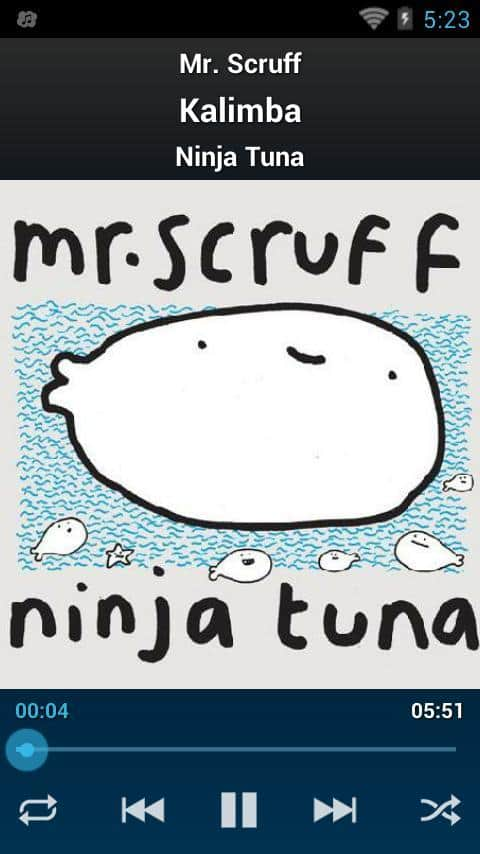
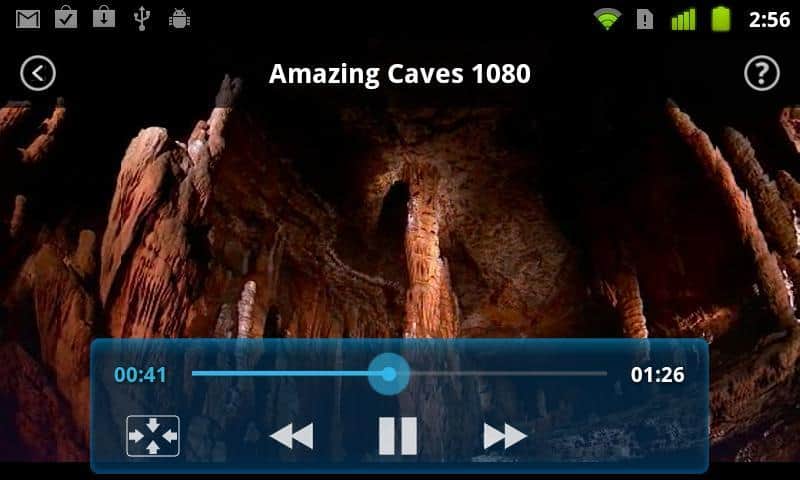
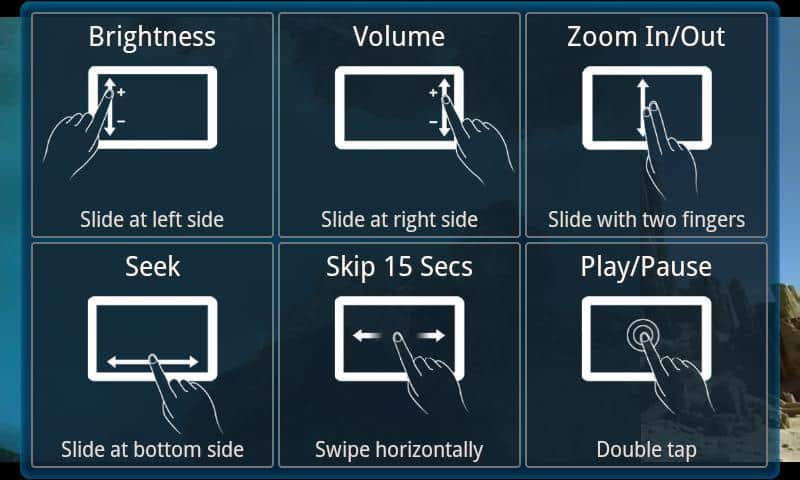
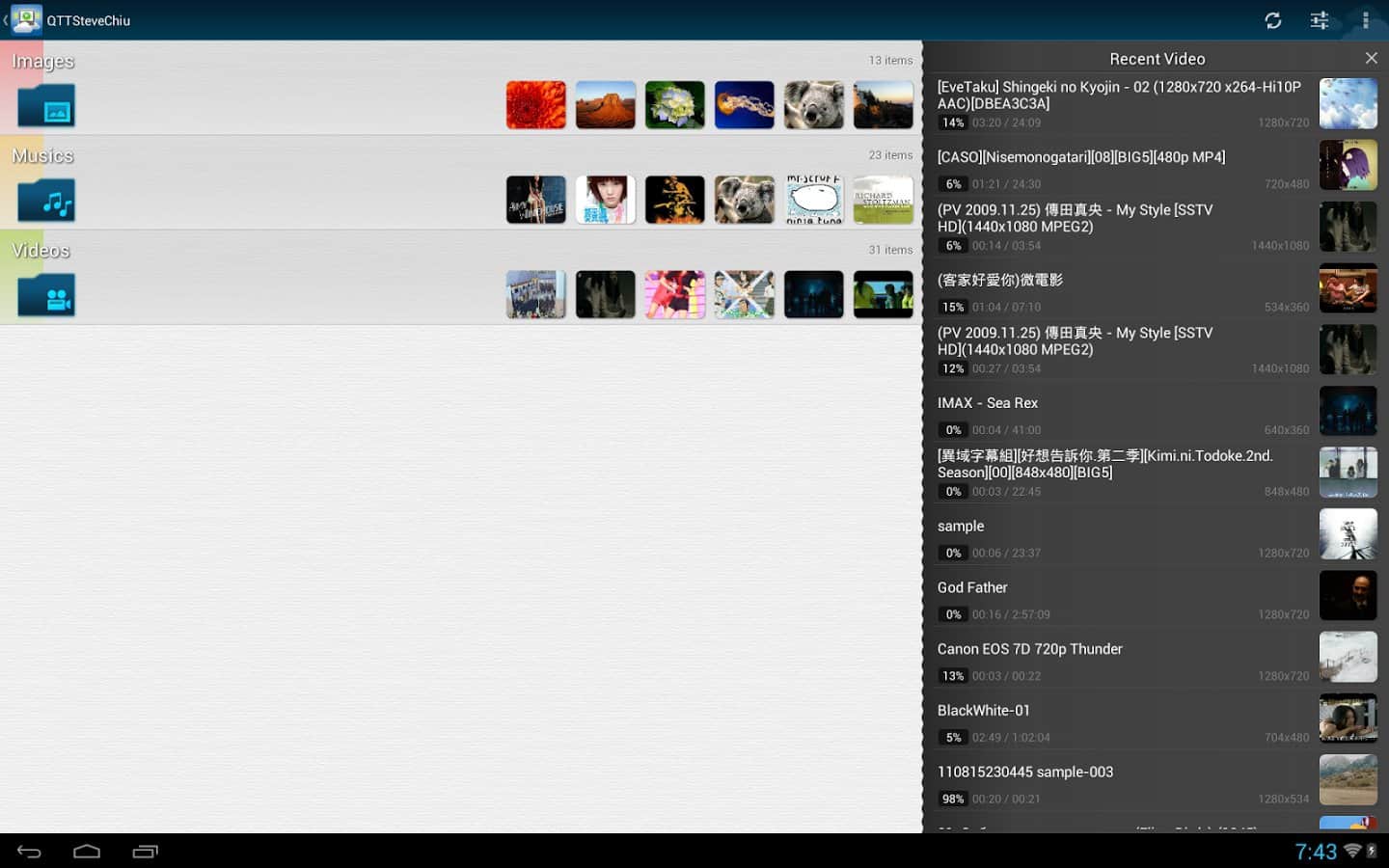
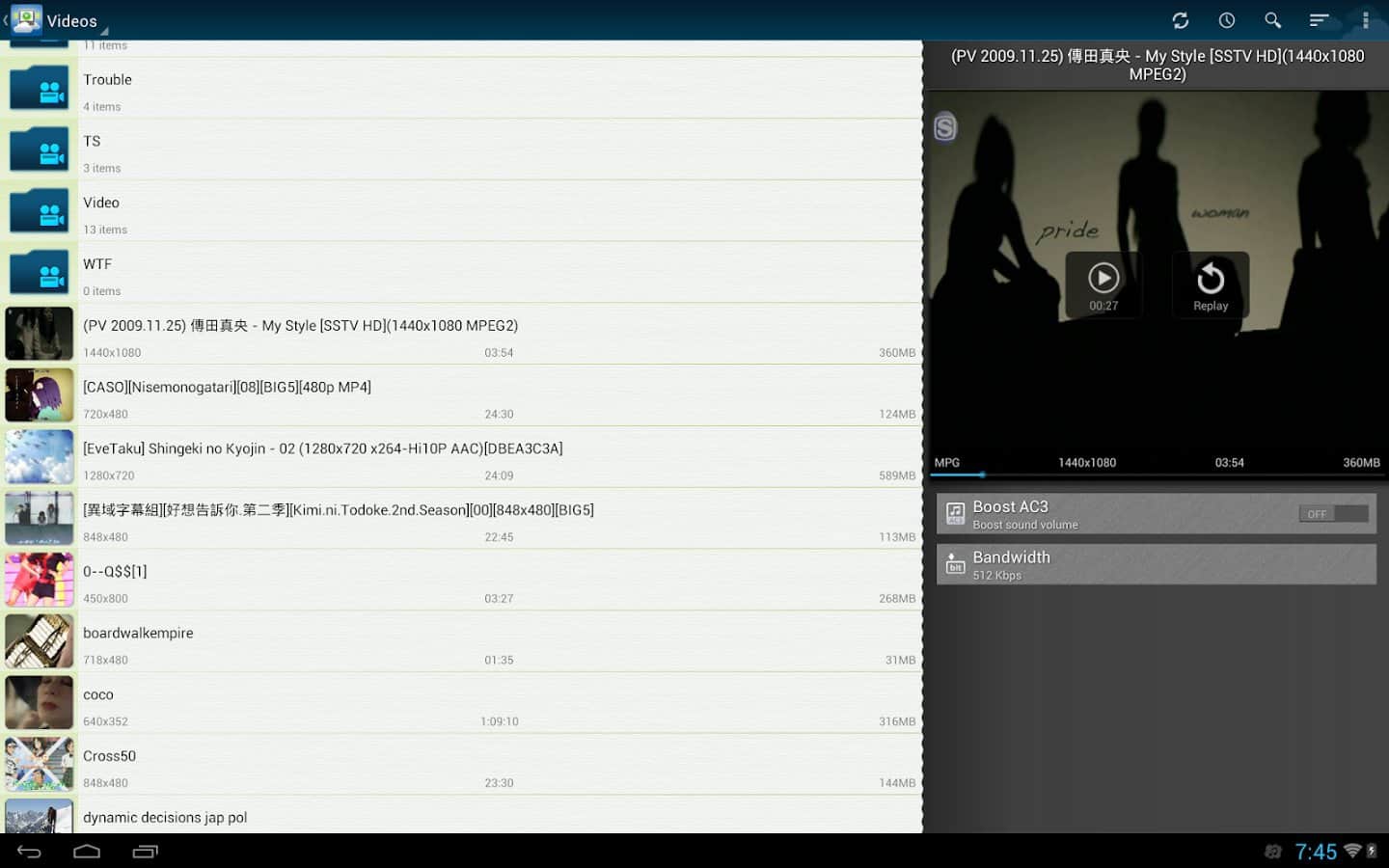
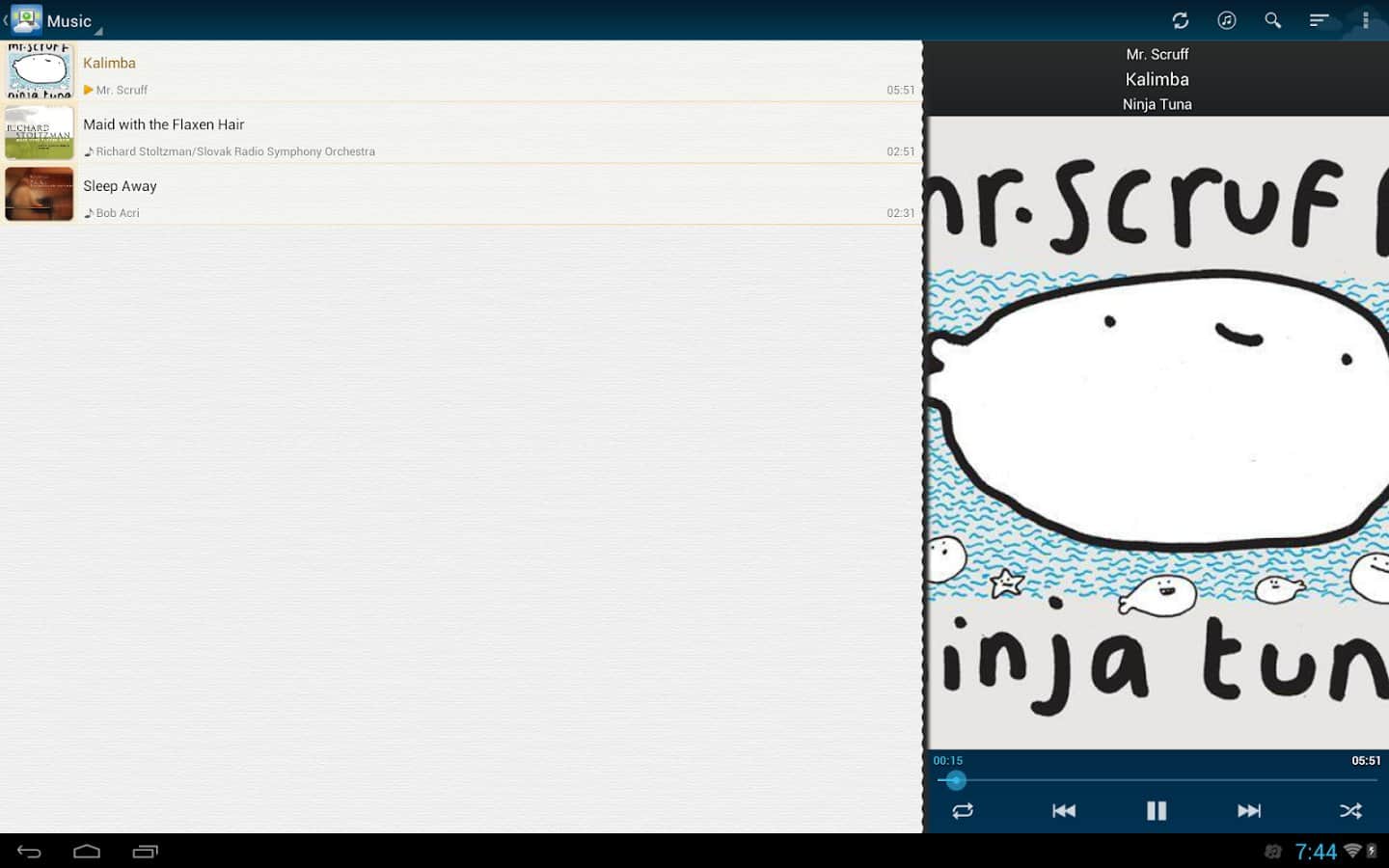
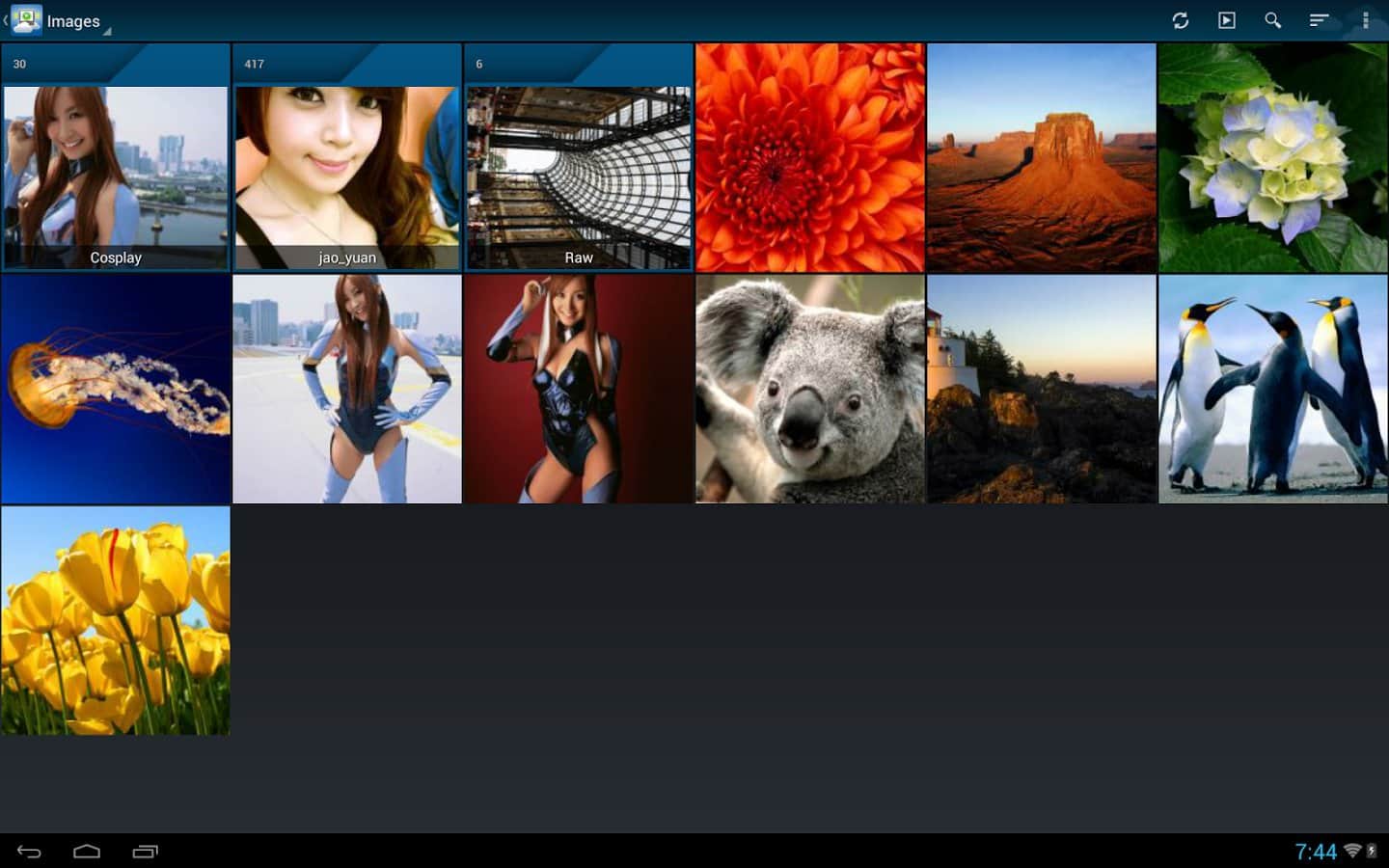
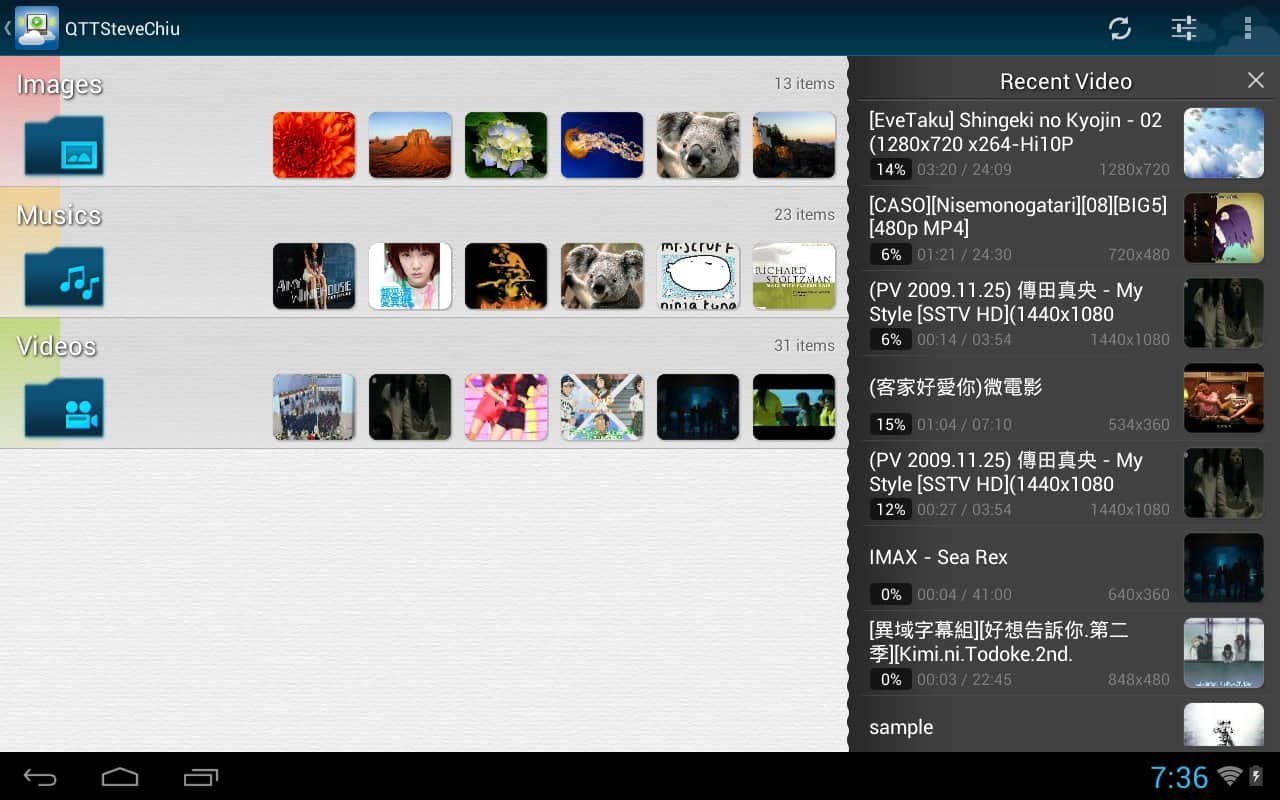
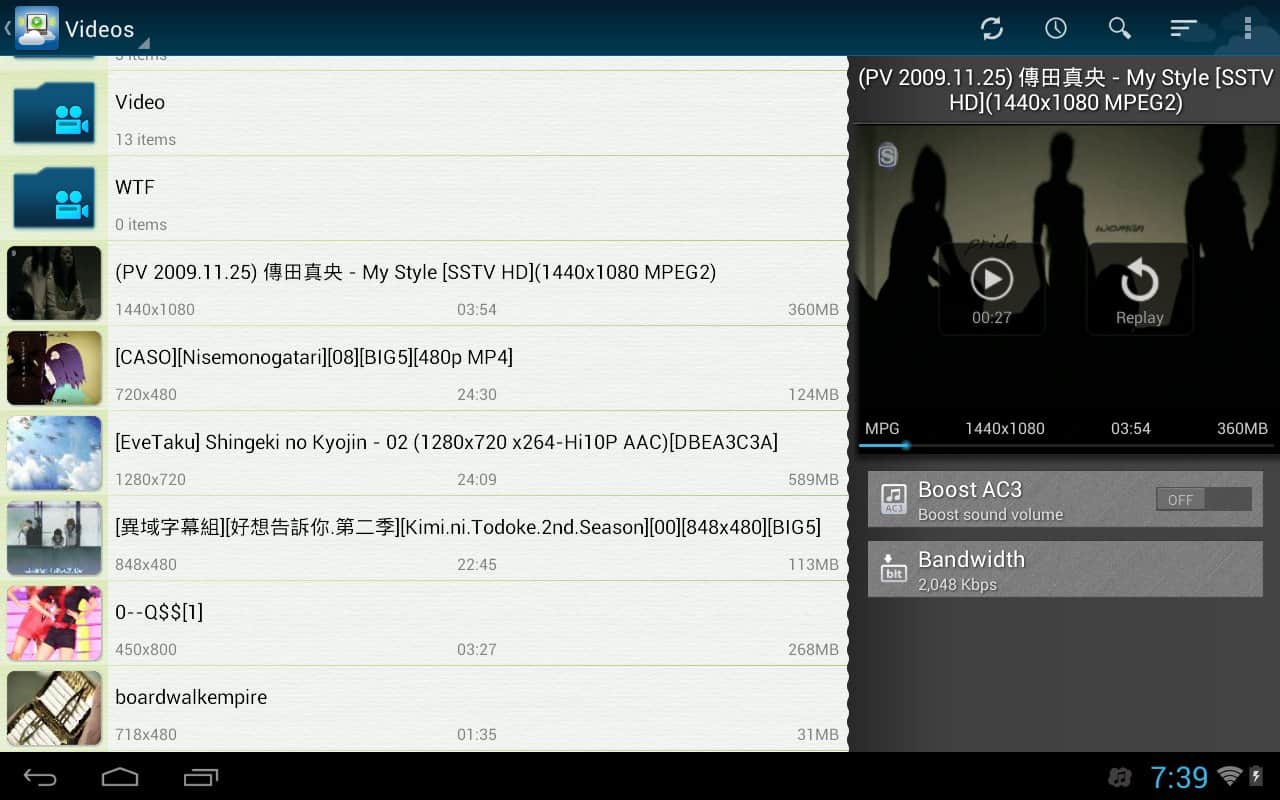
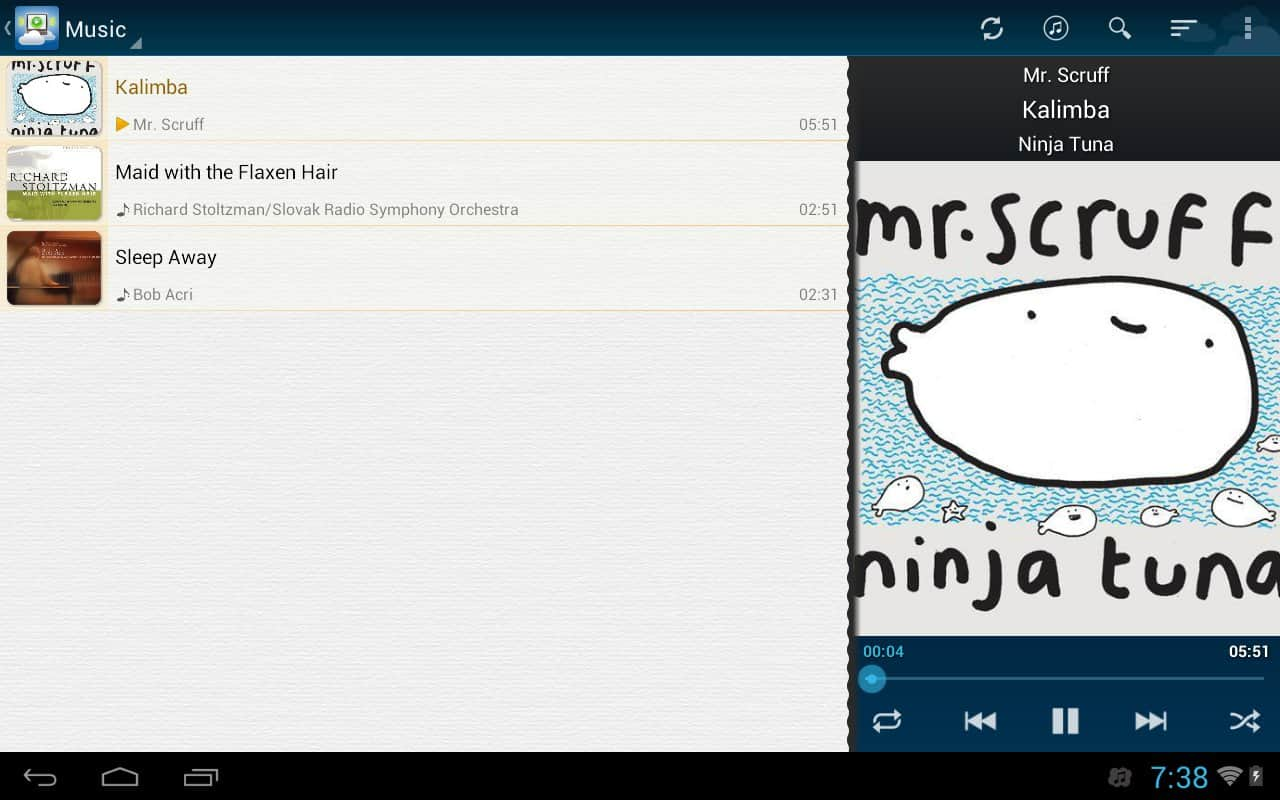
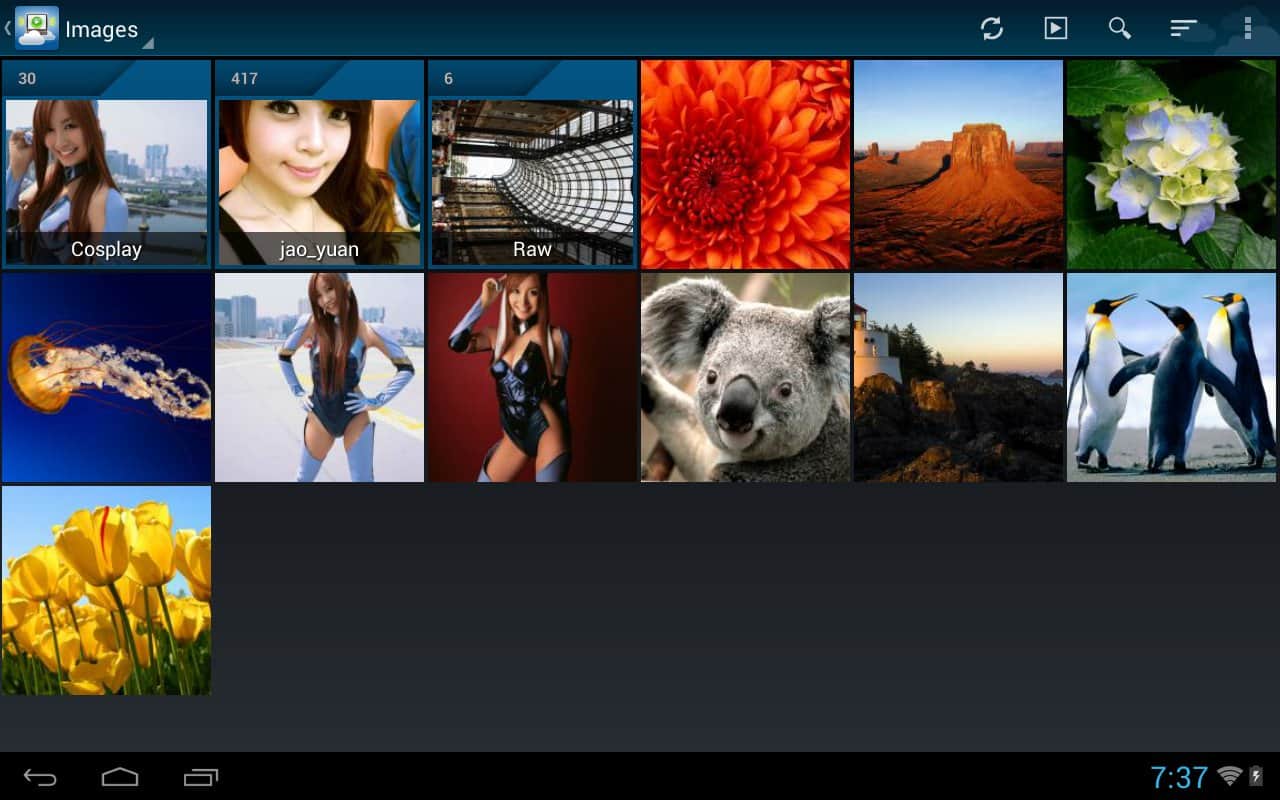
Qloud Media – enjoy watching videos, audio files and images from your PC due to the excellent app for Android devices from the developer QiSS. Easy and intuitive control. However, to use this application you must install the server program.
Features:
- access to the server by a unique number Qiss
- to access the server by IP address and port
- Stream multimedia files from your PC to the phone with Windows Phone 7
- Supported video formats: AVI, MP4, RM, MKV, WMV, MPEG2TS
- formats Supported: SRT, ASS/SSA, SAMI (user can choose the size, the encoding and the font type)
- audio formats Supported: MP3, MP4
- Supported image formats: JPEG, PNG, GIF, BMP
- Support automatic discovery of servers behind one NAT with UpnP or NAT-PMP
- Work in networks Wi-Fi, and mobile 3G
- Manage folder access with computer
P. S. it is Worth noting that the files are copy protected (DRM) are not supported Dougie file formats may work but are not officially supported, for correct reproduction of video is highly desirable computer with dual-core processor (or better).
Screenshots
15 images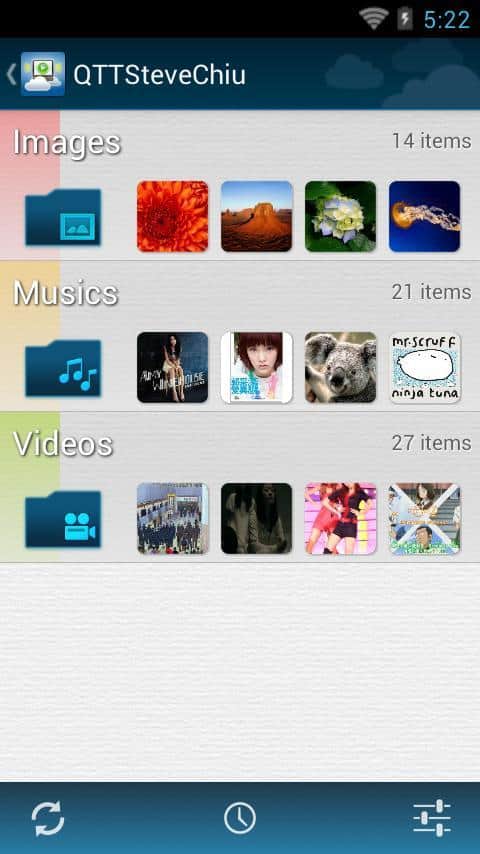
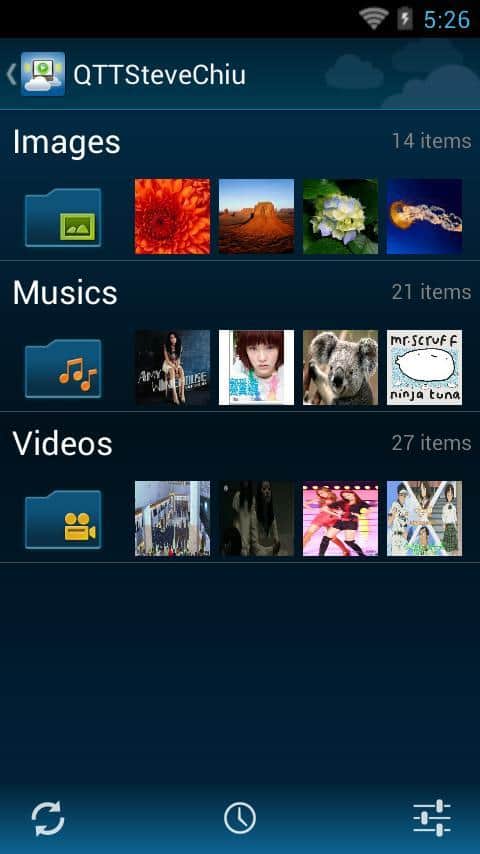
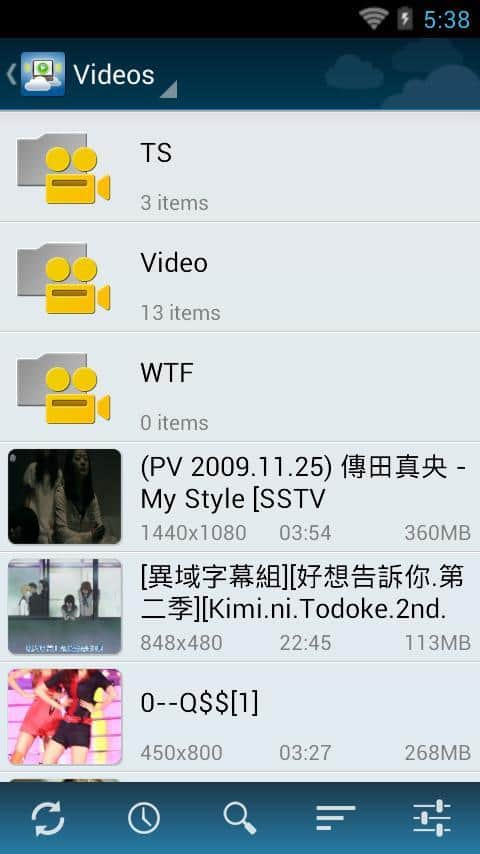
Download appQloud Media
Information
- OS
- Android 2.1+
- Language
- English

![[forgotten] How much is your life worth](https://pdalife.com/photo/th_maxresdefault-1-_13.jpg)










Comments to Qloud Media on Android
To leave comments,
please log in.