

About the app
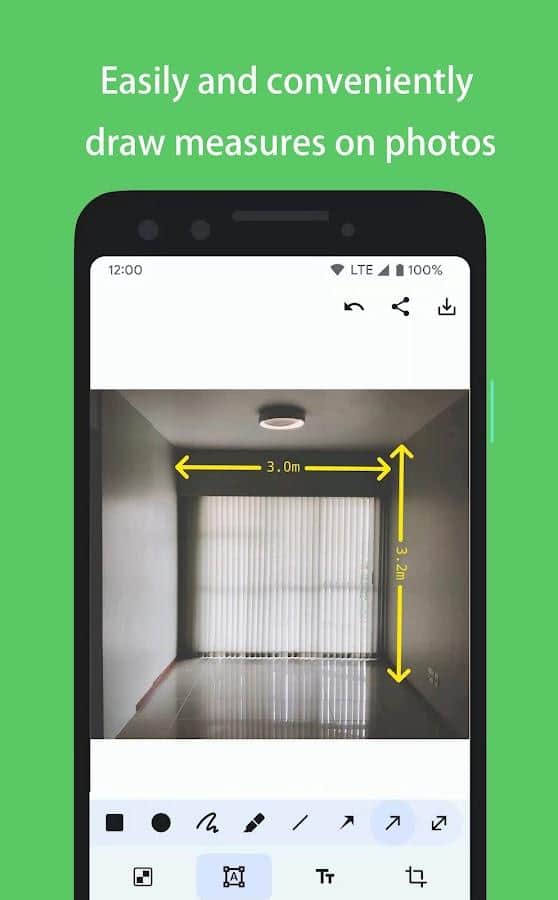
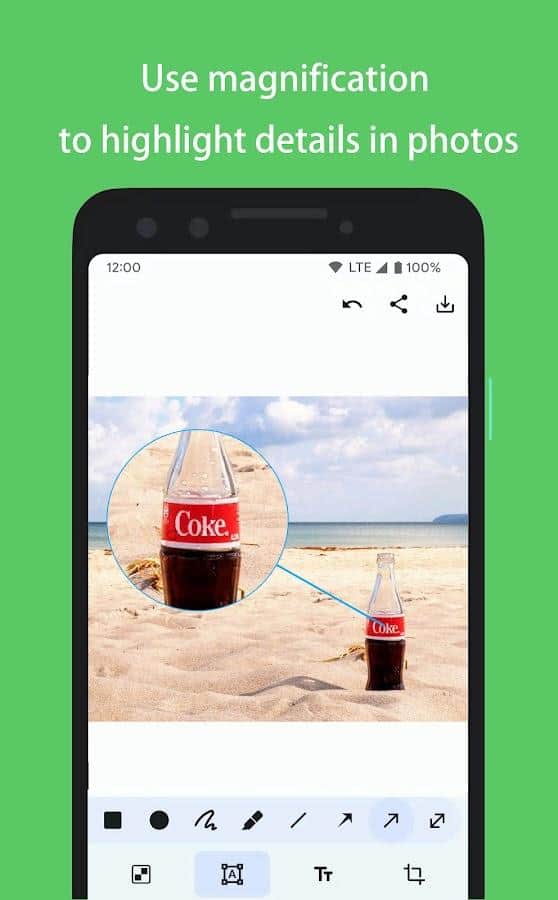
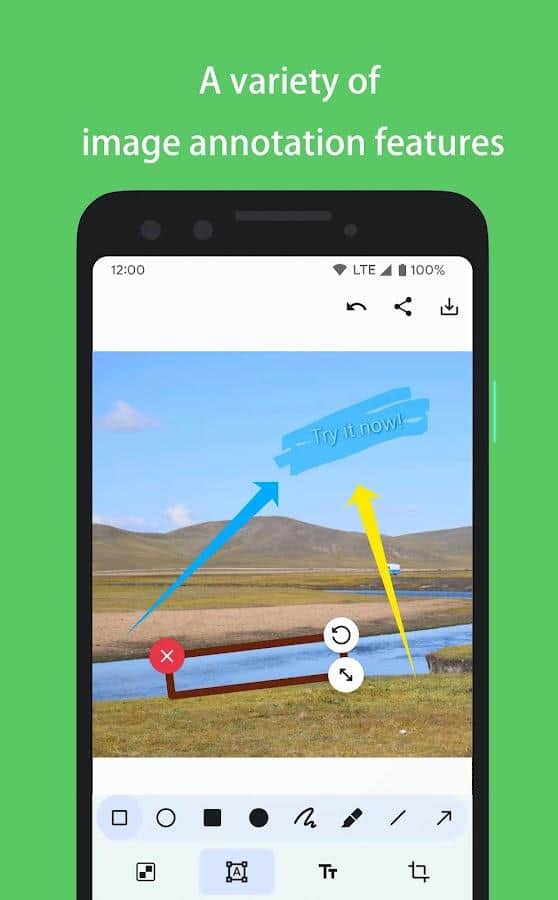
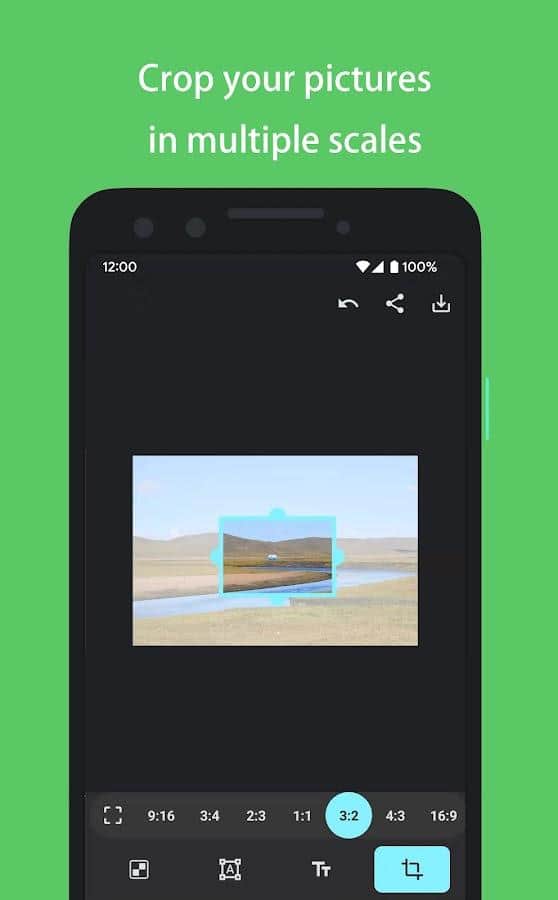
PicMarker: Blur & Markup - PicMarker: Mosaic photo marker - Try to create a unique mosaic of your photos yourself using markers. This editor allows you to create beautiful mosaics in a few simple steps: select a picture and add markers to create a new design. You can choose the marker color, size and transparency to create the perfect mosaic that reflects your personality. The app also provides the ability to import photos from your gallery or take a new photo directly from the app. You can save your works in the gallery or share them with your friends on social networks.
Screenshots
6 images

Download appPicMarker: Blur & Markup Premium

Information
- OS
- Android 5.0+
- Internet
- not required
- Requires free space
- 3 Mb
- Language
- English, Russian

![[forgotten] How much is your life worth](https://pdalife.com/photo/th_maxresdefault-1-_13.jpg)


![Silent Camera [High Quality]](https://pdalife.com/app/61ffe5627995f/silent-camera-high-quality.png)







Comments to PicMarker: Blur & Markup on Android
To leave comments,
please log in.