
About the app
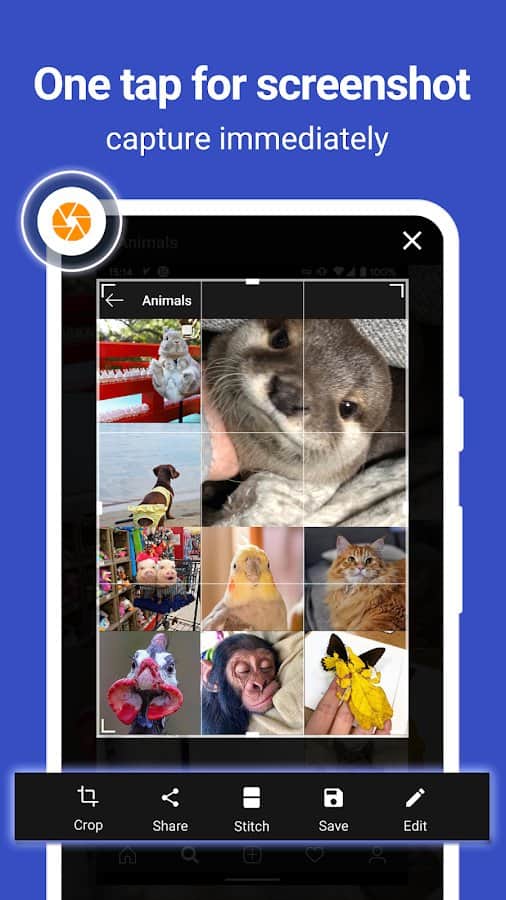
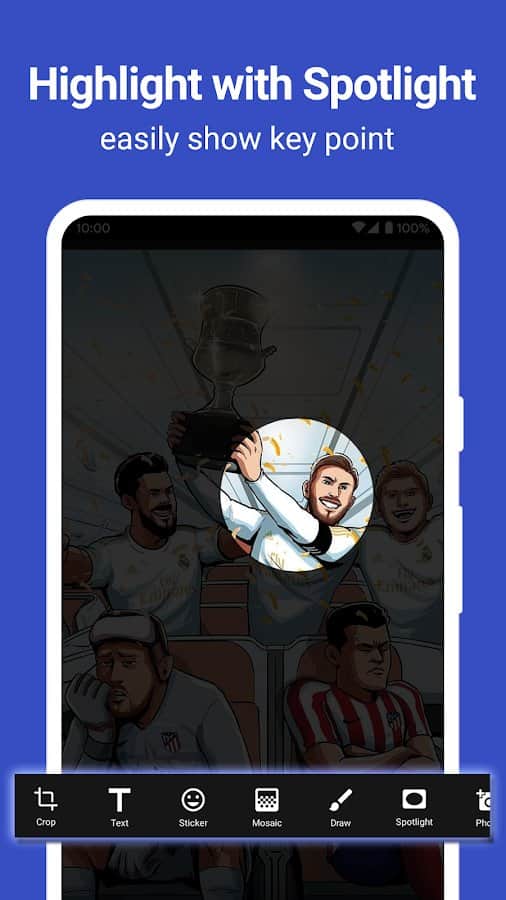
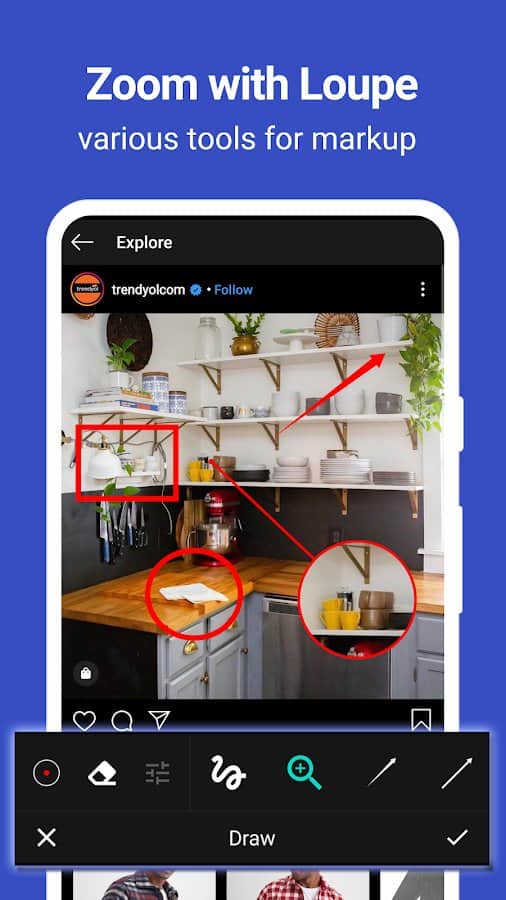
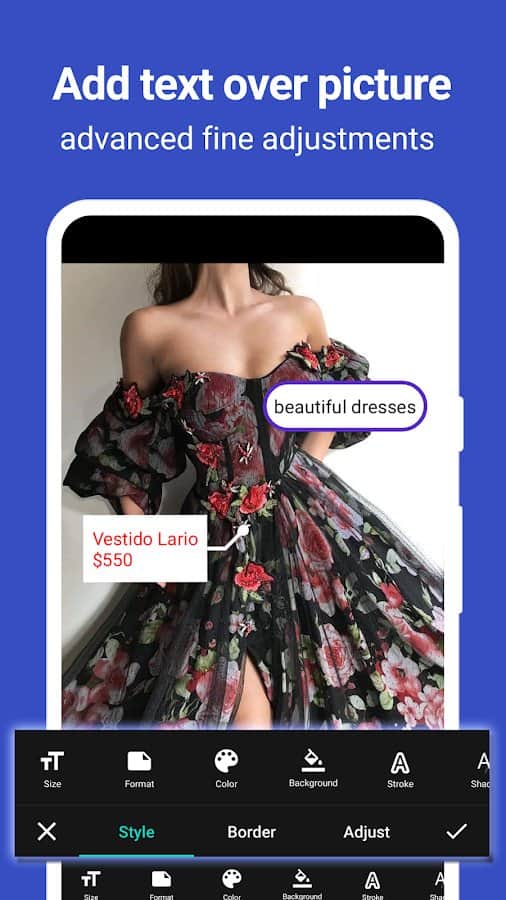
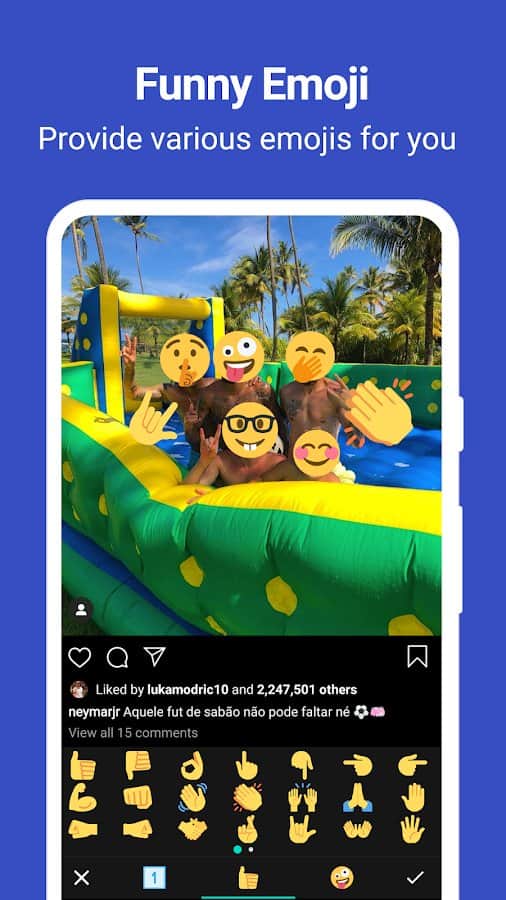
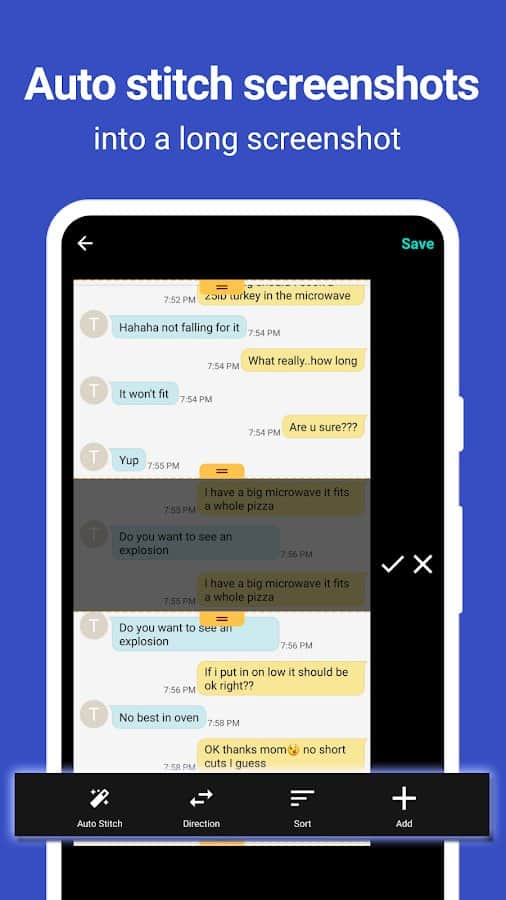
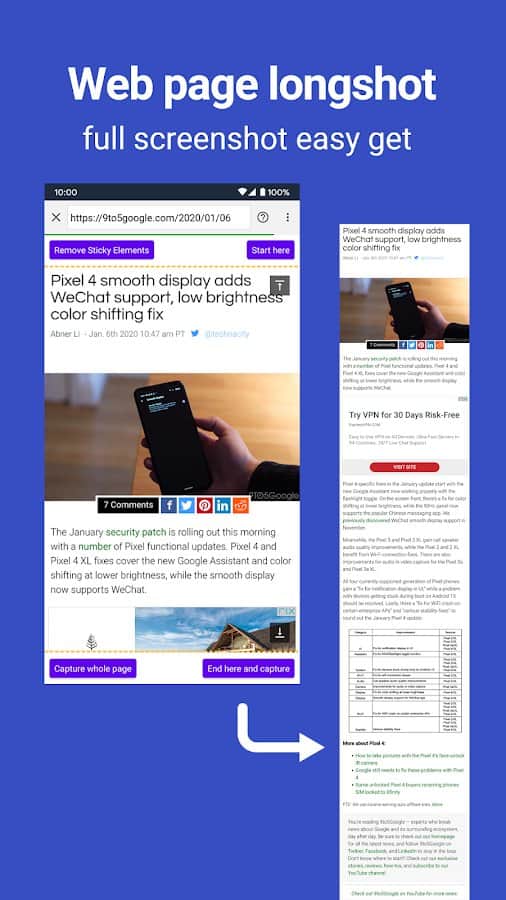
Screen Master: A unique tool for creative people and professionals who want to create amazing screenshots and image notes. You no longer need to have root rights or perform complex settings. Screen Master is available absolutely free of charge and immediately ready for use. This handy tool provides you with an easy way to take a screenshot of your tablet, smartphone or other Android device. You just need to press the floating button or just shake the device. In addition, Screen Master offers many editing options, such as cropping, adding text, mosaic, as well as drawing arrows and frames.
Screenshots
8 images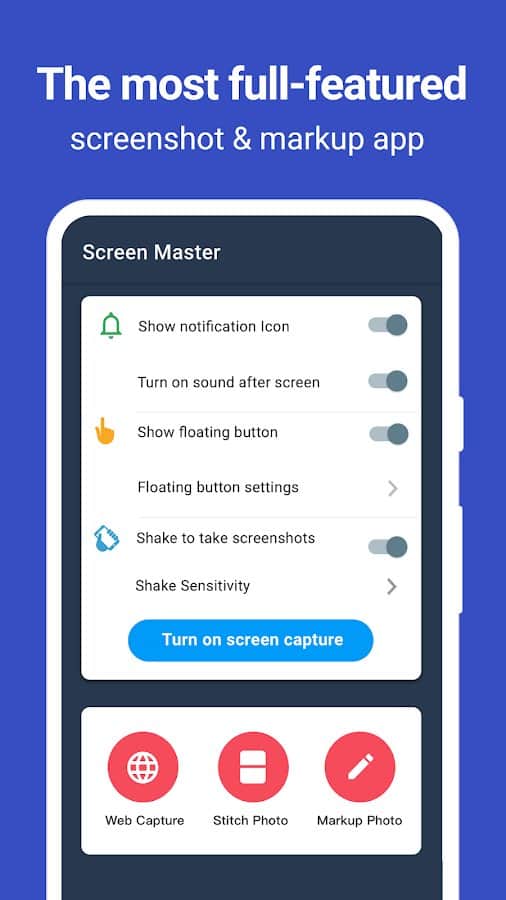
Download appScreenMaster:Screenshot Markup Premium

v1.8.0.26 Original
v1.8.0.25 Premium
v1.8.0.19 Premium
Information
- OS
- Android 5.0+
- Internet
- not required
- Requires free space
- 30 Mb
- Language
- English, Russian

![[forgotten] How much is your life worth](https://pdalife.com/photo/th_maxresdefault-1-_13.jpg)

![Silent Camera [High Quality]](https://pdalife.com/app/61ffe5627995f/silent-camera-high-quality.png)






Comments to ScreenMaster:Screenshot Markup on Android
To leave comments,
please log in.