

About the app
many the question arises about how to erase back the unspectacular background of the photo to turn it into a solid, or simply to apply the blur. Sometimes it seems that it is only available to professional. But by downloading the app PhotoRoom, you make sure that you edit the background totally accessible to each user device. The program automatically performs the pruning of the main object in the picture and remove unnecessary background. With one click you can set the background with any color and apply blur, and paste text, logo, change the lighting, make a beautiful collage and many more.
Screenshots
6 images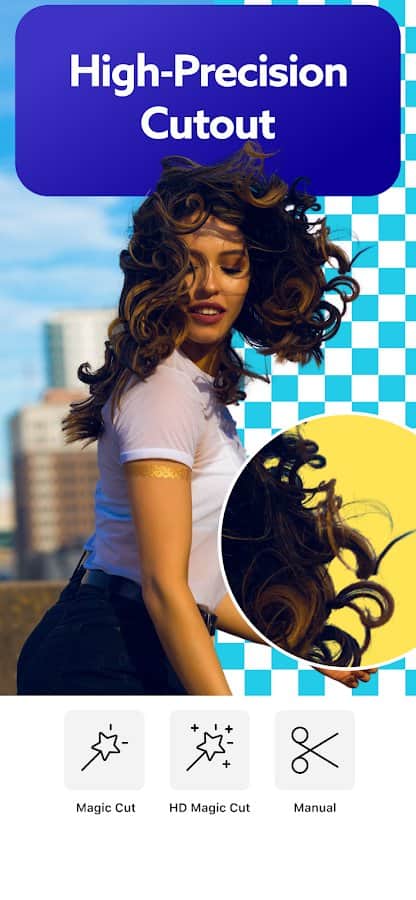



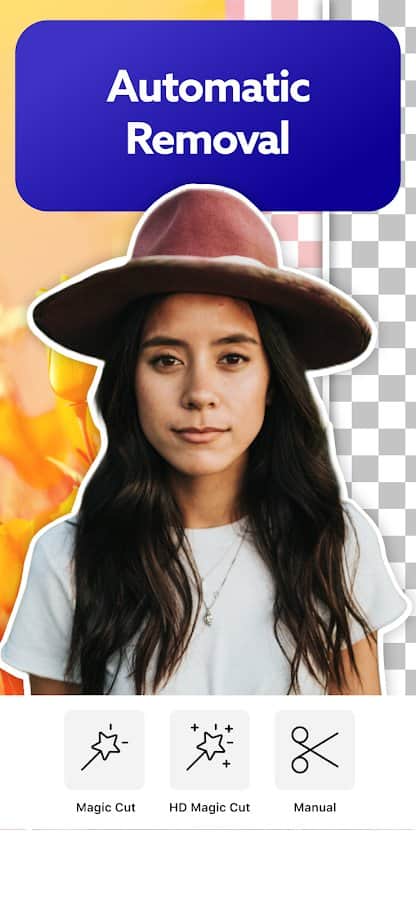

Download appPhotoRoom - Remove Background & Create Pro Photos Premium

v4.5.8 Premium
v4.5.3 Premium
v4.5.0 Premium
Information
- OS
- Android 8.0+
- Internet
- not required
- Requires free space
- 55 Mb
- Language
- English, Russian

![[forgotten] How much is your life worth](https://pdalife.com/photo/th_maxresdefault-1-_13.jpg)


![Silent Camera [High Quality]](https://pdalife.com/app/61ffe5627995f/silent-camera-high-quality.png)







Comments to PhotoRoom - Remove Background & Create Pro Photos on Android
To leave comments,
please log in.
Actualización por favor versión 4.6.9