

About the app
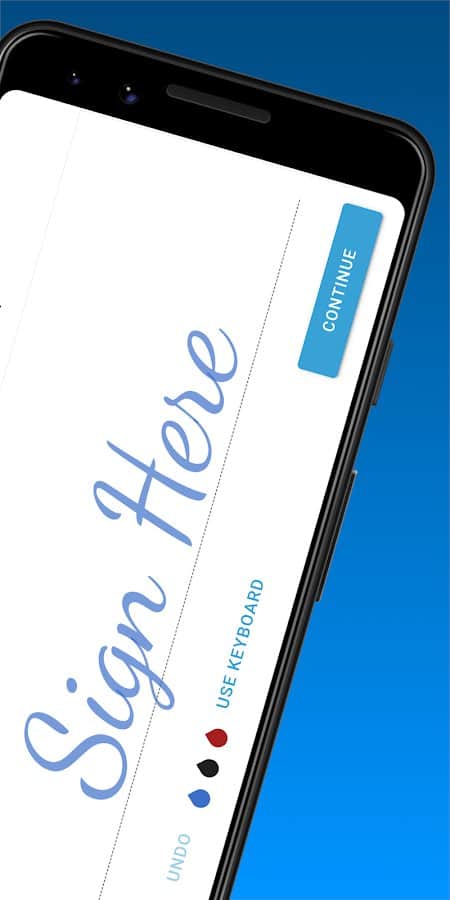
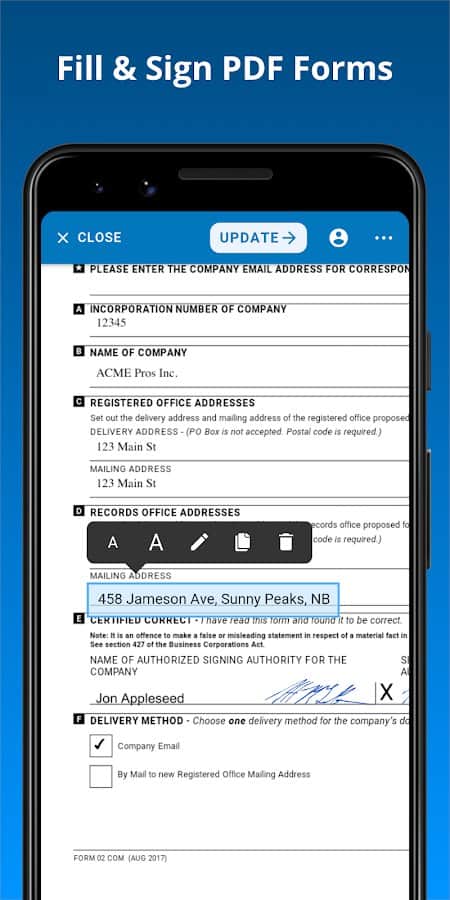
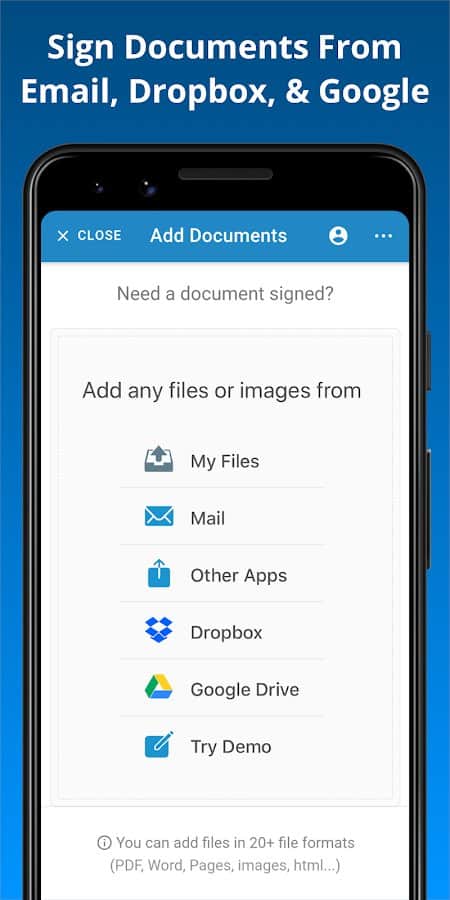
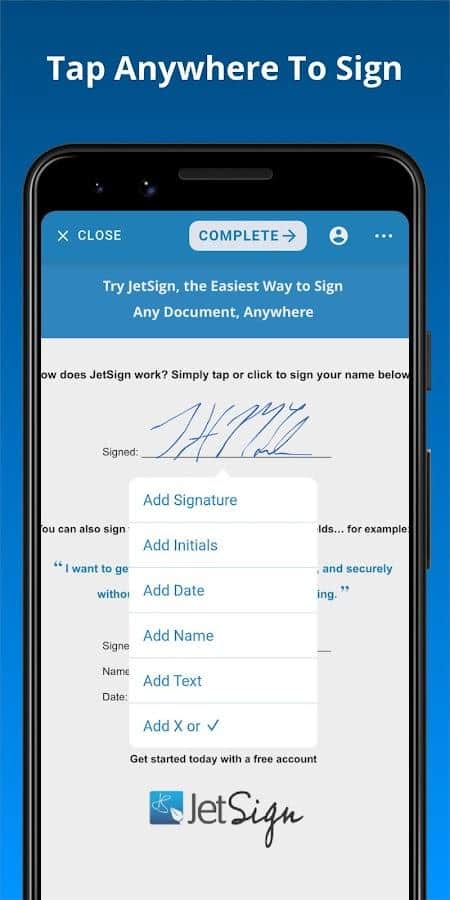
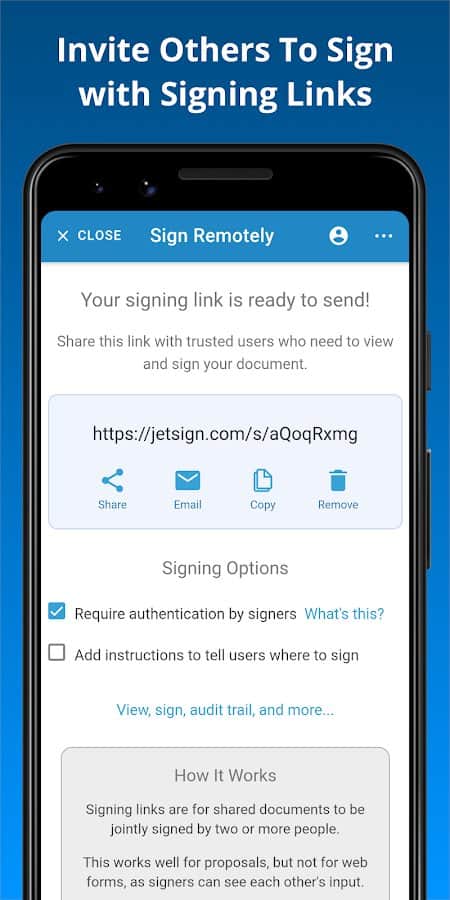
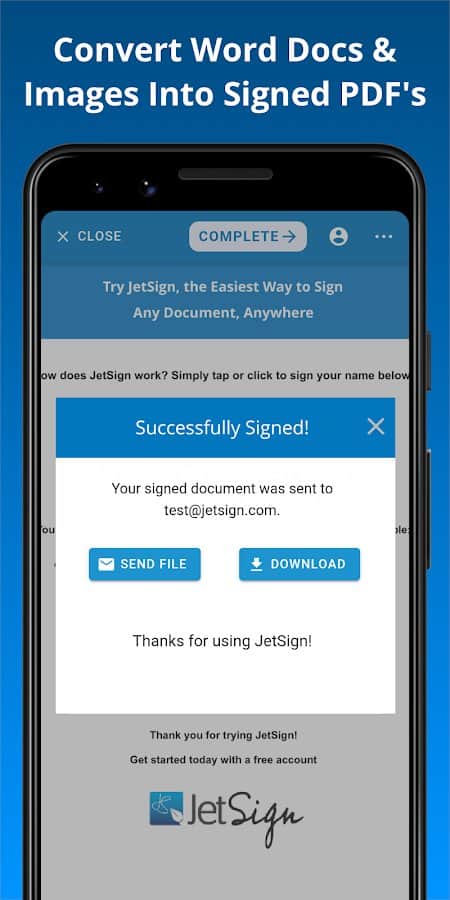
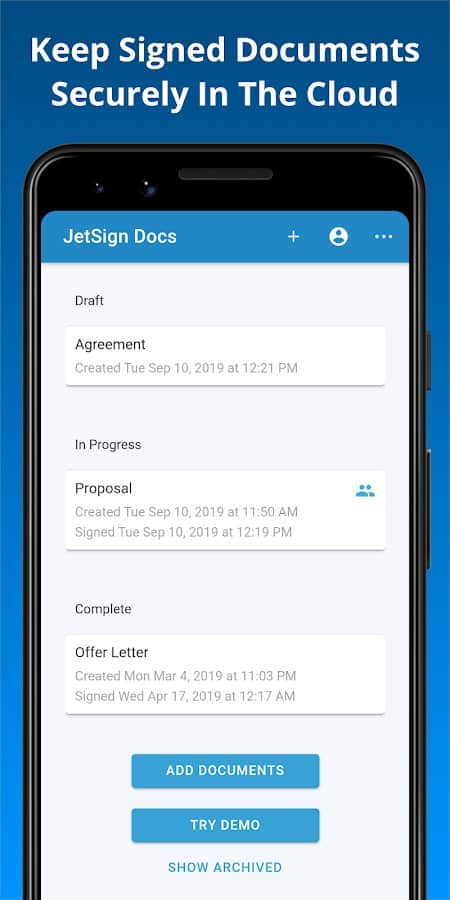
In today's world, you can add a signature to any document or file in a matter of seconds, without the hassle of printing and scanning! Adjust text size, insert checkmarks and crosses, clone fields, quickly fill in necessary forms, and save files in any format to your own phone. Send documents with your signature via a copied link or email for the second signing party. Easily add the required initials, date, and place for another signature.
Screenshots
8 images
Download appJetSign: Fill & Sign PDF Forms

Information
- OS
- Android 4.4+
- Internet
- not required
- Requires free space
- 20 Mb
- Language
- English

![[forgotten] How much is your life worth](https://pdalife.com/photo/th_maxresdefault-1-_13.jpg)

Tags #photo editors









Comments to JetSign: Fill & Sign PDF Forms on Android
To leave comments,
please log in.