

About the app
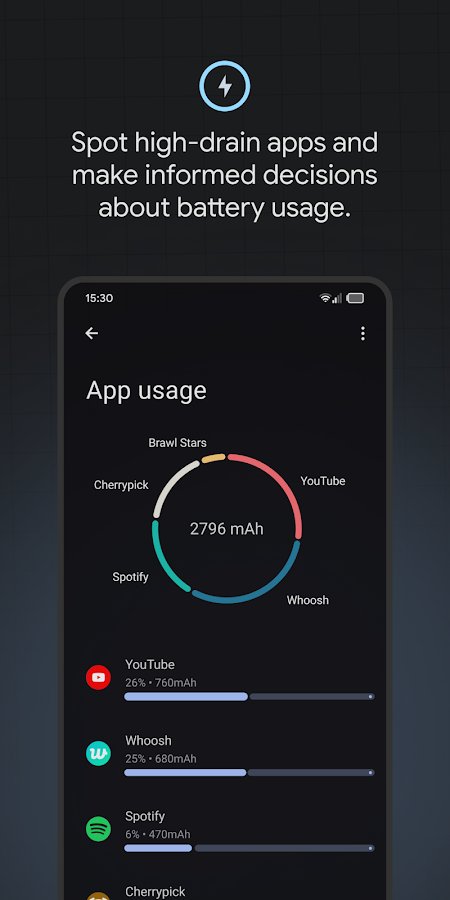
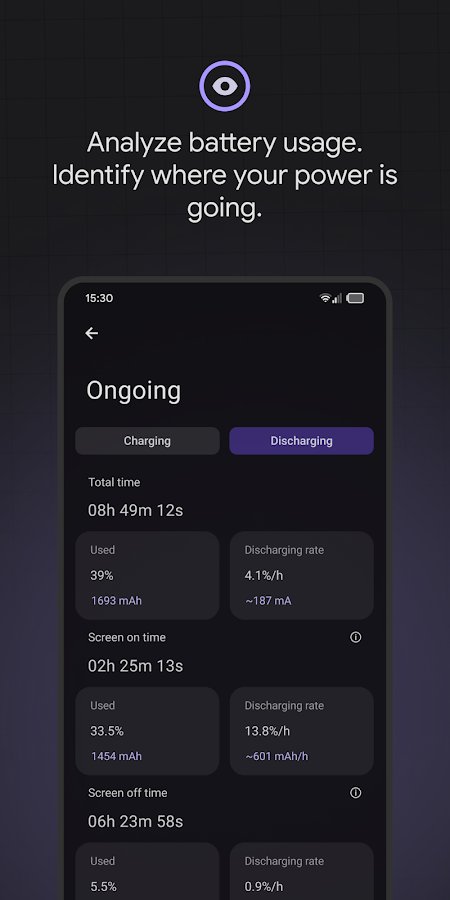
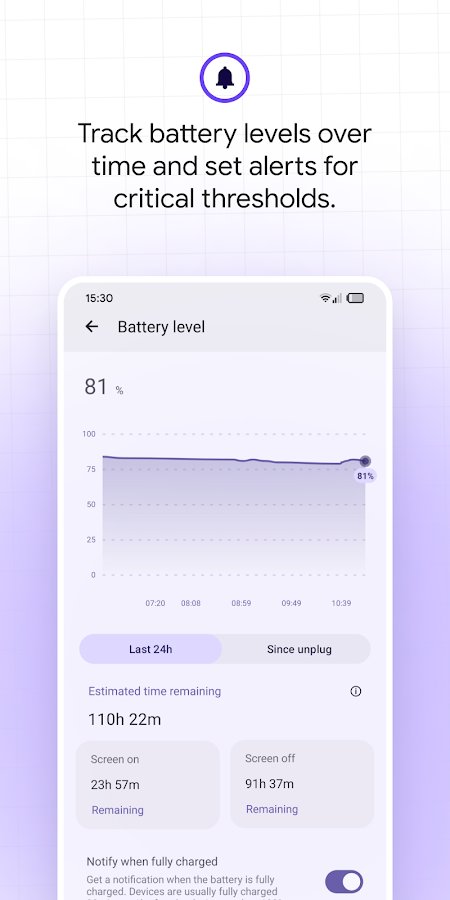
Battery Guru: Battery Health - Conduct a full analysis of your battery on your phone to find out how much charge it usually takes to use certain applications, why, and so on. Calibrate the battery and the tips of the charging controller, as well as constantly monitor the temperature of the device, as due to increased or decreased temperature, the smartphone quickly discharges and turns off. Extend the battery life, find out in time exactly how long you will run out of charge and put it on charge to get energy.
Screenshots
4 images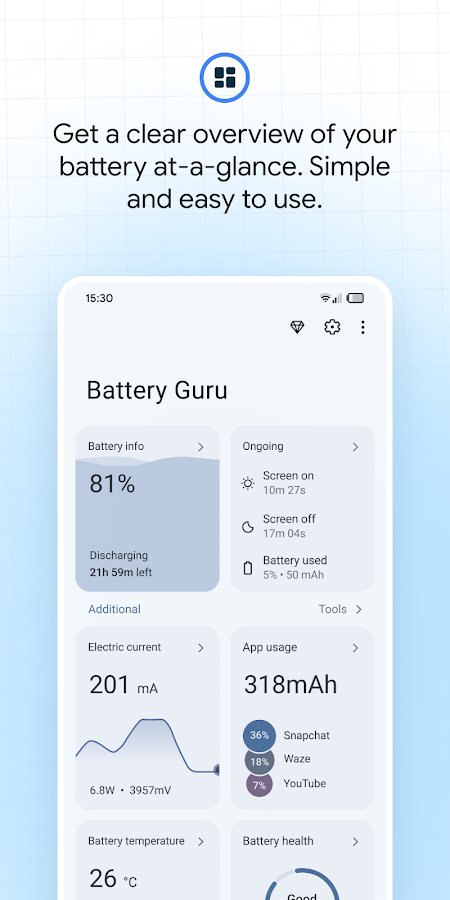
Download appBattery Guru: Battery Health Premium

v2.5.0.2 build 710 Premium
Information
- OS
- Android 6.0+
- Internet
- not required
- Requires free space
- 17 Mb
- Language
- English, Russian

![[forgotten] How much is your life worth](https://pdalife.com/photo/th_maxresdefault-1-_13.jpg)

Tags #mods




.png)




Comments to Battery Guru: Battery Health on Android
To leave comments,
please log in.