

About the app
Background Eraser - Remove Background - If you are not satisfied with the current background located in the photo, you can easily get rid of it completely and leave only the selected object. This application is considered an excellent assistant for image editors, as it contains all the necessary tools to get started. After cutting out the background, you can leave the place transparent by saving the picture in PNG format, or replace it, fill it with a certain color from the palette. If the application does not cut out enough, you can use an eraser yourself and wipe off the excess.
Screenshots
3 images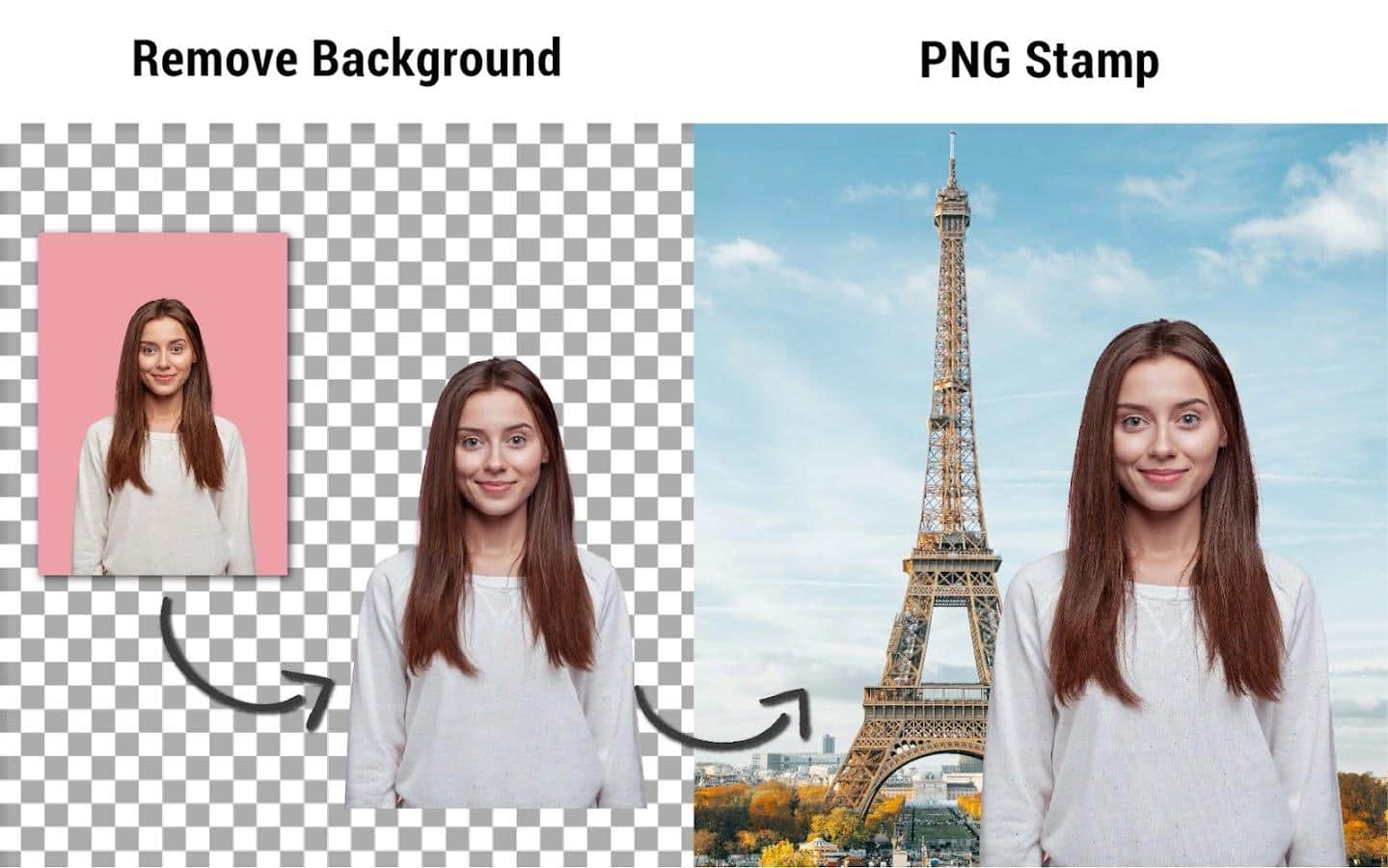
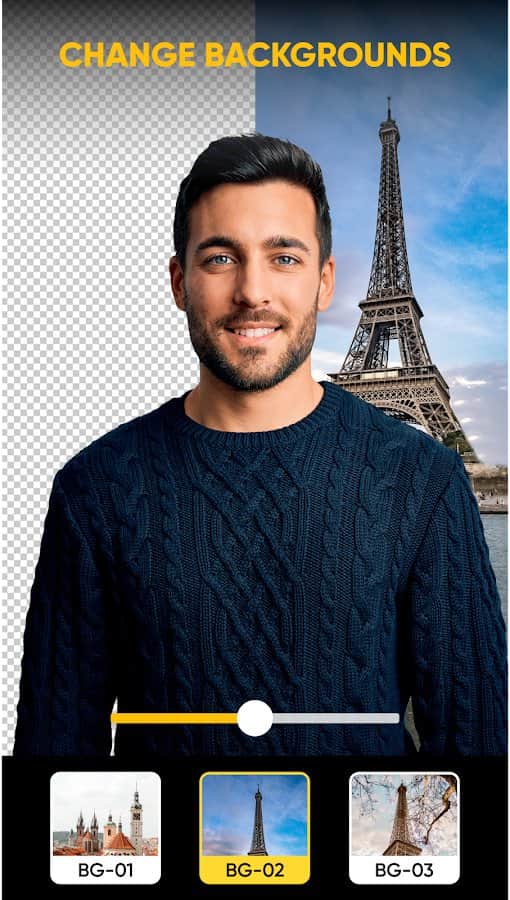
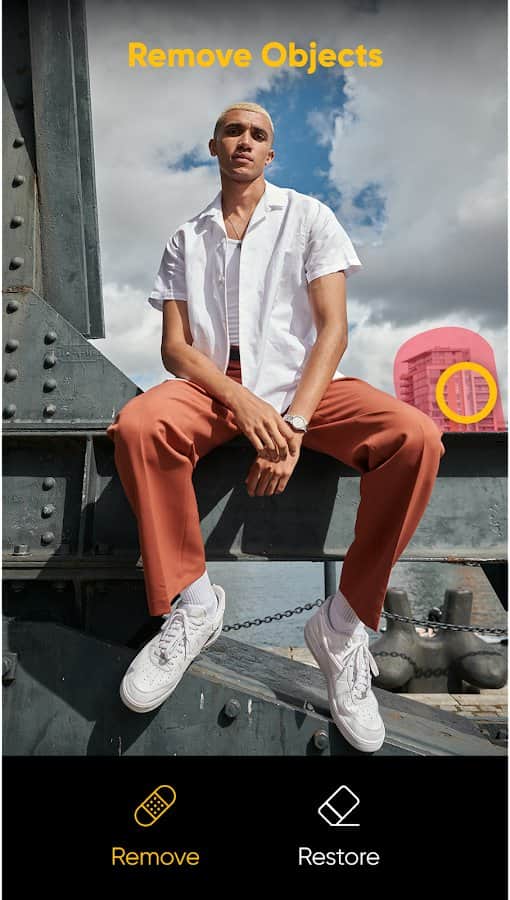
Download appBackground Eraser- Photo Erase Premium

v2.7.2 Premium
v2.6.2 Premium
v2.6.0 Original
Information
- OS
- Android 4.4+
- Internet
- not required
- Requires free space
- 94 Mb
- Language
- English, Others

![[forgotten] How much is your life worth](https://pdalife.com/photo/th_maxresdefault-1-_13.jpg)










Comments to Background Eraser- Photo Erase on Android
To leave comments,
please log in.