

About the app
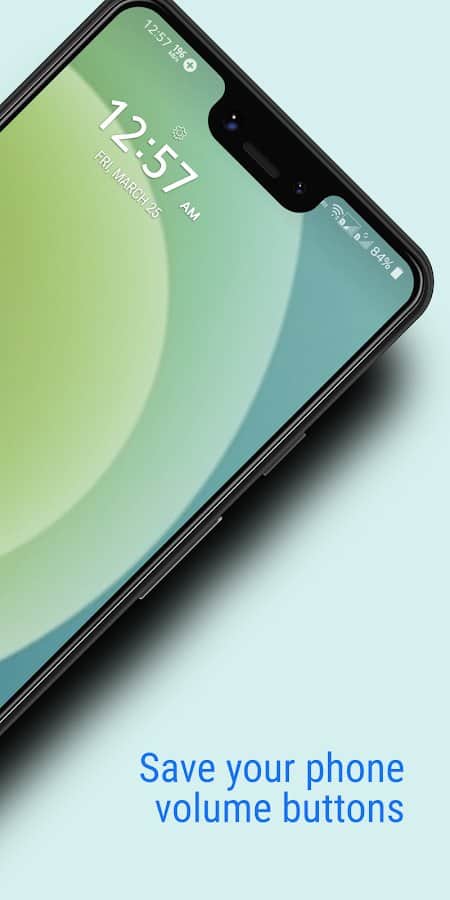
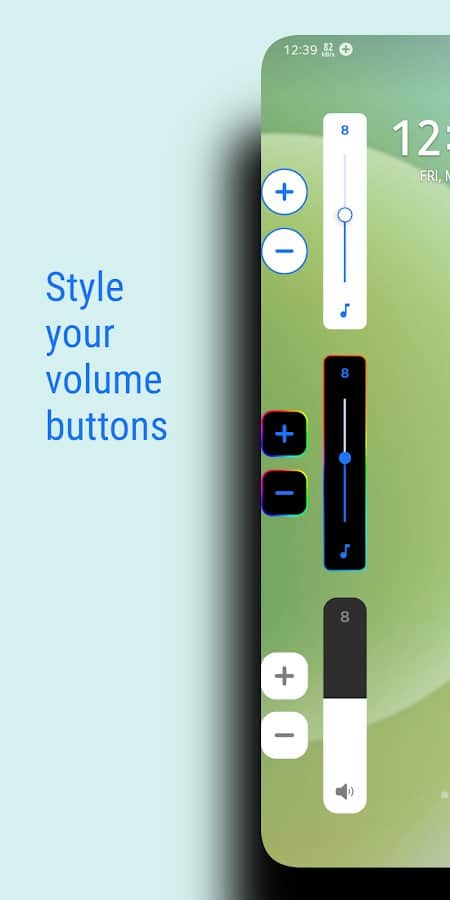
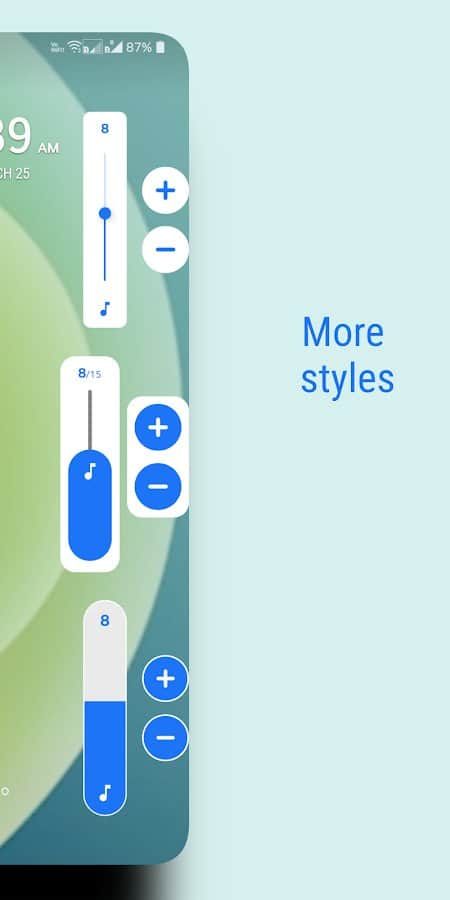
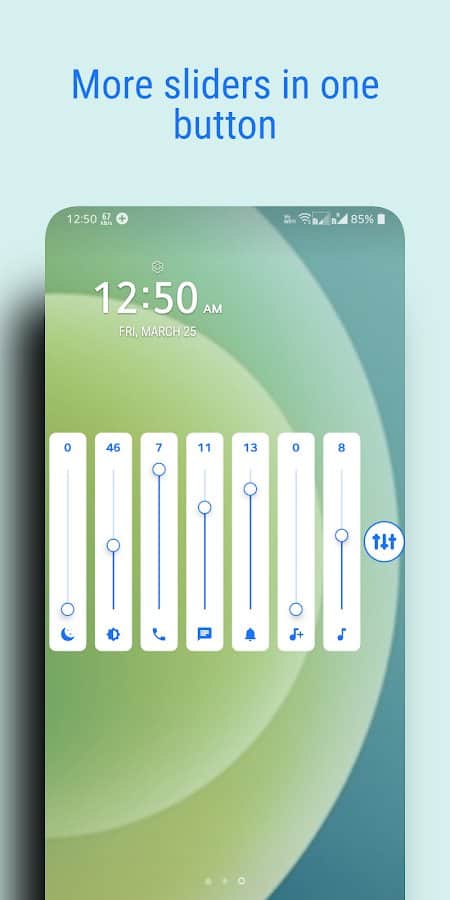
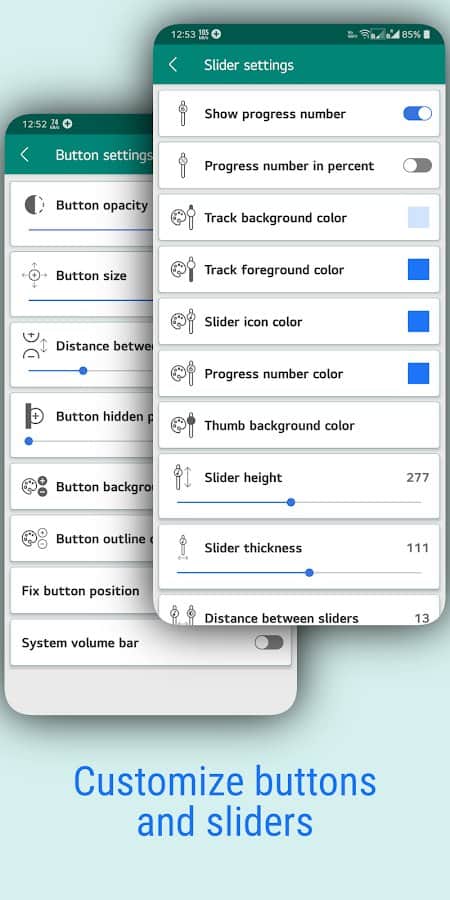
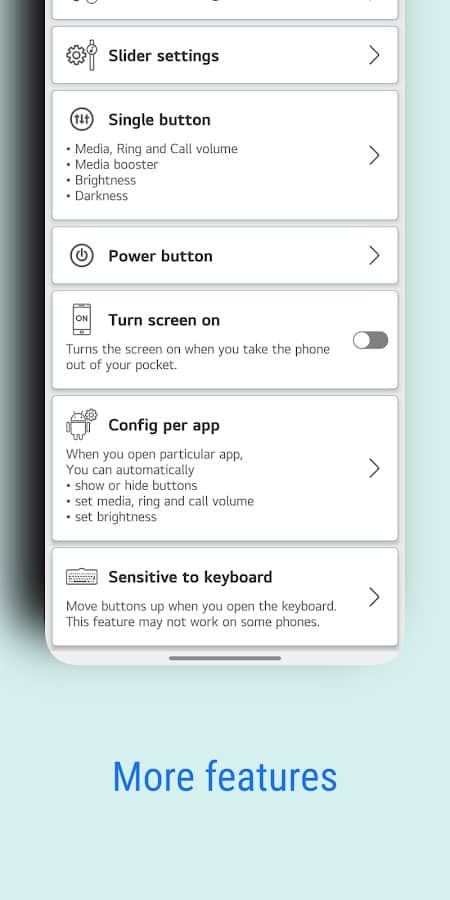
Auxiliary Volume Button - Save the volume buttons on your own phone screen to add or decrease the sound at any time! Change the size, color, transparency, style and other parameters of the appearance of the sliders, as well as place the panel itself in a convenient part of your smartphone. In addition to gaining access to all functions, such as turning on the maximum volume or lowering to the minimum brightness, you can display just one button by clicking on which you will open a whole panel with possibilities for use.
Screenshots
7 images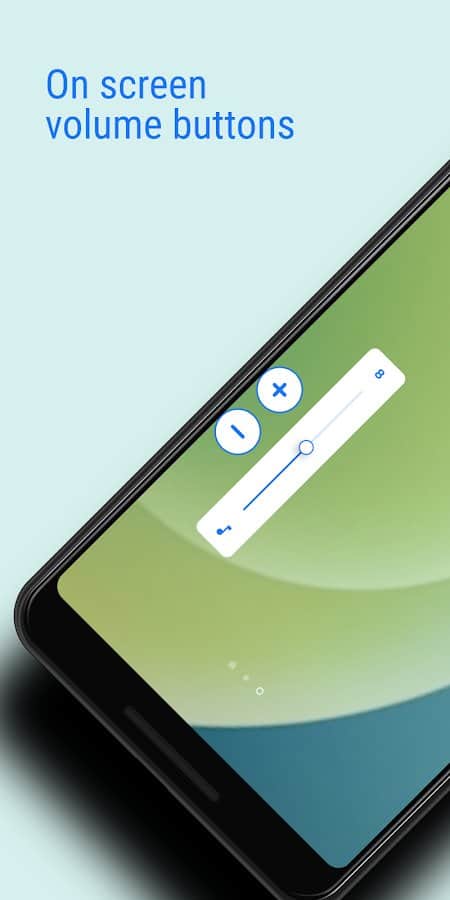
Download appAssistive Volume Button Premium

v3.0.0. Premium
v0.9.9 Premium
v0.9.6 Premium
Information
- OS
- Android 5.0+
- Internet
- not required
- Requires free space
- 6 Mb
- Language
- English


![[forgotten] How much is your life worth](https://pdalife.com/photo/th_maxresdefault-1-_13.jpg)










Comments to Assistive Volume Button on Android
To leave comments,
please log in.