

About the app
WiFi Mouse Pro - Turn your device into a usable wireless mouse and keyboard. You will be able to manage it, lying on the couch. Now you do not need to buy a wireless mouse and keyboard, because this function is in the device. However, to use it, you need a wifi router. In the program a lot of functions and gestures, which makes it very good to use. Very simple interface, and easy setup make it the finest of its kind. Will mastitis on the and enjoy all features of WiFi Mouse Pro.
Features:
- Control of the mouse cursor
- supports left and right mouse buttons
- mouse wheel
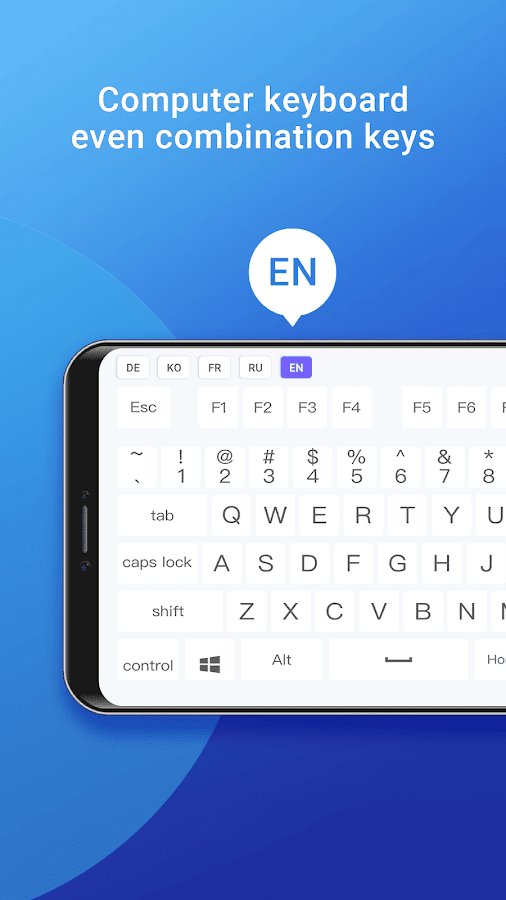
- Remote keyboard input
- Hot keys and combination PC/Mac
- Voice input for all languages
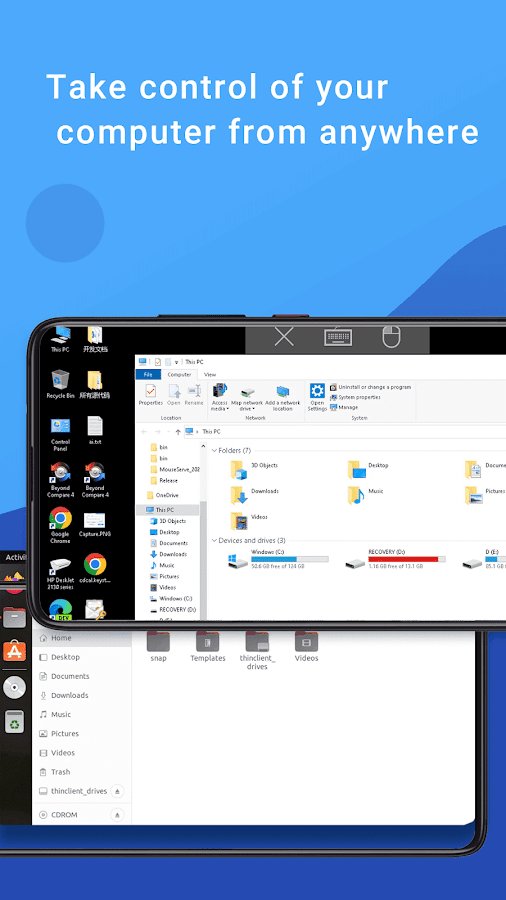
- Fullscreen mouse & keyboard
- auto-connect at application startup
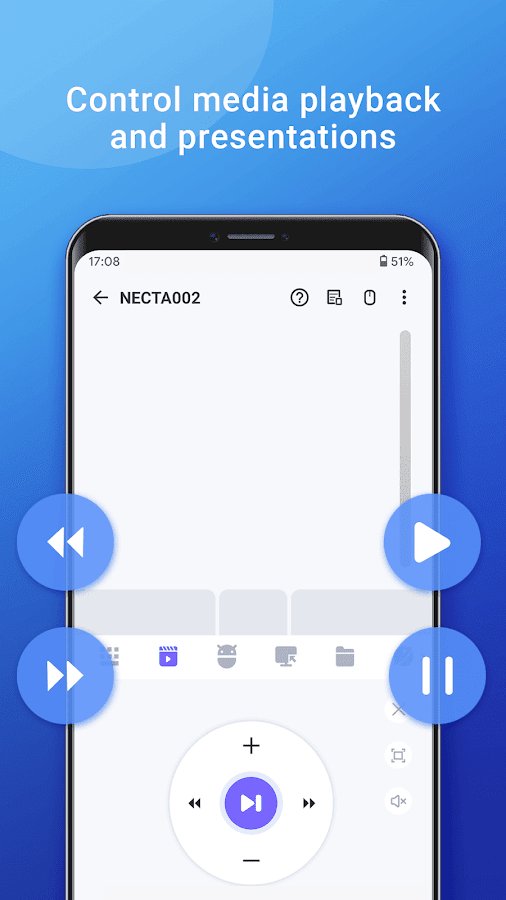
- Control media player
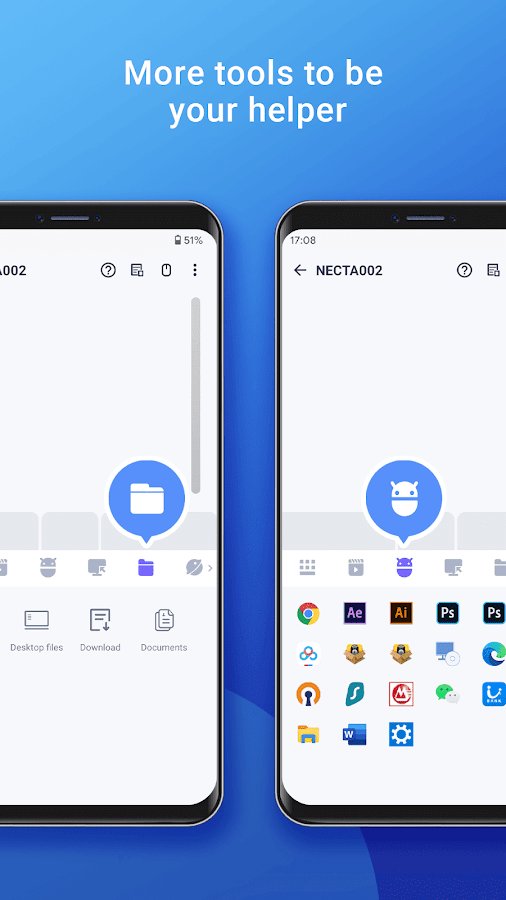
- browser
language
- Tap to click with the left button
- Tap and move for drag and drop
- Tap two fingers to click the right button
- two-finger Scrolling
- The selection or drag with three fingers
- Swipe down with four fingers to show the Desktop
- Swipe up with four fingers to deploy the current window
- Swipe with four fingers to switch focus between Windows
- Mouse support for left-handed use (left and right buttons are reversed)
Screenshots
5 images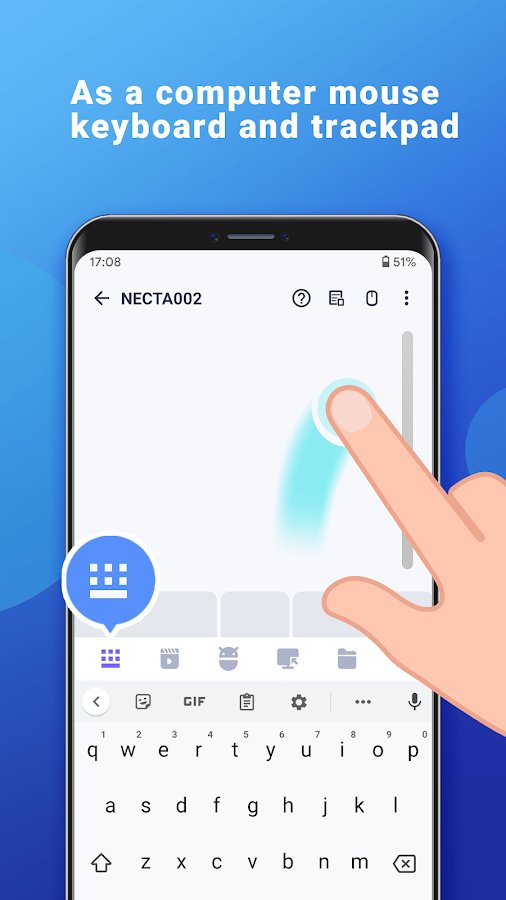

Download appWiFi Mouse Pro Pro

Information
- OS
- Android 4.1+
- Internet
- not required
- Requires free space
- 30 Mb
- Language
- English, Russian

![[forgotten] How much is your life worth](https://pdalife.com/photo/th_maxresdefault-1-_13.jpg)










Comments to WiFi Mouse Pro on Android
To leave comments,
please log in.