

About the app
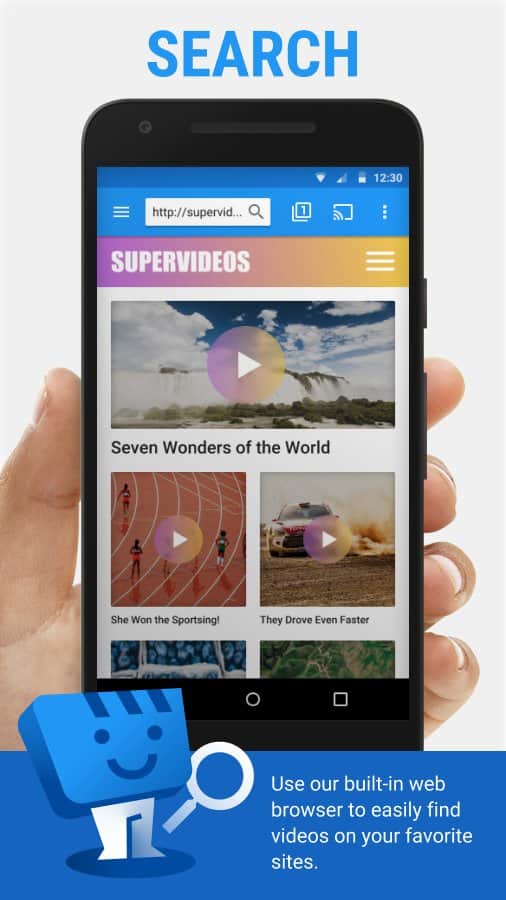
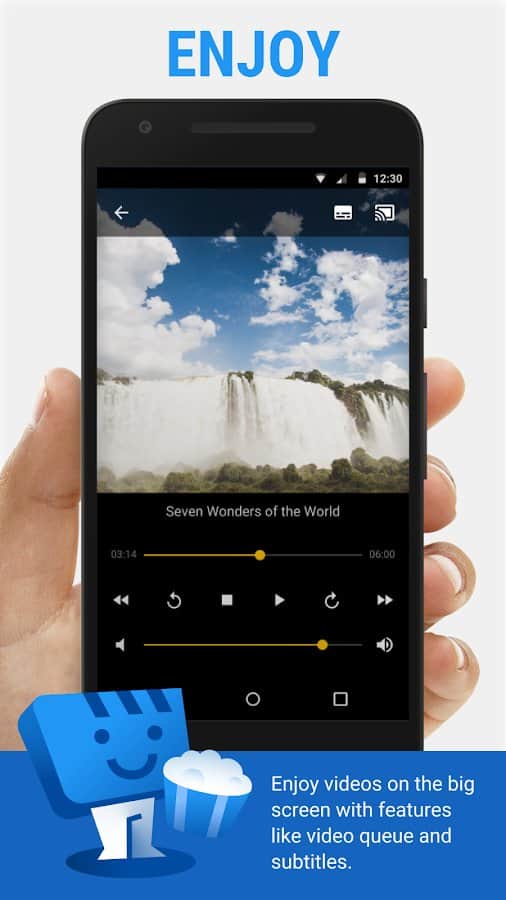
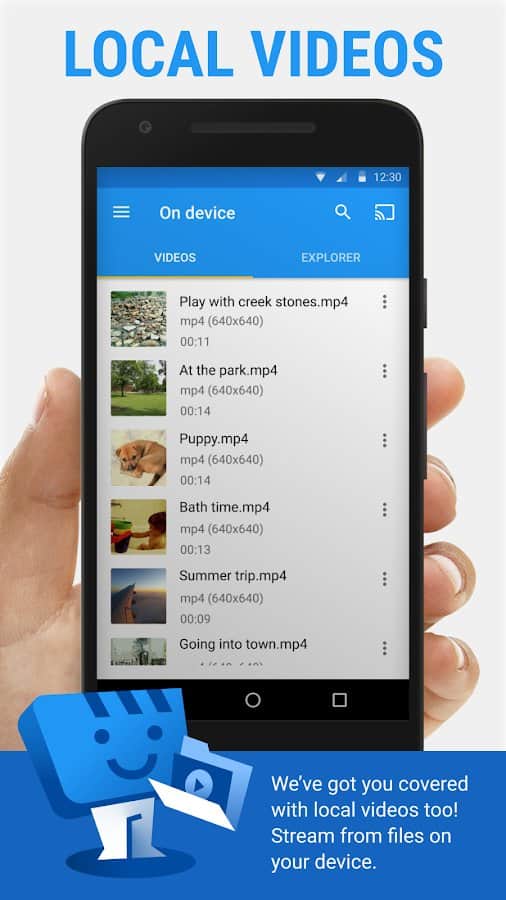
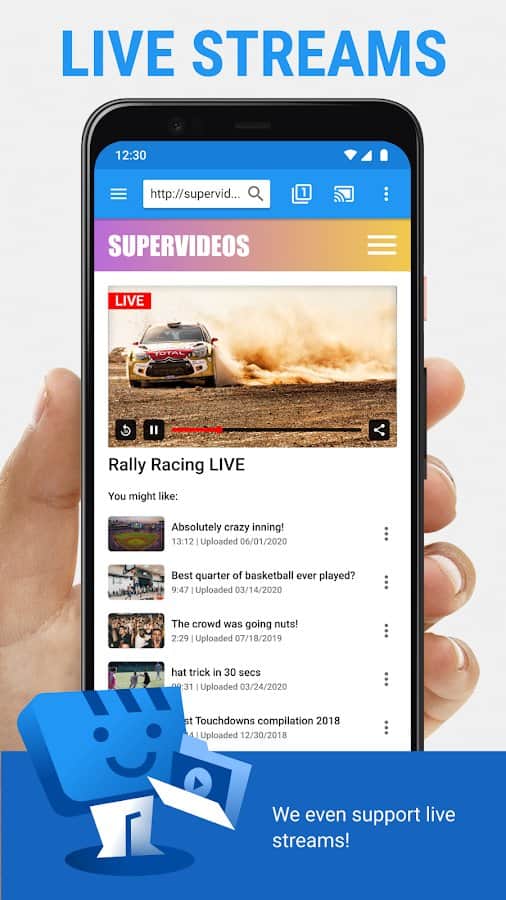
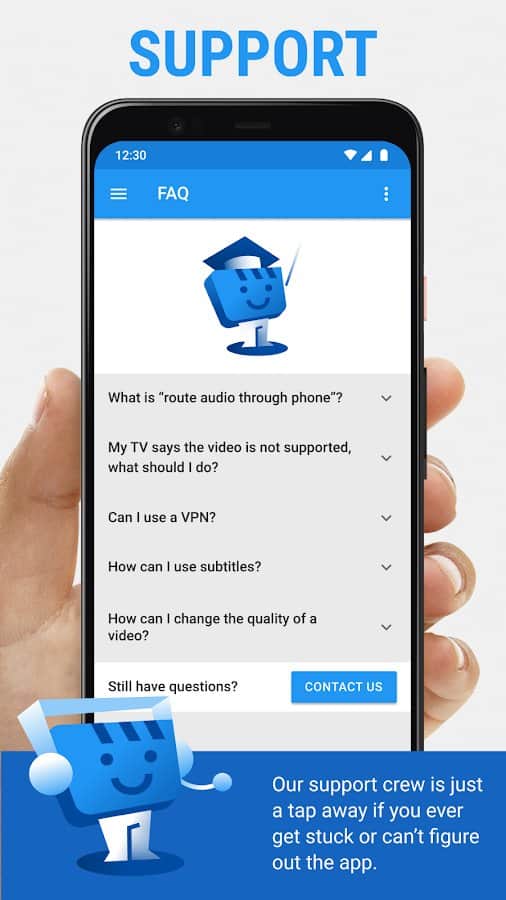
Web Video Cast - The app supports streaming video stored on your device, as well as photo and audio files. If the video page has subtitles, you can use them or add your own.
Step-by-step instructions to start streaming:
- Open a browser or file manager to select the desired file — whether it's a video, audio, or photo.
- For video or audio on the web page, start playback; for photos, long press on the image.
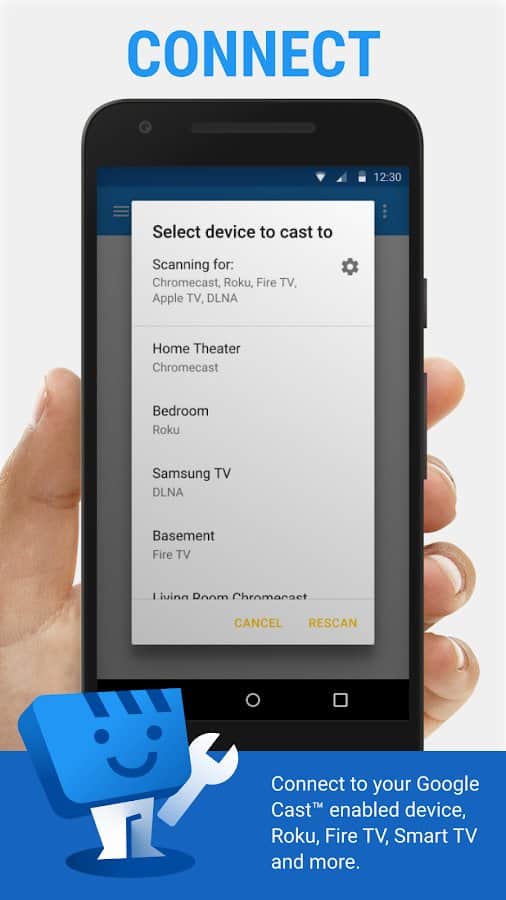
- Connect to the streaming device to begin viewing on the big screen.
Screenshots
7 images
Download appWeb Video Cast | Browser to TV Premium

Information
- OS
- Android 5.0+
- Internet
- required
- Requires free space
- 134 Mb
- Language
- English, Ukrainian, Russian, Turkish, Others

![[forgotten] How much is your life worth](https://pdalife.com/photo/th_maxresdefault-1-_13.jpg)









Comments to Web Video Cast | Browser to TV on Android
To leave comments,
please log in.