Settings

Appearance

VNC Viewer - Remote Desktop
  • OS

    Android

  • Category

    Internet and network

  • v3.7.1.44443 Updated: 08.04.2022

VNC Viewer - Remote Desktop

  • v3.7.1.44443
  • Updated

    08.04.2022

Download
9.7 / 10Rating of 3 usersVotes: 3

About the app

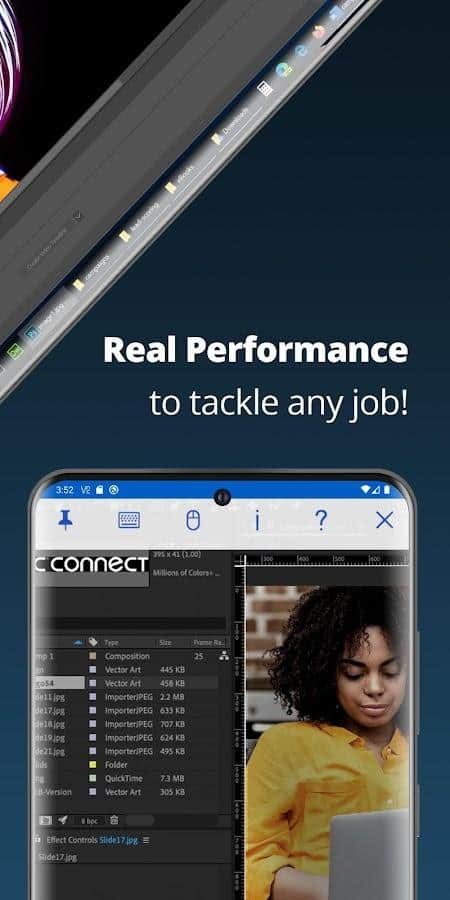
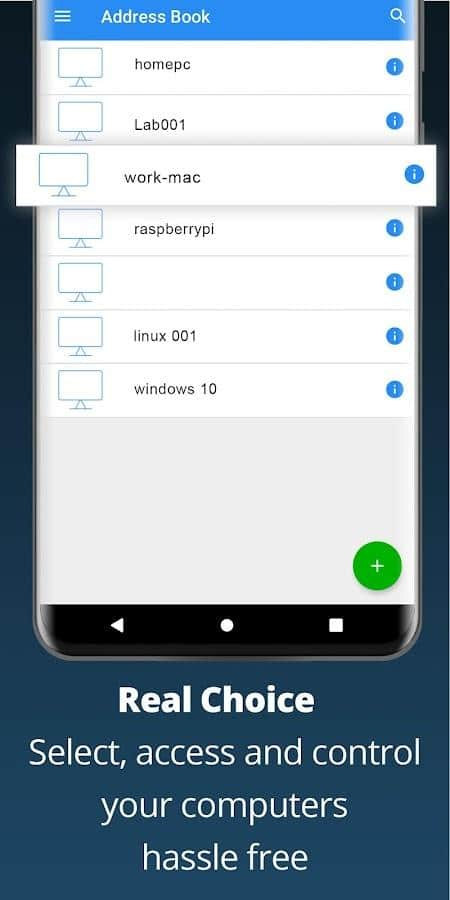
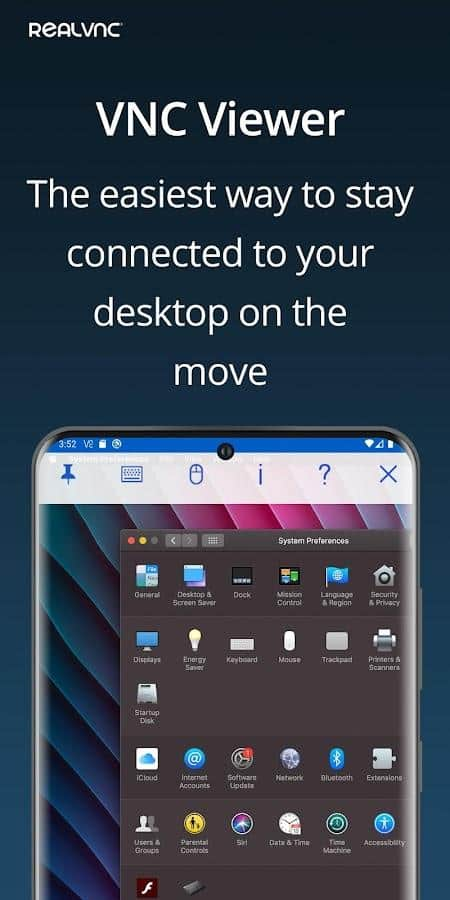
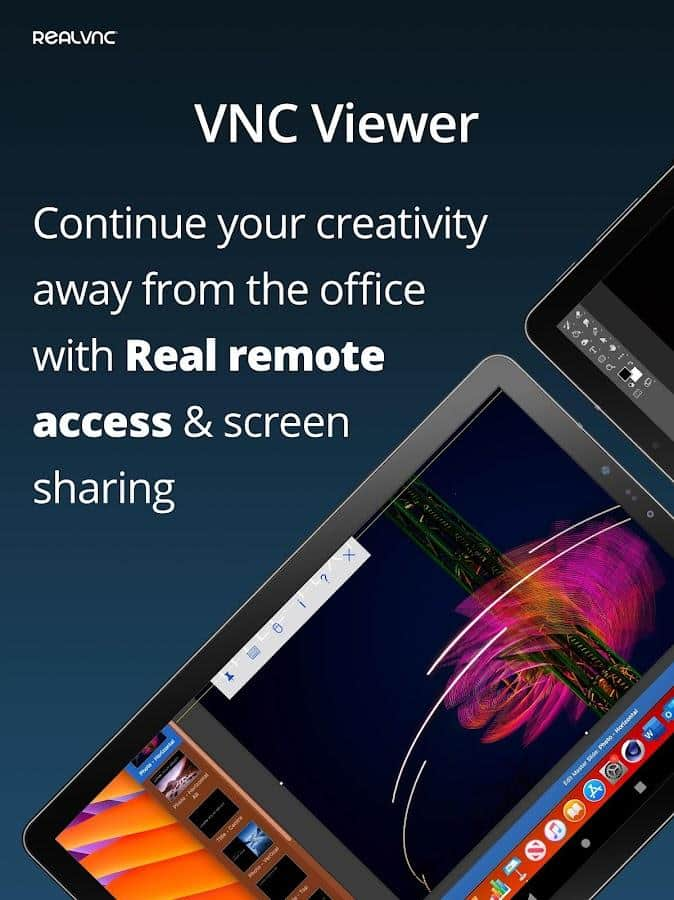
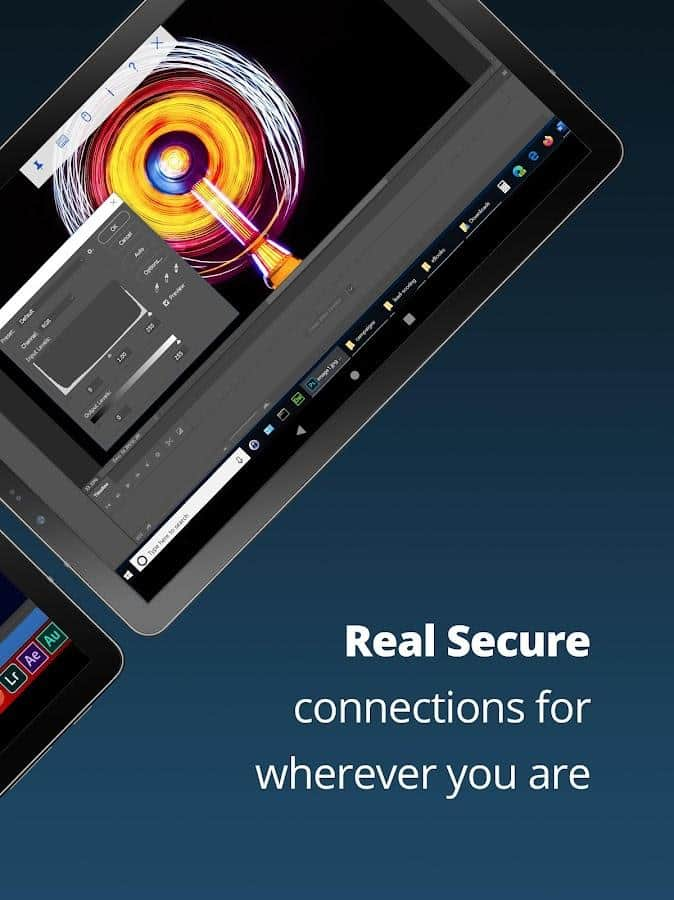
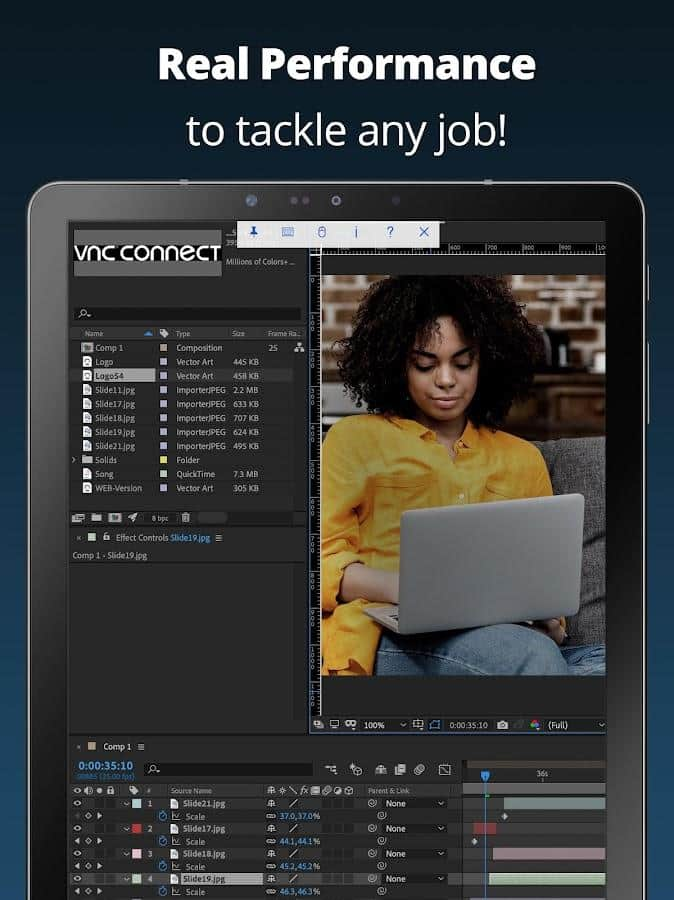
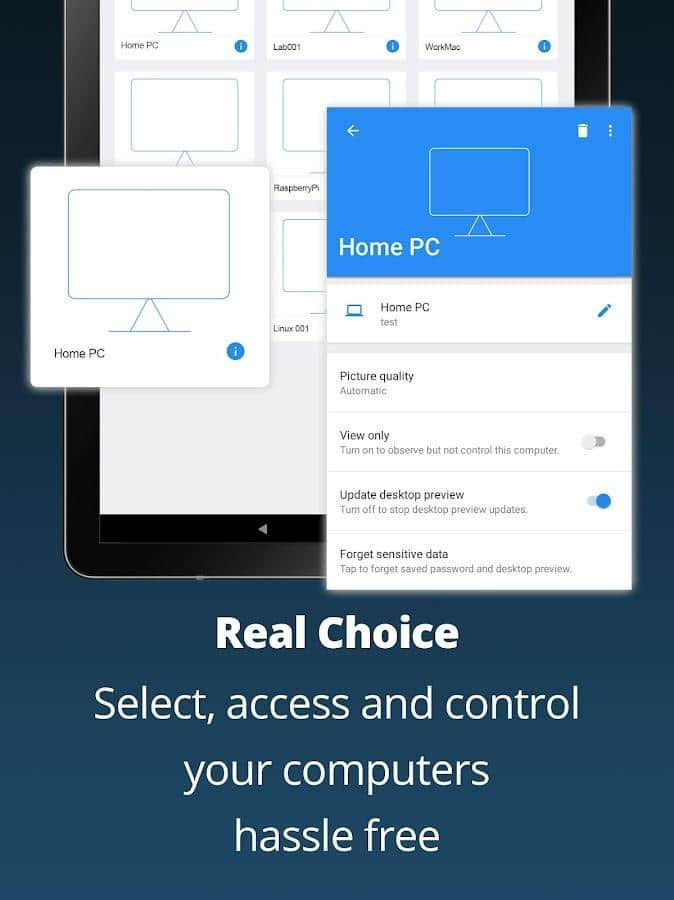
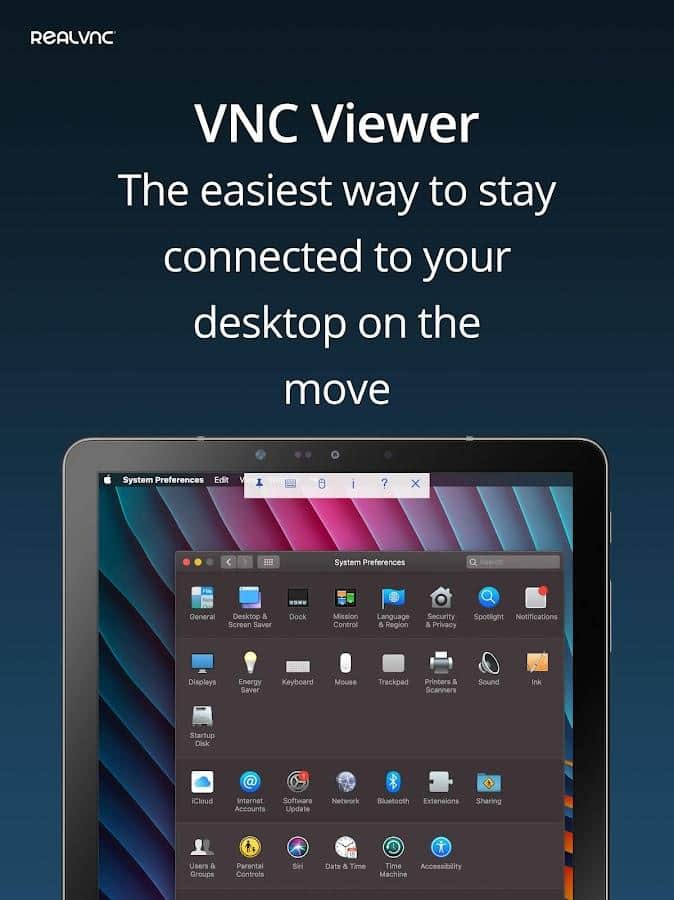
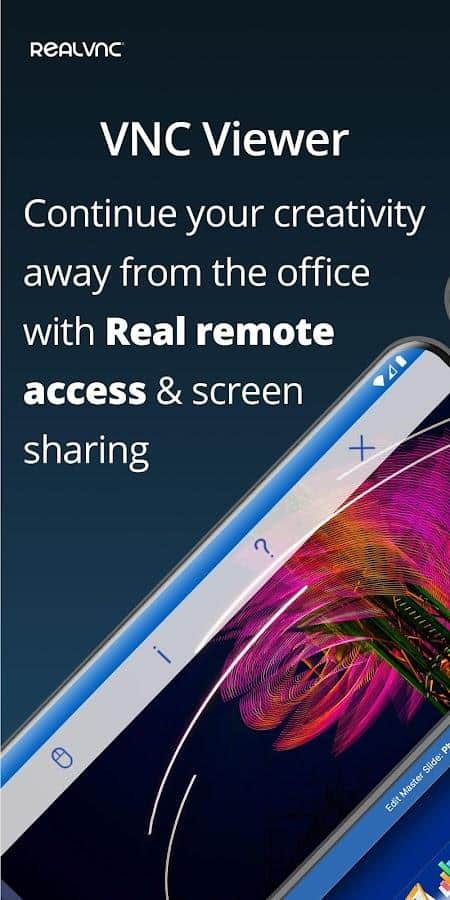
VNC Viewer - Remote Desktop - If you temporarily do not have access to your computer (Mac, Windows and Linux), and you need to view the desktop and even change something there, then this application will be a great solution for you. Download the remote access and management software and configure the settings for yourself to access the necessary folders, view available files and use them. The application completely protects all passwords, so after shutdown, the session disappears from the very beginning to the end. Additionally, you can remotely connect a mouse and keyboard.

Screenshots

10 images
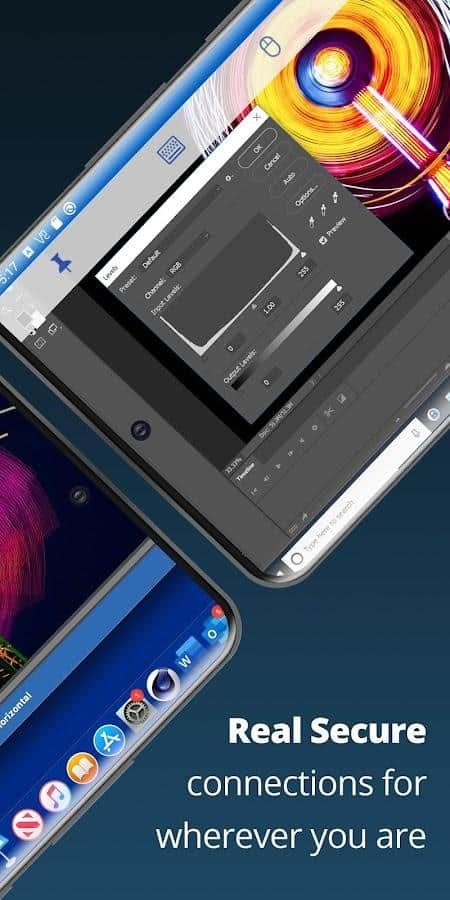
VNC Viewer - Remote Desktop screenshot 1VNC Viewer - Remote Desktop screenshot 2VNC Viewer - Remote Desktop screenshot 3VNC Viewer - Remote Desktop screenshot 4VNC Viewer - Remote Desktop screenshot 5VNC Viewer - Remote Desktop screenshot 6VNC Viewer - Remote Desktop screenshot 7VNC Viewer - Remote Desktop screenshot 8VNC Viewer - Remote Desktop screenshot 9VNC Viewer - Remote Desktop screenshot 10
Full-size game screenshot

App rating

Editors rating

Rating of 3 users

9.7

Download appVNC Viewer - Remote Desktop

v3.7.1.44443  Original

8.04.2022 - Changes not specified.
Files:TudeNickeTudeNicke
Works?
100%

Votes: 1

Information

OS
Android 6.0+
Internet
not required
Requires free space
25 Mb
Language
English
Tags #VPN

Comments to VNC Viewer - Remote Desktop on Android

In development...!

In development...!

While these buttons work, years will pass, maybe even centuries, but do not despair, wait and you will be rewarded! Want to speed up the development process? Do reposts of the site pages on social networks and tell your friends about us!
Registration completed successfully