
About the app
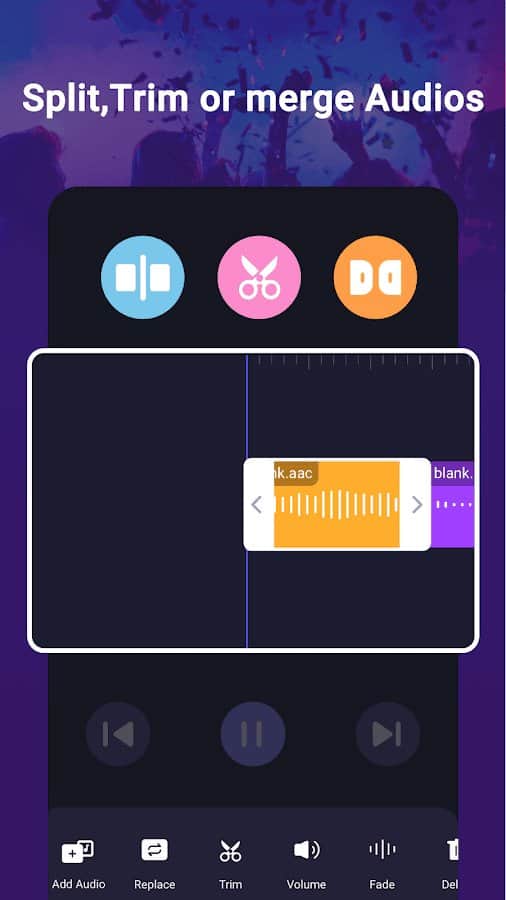
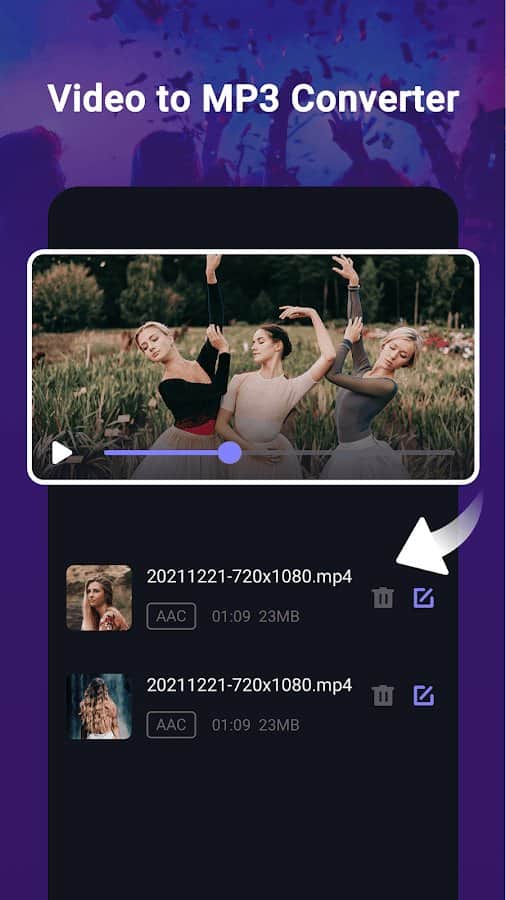
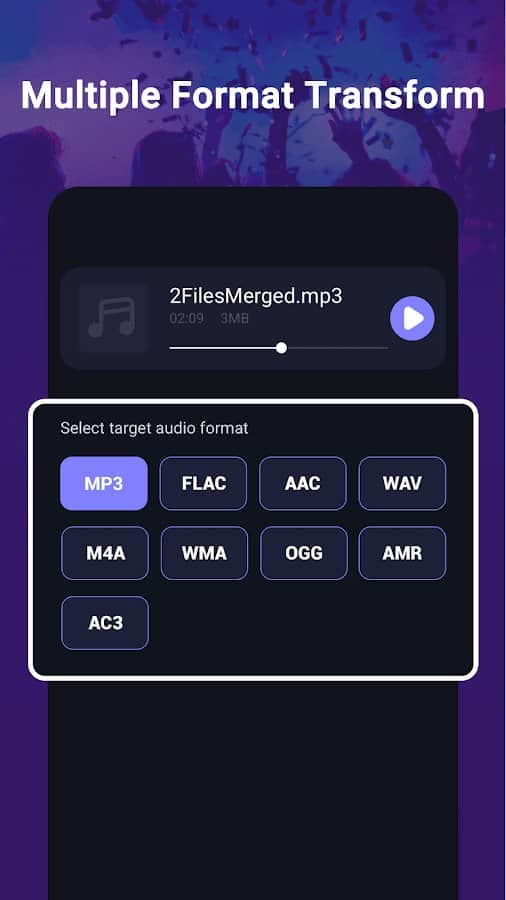
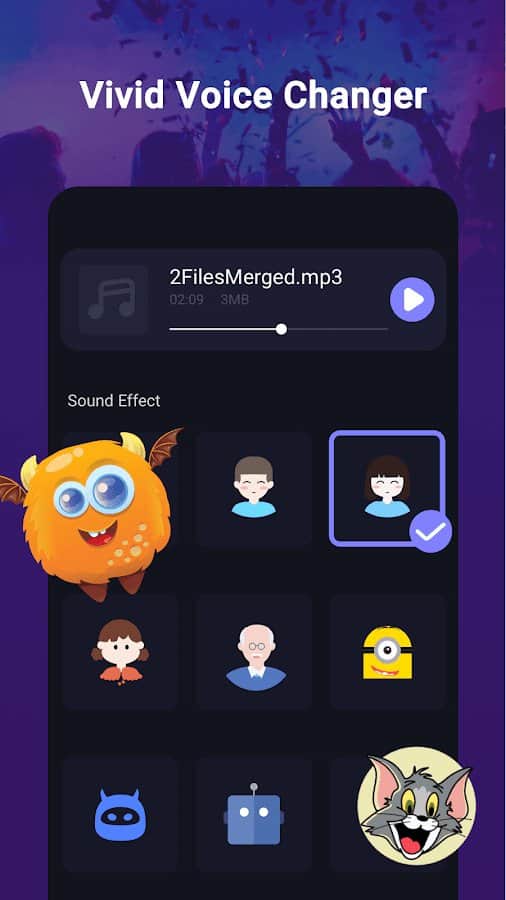
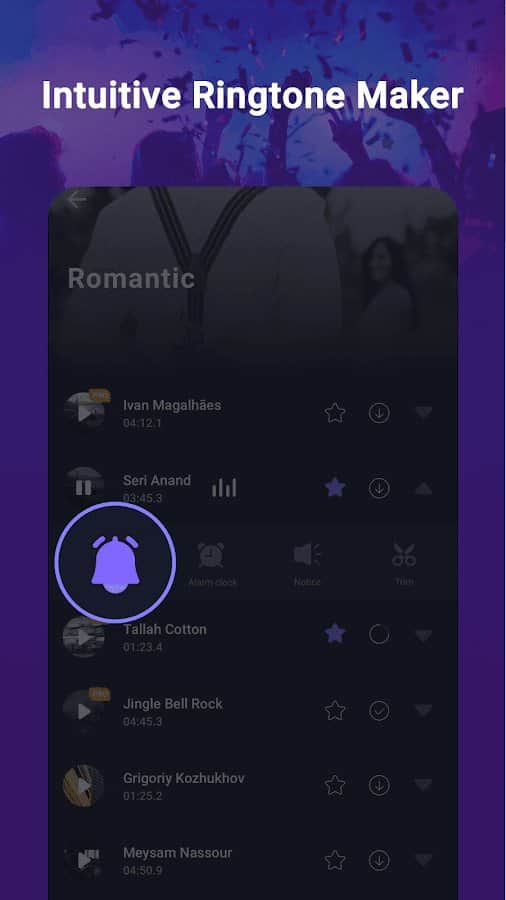
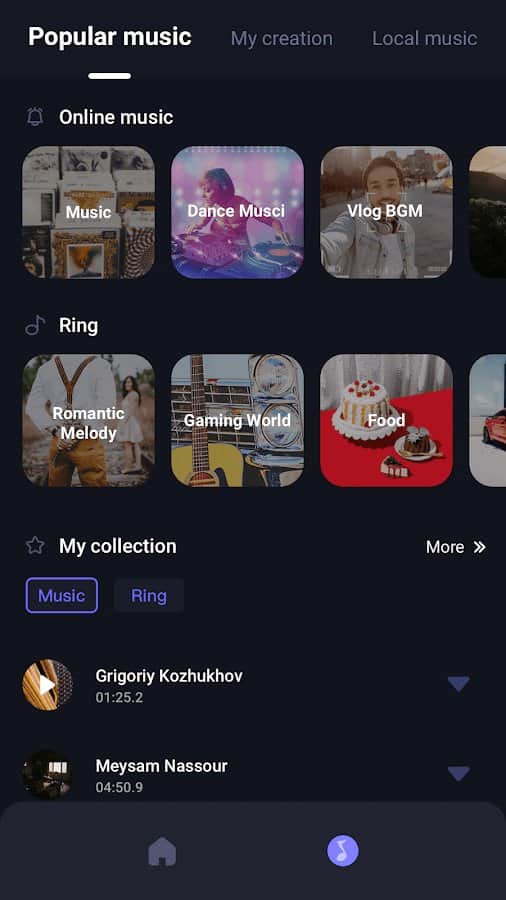
Converting Video to MP3 - Work through the recorded audio recordings in detail to get the cropped recording that you originally needed as a result. Use a whole set of features by completely correcting the source code: adjust the variable sound speed, batch process audio or music, get rid of noisy ambient sounds, adjust the volume or frequency, optionally adjust ringtones to various functions and store processed recordings in specially created folders. The whole process is quite simple and convenient!
Screenshots
8 images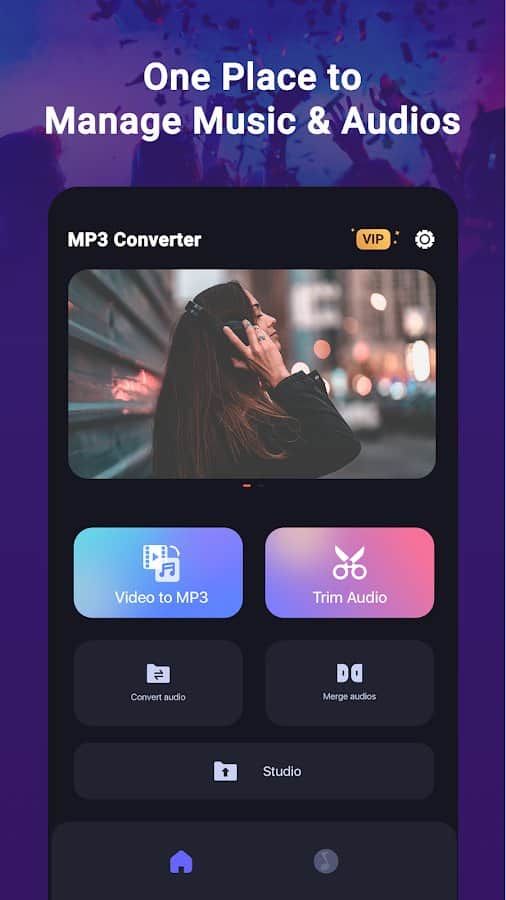
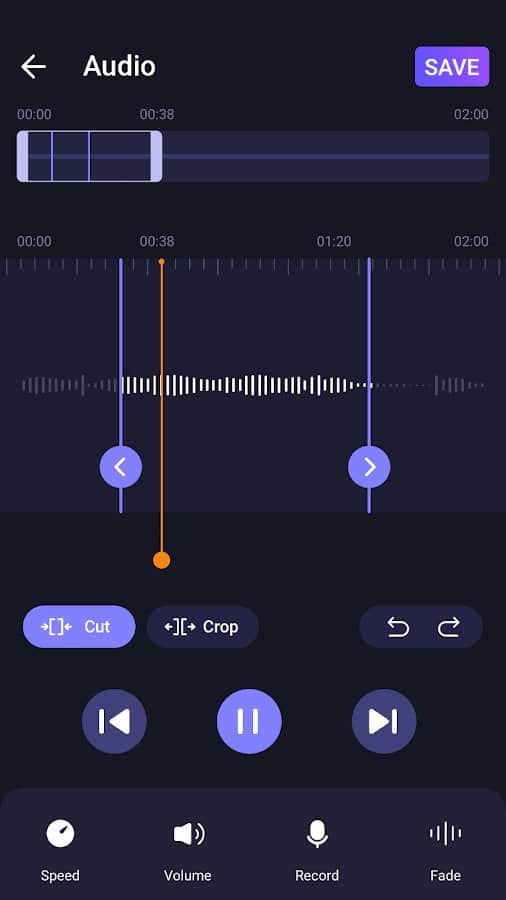
Download appVideo to MP3 Convert & Cutter Premium

v1.2.3 Original
Information
- OS
- Android 4.3+
- Internet
- not required
- Requires free space
- 44 Mb
- Language
- English, Russian

![[forgotten] How much is your life worth](https://pdalife.com/photo/th_maxresdefault-1-_13.jpg)







Comments to Video to MP3 Convert & Cutter on Android
To leave comments,
please log in.