

About the app
tuneQ – a very good player, which essentially is a graphic app equalizer for your Android device from the developer Scosche. With tuneQ you will be able to set the desired low, mid and high frequencies of songs in high-quality connected headsets. Look not only nice but also high quality music, using the individual player settings. Enjoy, and good cheer!
Functions:
- Automatic loading entire music library when you first start;
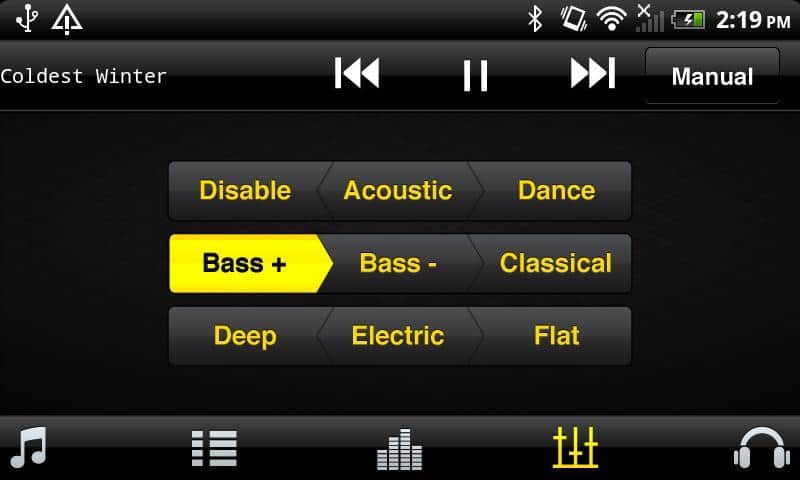
- Choice 8 professional audio presets.
- Improved sound when you configure the low, mid, and high frequencies;
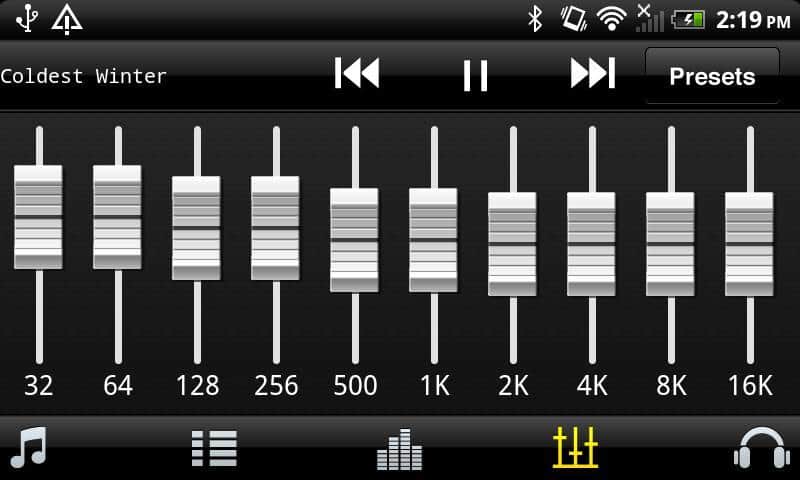
- configure a 10-band graphic equalizer in the sound settings;
- Simply drag the frequency sliders up and down to adjust the levels;
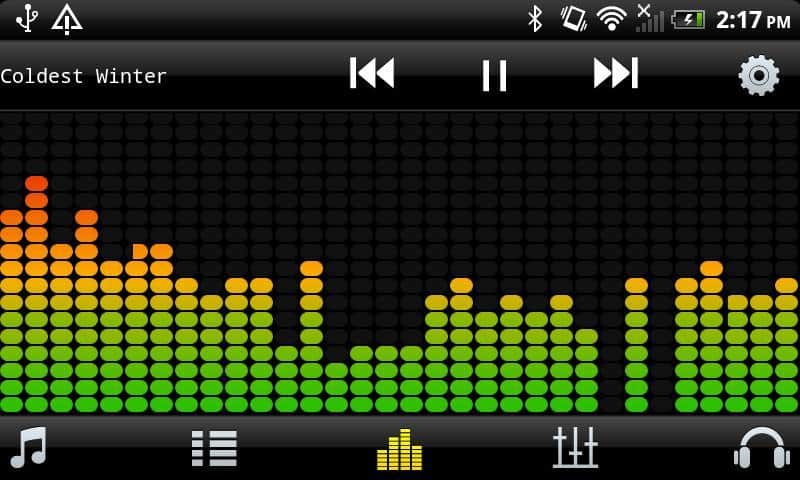
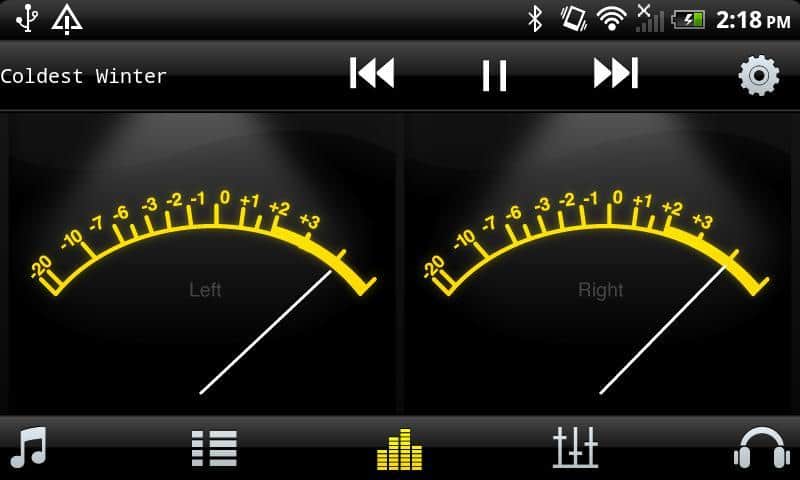
- Preview in real-time with a stunning graphic Visualizer;
- Sort music collections by artist name, albums or songs;
- Create custom playlists player music;
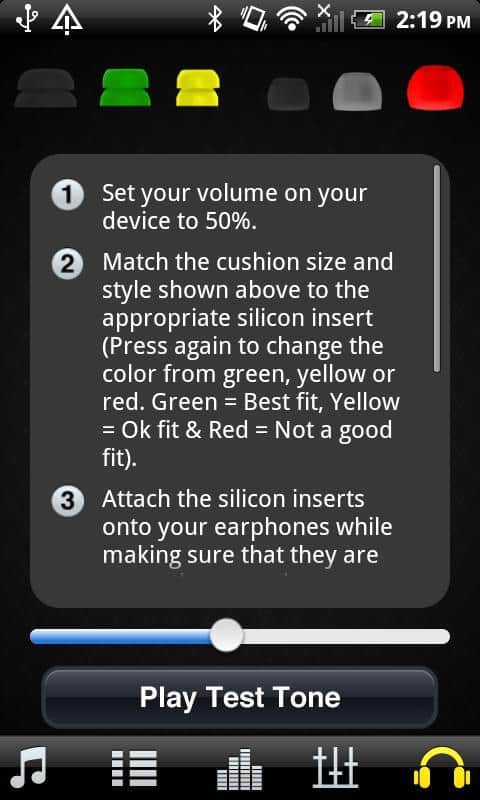
- Interactive guide will help you select the correct ear cushions in the settings menu.
- Optimized to work with models that support 480x800 displays and on tablets with a display at 800x1280(1280x800)
Russian language: unknown
Screenshots
6 images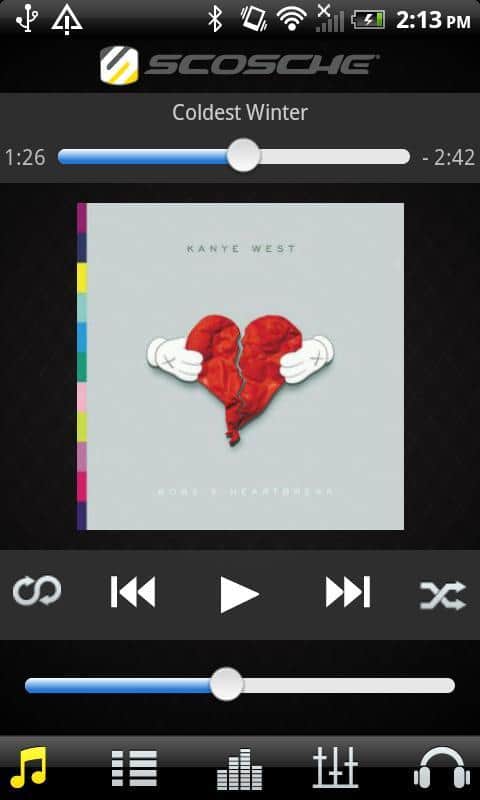
Download apptuneQ
Information
- OS
- Android 2.3+
- Language
- English

![[forgotten] How much is your life worth](https://pdalife.com/photo/th_maxresdefault-1-_13.jpg)









Comments to tuneQ on Android
To leave comments,
please log in.