

About the app
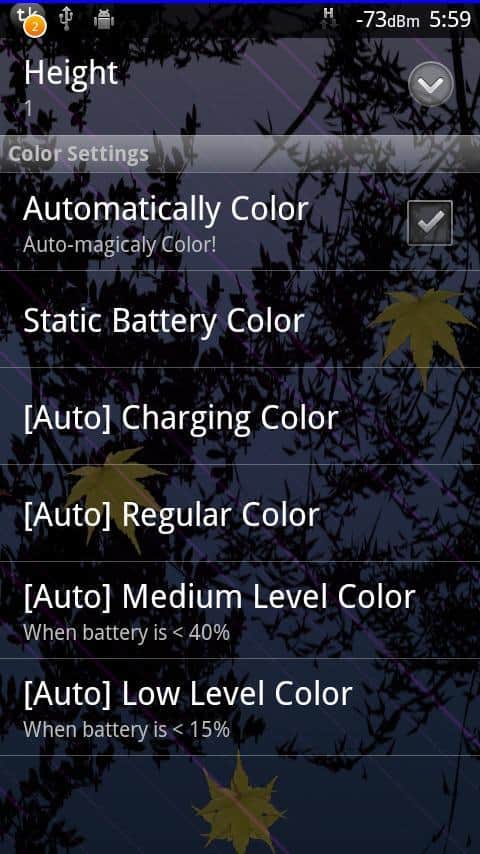
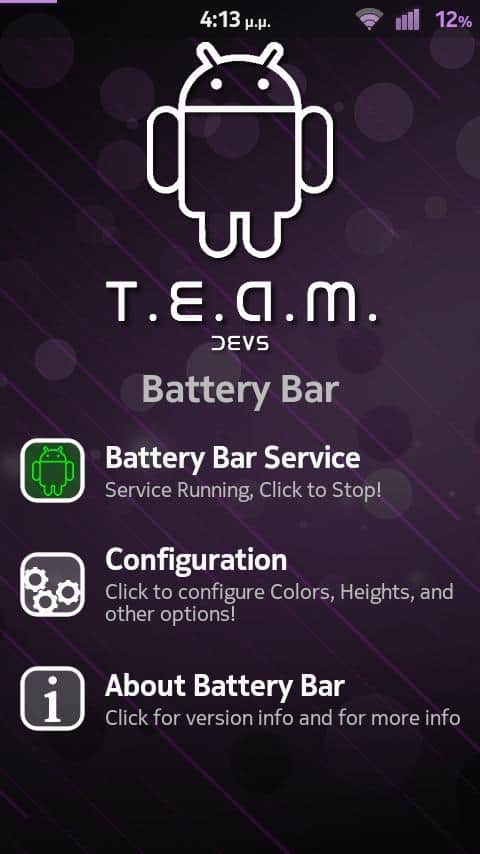
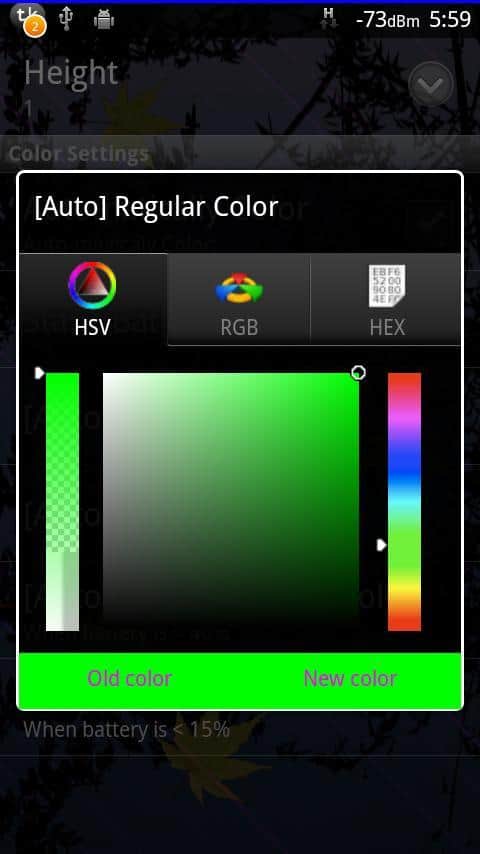
T. E. A. M. Battery Bar – the battery indicator on the Android device. You need to decide what thickness of the line to determine the battery charge, you want to see on your smartphone screen and where it will be located at the top or bottom. Determine the color scheme for full, medium and low charge. There is an adjustable level that is responsible for the change of your chosen color scheme. Features of the main application menu is divided into three paragraphs: enable/disable, a list of configurable settings and information about the application.
Screenshots
6 images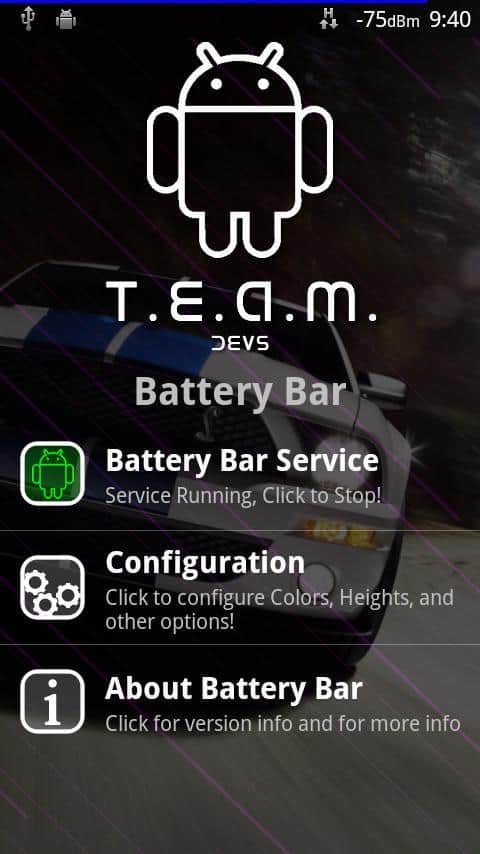
Download appT. E. A. M. Battery Bar
Information
- OS
- Android 2.1+
- Language
- English

![[forgotten] How much is your life worth](https://pdalife.com/photo/th_maxresdefault-1-_13.jpg)



Comments to T. E. A. M. Battery Bar on Android
To leave comments,
please log in.