

About the app
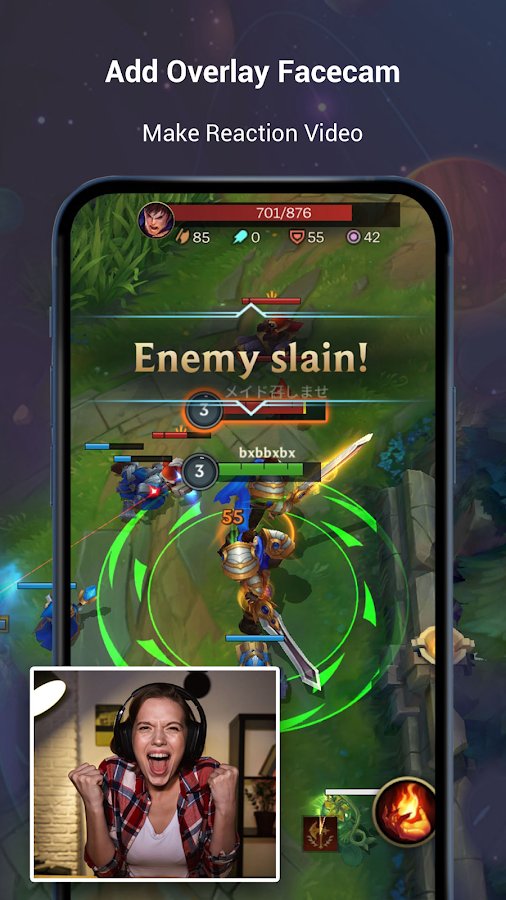
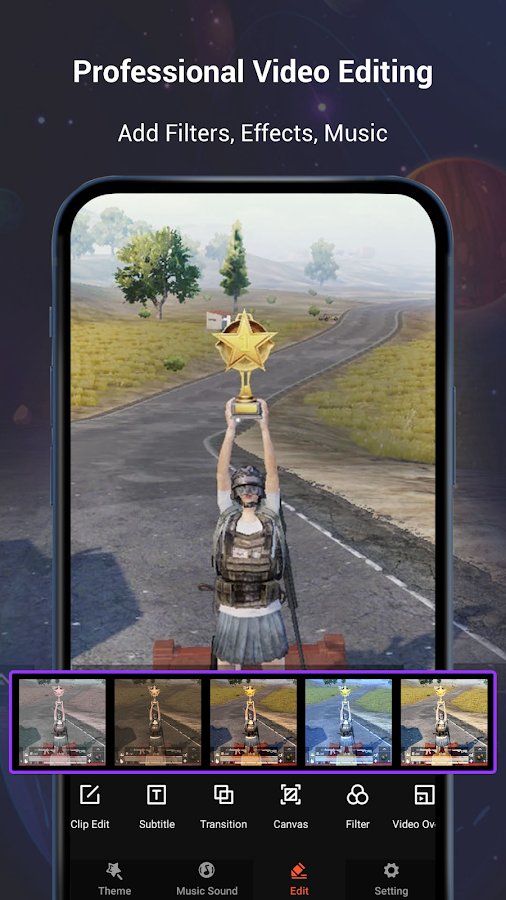
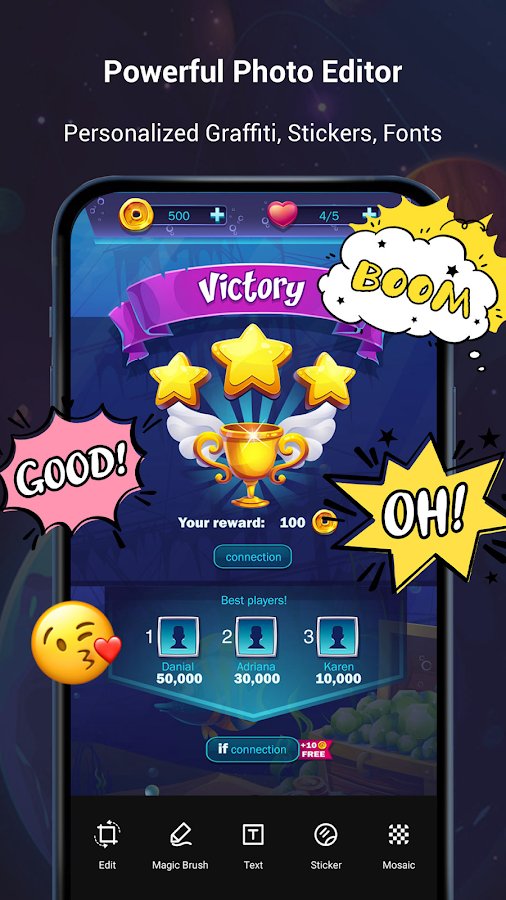
The powerful video editor V Recorder allows you to configure filters in the video, add music, text to it, perform cropping, and also record the game process from the device screen.
Features:
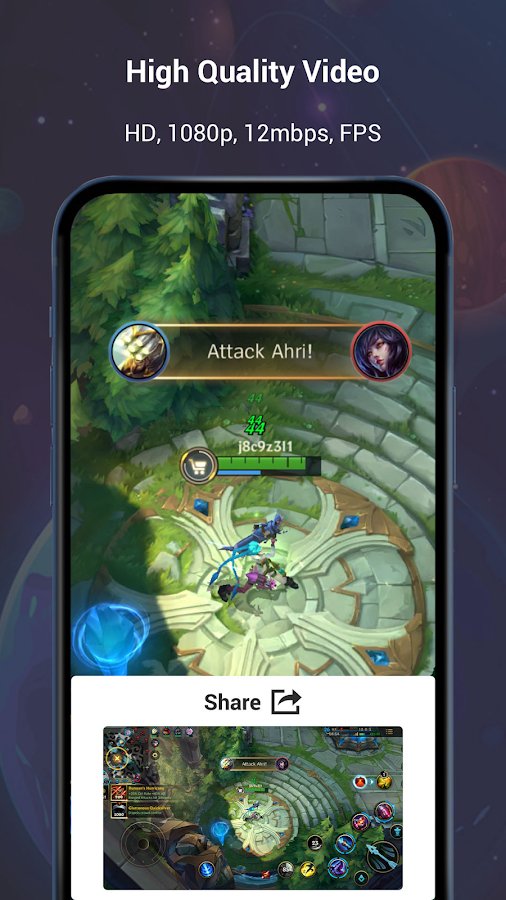
- Screen recording in good quality without distortion,
- Fast and clear screen capture and simultaneous recording,
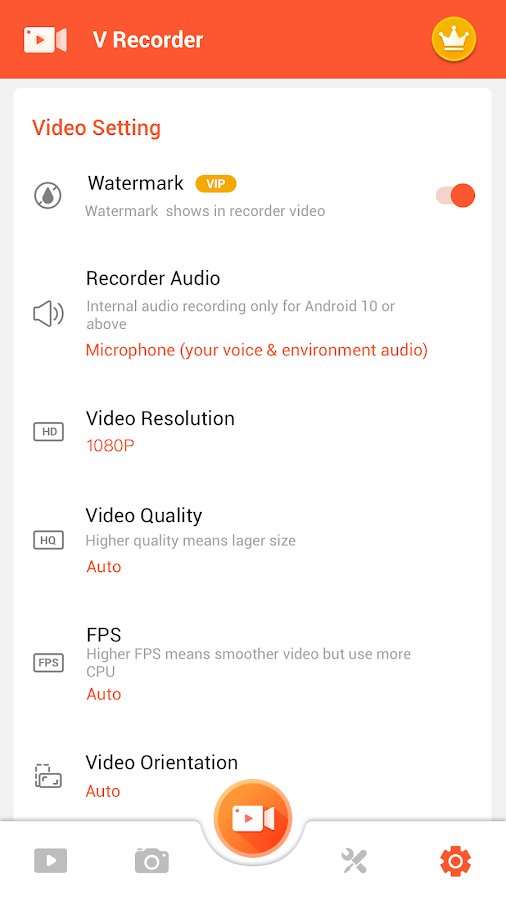
- Changing the aspect ratio and orientation of the screen,
- Support for recording internal sound,
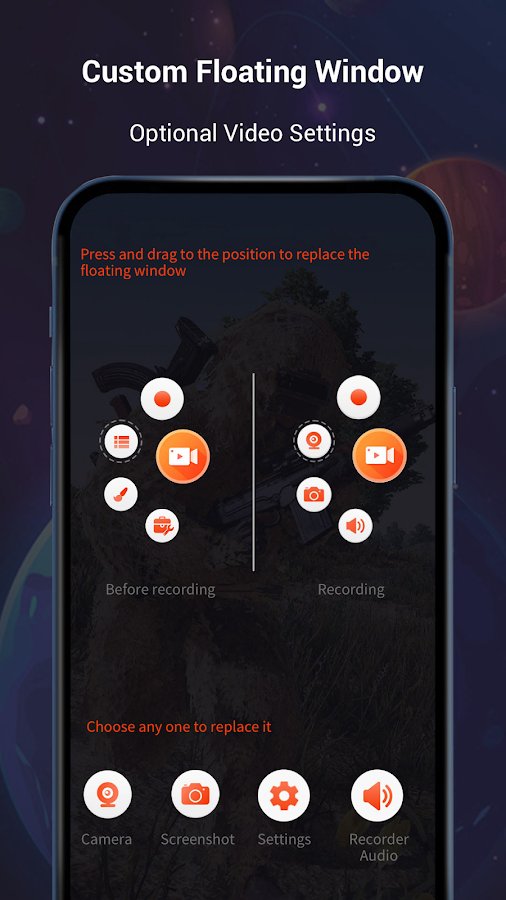
- The presence of a floating button with its subsequent reassignment at its discretion,< /li>
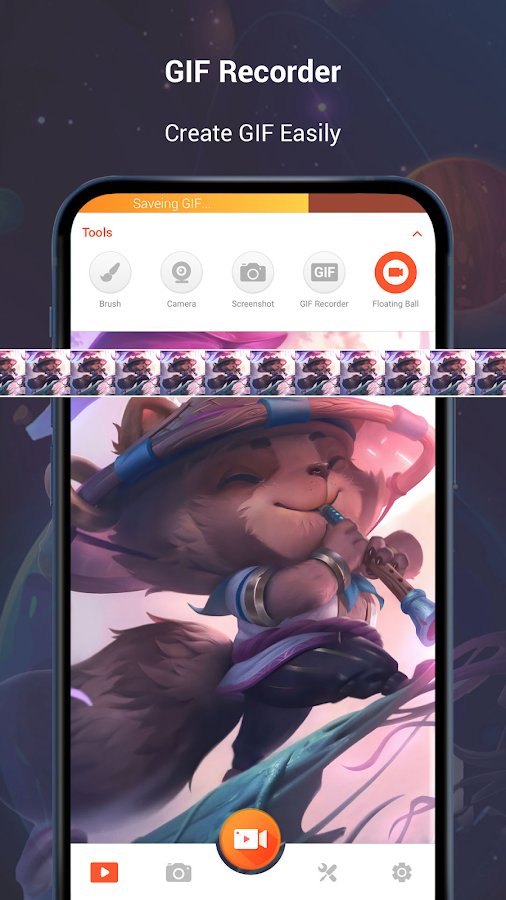
- Recording Gif files,
- Functions for professional video editing,
- The ability to draw on the screen while recording video,
- Simple and intuitive interface.
Screenshots
8 images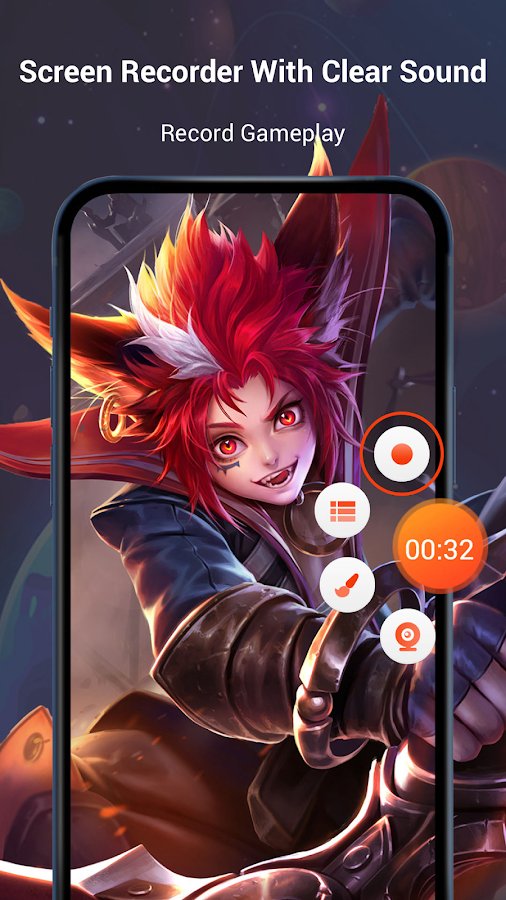

Download appScreen Recorder Video Recorder Premium

v8.2.2.0 build 210 Premium
v8.0.2.0 Premium

v8.0.0.0 Premium
Information
- OS
- Android 5.0+
- Internet
- not required
- Requires free space
- 75 Mb
- Language
- English, Russian

![[forgotten] How much is your life worth](https://pdalife.com/photo/th_maxresdefault-1-_13.jpg)

Tags #video








Comments to Screen Recorder Video Recorder on Android
To leave comments,
please log in.