

About the app
Powerpoint Preview is the app aimed at the creation and editing of PowerPoint presentations that I look as wonderful as you planned not only on tablets but on phones, PC, Mac. Intuitive, familiar interface and ease of use Office will help you to quickly learn PowerPoint and get to work. However, it is worth saying that to create and edit documents you need to sign in with a free Microsoft account.
Features:
- PowerPoint supports images, embedded video, tables, charts, SmartArt, transitions and animations with perfect formatting.
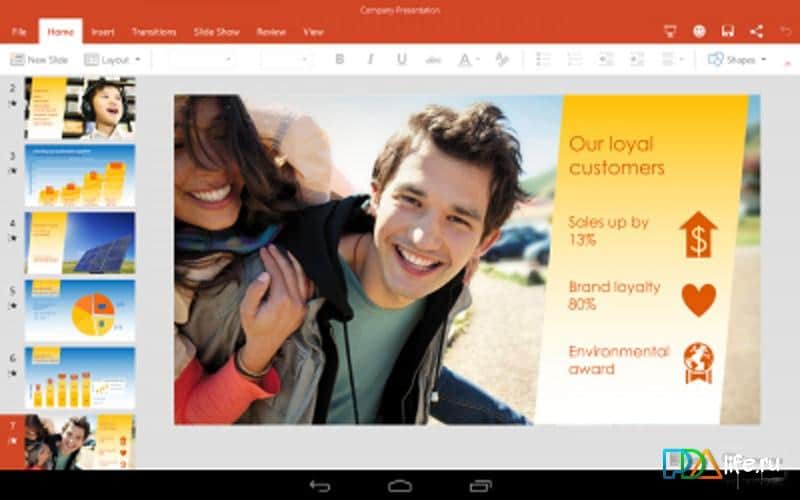
- tablets PowerPoint presentations look as good as on the computer.
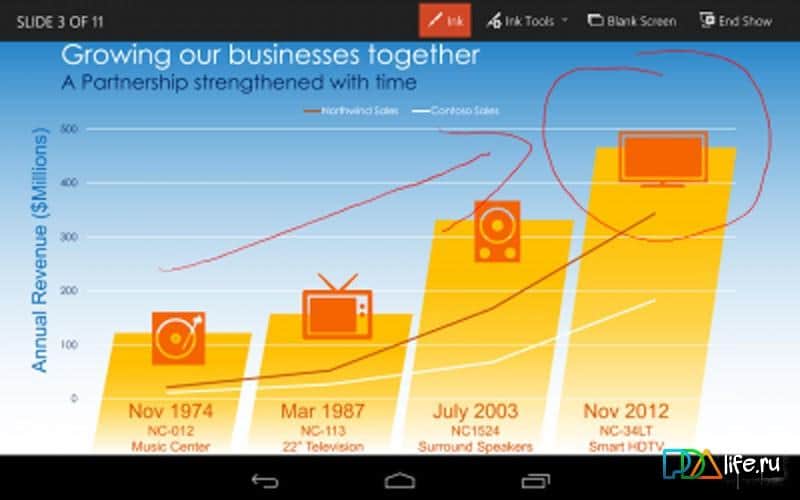
- During the performance, use the built-in laser pointer, pen or marker to clearly Express their thoughts.
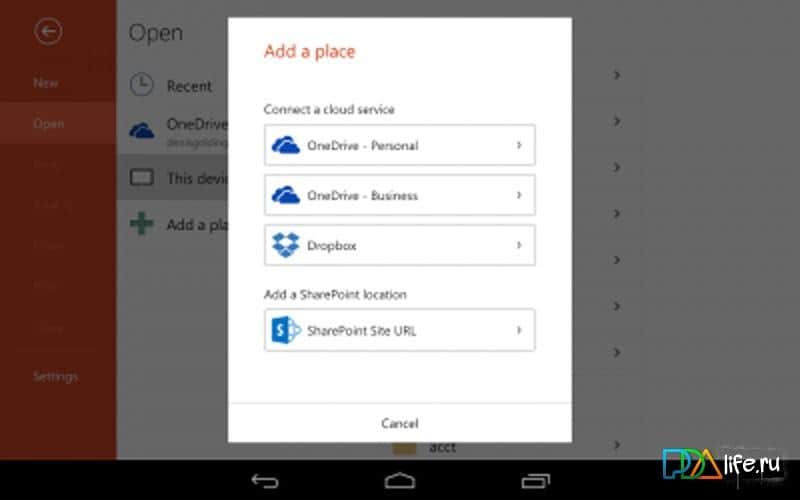
- View email attachments and access all your PowerPoint presentations from OneDrive, Dropbox, OneDrive for business, or SharePoint.
- PowerPoint remembers what presentations you were working the last time regardless of what device we used, so you can continue where you left off.
- Print PowerPoint presentations.
- Confident in creating and editing
- When you edit a presentation, your content and formatting are saved to all your devices: PCs, Macs, tablets and phones.
- Express ideas in their own way thanks to full support for rich text, including fonts, pictures, tables, textboxes, shapes, transitions, speaker notes and other features.
- Easily share their work with colleagues, just by sending the presentation or hyperlink to them via email
- Familiar interface of Microsoft Office
- Through the interface, familiar classic version of PowerPoint, you can easily master the app and will be able to get to work.
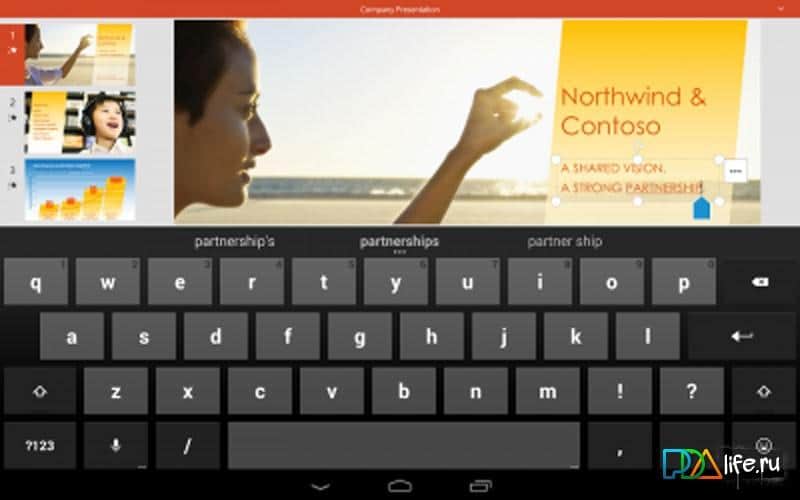
- the Familiar navigation and menu items created for devices with touch controls. To work with the app won't need the keyboard.
Screenshots
5 images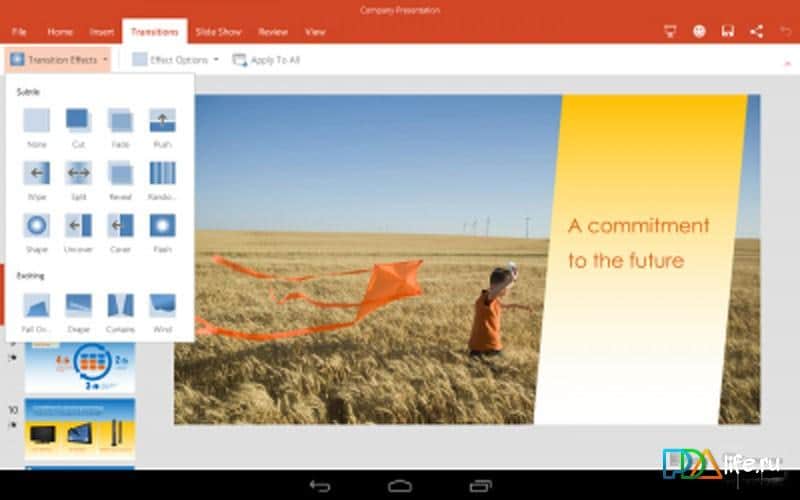
Download appPowerpoint Preview
Information
- OS
- Android 4.4+
- Requires free space
- 170 Mb
- Language
- English, Russian

![[forgotten] How much is your life worth](https://pdalife.com/photo/th_maxresdefault-1-_13.jpg)









Comments to Powerpoint Preview on Android
To leave comments,
please log in.