
About the app
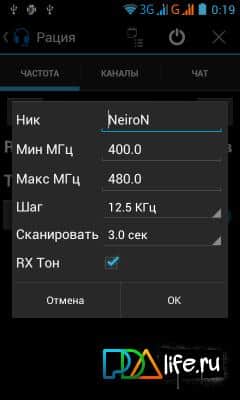
Intercomm – an interesting app for Android users phones Runbo X5-W, Runbo X3, Runbo X5-King from the developer NeiroN, allowing you to select the frequency of the radio and the tone for reception and transmission. It should be noted that for this program you will need to have the root user.
Features:
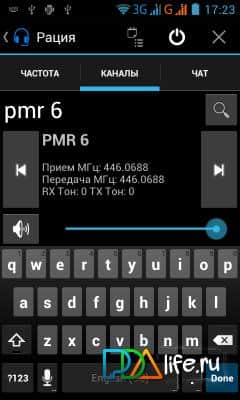
- the default Channels(already Packed) - 1..8 PMR, 69 LPD 01...
- To work you need the device /dev/Intercom_A1840
- Scan is enabled by long pressing.
- turned Off by pressing the frequency(input frequency)
- the Button with a Speaker: switch the Speaker and Headset if the headset is not just the sound from the radio will shut off.
- the Screen is made only portrait is to have less glitches.
- radio Settings are set when the power is on (power button in the header and has a corresponding icon)
- And more
Screenshots
3 images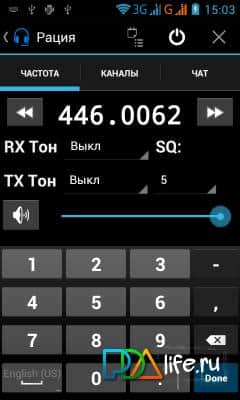
Download appIntercomm
Information
- OS
- Android 1.5+
- Language
- English, Russian

![[forgotten] How much is your life worth](https://pdalife.com/photo/th_maxresdefault-1-_13.jpg)







Comments to Intercomm on Android
To leave comments,
please log in.