
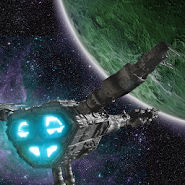
About the game
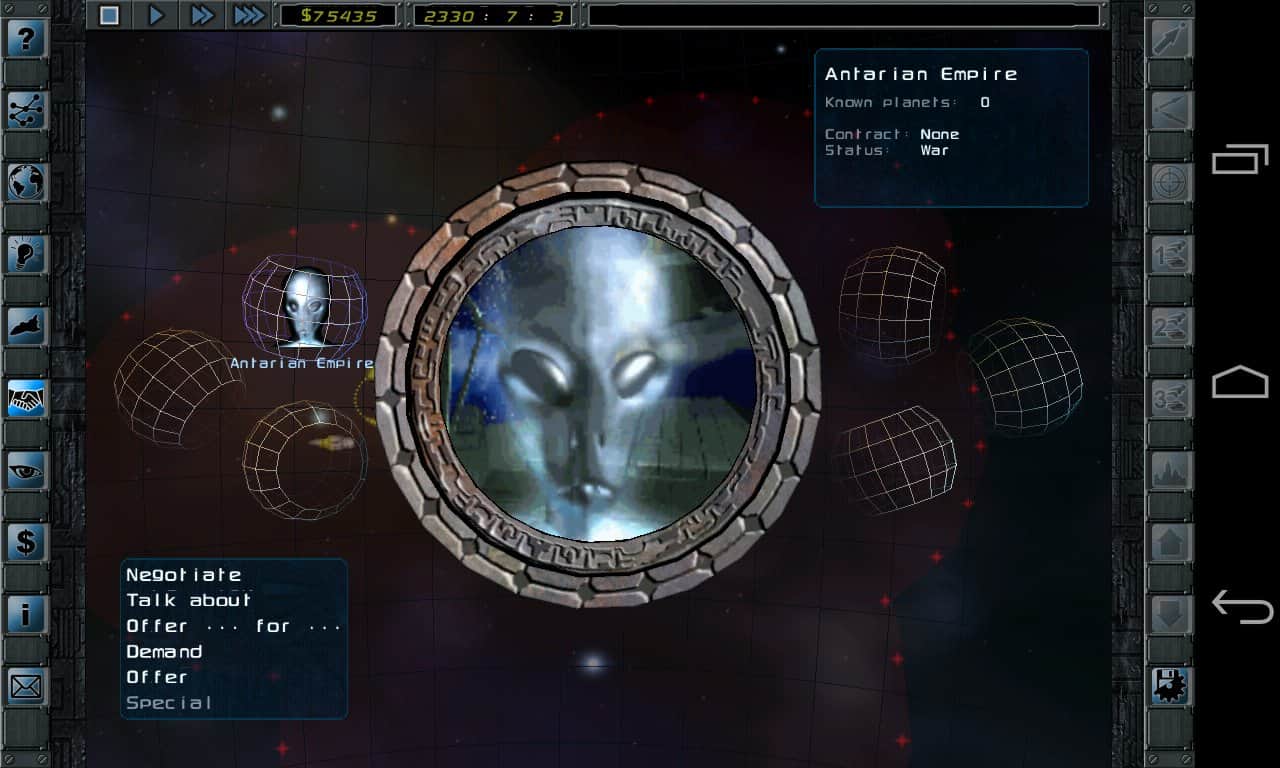
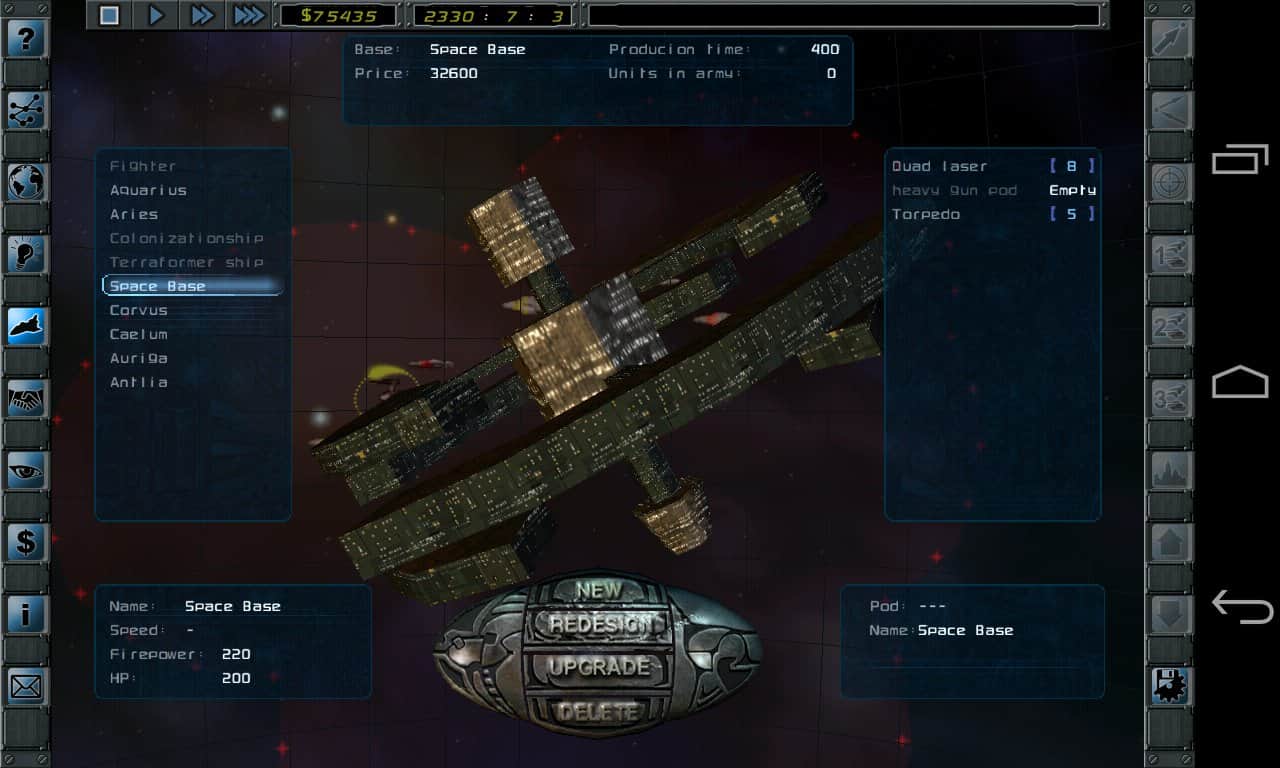
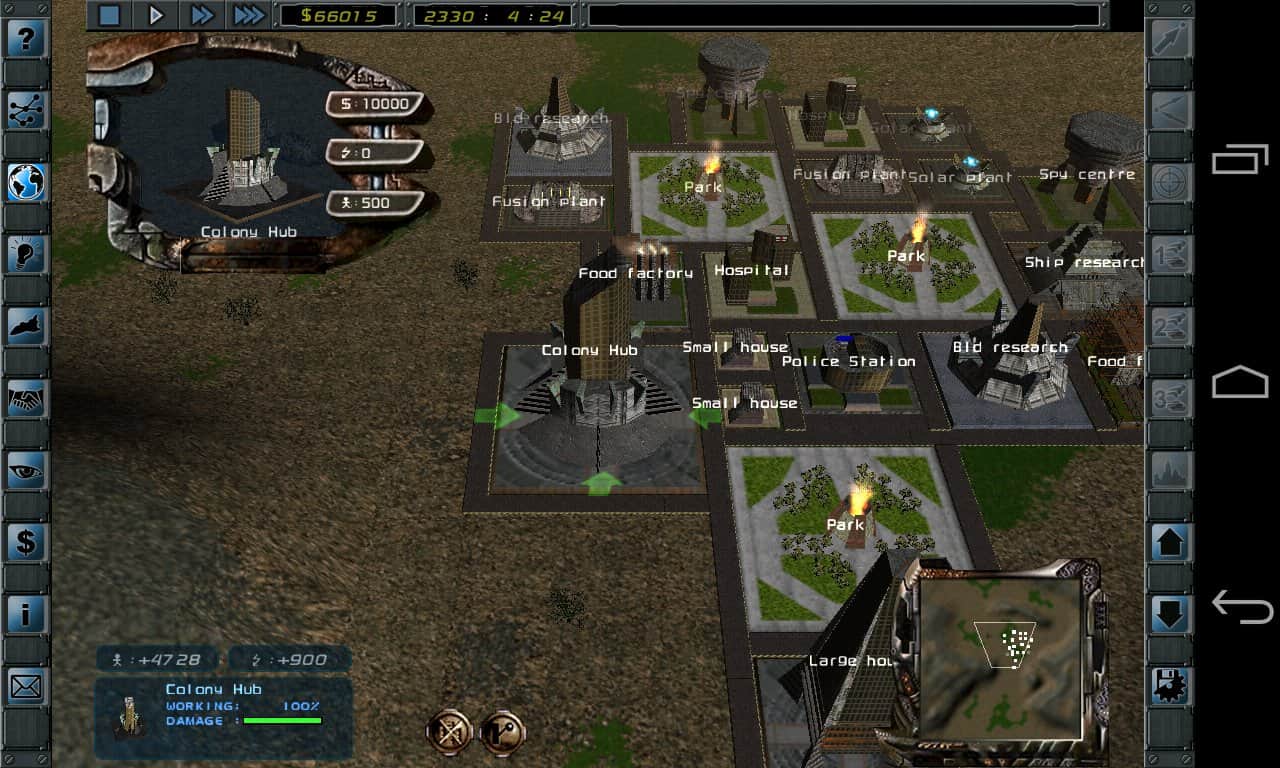
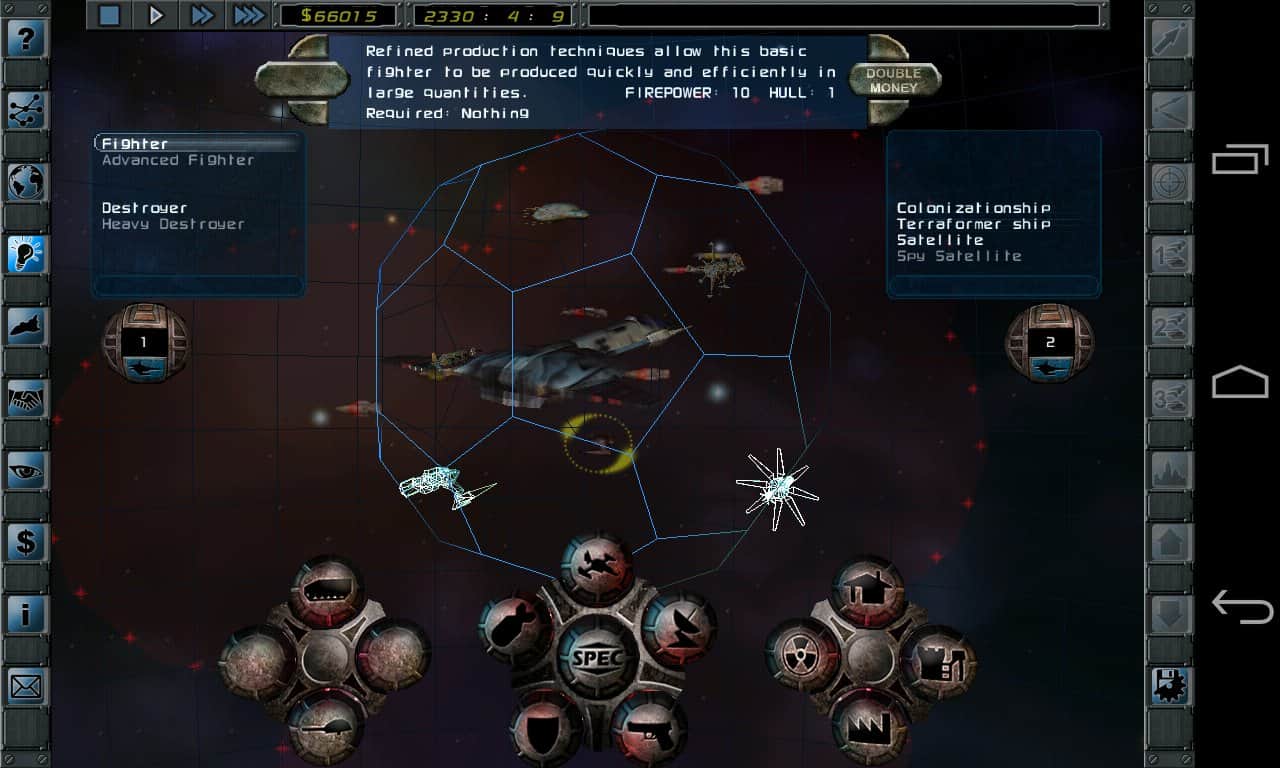
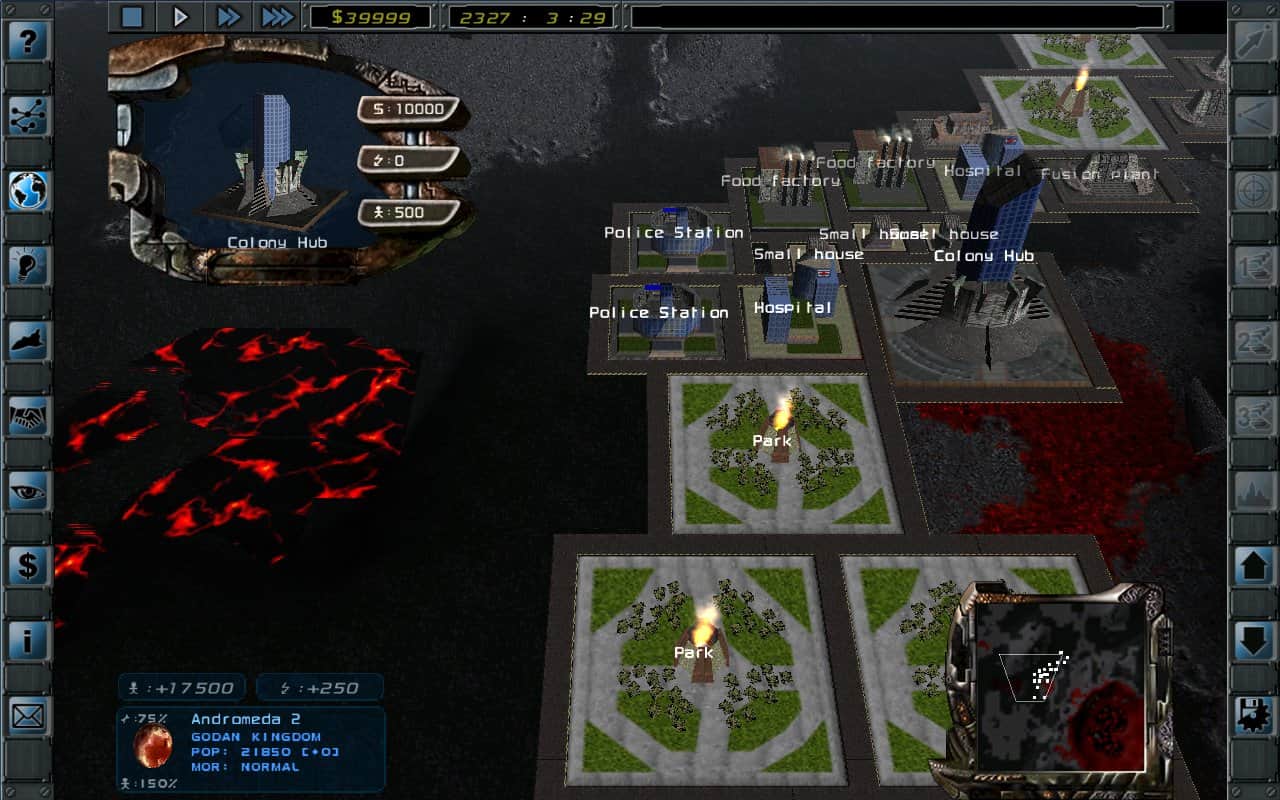
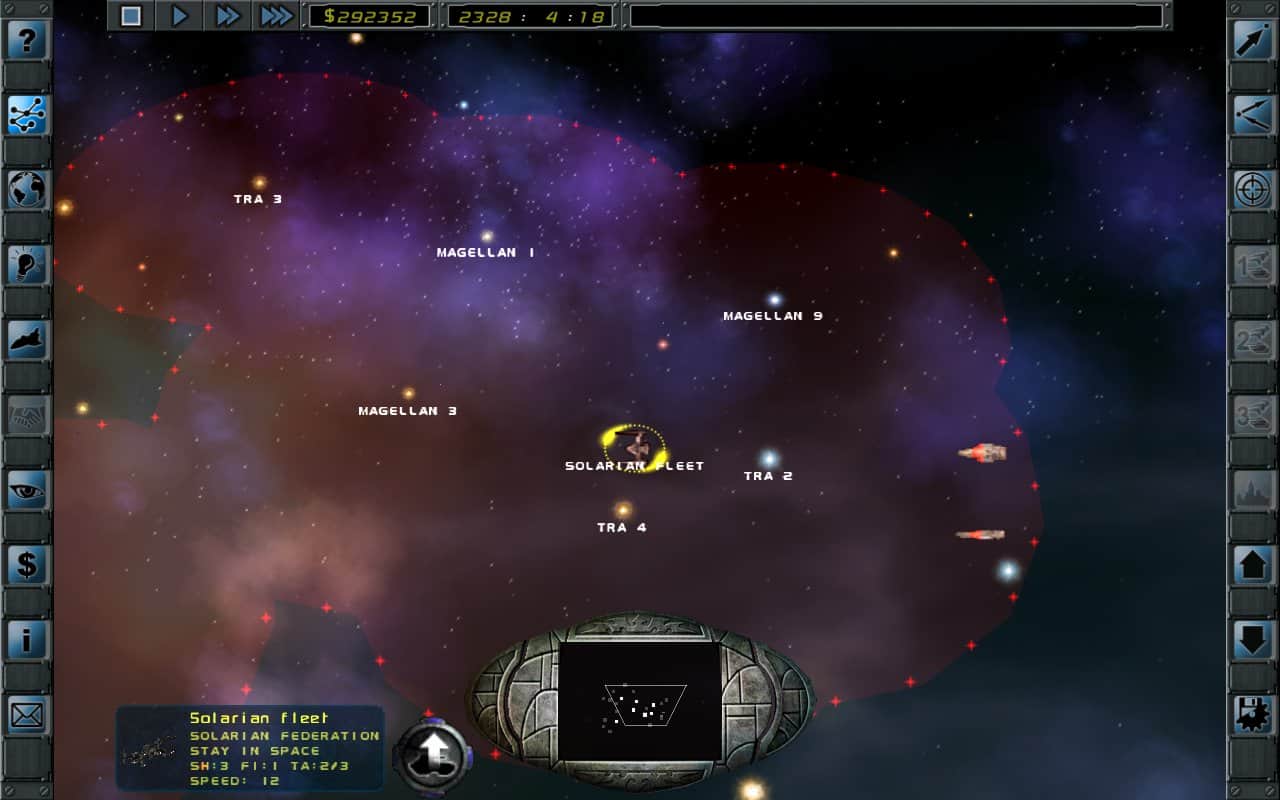
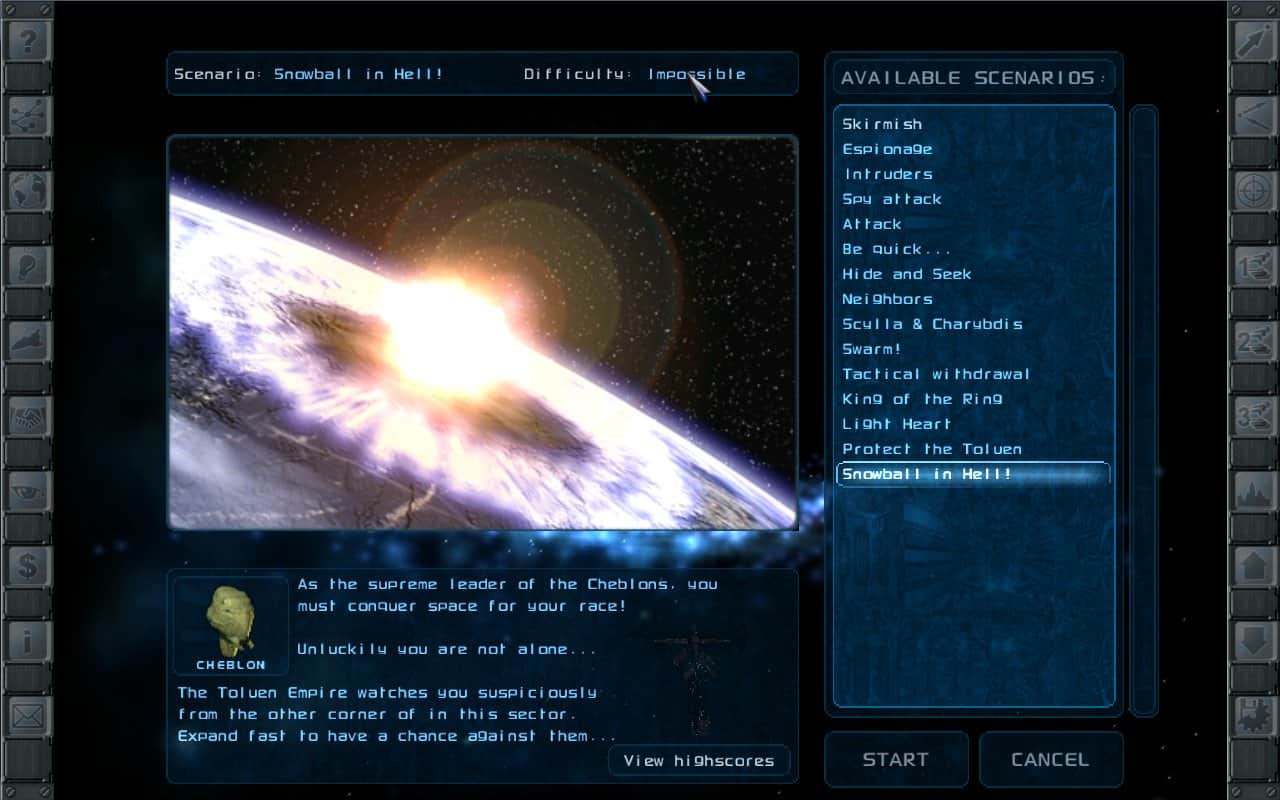
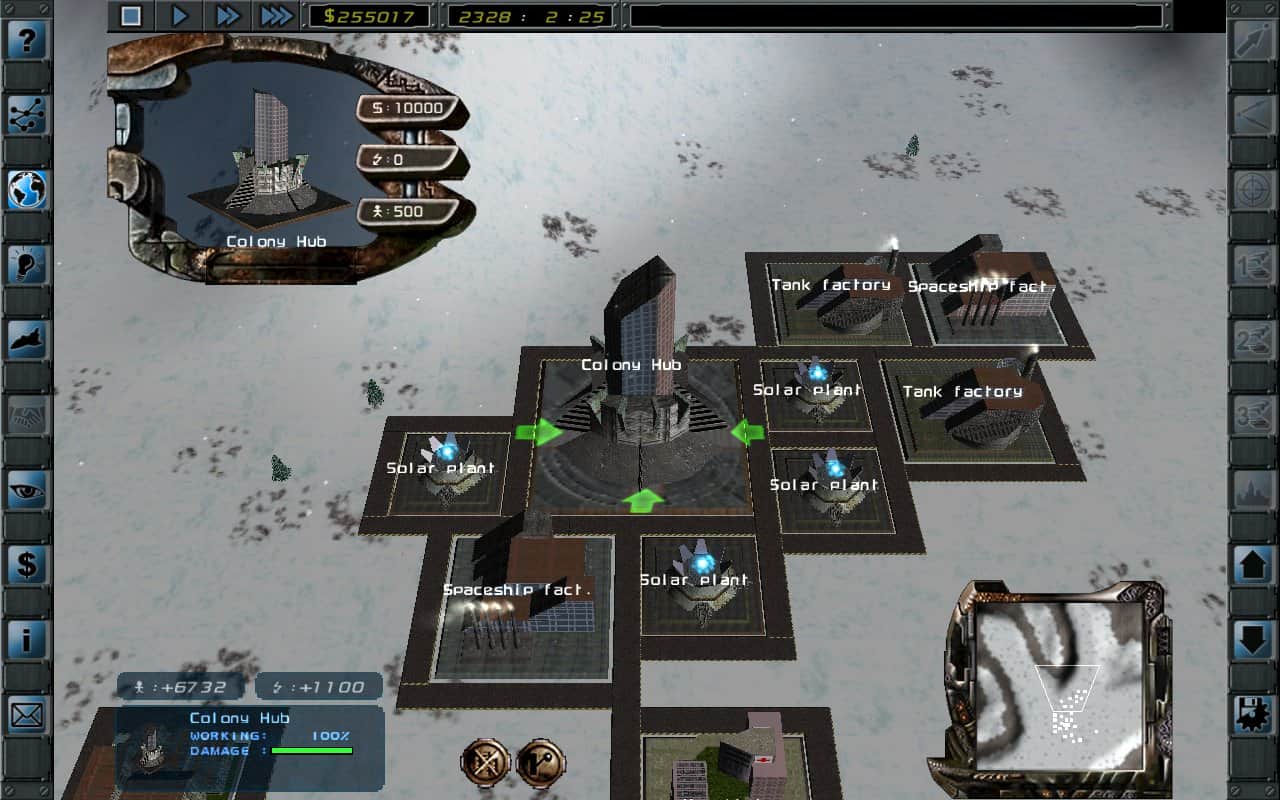
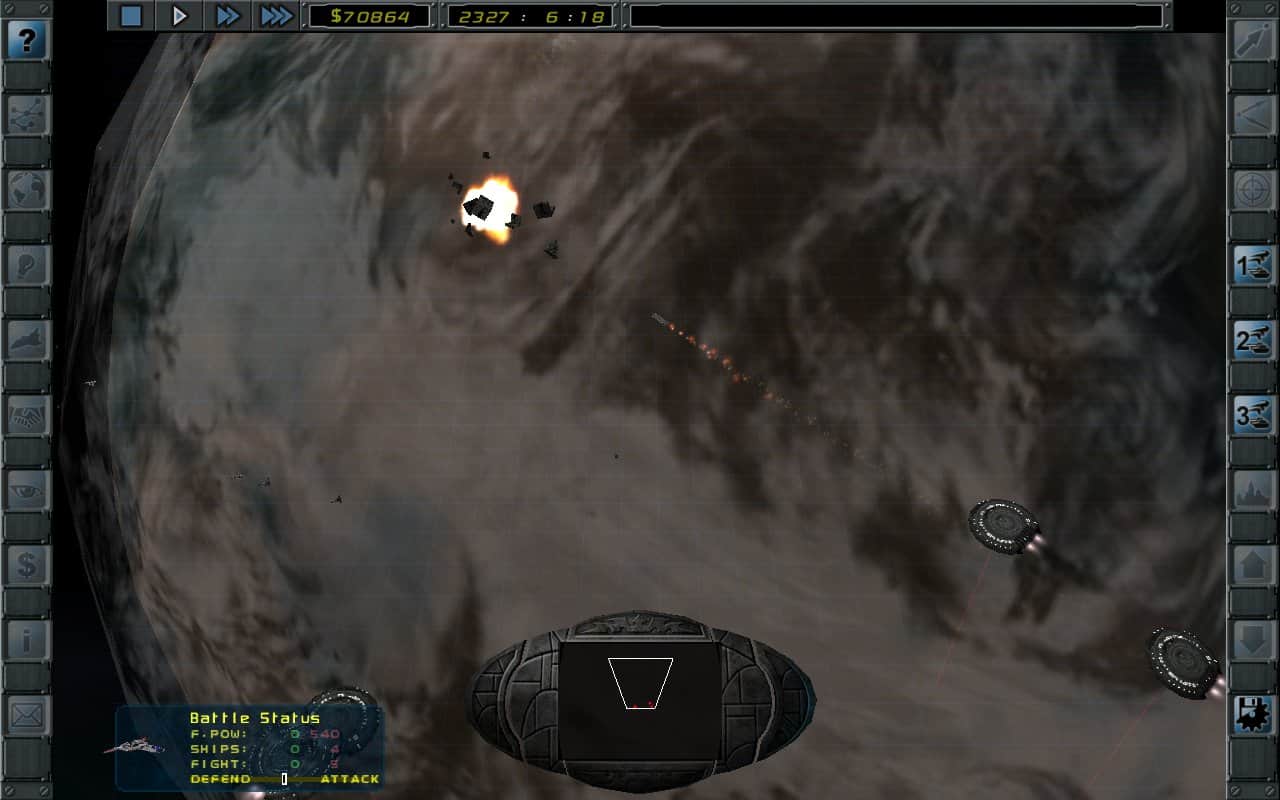
Imperium Galactica 2 is one of the best space rts is now on your Android device. A classic game that takes you into the distant future. Build the most powerful Navy, and crush all who stand in your way. The game offers massive battles, conducting diplomatic negotiations, and huge universe.
Features:
- study of the galaxy
- a Lot of combat ships
- firmware upgradeable
- the Battle on the ground
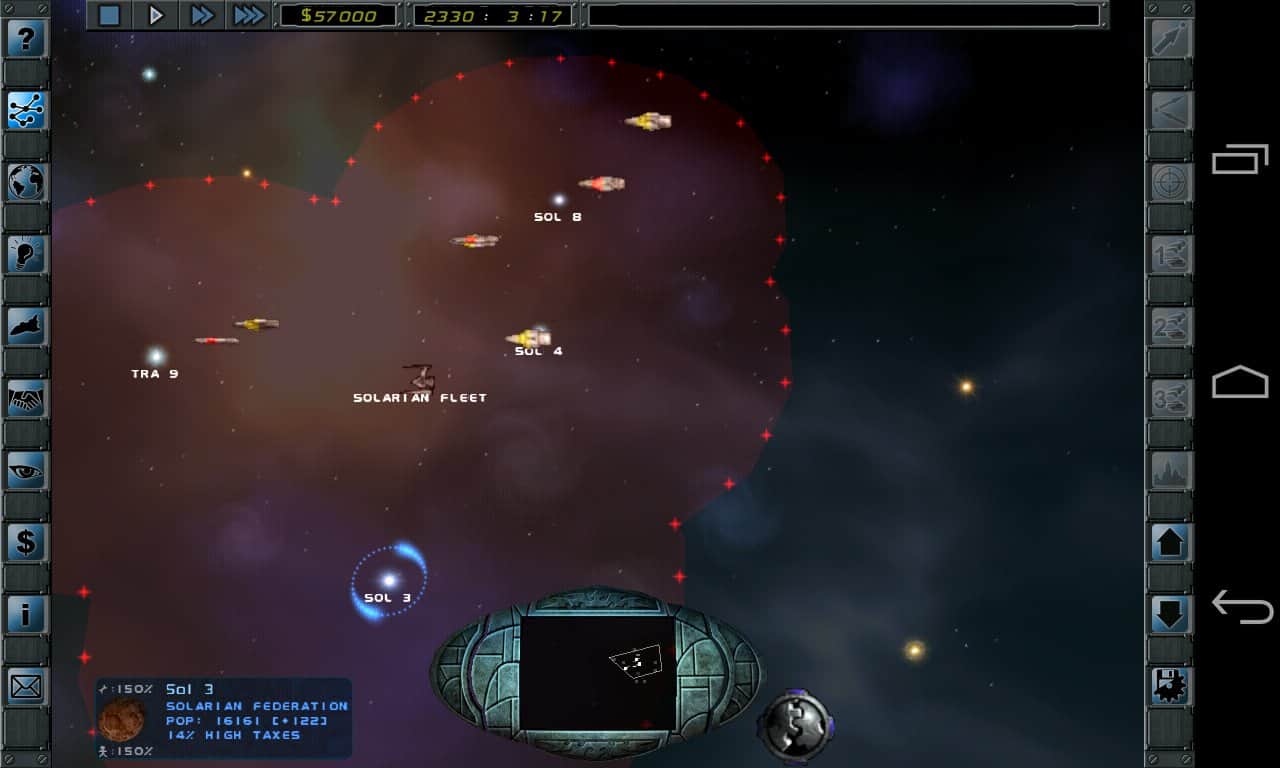
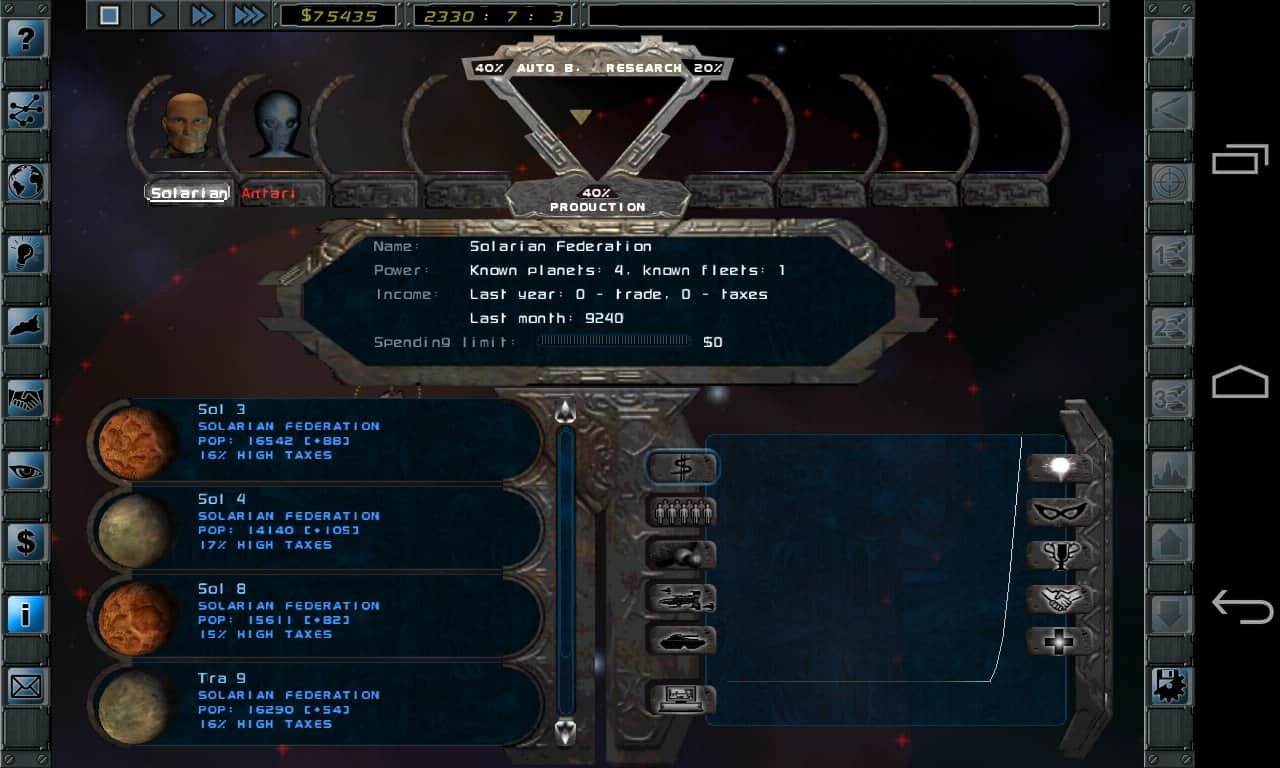
- Deep control of the economy and infrastructure
- And more
Screenshots
12 images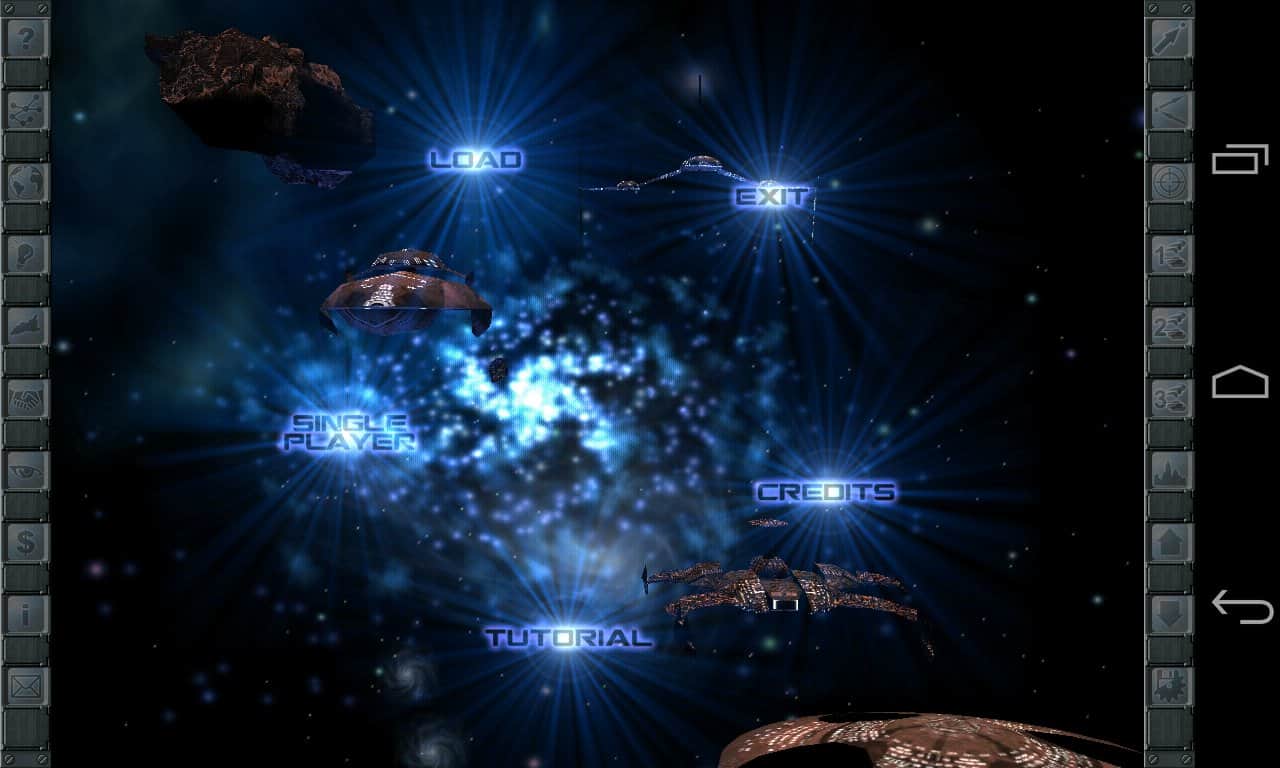
Download gameImperium Galactica 2
25.06.2017 - Changes not specified.
Works?
Information
- OS
- Android 2.3+
- Requires free space
- 549 Mb
- Language
- English

![[forgotten] How much is your life worth](https://pdalife.com/photo/th_maxresdefault-1-_13.jpg)











Comments to Imperium Galactica 2 on Android
To leave comments,
please log in.
How to fix Save Games
1. Create the Save Path
You have to create them manually via PC or ADB. Run this command:
adb shell mkdir -p /sdcard/Android/data/com.digitalreality.ig2/files/save
2. Force Storage Permissions
Run these two commands:
adb shell pm grant com.digitalreality.ig2 android.permission.WRITE_EXTERNAL_STORAGE
adb shell pm grant com.digitalreality.ig2 android.permission.READ_EXTERNAL_STORAGE
If APK_INSTALL_FAILED
Run these two commands:
adb shell settings put global verifier_verify_adb_installs 0
adb shell settings put global package_verifier_enable 0
To be able to execute ADB commands, look up guides for your phone on Google.