
GamePad

OS
Android
Category
Other
Developer
Language
English
Update date
31 August 2017
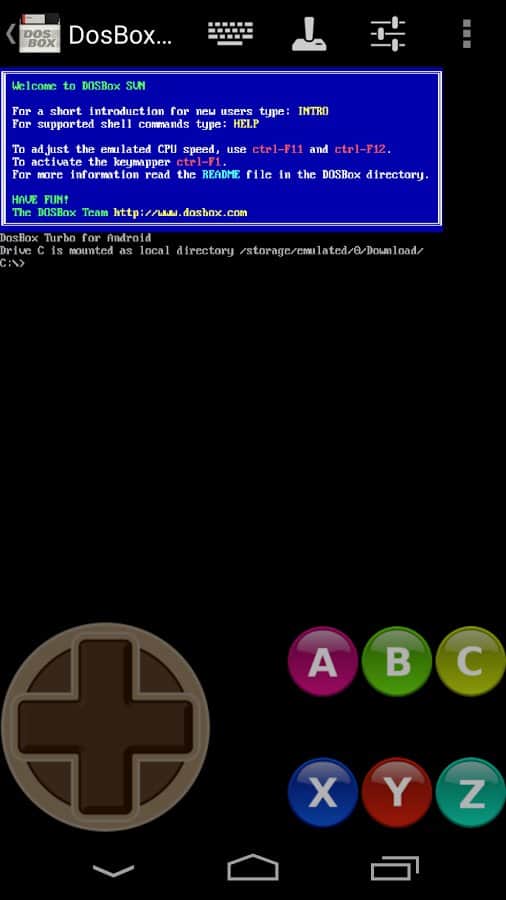
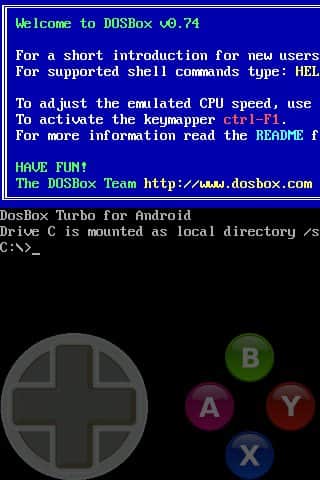
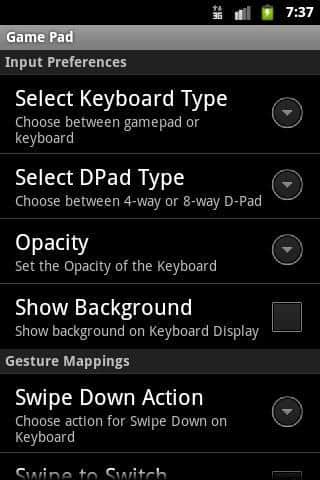
GamePad If you want to play many different games with the emulator and a gamepad you have, you can use the virtual gamepad, which can be adjusted manually. This is a very simple application in which there are numerous job options as well as various types of controllers. All you need is to go into it and start one of the joysticks, as well as configure their location on the screen. You can start to play any game.
Requirements to v1.6.1
- OS version: Android 2.3+
![[forgotten] How much is your life worth](https://pdalife.com/photo/th_maxresdefault-1-_13.jpg)


Comments to GamePad on Android
To leave comments,
please log in.