

About the app
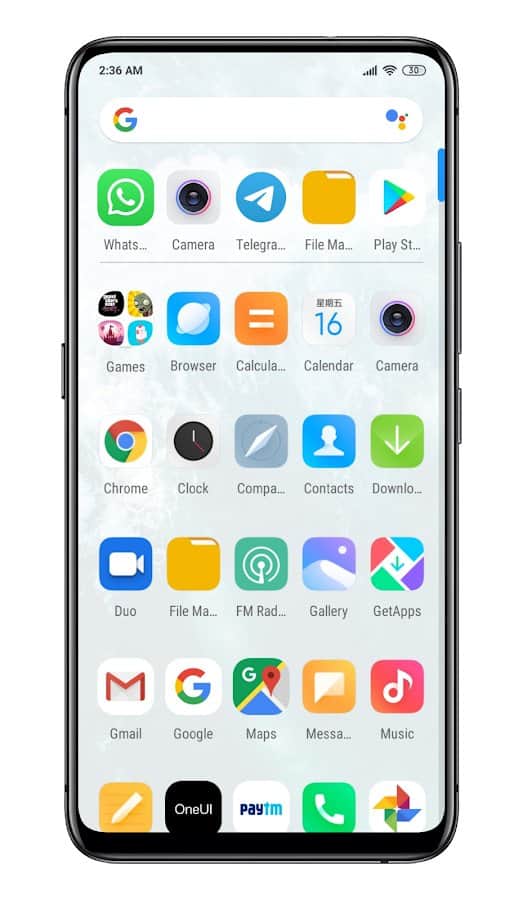
Pear Launcher - the Launcher is capable of completely change the design of your screen for faster, more comfortable and stylish.
Features:
style box
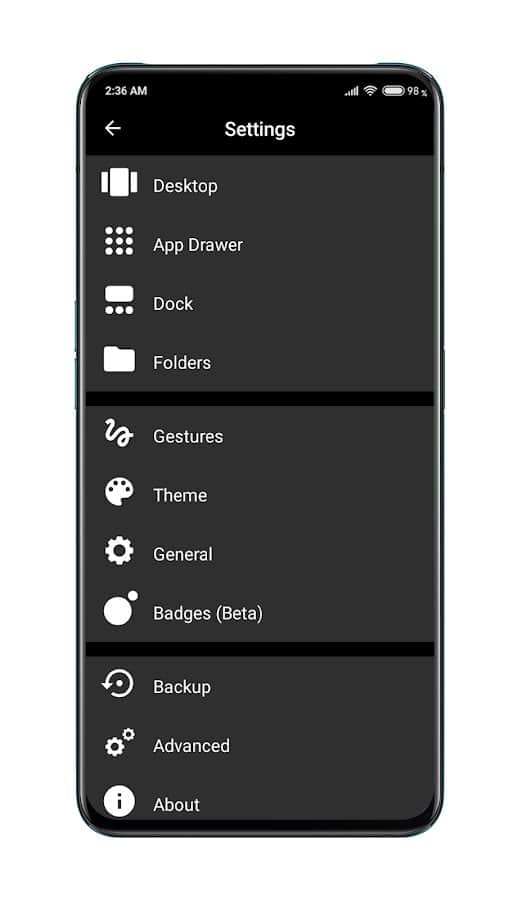
Simple desktop setup with lots of options
search Bar, grid, scroll and sort
a Quick Google search on the screen
the ability to change the number of icons and applications, background and theme
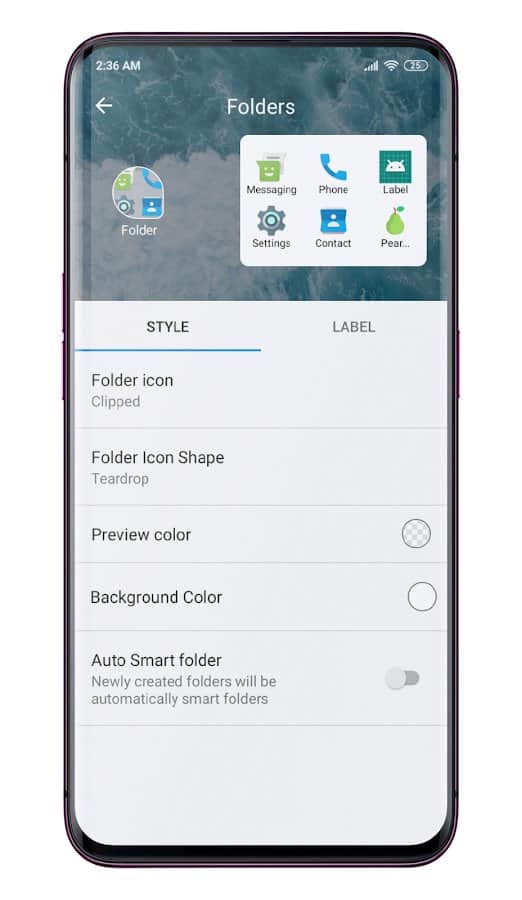
setup to open files and folders their location and color
Support smart folders with a special icon
Functions "night mode", "blur", "animating the clock", "dock", " Icon Packs" and others
Change the font style, color and orientation of the notification panel;
backup settings
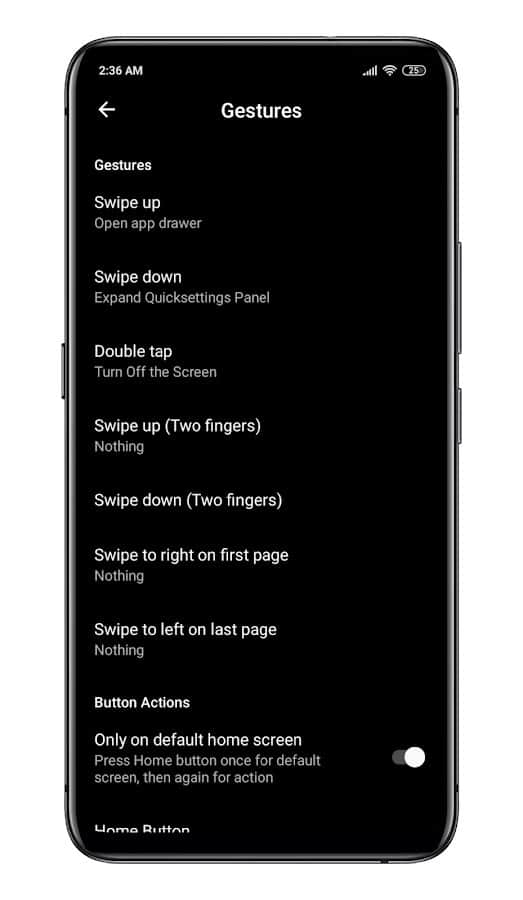
Easy operation with swipe
Colorful and intuitive interface in the style of "Pear"
Screenshots
8 images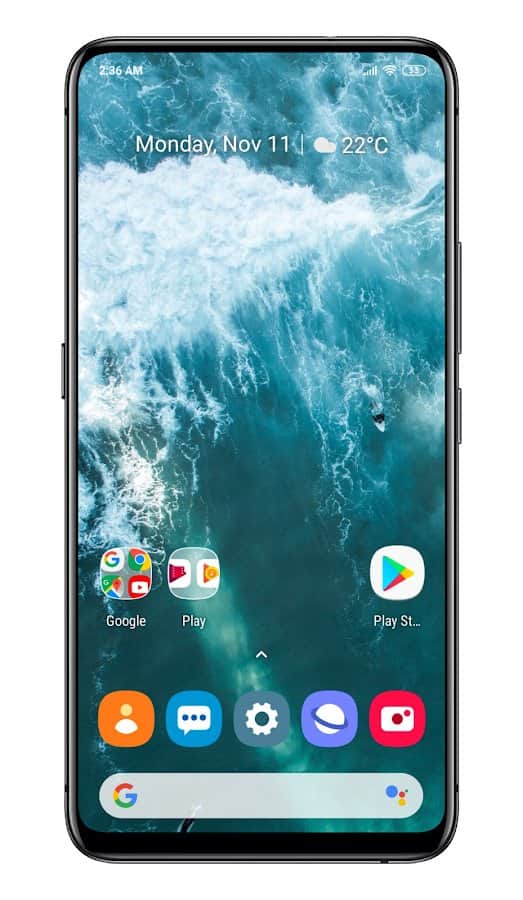
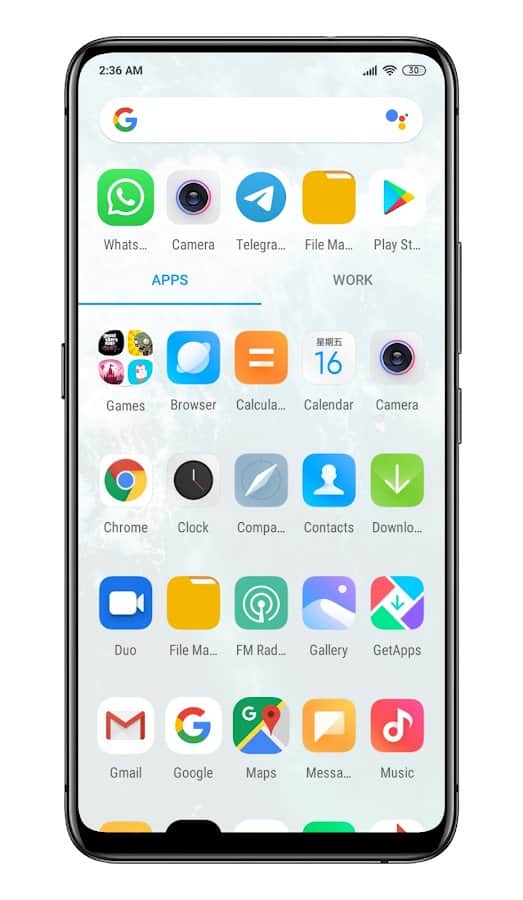
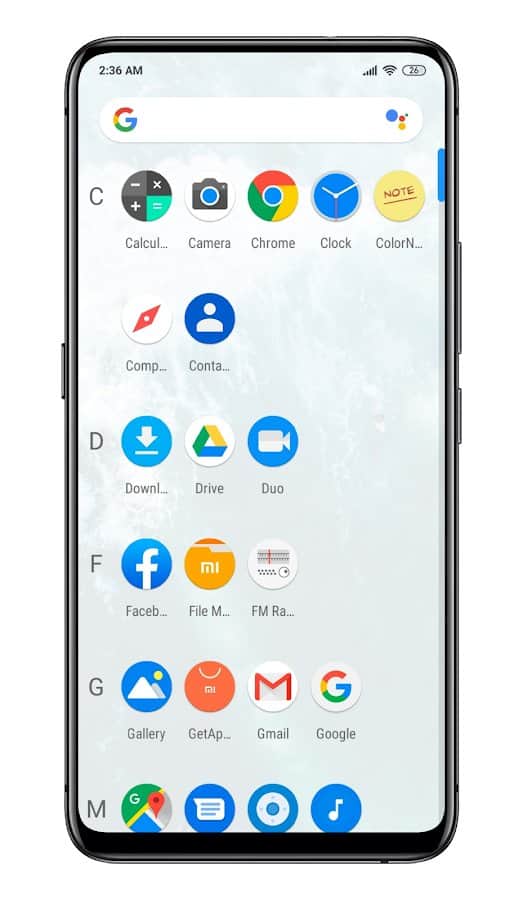
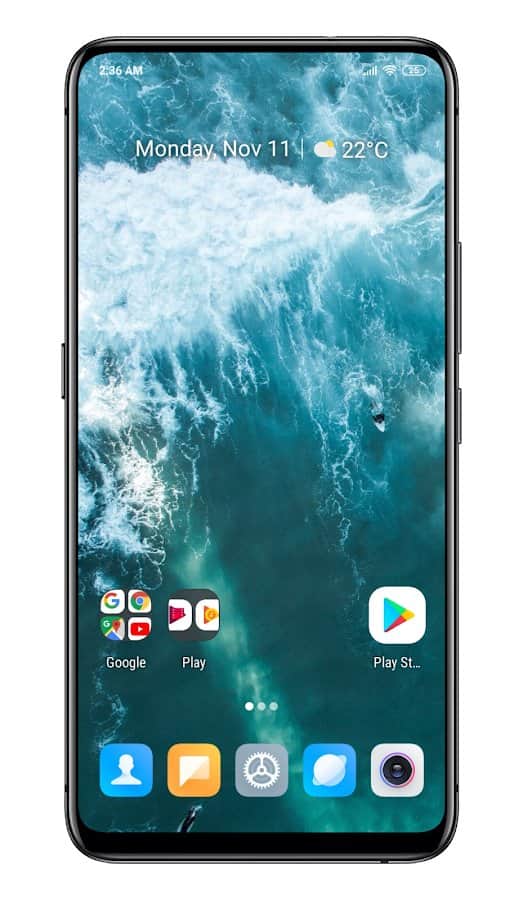
Download appPear Launcher Pro

Information
- OS
- Android 6.0+
- Internet
- not required
- Requires free space
- 10 Mb
- Language
- English

![[forgotten] How much is your life worth](https://pdalife.com/photo/th_maxresdefault-1-_13.jpg)









Comments to Pear Launcher on Android
To leave comments,
please log in.