

About the app
Always handy to have at hand all the important information about your device. My Data Usage Widget displays in the notification center speed data upload and data transfer in 3G and Wi-Fi, the amount of free RAM and permanent memory and CPU usage in real time. Based on this information, you will be able to more exact diagnose possible problems with your smartphone or simply follow the download and performance. For traffic you can set limits, at which time you will receive a notification. If any of this data you are not interested, their display can be disabled in settings.
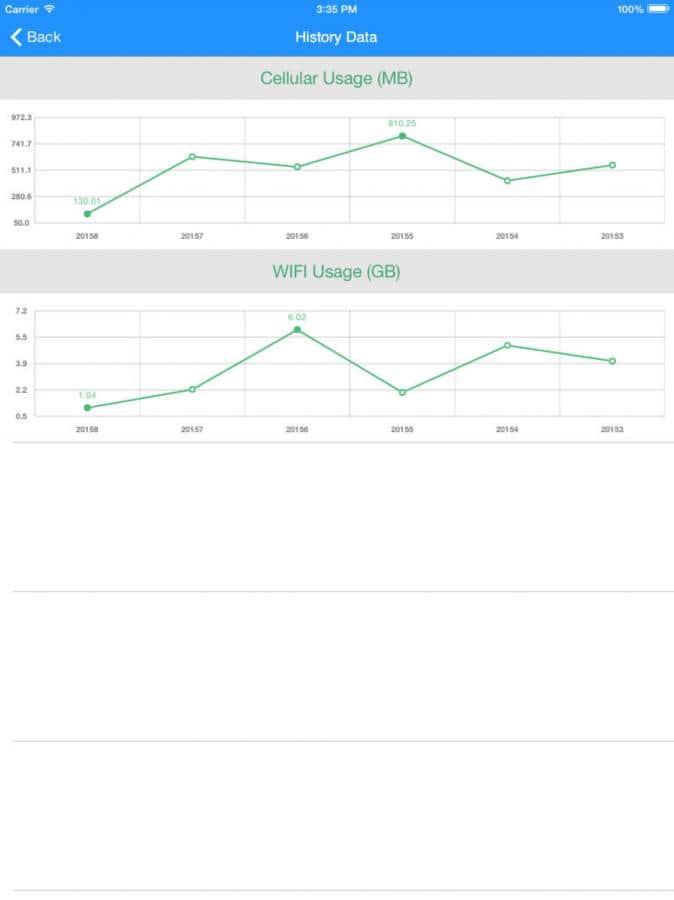
All the data is stored by the system and then you can view them in the form of visual graphs.
.
Compatible: iPhone, iPad, iPod touch, optimized for the iPad Pro.
Screenshots
5 images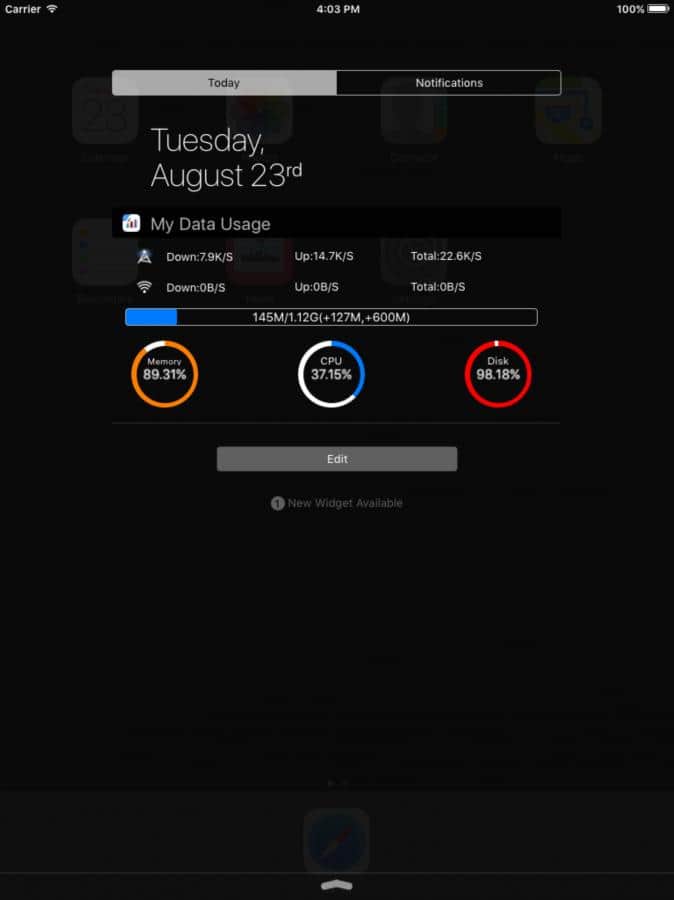
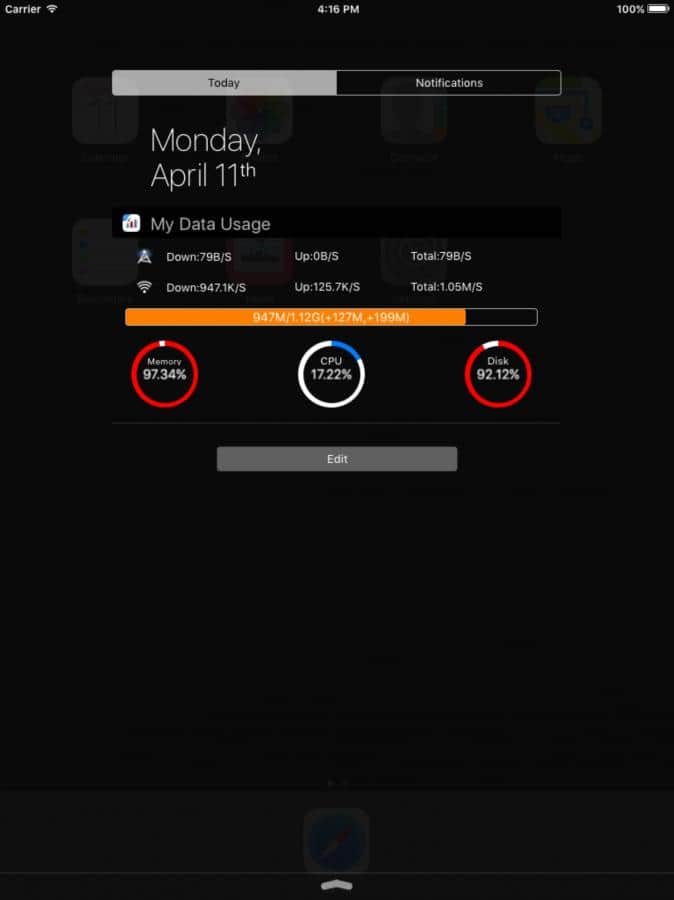
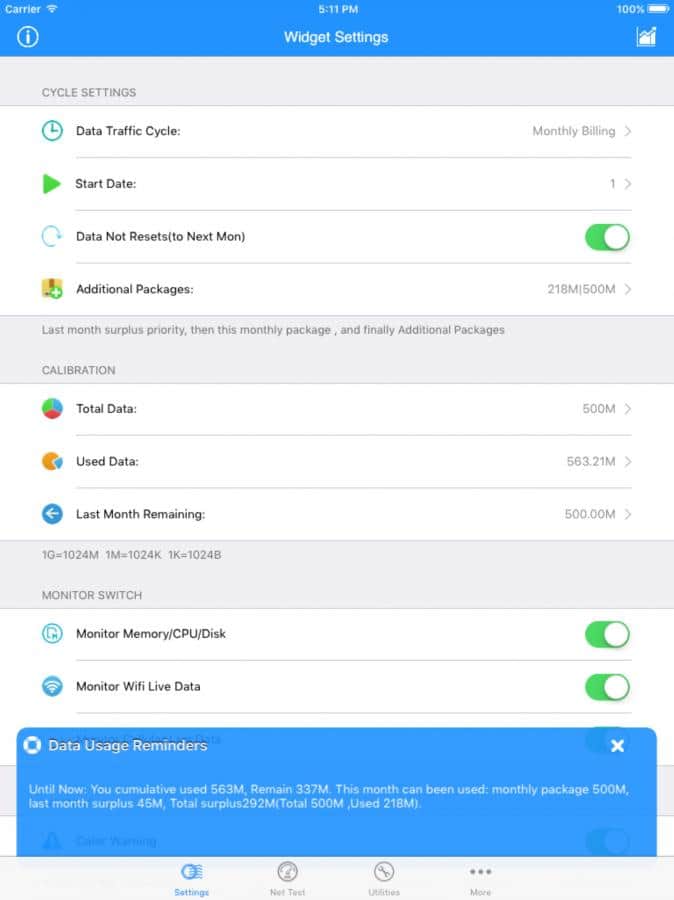
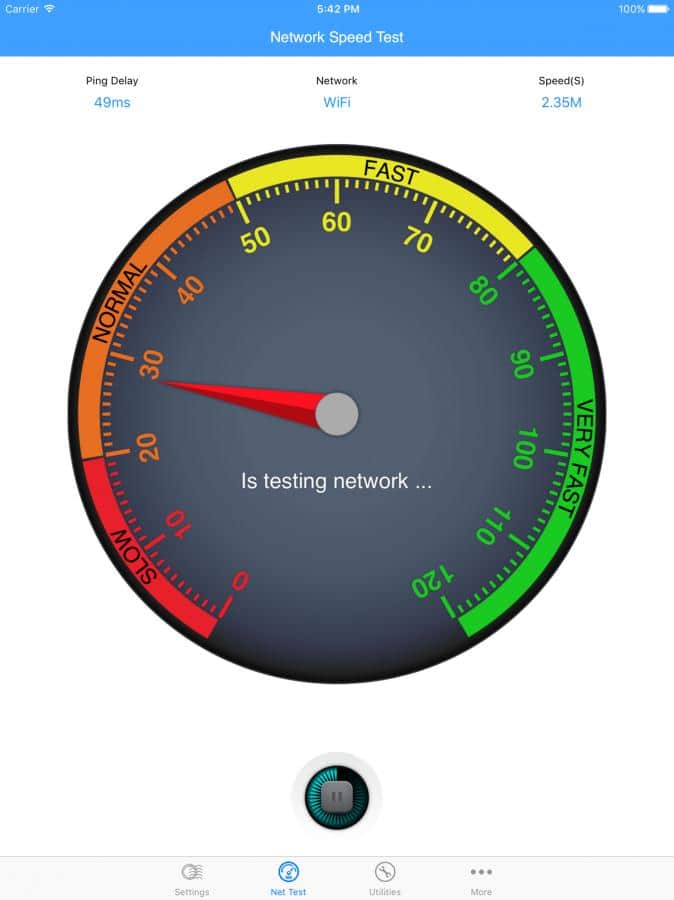
Download appMy Data Usage Widget
Information
- OS
- iOS 8.0+
- Requires free space
- 5.98 Mb
- Compatibility
- iphone, ipad, ipod touch, optimized for ipad pro
- Language
- English, Russian
Help

![[forgotten] How much is your life worth](https://pdalife.com/photo/th_maxresdefault-1-_13.jpg)

Tags #diagnostics






Comments to My Data Usage Widget on iOS
To leave comments,
please log in.