How to install apps on iOS without jailbreak
An IPA is an app file for iPhone or iPad. Installation requires a suitable signature and a compatible version of iOS.
You cannot simply open an IPA in Files and install it the way you would an APK on Android.
What is Scarlet?
Scarlet is a third-party app for installing IPA files outside the App Store. It is not an Apple service.
Installing Scarlet itself and running apps signed through it depends on a valid certificate.
Installing apps with Scarlet
1. Install Scarlet
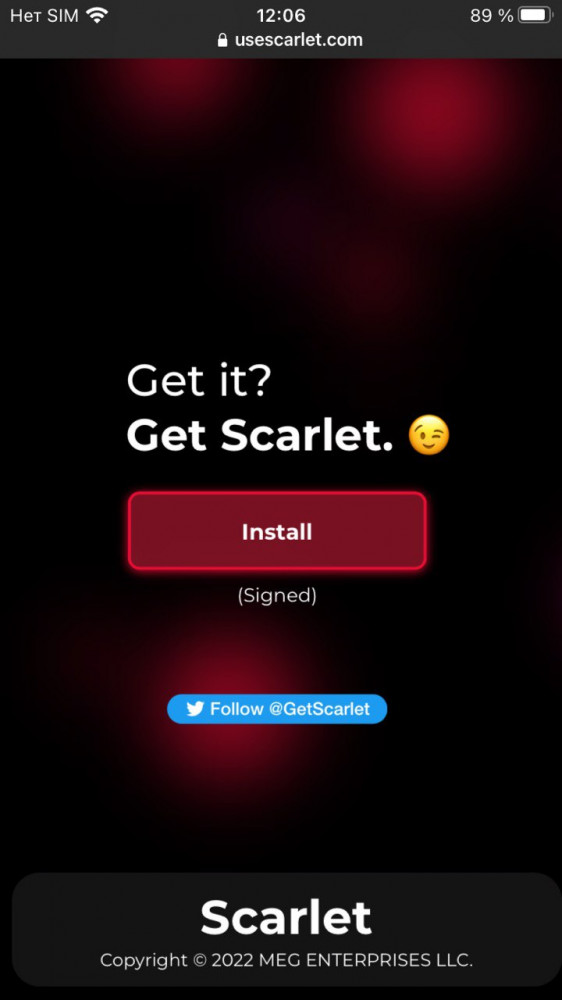
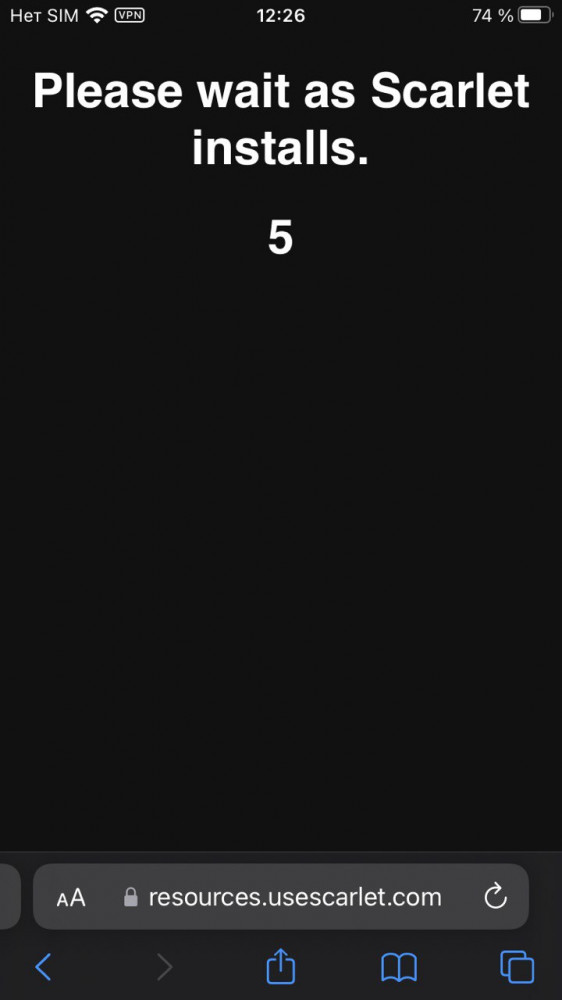
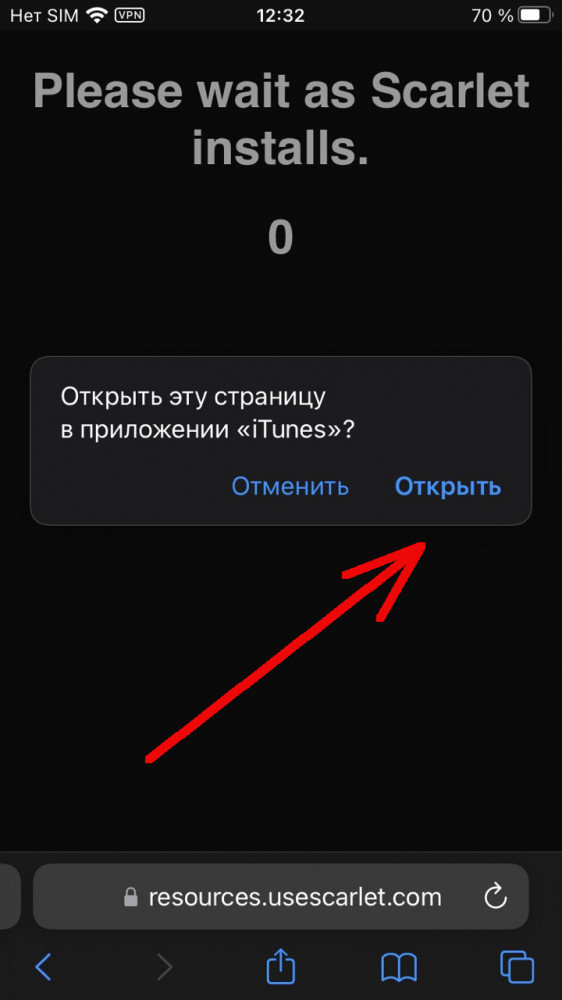
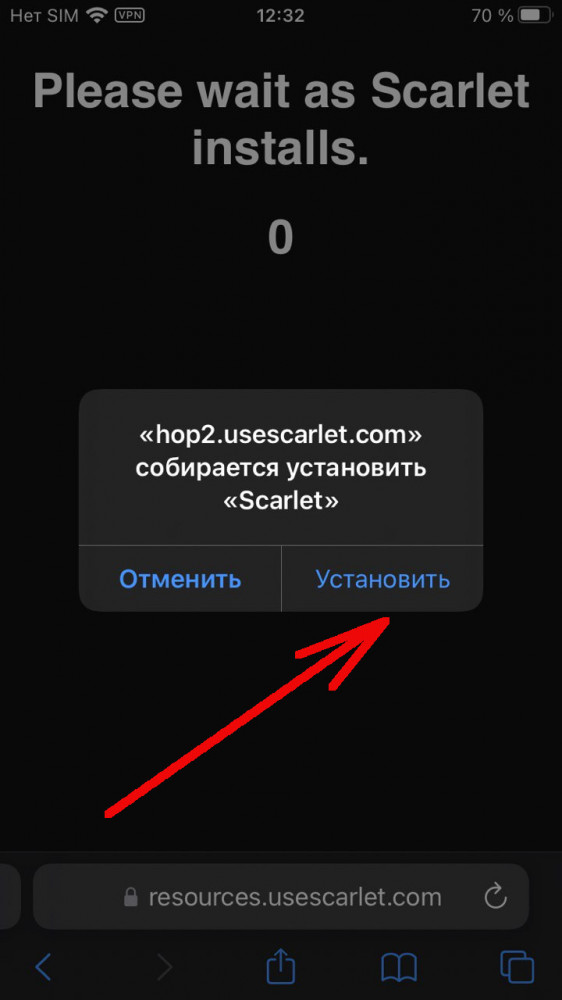
Open the Scarlet website in Safari and choose an available installation method. If using direct installation, confirm the system prompt. Do not install apps from advertising pop-ups.
The screenshots below show an older interface. The website’s appearance and button labels may differ depending on the version and language.
2. Trust the developer
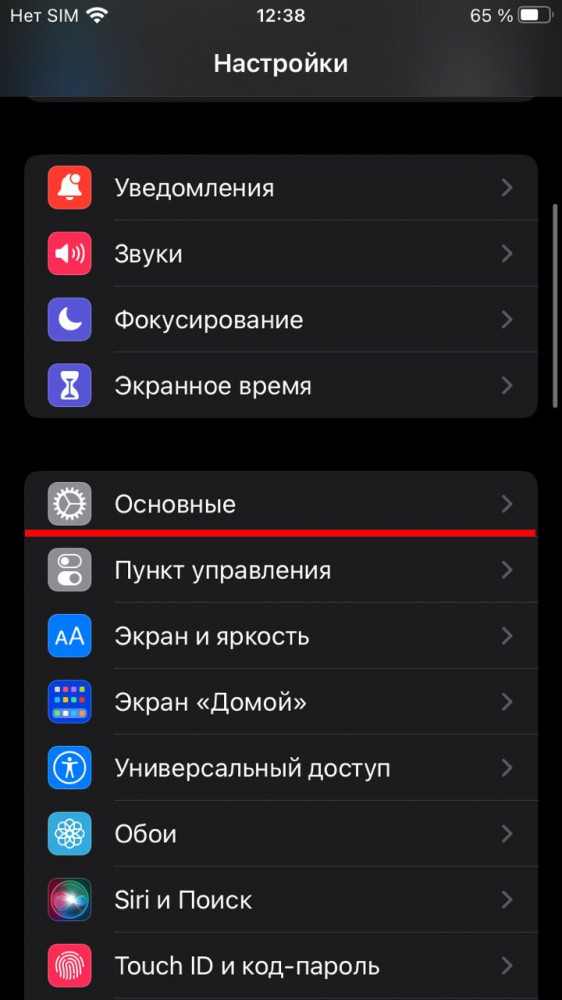
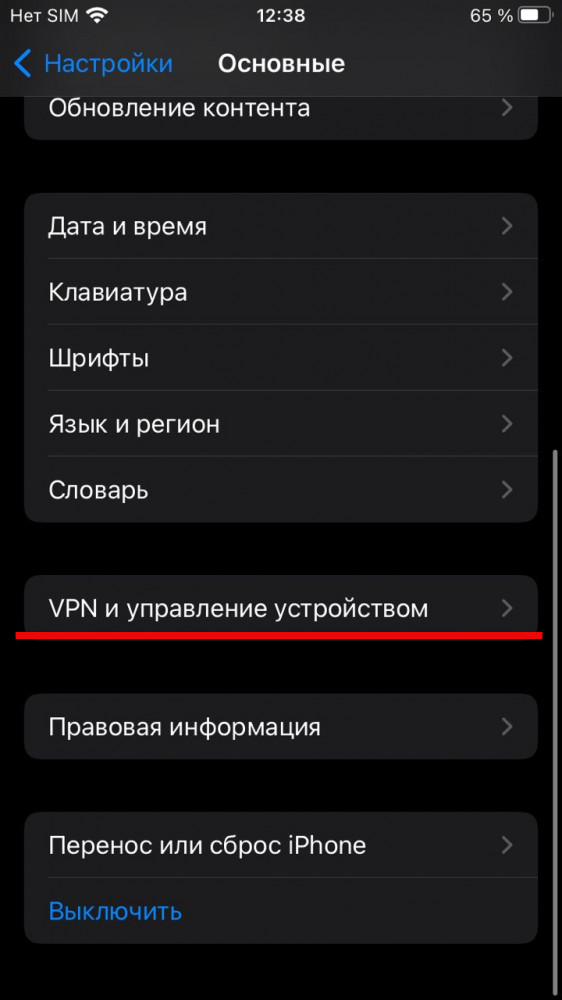
If your iPhone reports an untrusted enterprise developer, open:
Settings → General → VPN & Device Management
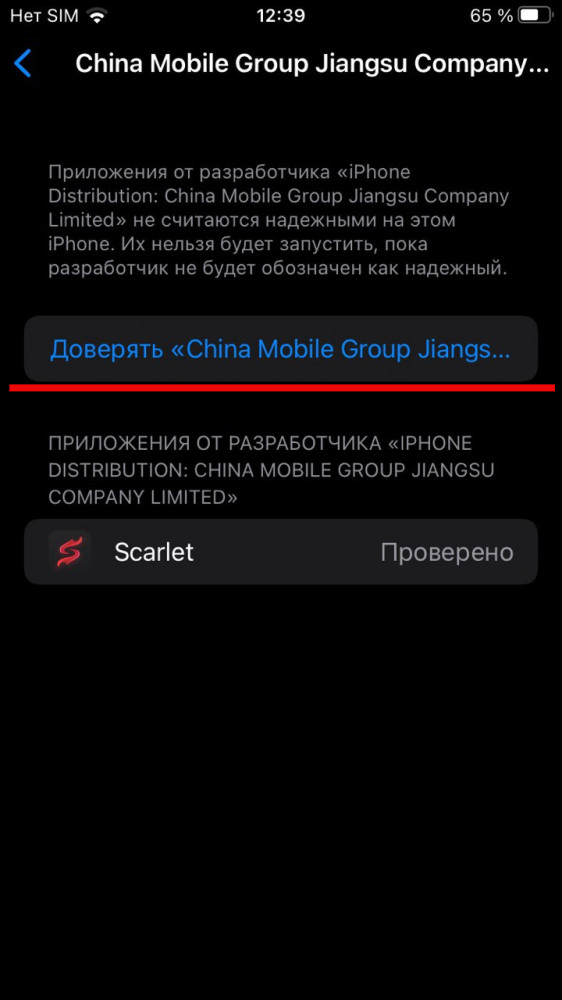
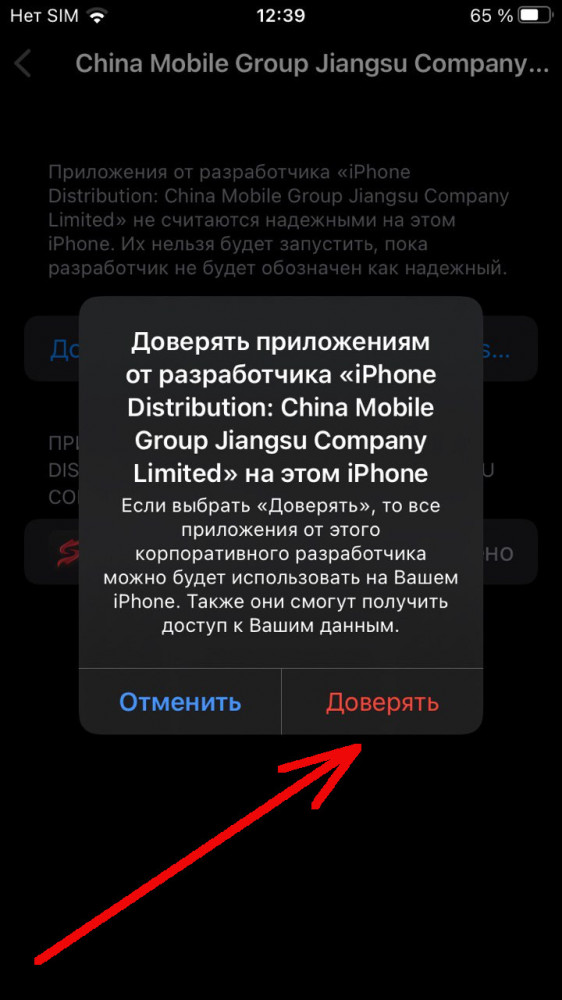
Check that the developer corresponds to the app you installed, then confirm that you trust them.
On iOS 18 and later, you will need to allow the action and restart the device.
The developer’s name depends on the certificate and may change. Do not rely on the specific name shown in a screenshot.
3. Add the IPA
- Open Scarlet and choose IPA import.
- Select the downloaded file.
- Wait for installation to finish.
Do you need Developer Mode?
It depends on the signing method. Enterprise installation does not require it.
If the app is signed for development and the system asks you to enable Developer Mode, open:
Settings → Privacy & Security → Developer Mode
Then follow the onscreen instructions.
This mode alone does not let you install any IPA you choose.
If the app does not work
Check:
- that the IPA is compatible with your device and iOS version;
- available storage;
- your internet connection;
- the certificate’s validity and status.
If the certificate has expired or been revoked, you will need a newly signed version of the app.
Clearing Safari data does not restore a certificate’s validity. Blocking Apple’s verification checks is not a reliable fix either.
Installing with your own certificate
You can sign an IPA with your own certificate using a compatible tool. You need to account for the provisioning profile, the registered device and the certificate’s expiration date.
Apple Developer Program membership costs US$99 per year, or the corresponding amount in local currency. This is an annual membership, not a lifetime certificate.
Other installation methods
Official alternative app marketplaces are available in supported regions. Their installation follows separate Apple rules and does not let you open arbitrary IPA files from Files.